Overlay kit
1 / 3
Overlay kit
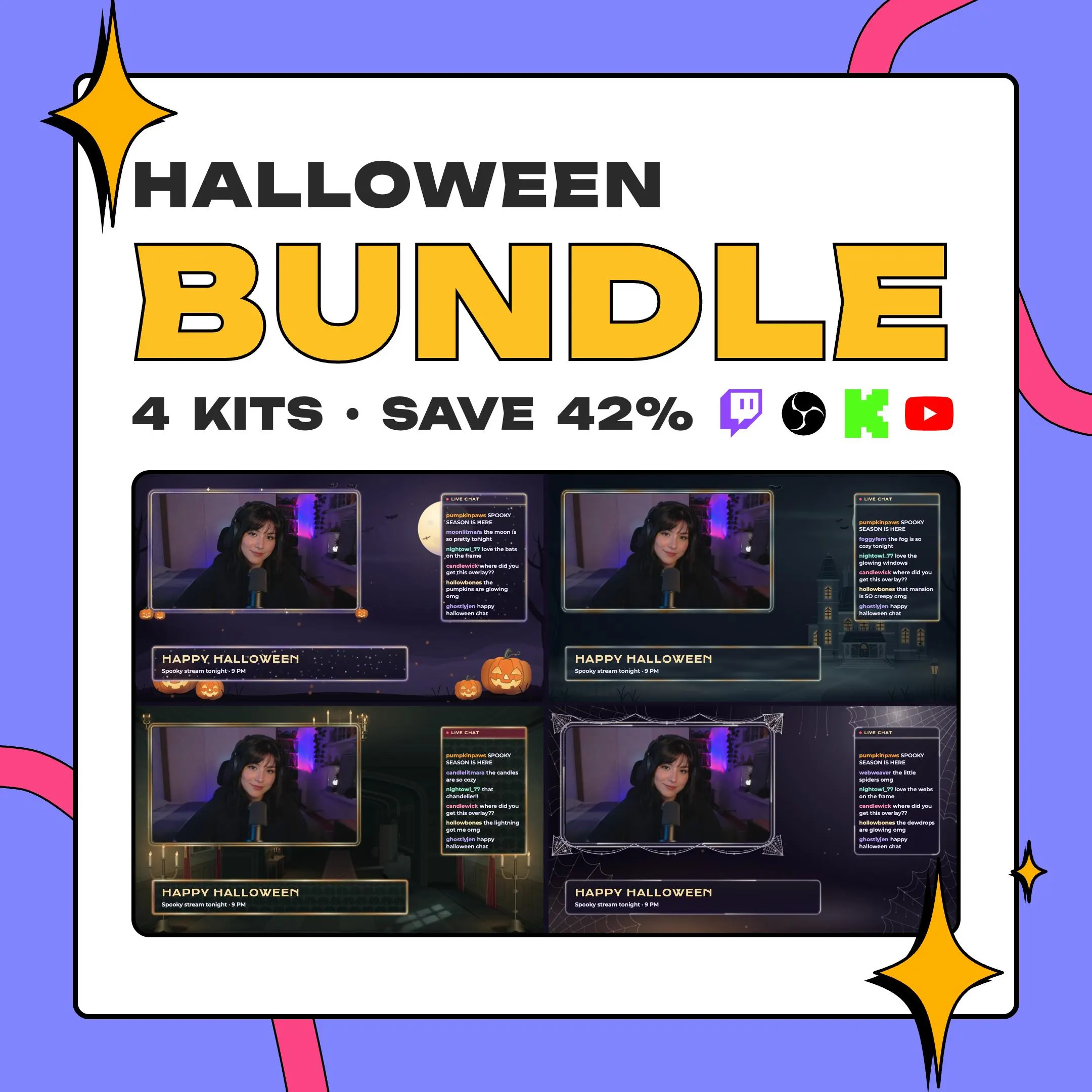
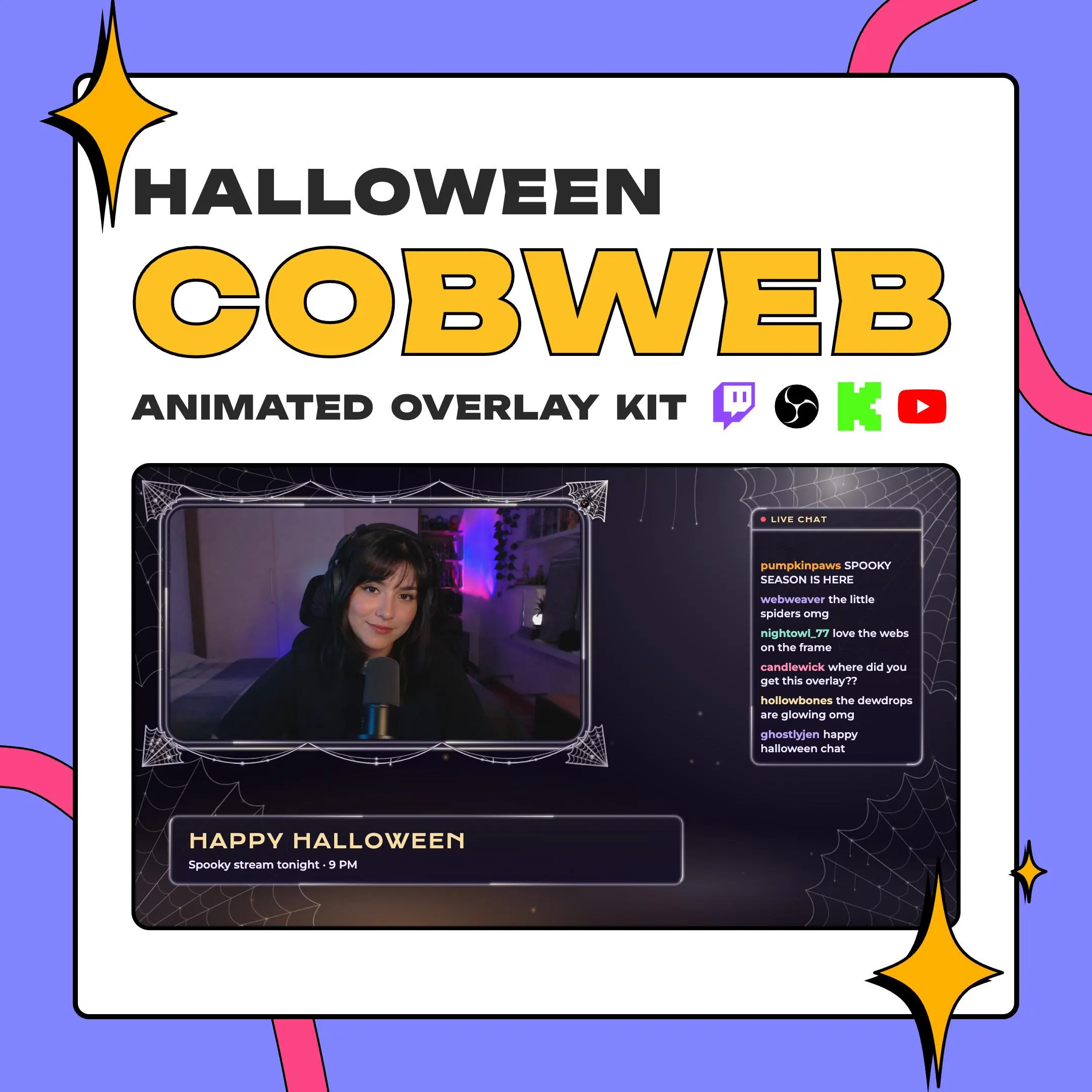
A spider web overlay for streamers who like their Halloween quiet and creepy: thin cobwebs hang from the corners of your frames, dewdrops glint and spiders swing over a dark violet night. Chat, webcam, gameplay and text pieces come in the same style.
$12.99 USD
Instant digital download
the details
Cobweb keeps Halloween simple: no pumpkins, no house, just webs. They stretch across the corners of the screen and the edges of the frames, dewdrops catch the moonlight, and a few spiders swing on their threads while a breeze passes through. The rest of the canvas stays a deep, dark purple, so your camera and game get the room.
That restraint makes it a flexible spider web overlay. It suits horror games and spooky season streams without shouting over them, and every piece also comes plain, minus the Halloween ornaments, when you want a calmer webcam frame or chat box overlay for the same scene. On a Twitch channel that already has a strong look, it adds the season without taking over.
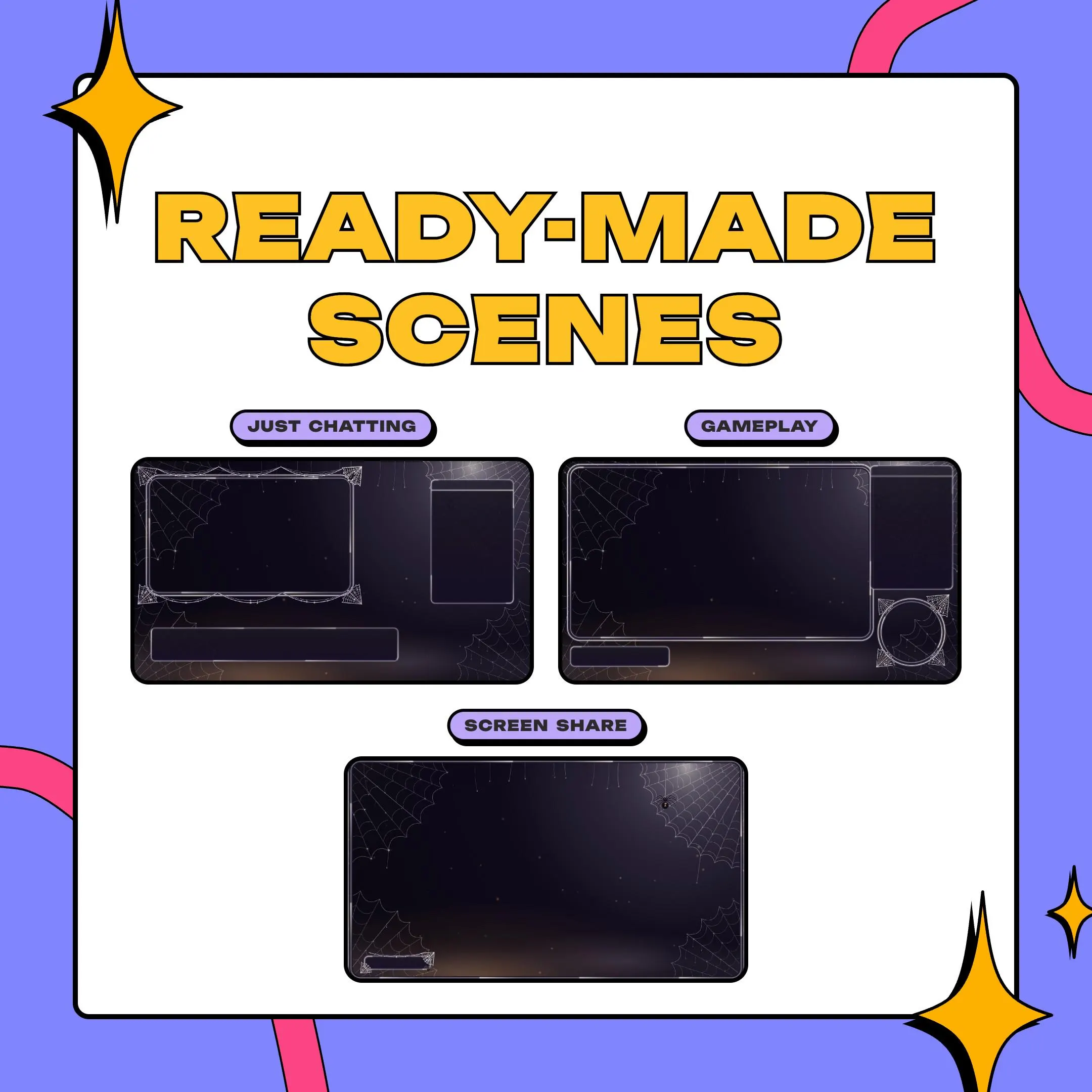
The sample layouts show one way to use it: a large webcam frame next to the chat for Just Chatting, a gameplay frame with a small round cam in the corner, and a full-screen frame for screen share. The PDF guide lists the exact positions, so rebuilding those scenes in your own setup is a matter of matching numbers.
what you get
Dewdrops on the strands glint in the animated background, a 1920×1080 loop that runs at 60 fps.
Spiders swing on their threads and a soft breeze stirs the webs, all inside one continuous loop.
Webs cling to the corners of the webcam frames in the decorated set, and every piece also comes in a plain version.
Pair the gameplay frame with the round webcam frame and a round camera mask, as the sample gameplay layout does.
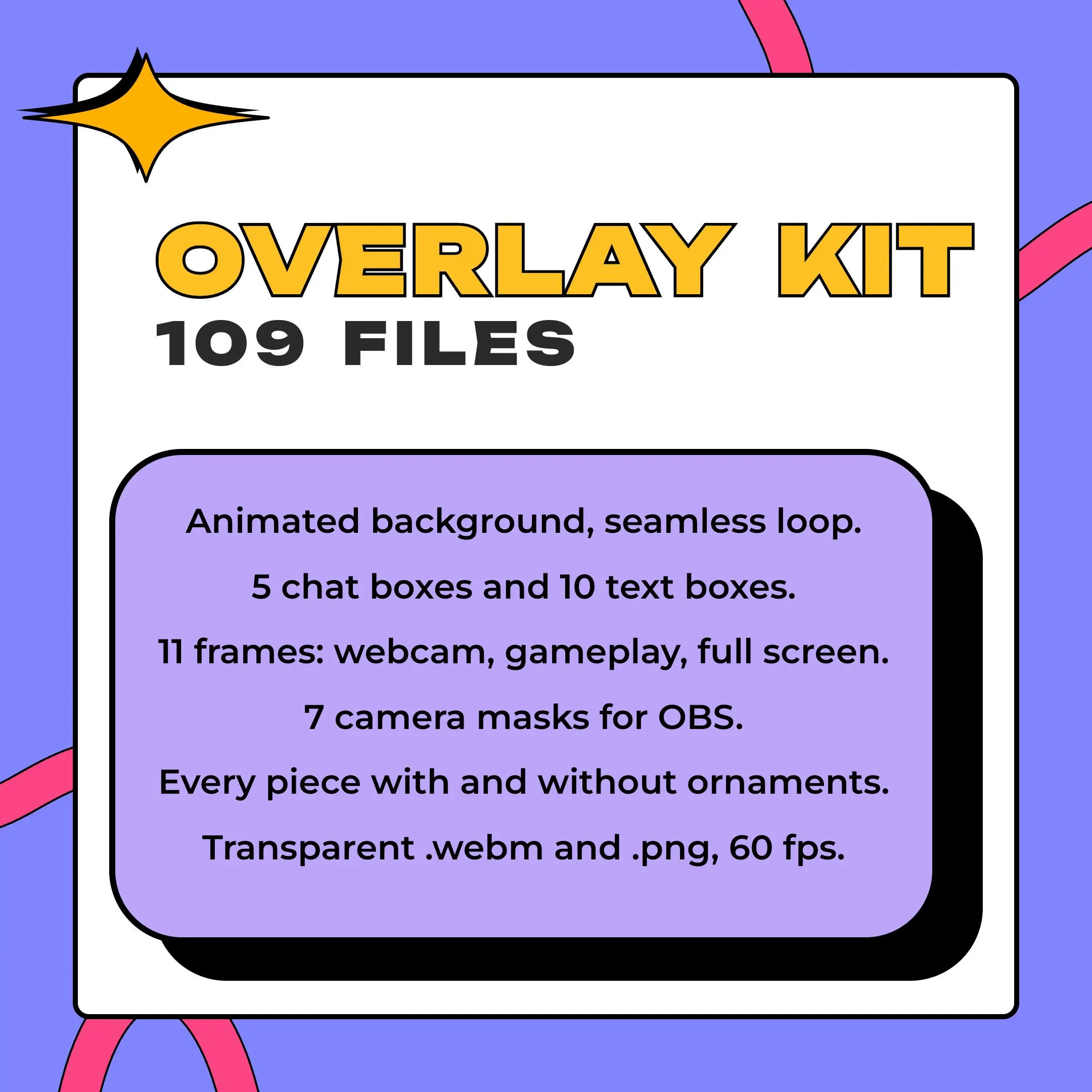
Ten boxes for a title, labels, a lower third, a list, a card, a square and three circles.
setup
Open the PDF that comes with your order and download the zip from its link, about 0.8 GB.
Add the Cobweb background to your OBS Studio scene as a Media Source and switch on Loop so the webs keep moving.
Layer your camera and game on top, then the frames and chat box, lining them up with the positions in the guide.
For a round or vertical cam, put an Image Mask/Blend filter on the camera and load a mask from the kit.
Prefer Streamlabs? The same .webm files load there as media sources.
questions
No. You add video and image files to OBS Studio or Streamlabs as sources, and the PDF guide tells you where each frame goes.
Yes. Every piece in the kit comes twice, once with its Halloween ornaments and once plain, so you can choose per scene.
One zip of about 0.8 GB holding 109 files, which you reach through the link in the PDF guide you get on Etsy.
$12.99 USD on Etsy