Stream background
1 / 12
Stream background
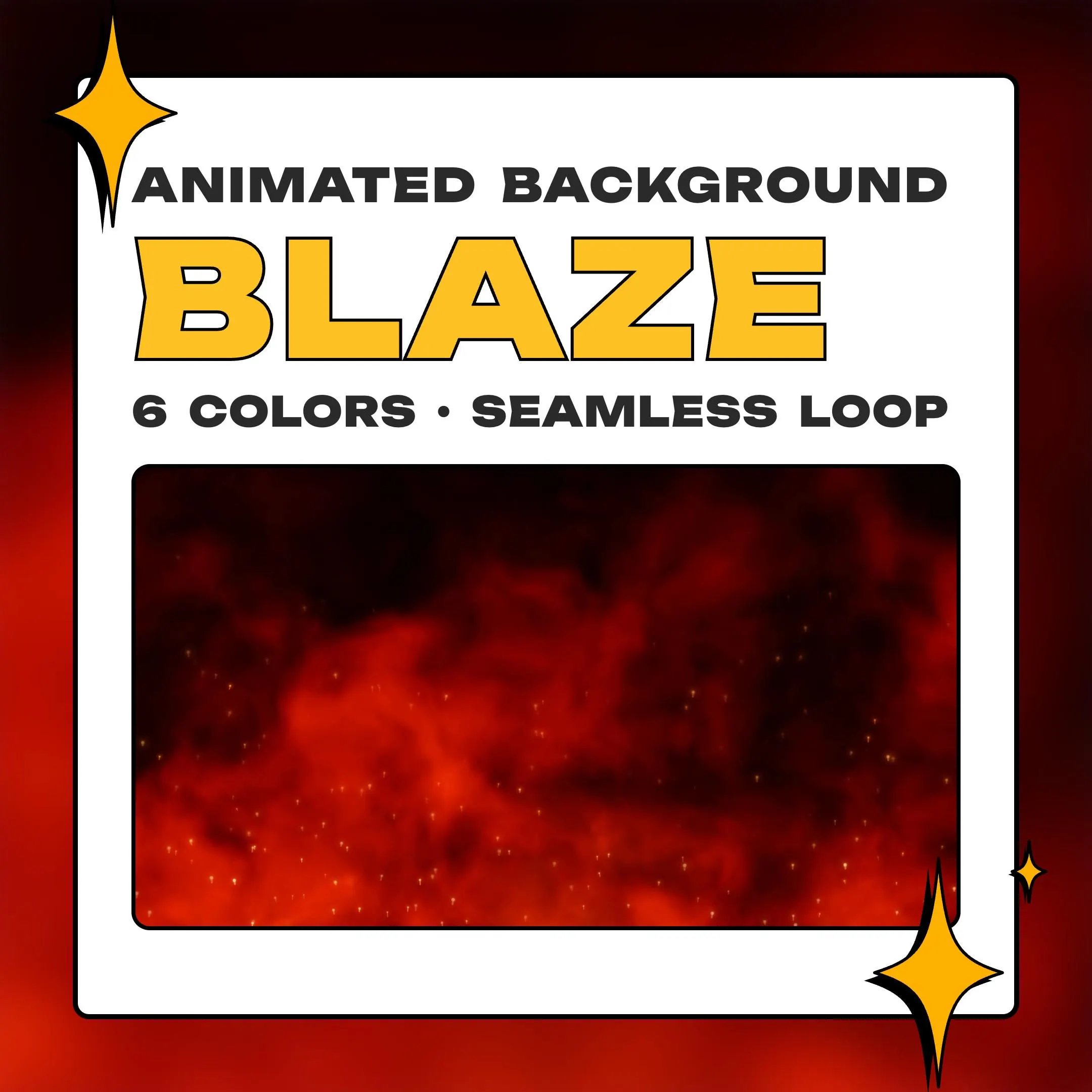
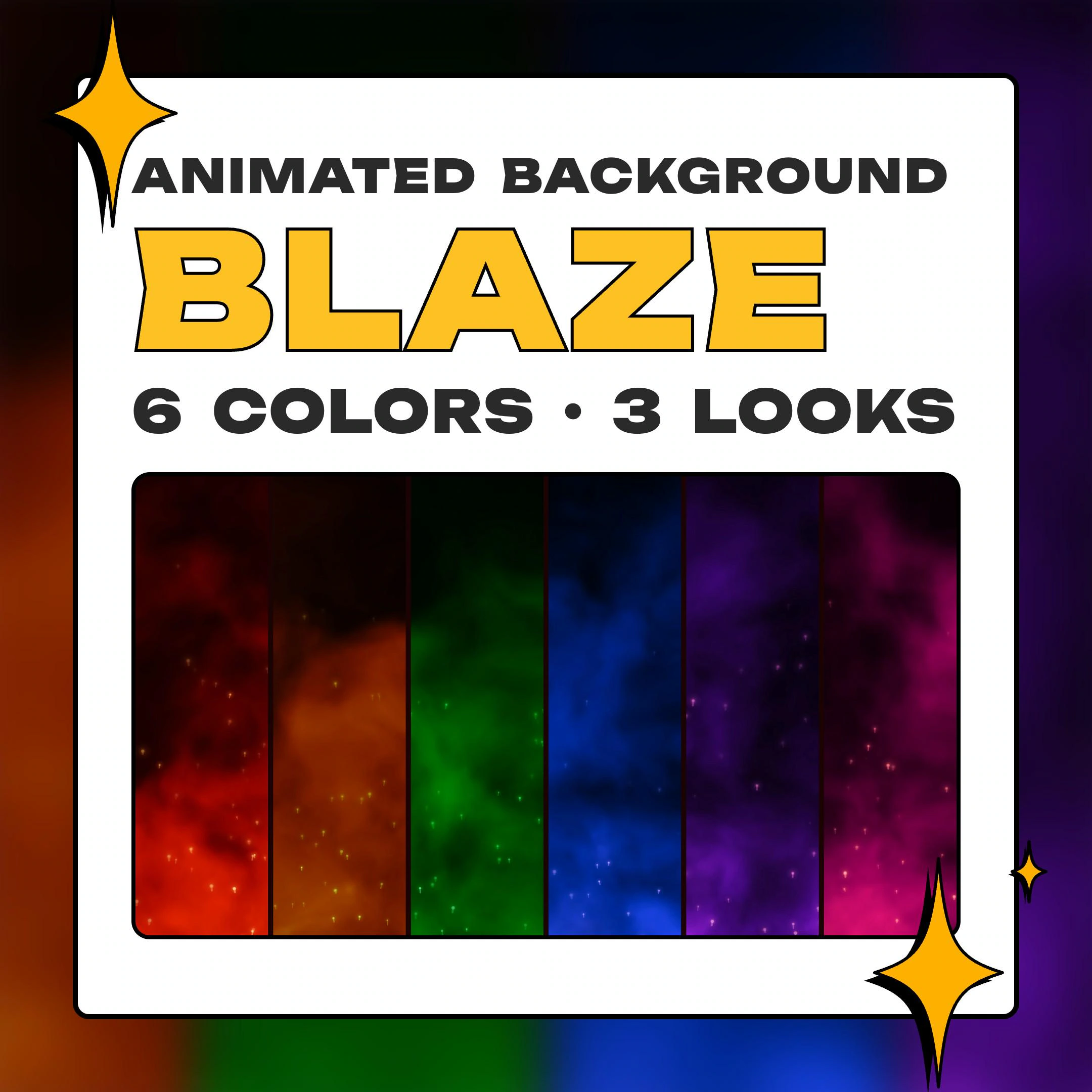
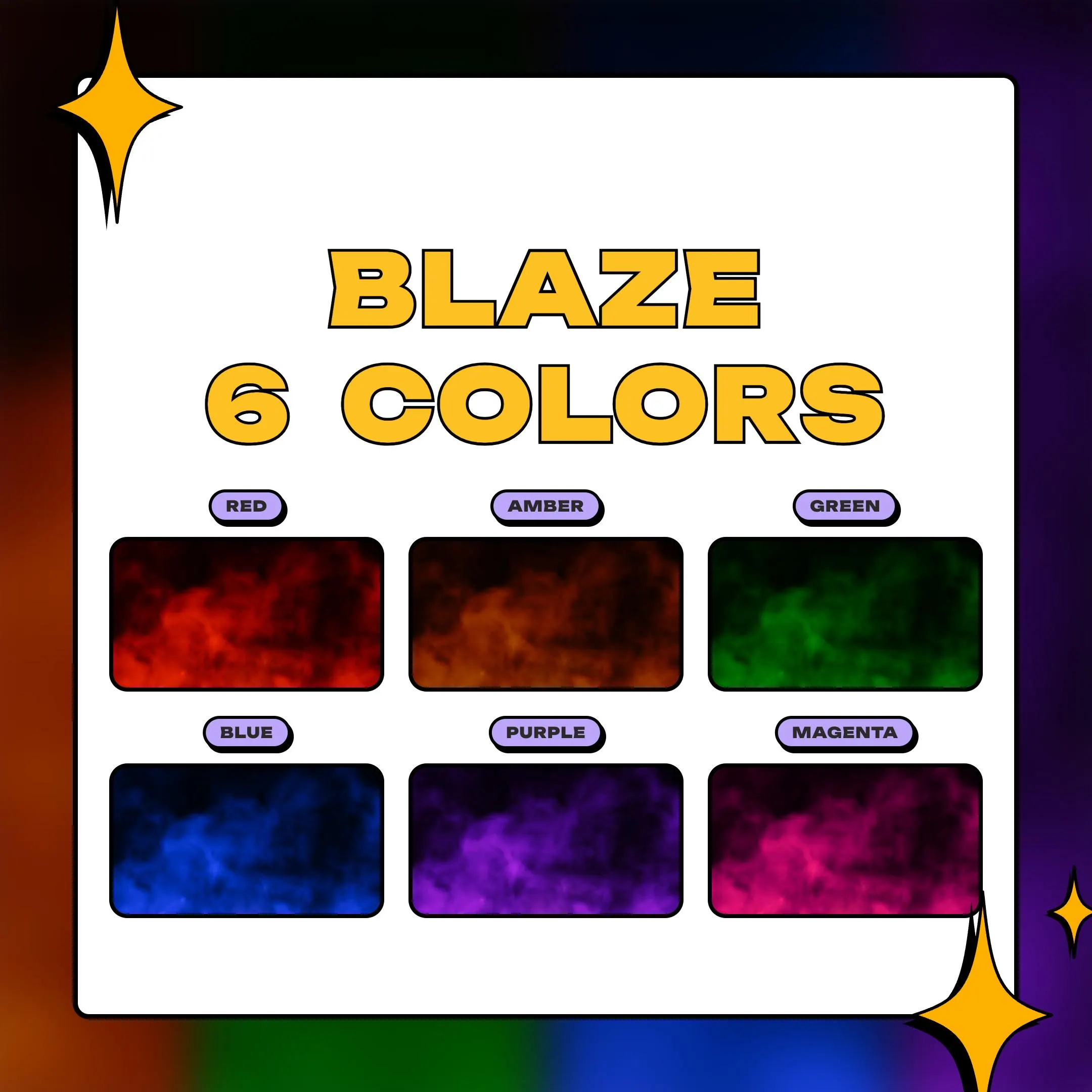
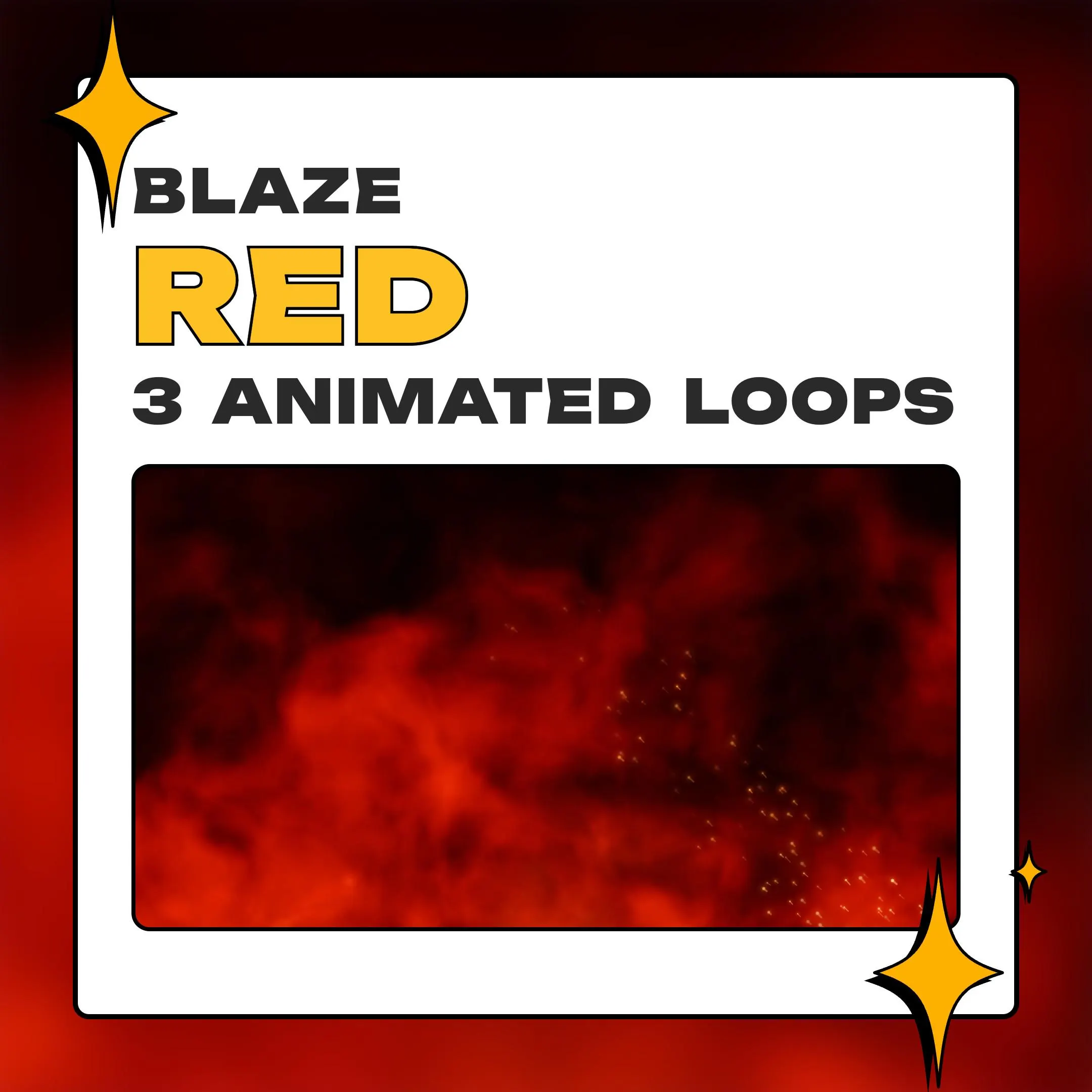
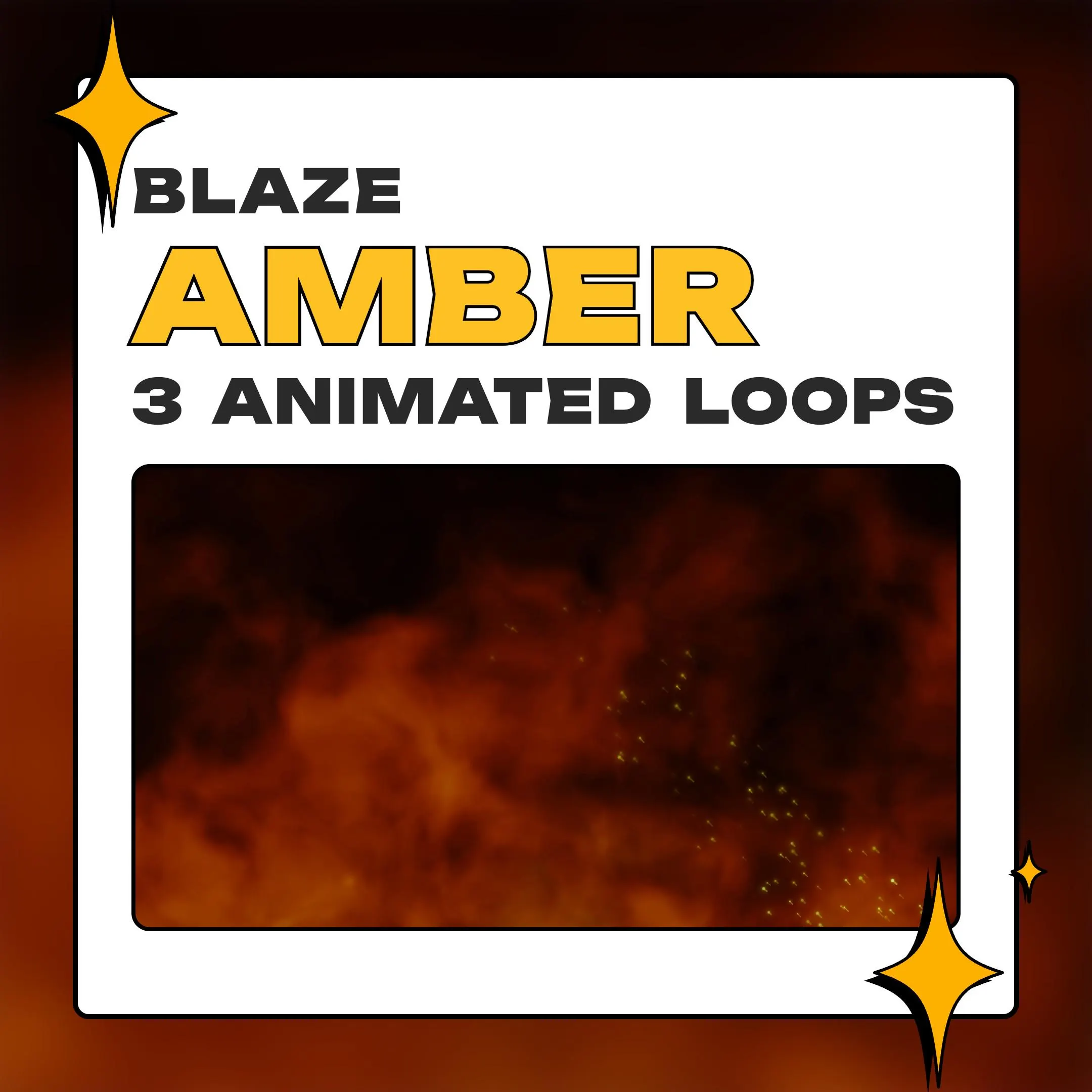
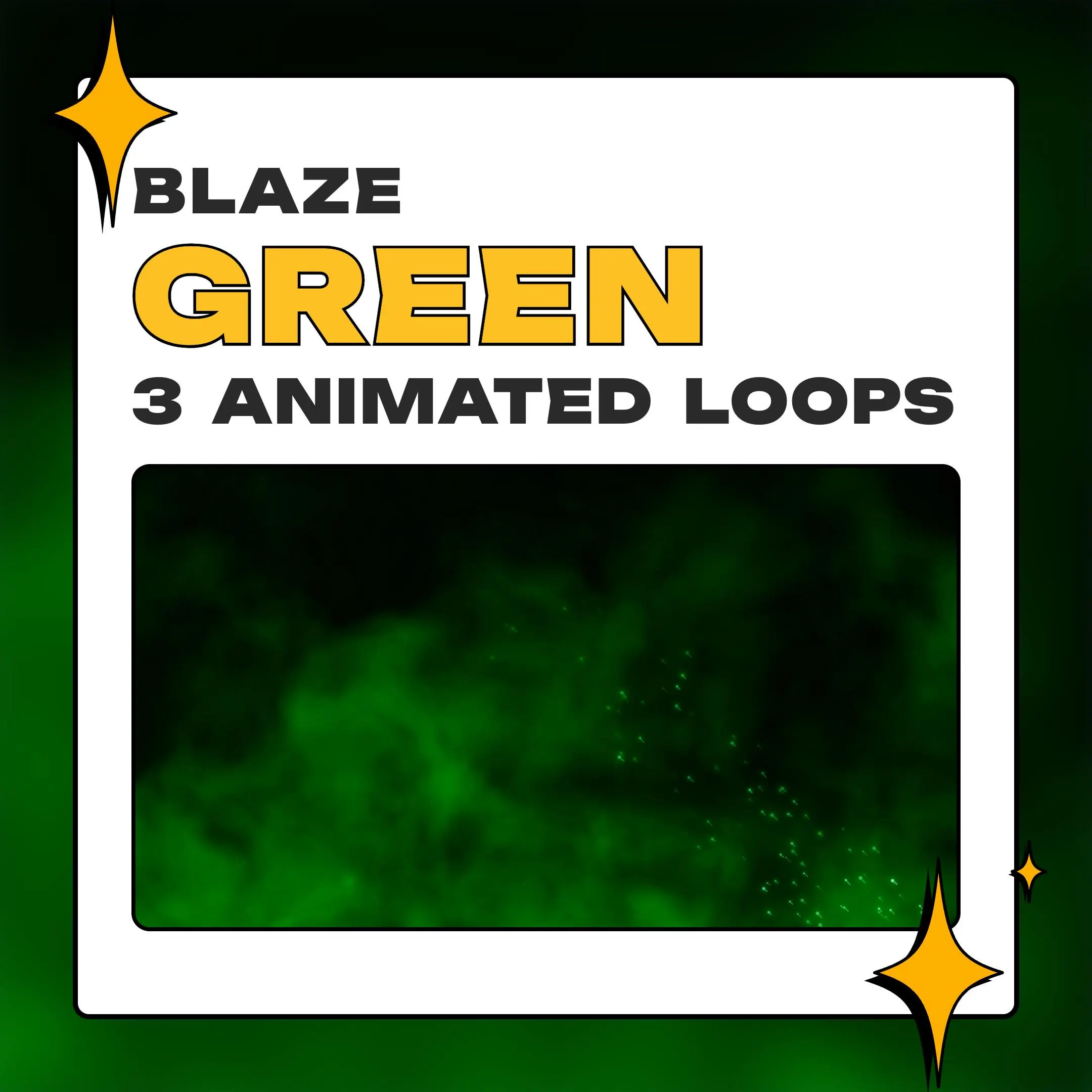
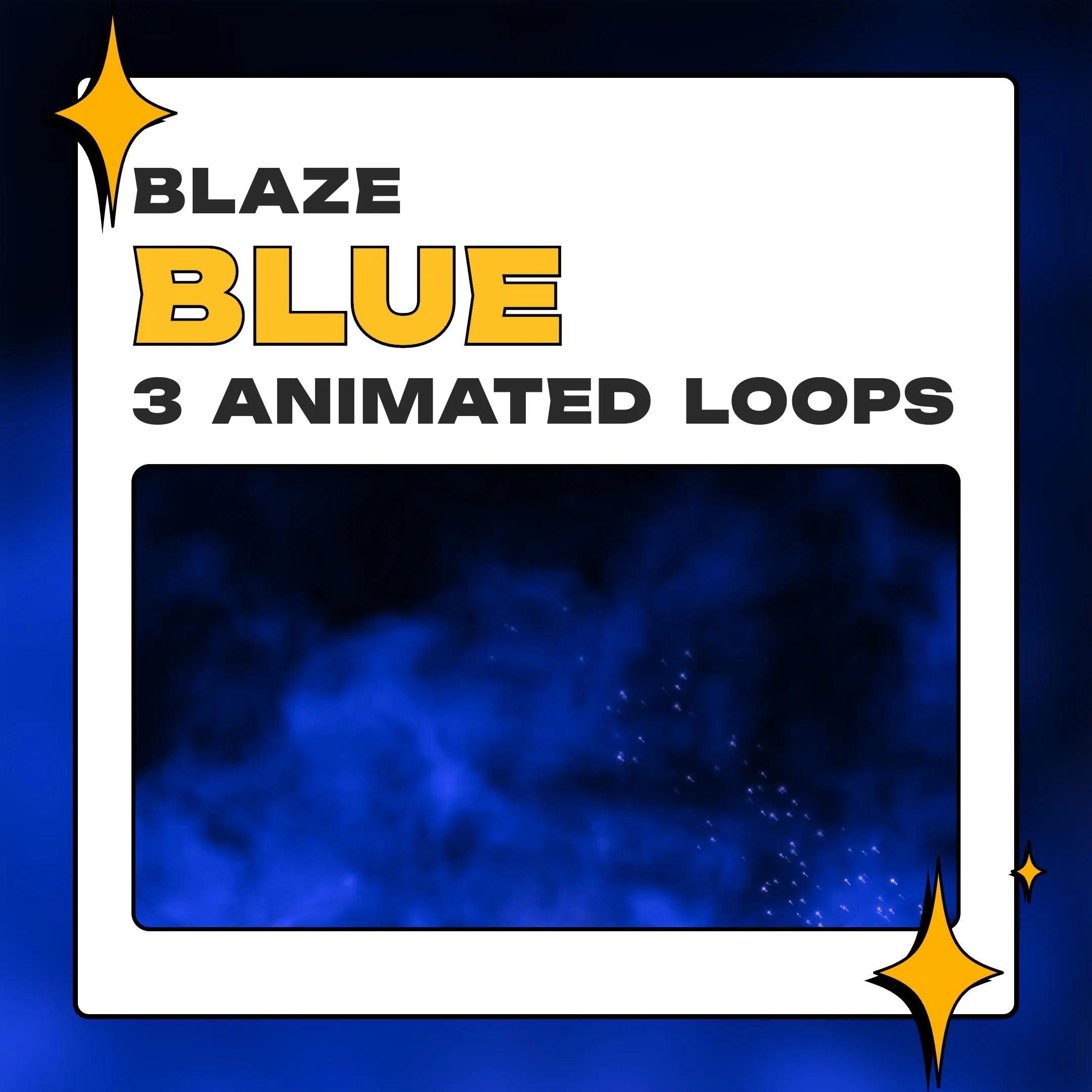
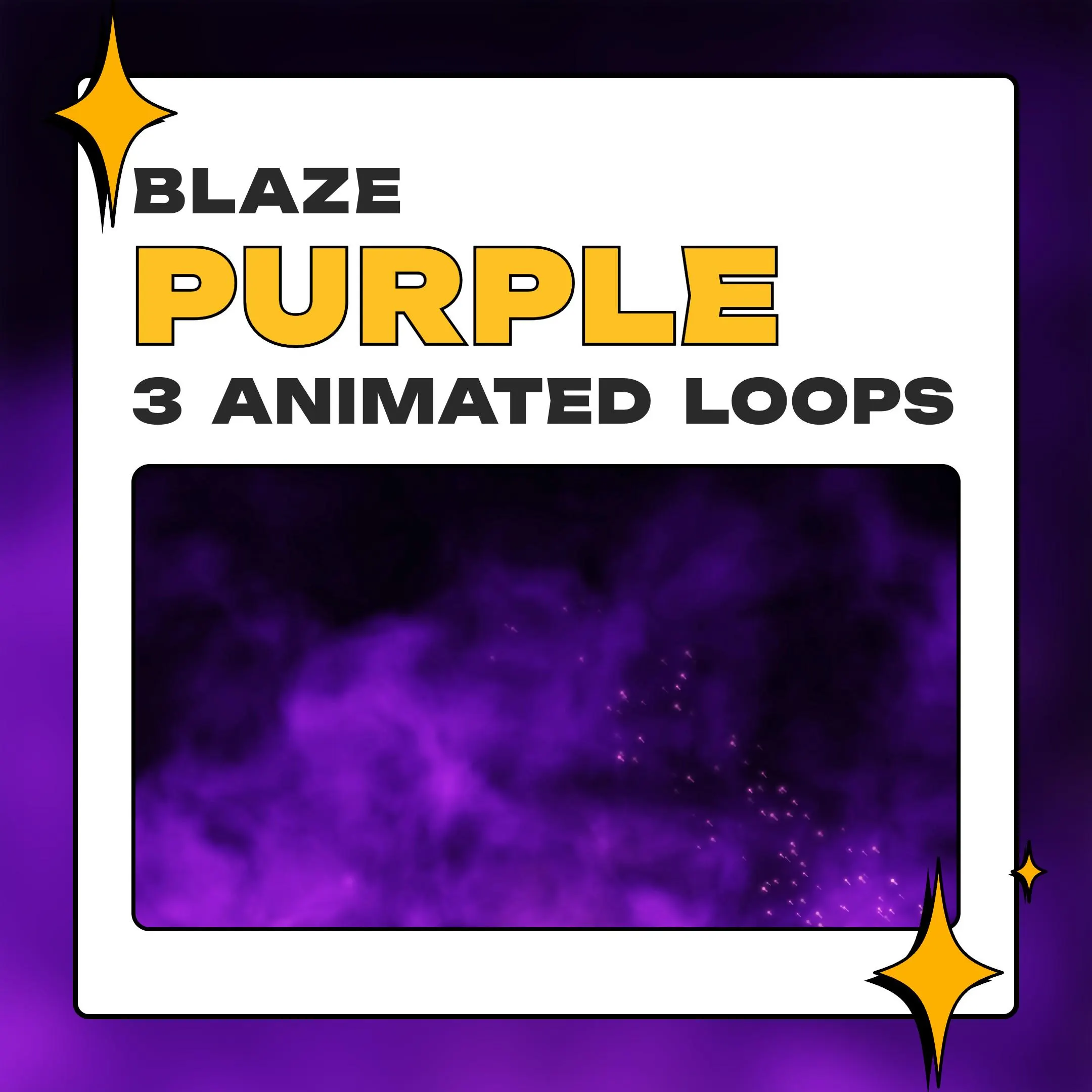
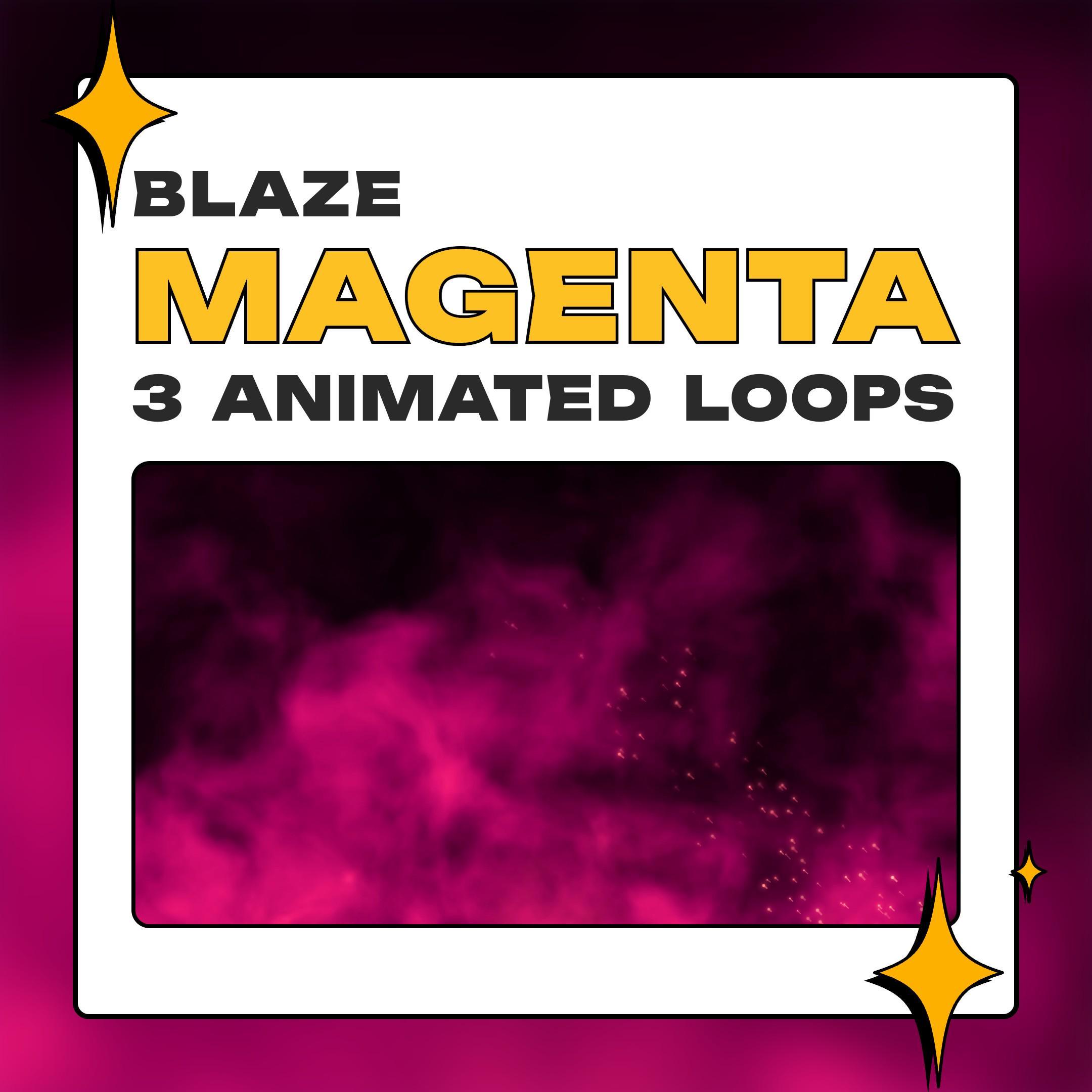
This animated smoke background fills your screen with plumes lit from behind, in red, amber, green, blue, purple or magenta. The top of the frame stays dark, so a camera, a game or a title is easy to read over it.
$5.99 USD
Instant digital download
the details
Most stream backgrounds show you a place: a room, a skyline, a scene. Blaze is only atmosphere. Heavy plumes climb and roll over a low haze of ember light while the upper part of the frame falls away to near black. It was rendered in Blender as an actual smoke volume rather than a filter laid over a clip, so the folds have depth. As an animated smoke background, it sets a mood without competing with your camera.
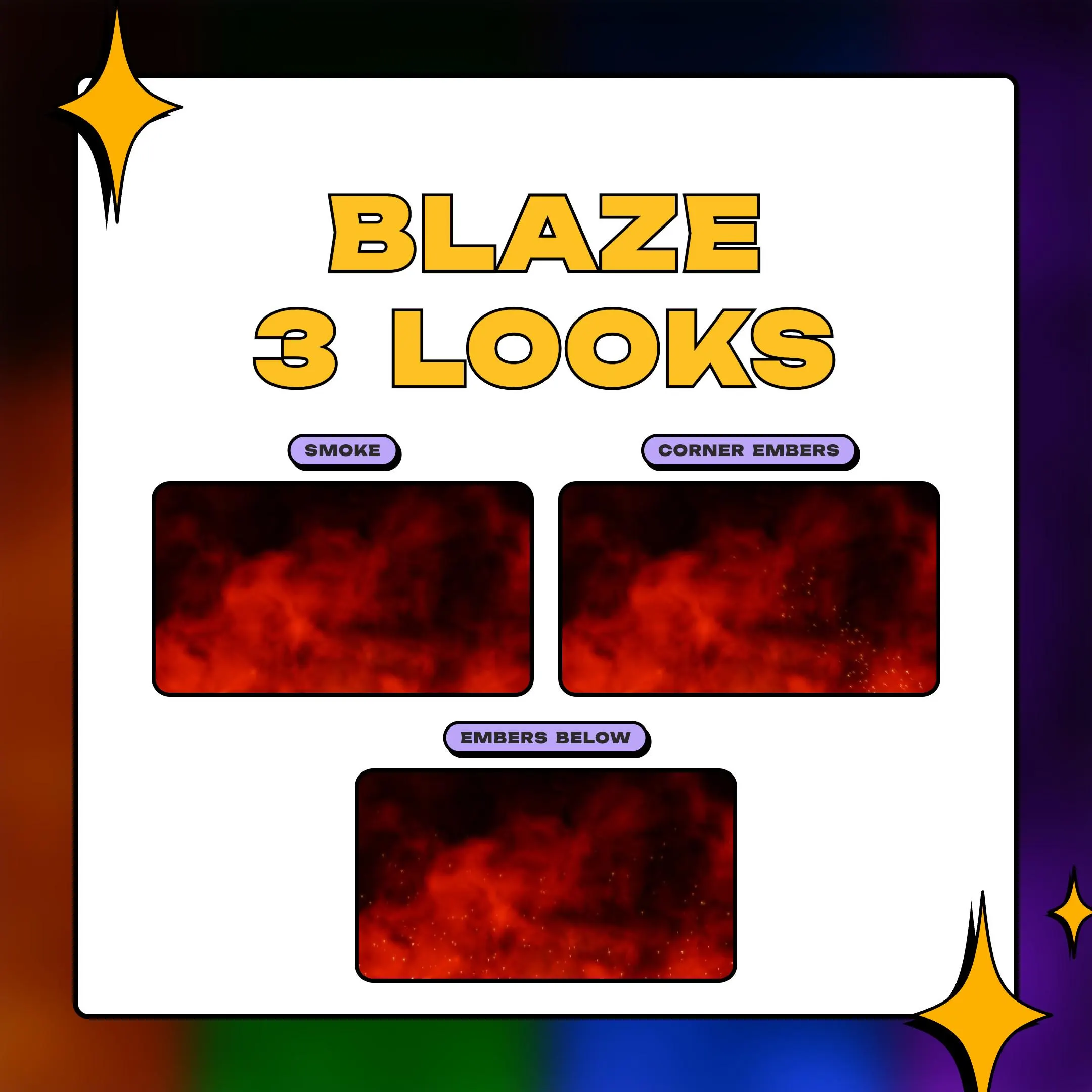
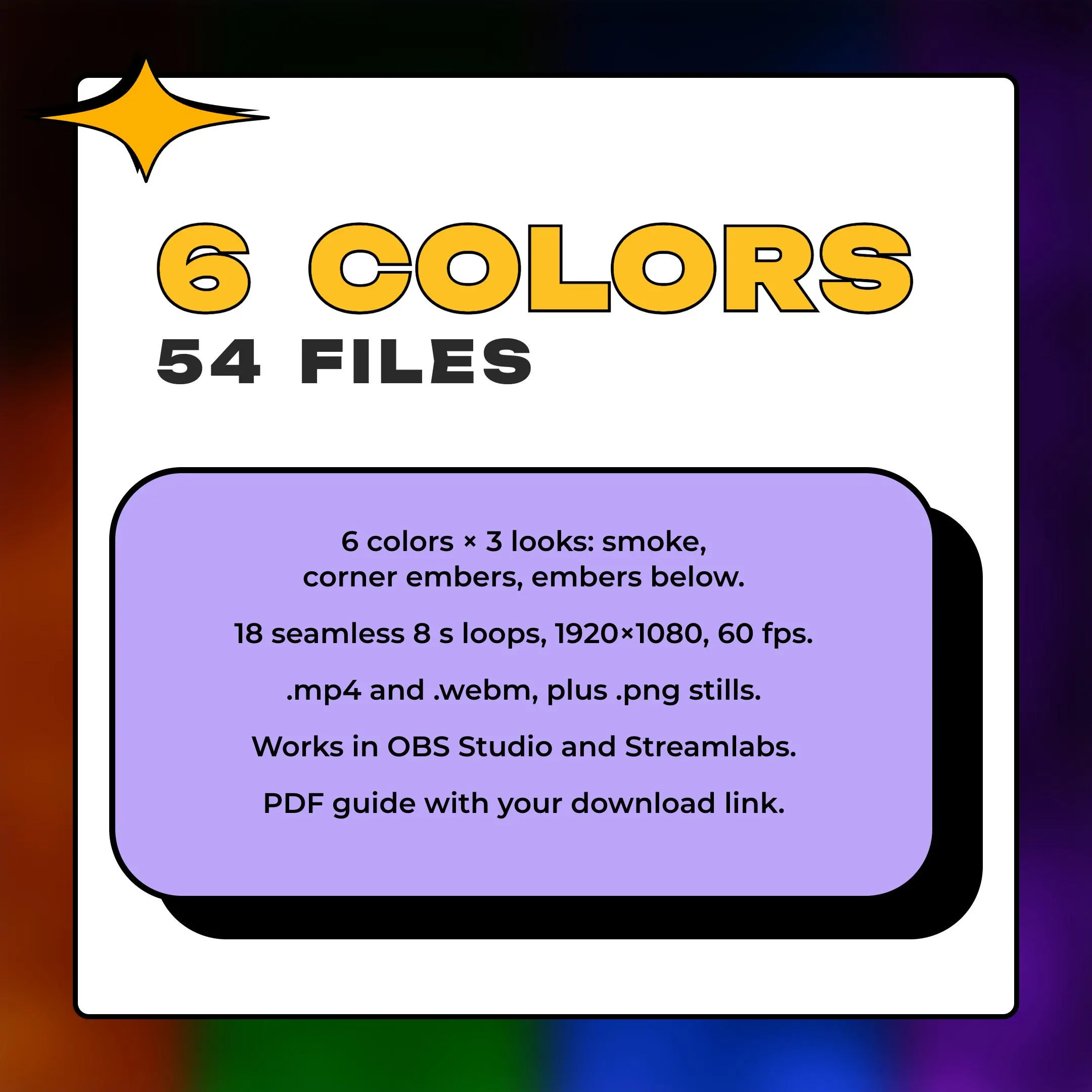
You choose the mood twice. First the color: red and amber read as fire, green looks toxic, blue runs cold, and purple and magenta lean neon. Then the look: smoke on its own for a calmer scene, embers drifting up diagonally from the bottom right corner, or embers lifting along the full bottom edge. That makes 18 versions, each an 8-second loop at 60 fps that restarts without a visible jump, and all of them work as a fire background or a VTuber background.
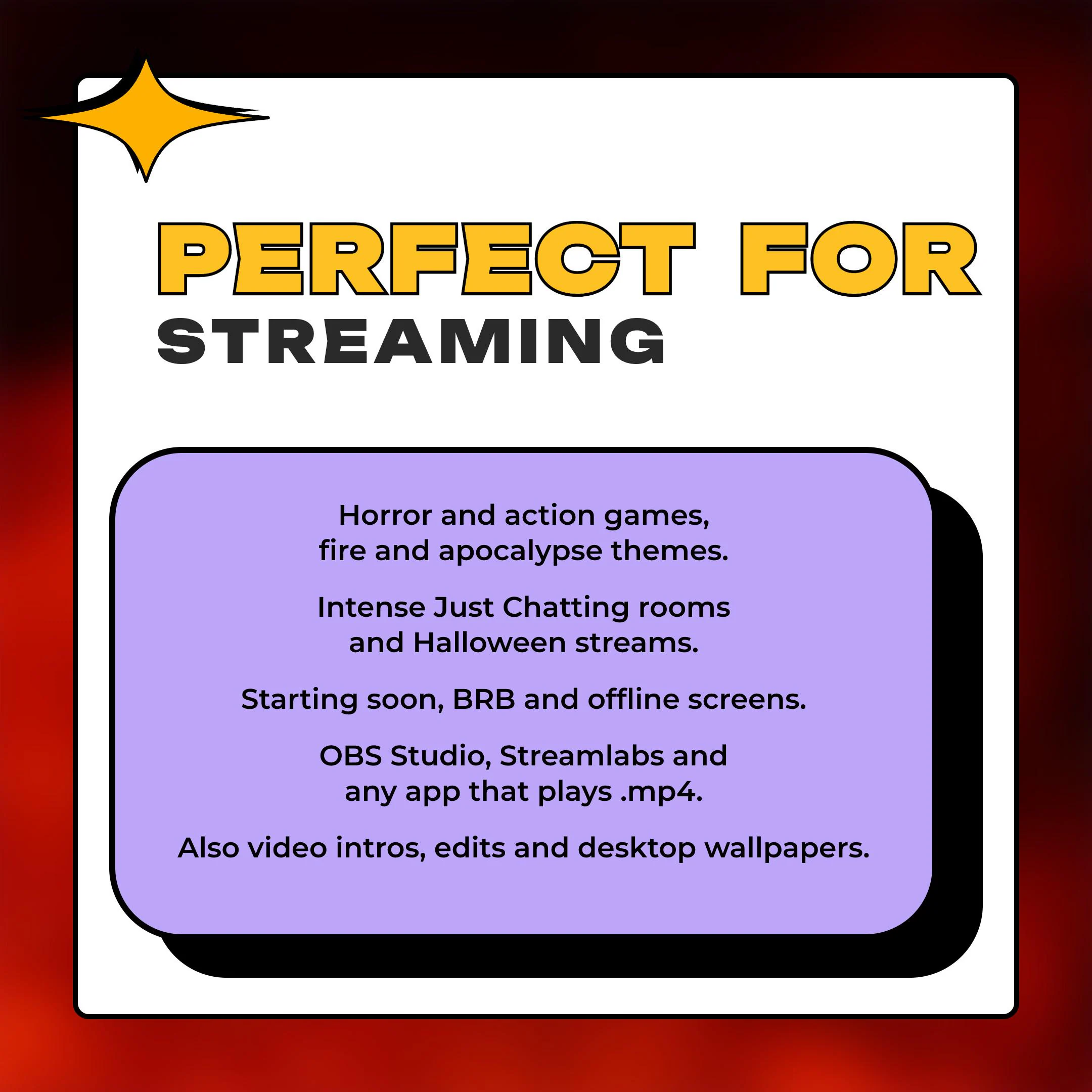
It suits horror and action games, apocalypse themes and Halloween nights, and it holds up on a starting soon or BRB screen, with your title in that dark upper area. Off stream, drop a loop into a video editor for an intro or an edit, or run it as a moving wallpaper with any app that loops video. The .png stills cover offline screens and other scenes where video would be overkill.
what you get
Built in Blender as a true volume, so the plumes fold and roll with depth instead of sliding around like a filter.
Red, amber, green, blue, purple and magenta, each as plain smoke, corner embers or embers along the bottom edge.
The upper frame stays close to black, which leaves room for a camera, a game window or a title.
An .mp4 and a .webm for motion, plus a .png still for scenes that should not move. 54 files in total.
Each version runs 8 seconds at 60 fps and restarts without a visible jump, so it can sit behind a long stream.
setup
Open the PDF guide, follow its link and unzip the pack, about 219 MB.
Pick a color and a look, then in OBS Studio add a Media Source under Sources and choose its .mp4.
Turn on Loop so the smoke keeps rolling for the whole stream.
Drag the background to the bottom of the scene, with your camera and game above it.
In Streamlabs, use the same .mp4 as a media source. In a video editor, place it on the timeline.
questions
54. There are 18 versions, six colors times three looks, and each version comes as .mp4, .webm and .png. Everything downloads as one zip of about 219 MB, through the link in the PDF.
Two of the three. One sends embers diagonally up from the bottom right corner, the other lifts them along the whole bottom edge. The third look is the smoke alone.
Yes. The .mp4 goes straight onto a video editor timeline for intros and edits, and any app that loops video can show it as a moving wallpaper.
No. You download a PDF guide, and its link takes you to the zip. There is no physical item.
$5.99 USD on Etsy