Stream background
1 / 6
Stream background
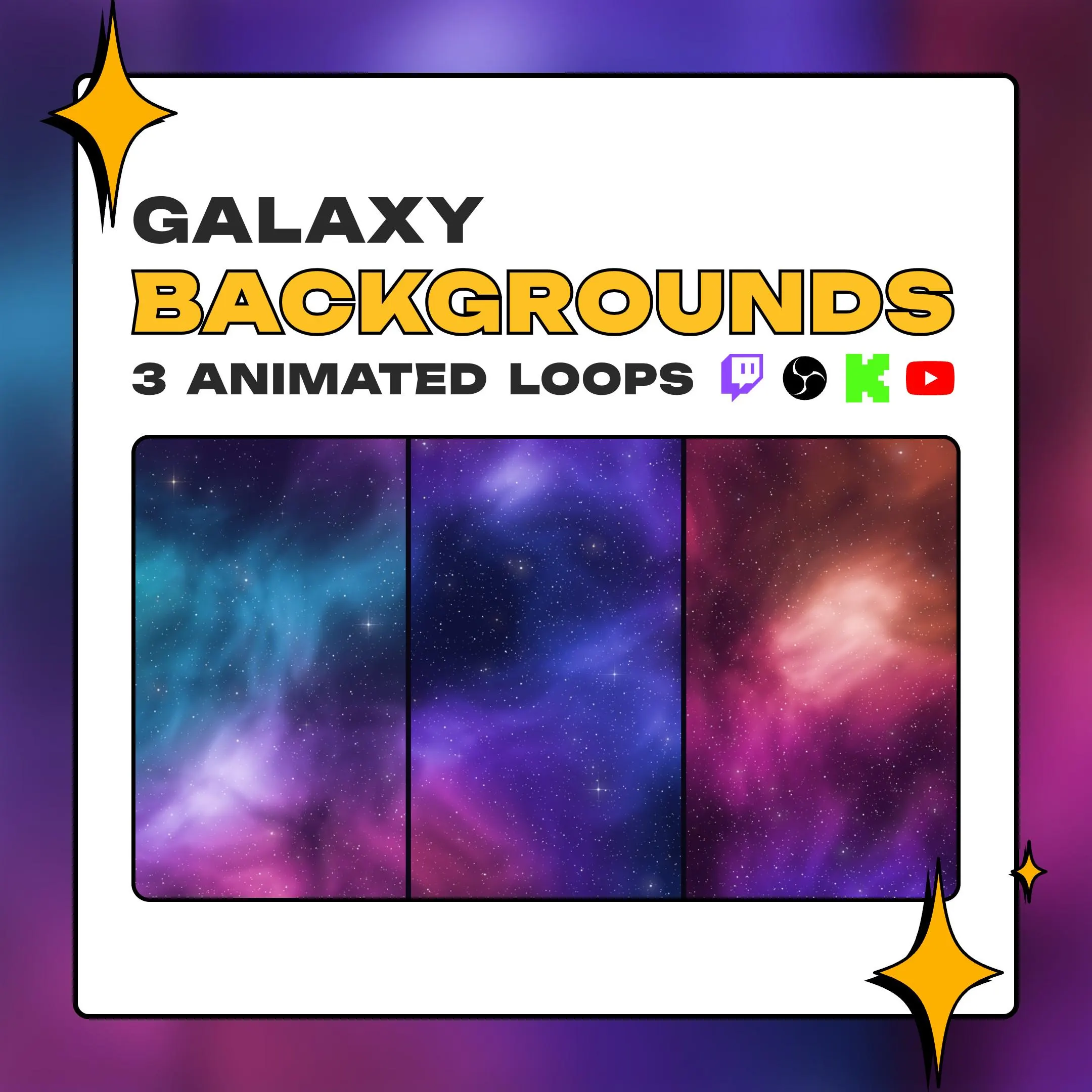
An animated galaxy background for streams that run all year: nebula clouds, softly glowing cores and thousands of twinkling stars, in three palettes from cool blue to warm coral. The center stays a touch darker, so your camera or title reads on top.
$7.99 USD
Instant digital download
the details
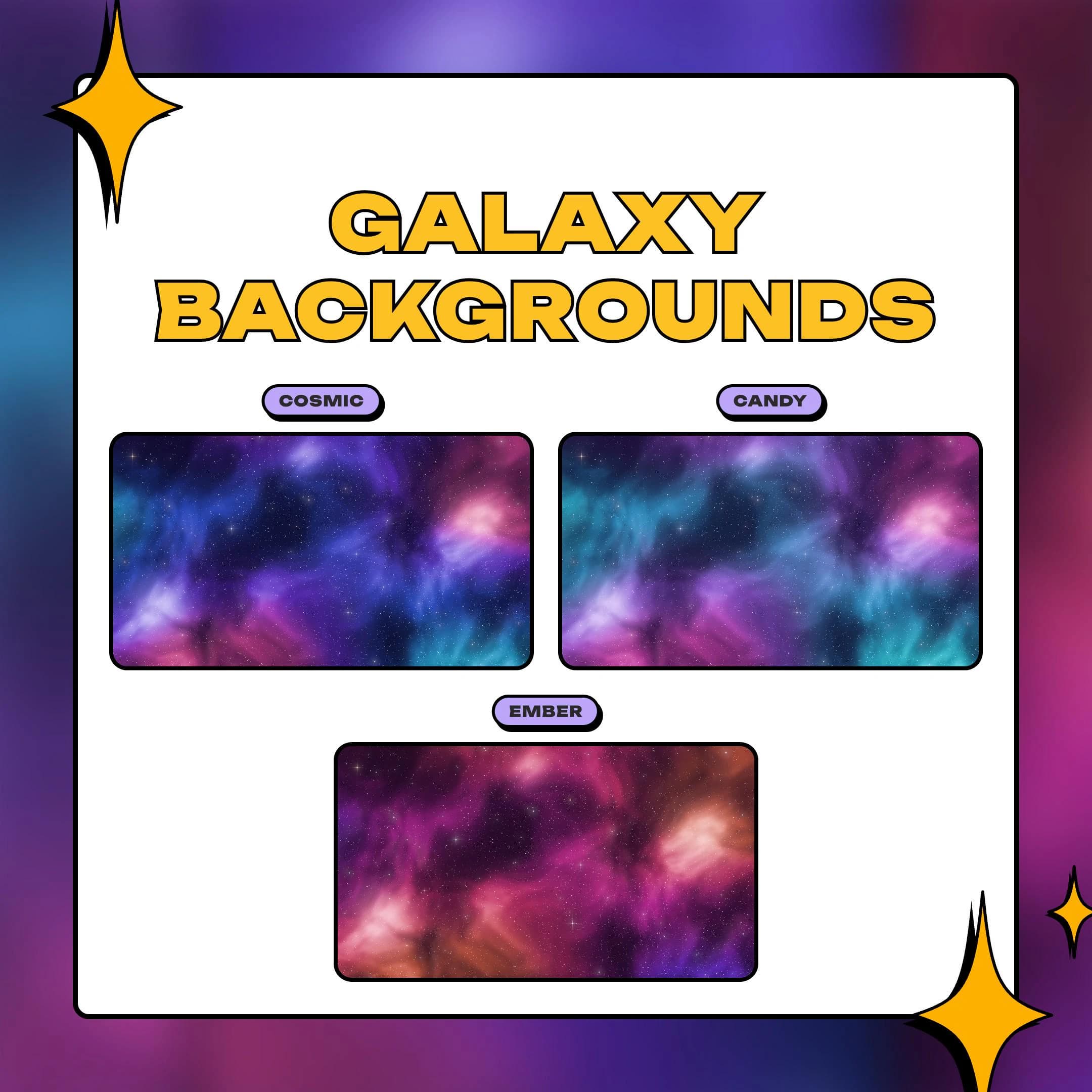
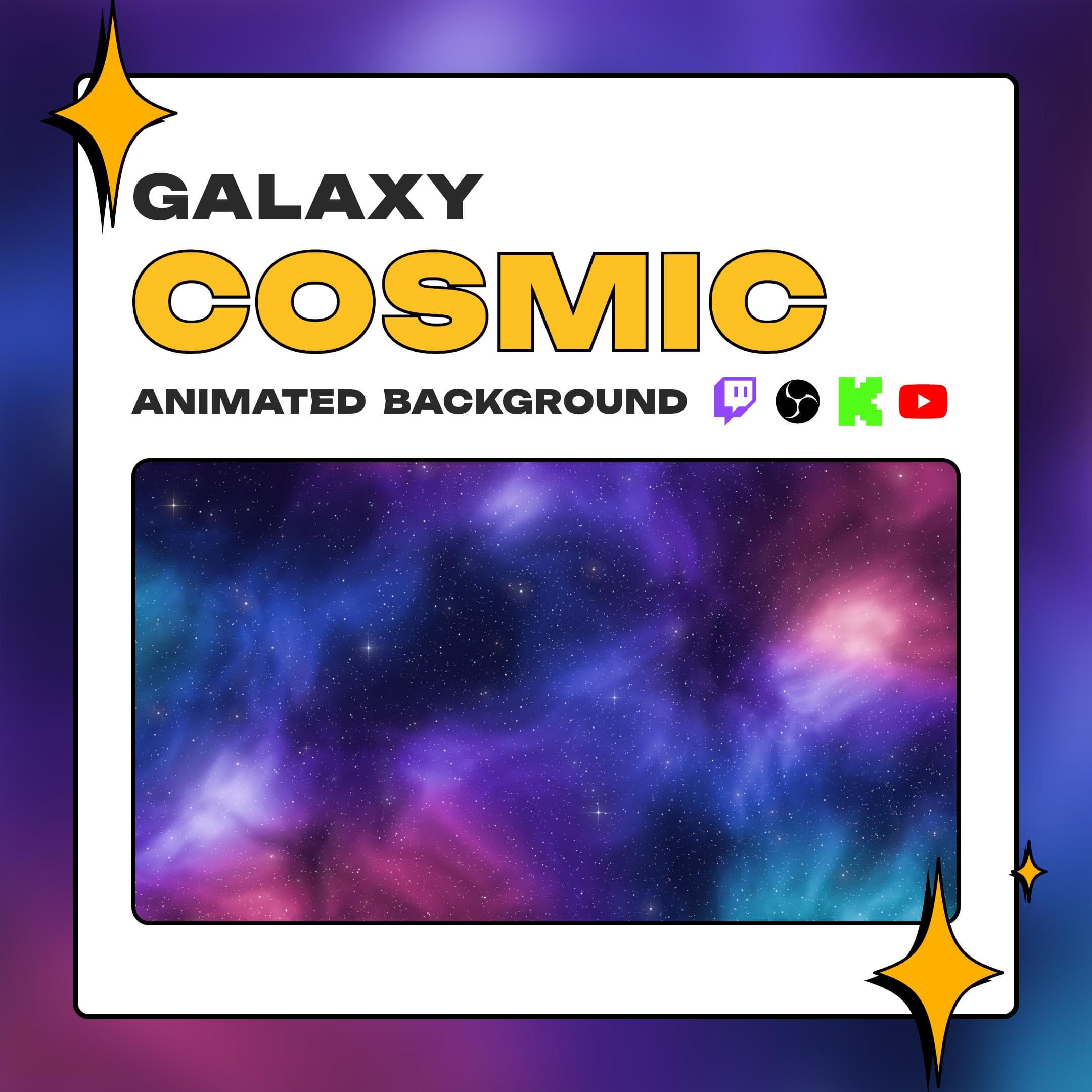
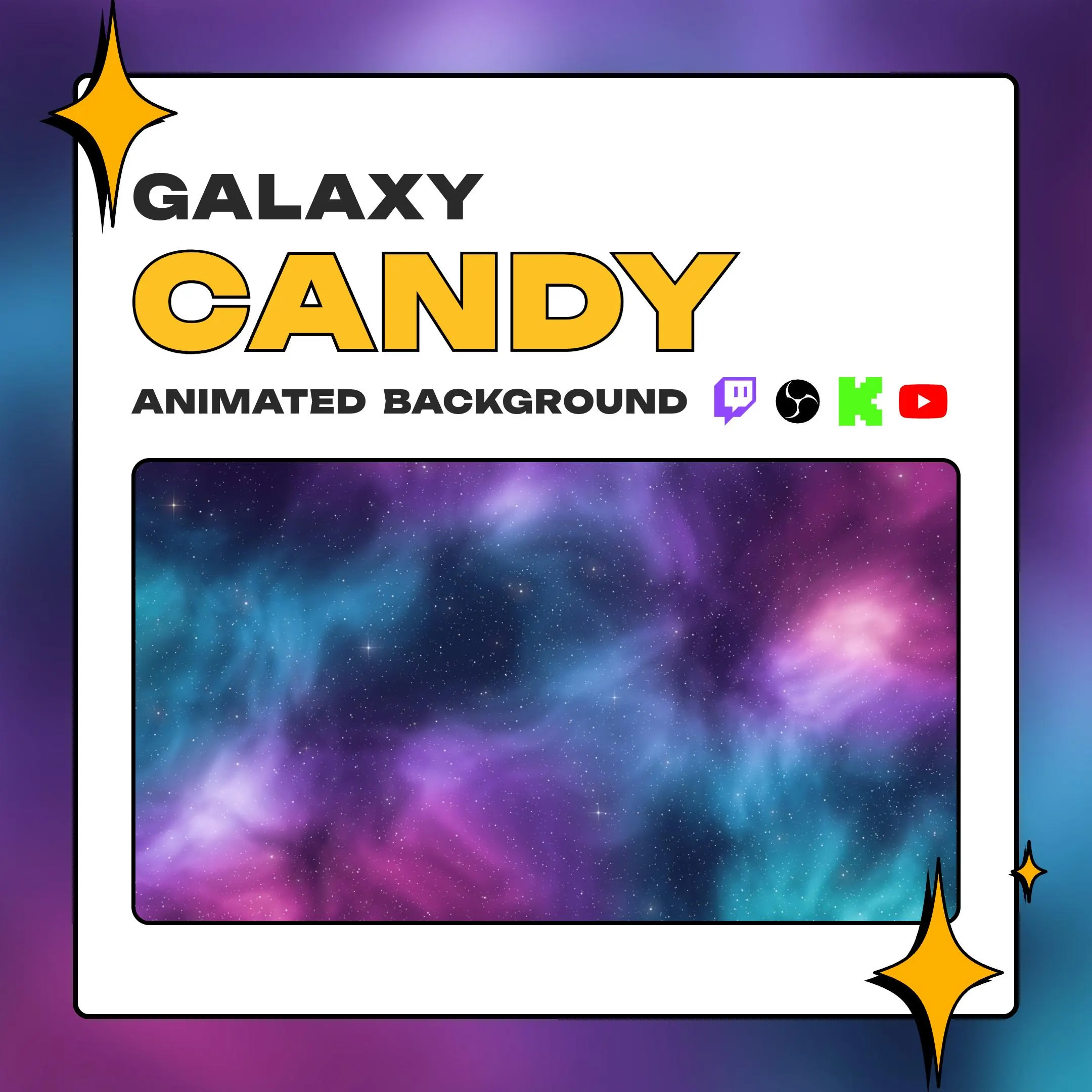
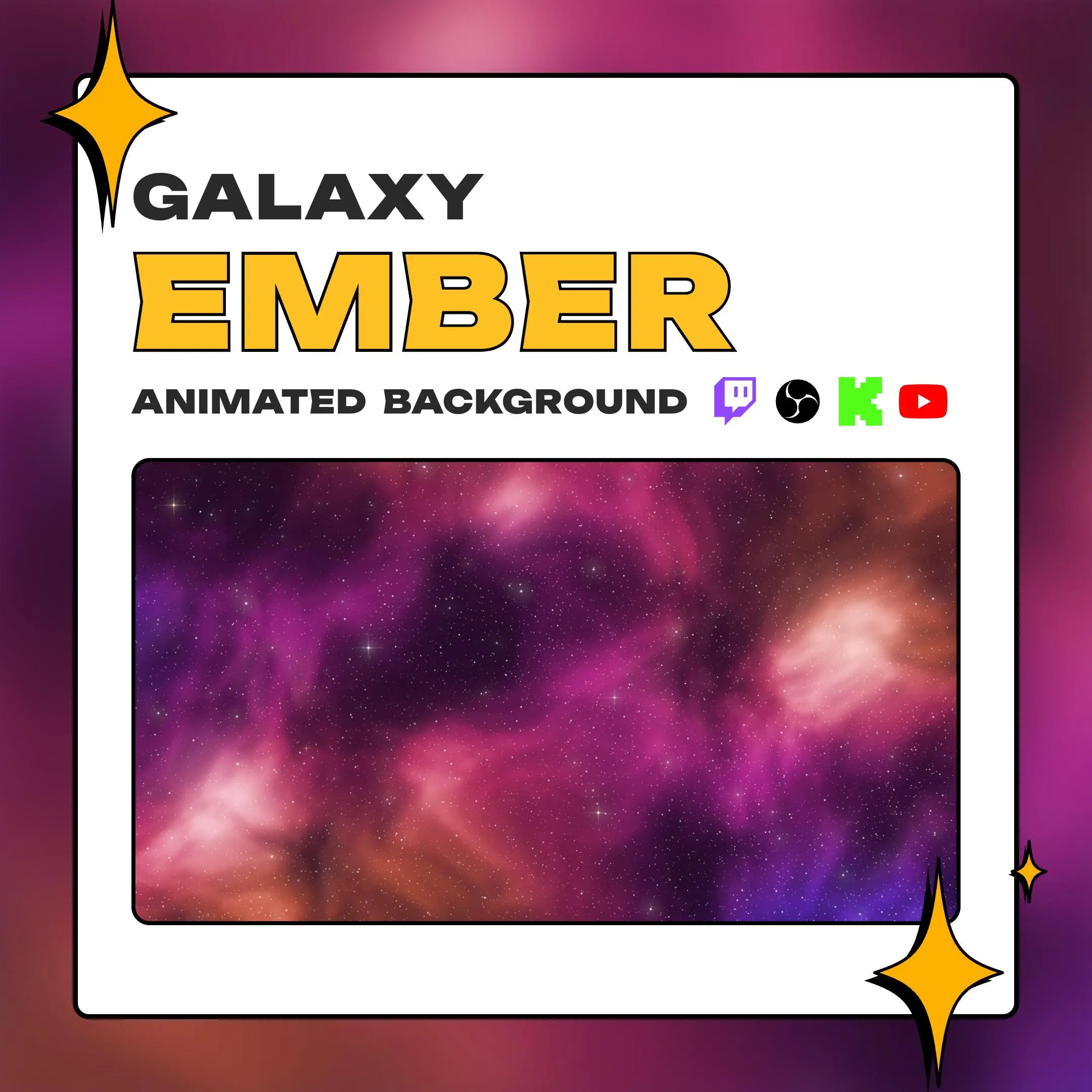
Pick the mood by palette. Cosmic is the classic: pink and violet clouds against deep night blue, lit with cyan. Candy is the light one, cyan and sky blue with orchid and hot pink. Ember runs warm, with magenta, violet and coral glowing through the dark. In every version, thousands of tiny white stars twinkle as the 16-second loop plays.
Because it is not tied to a holiday, this animated galaxy background can stay on your channel all year. It suits space and sci-fi games, late-night cozy streams and Just Chatting, and it makes a soft space background for VTuber rooms, where a model in front of the nebula looks like it is floating among the stars. The slightly darker middle leaves room for your camera, your gameplay or a title card.
Need a BRB or starting soon screen? Put your text over the .png still of any palette, or let the loop run behind it for a starry sky that keeps moving while you are away. The whole pack is about 43 MB zipped, and each file loads into OBS Studio or Streamlabs as an ordinary media source.
what you get
Cosmic for deep blues, Candy for a lighter mix of cyan and pink, Ember for warm magenta and coral.
The middle of the frame stays a little dimmer than the edges, so a cam, gameplay or title keeps its contrast.
Stars twinkle and light cores glow on a 16-second cycle at 1920×1080, with no jump where the loop restarts.
Run the .mp4 or .webm when you want twinkling stars, or the .png when a scene should hold still.
All nine files come in one zip of about 43 MB; the PDF guide holds the link.
setup
Open the PDF from your Etsy download and use the link to get the zip, about 43 MB.
Add a Media Source in OBS Studio, point it to the .mp4 of your palette and turn on Loop.
Move it to the bottom of the scene's sources so your cam, game and text sit above the nebula.
For a still BRB or starting screen, use the palette's .png as an Image source and add your text on top.
In Streamlabs, add the same .mp4 as a media source; it also plays in any app that handles .mp4.
questions
You do not have to choose: all three come in the download. Cosmic suits deep blue night streams, Candy gives a lighter look, and Ember brings warm pinks and coral.
Yes. It plays inside OBS Studio or Streamlabs as part of your scene, so it reaches Twitch, YouTube, Kick or any other platform you send that scene to.
No. You get a PDF on Etsy with the link to a zip of nine files. There is no physical item.
$7.99 USD on Etsy