Stinger transition
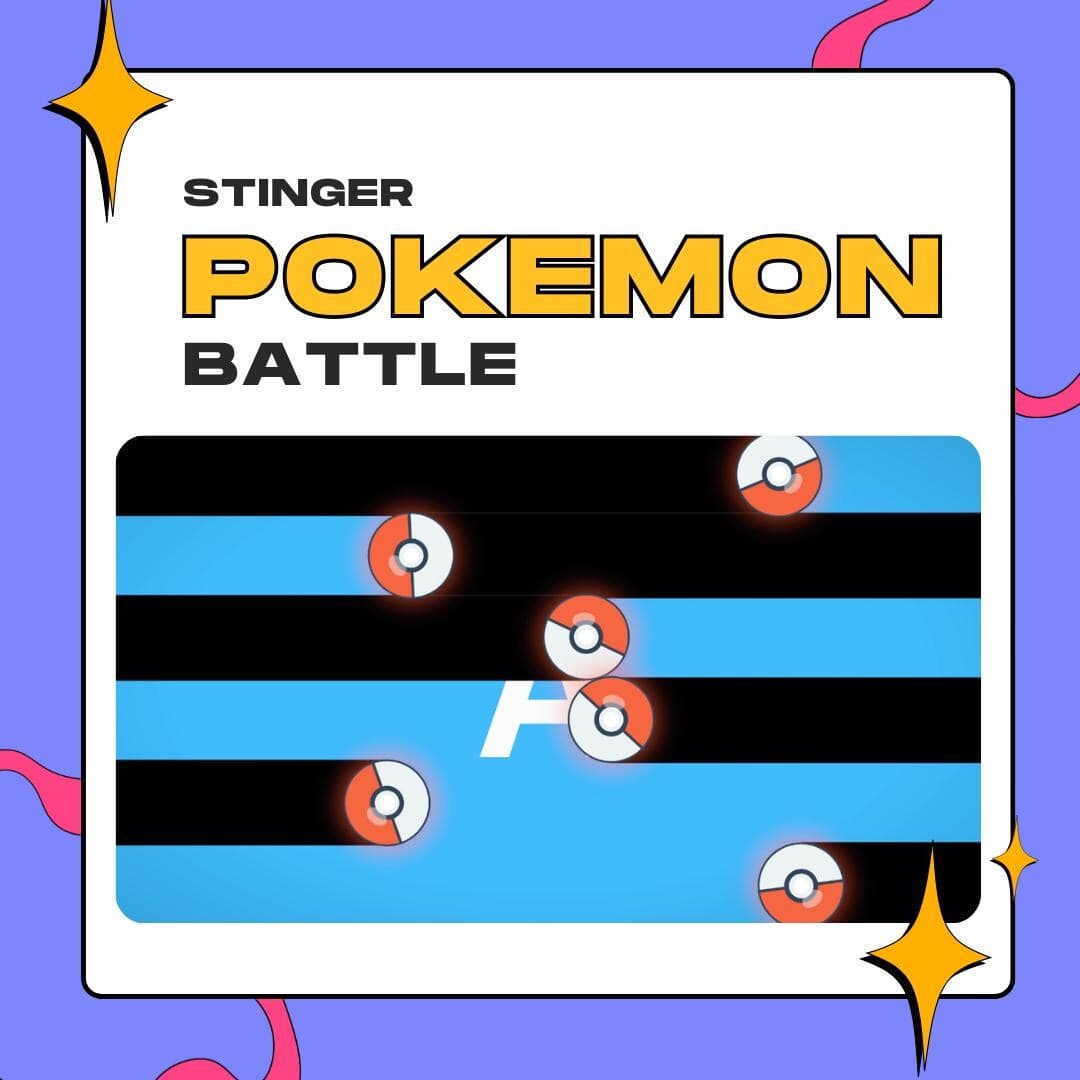
Stinger transition
This Pokémon-style battle stinger transition gives every scene change a battle-intro moment: black bars slide over the screen, glowing red-and-white balls fly through, and OBS swaps your scene behind them.
$5.00 USD
Instant digital download
the details
Every scene change becomes a small battle intro. Thick black bars slide across the 1920×1080 frame in stripes while glowing red-and-white balls zip between them, and by the time they clear, your next scene is on screen. Three seconds, start to finish, with the swap landing right in the middle.
Built with Pokémon streamers and retro gaming channels in mind, it also suits JRPG creators who want more character than a crossfade. Use it in OBS Studio, Streamlabs or StreamElements setups for Twitch and YouTube; it is a video file, so there is no code, plugin or browser source to manage.
In the download you get the WEBM, transparent around the bars and balls, and a PDF with a link to a MOV version. As a Pokémon-style battle stinger transition in OBS, it wants a transition point of 1500 ms; at that frame the bars cover the screen and the cut stays hidden from your viewers.
what you get
Black horizontal bars stack across the frame in bands, and your scene peeks through the gaps until they close.
Glowing red-and-white balls fly through the stripes, the Pokémon-style detail that sets this stinger apart from a plain wipe.
Fits Pokémon streams, retro gaming channels and RPG content creators, the audiences it was designed for.
Enter 1500 ms as the OBS transition point and the scene change lands while the bars hide the screen.
An independent design inspired by Pokémon battles. It is not an official, licensed or endorsed Pokémon product.
setup
Save the WEBM from your Etsy download, or open the PDF and fetch the MOV version if you prefer it.
In OBS Studio, look for the Scene Transitions panel, hit the + icon and pick Stinger.
Use the Browse button next to Video File to load the battle stinger.
Pick Time as the Transition Point Type and set the point to 1500 ms so the swap matches the animation.
Make it the active transition, then switch scenes to watch the battle intro play over your layout.
questions
It is made for OBS, Streamlabs and StreamElements setups. The steps on this page use OBS Studio, where it runs as a Stinger with a 1500 ms transition point.
Yes. The WEBM comes in the Etsy download, and the included PDF has the link to the MOV version. Both have a transparent background.
Yes. A tall 1080×1920 edition of the battle design is listed separately for edited short-form video, while this page covers the OBS stinger.
$5.00 USD on Etsy