Stinger transition
1 / 2
Stinger transition
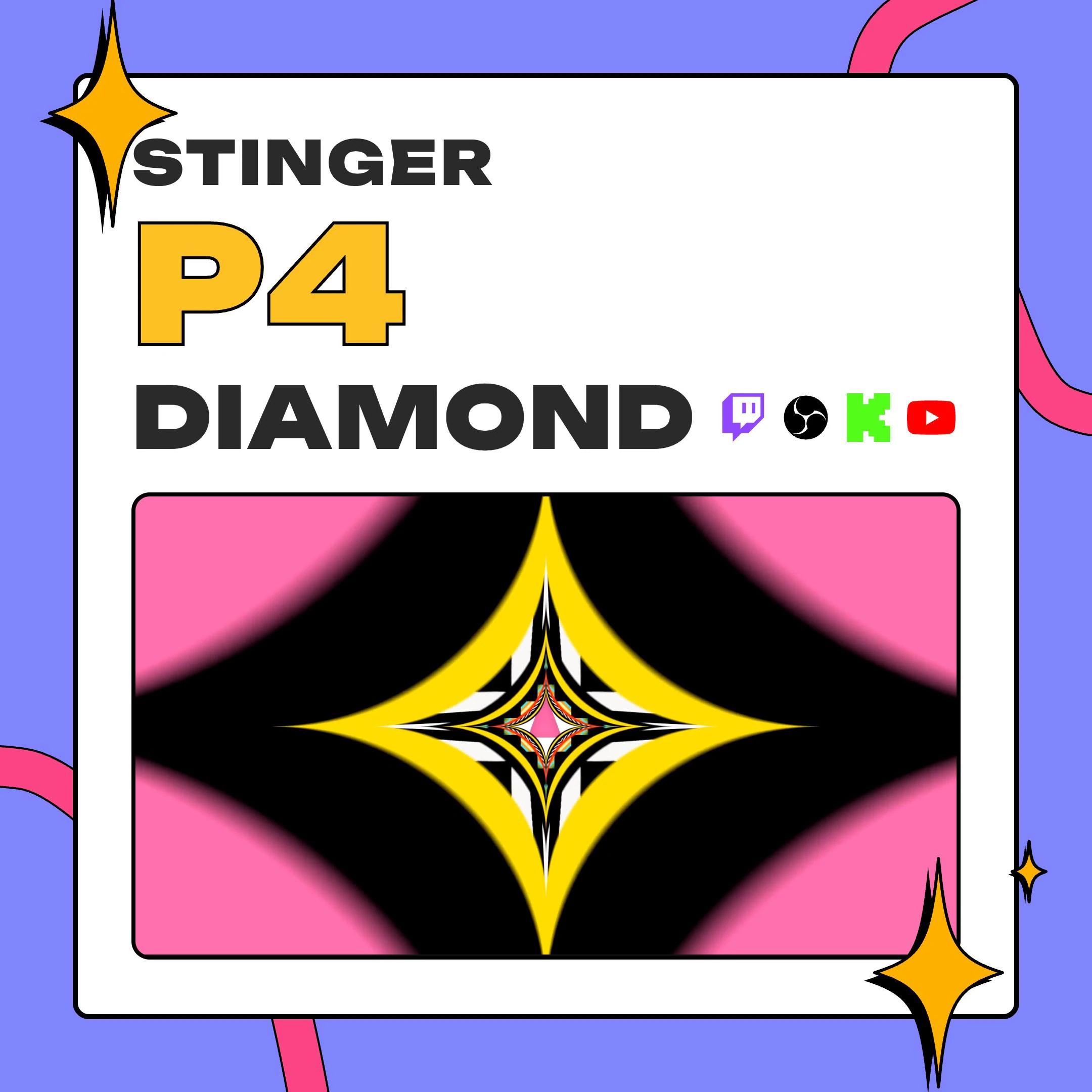
This star stinger transition pulls your stream into a tunnel of four-point star plates, then opens a star-shaped window until your next scene fills the screen. It runs 3 seconds at 1920x1080 and 60 fps, with transparency, for OBS on Twitch, YouTube and Kick.
$5.00 USD
Instant digital download
the details
A lot of stingers sweep a shape across the frame and call it done. P4 Diamond moves the viewer instead: the shot rushes forward through a corridor of plates, each one a four-point star in yellow, black, checker, rainbow square-stripe, red or zebra, smeared by motion blur. The graphic, high-contrast pop art look fits gaming and anime streams, JRPG nights and retro channels.
The timing is what makes this star stinger transition read well. A small star appears at center, and the tunnel grows out from it to cover everything by the 1 second mark. A star-shaped window stays open in the middle the whole way through, so viewers watch the outgoing scene until the swap, 1.5 seconds in, and the incoming one from then on. Then that window widens until the new scene takes the whole screen.
Use it on the way into gameplay, out to a BRB screen or on a hype moment. OBS takes the light .webm, about 9 MB, and the ProRes .mov also opens in Premiere Pro, DaVinci Resolve or Final Cut Pro when you want the same move in an edited video. Making vertical content as well? P4 Diamond Vertical, a separate listing, carries this tunnel at 1080x1920 for 9:16 canvases.
what you get
A star-shaped opening shows the current scene, then the next one, then grows to fill the frame, so the swap never reads as a hard cut.
Yellow and red plates mix with black, zebra, checker and rainbow square-stripe ones, all blurred by speed.
The swap lands at 1.5 seconds of a 3-second clip. Type 1500 into OBS and the tunnel hides the change.
A .webm in VP9 near 9 MB for OBS and a .mov in ProRes 4444 near 145 MB for editing software, both transparent.
No sound effect is baked in, so you can pair the tunnel with a whoosh, a chime or nothing at all.
setup
Open the PDF, download the zip and unpack the .webm and the .mov.
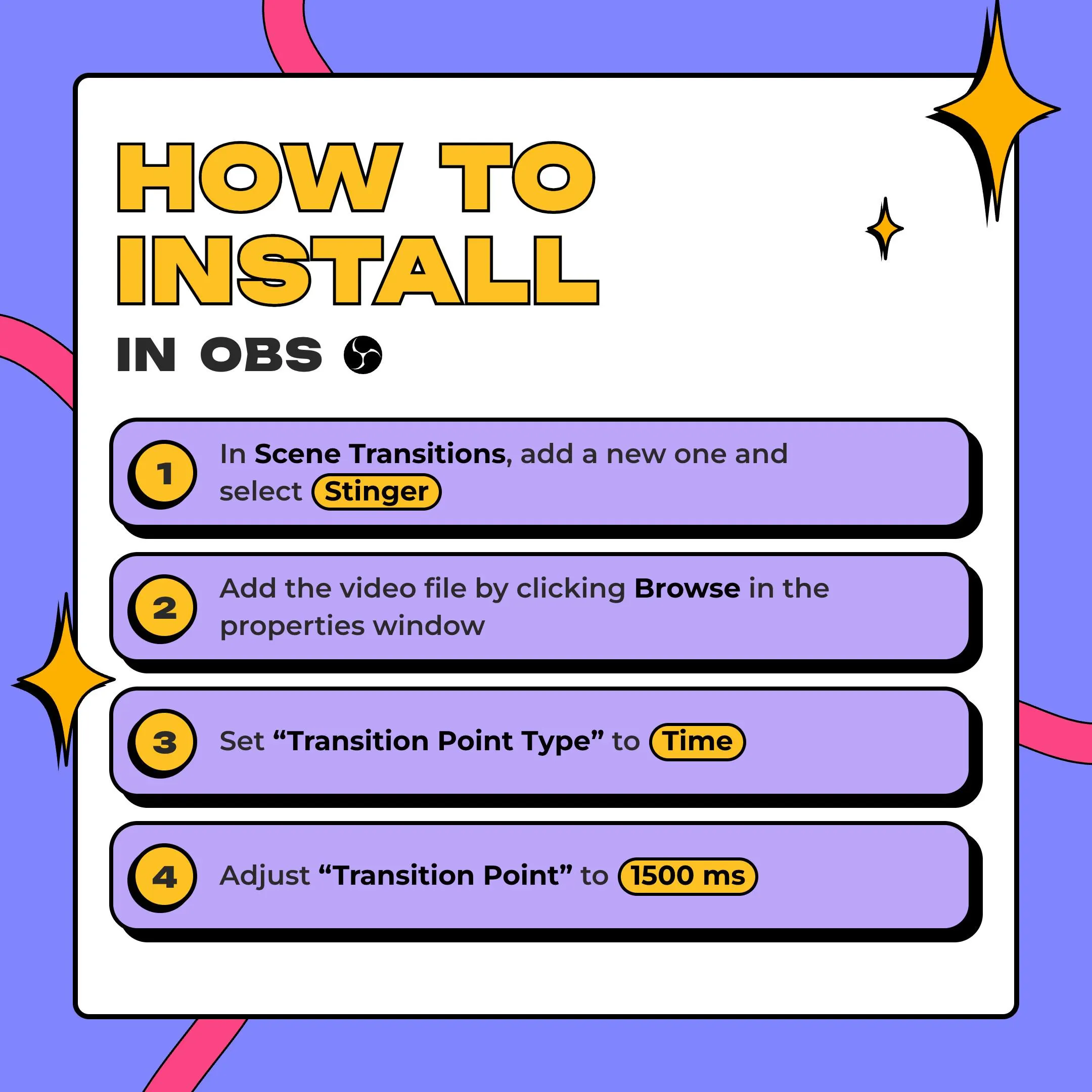
In OBS Studio, open Scene Transitions, press + and pick Stinger.
Browse to the .webm for the light file, or to the .mov if you prefer it.
Change Transition Point Type to Time, then type 1500 ms as the point.
Switch scenes once: the tunnel should cover the swap and open on the new scene.
questions
Yes. The transition runs inside OBS Studio, so it shows up on whichever of those platforms you stream to. At 1920x1080 it matches a Full HD 16:9 canvas.
Yes, as its own listing. P4 Diamond Vertical is this same tunnel at 1080x1920 for 9:16 canvases. The files on this page are 16:9 only.
Yes. It is ProRes 4444 with alpha, so editors that read that format, such as DaVinci Resolve, Final Cut Pro and Premiere Pro, keep the transparency.
Yes. Your own streams, videos and socials are covered, monetized too. Reselling, sharing or bundling the files into another product is not allowed, and one purchase covers one creator or channel.
$5.00 USD on Etsy