Stream widget
1 / 4
Stream widget
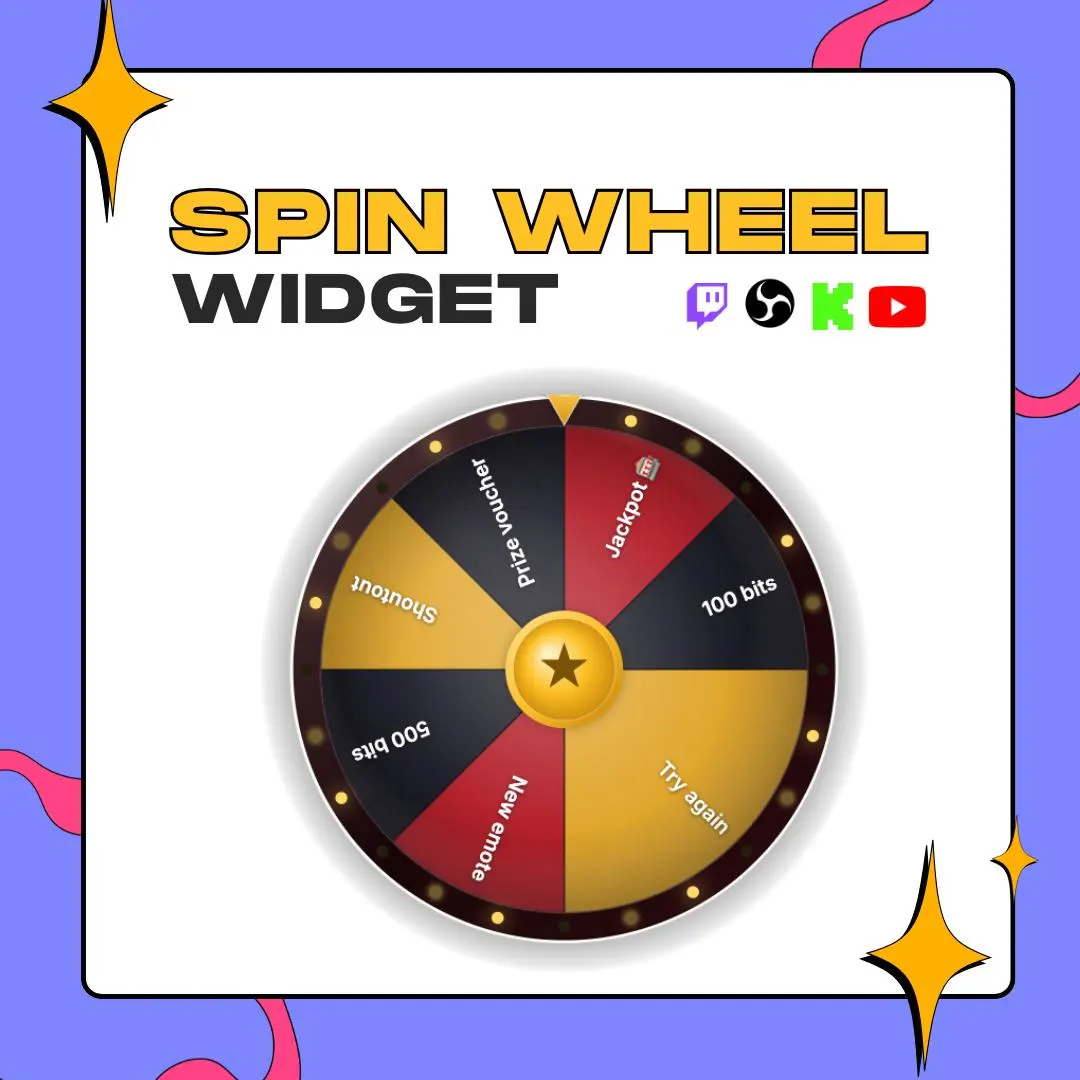
This Twitch spin wheel lives in your StreamElements overlay and turns when a viewer redeems Channel Points, types your chat command, subs or cheers Bits. You write the slices, and the wheel picks the prize, the dare or the next game.
$5.00 USD
Instant digital download
the details
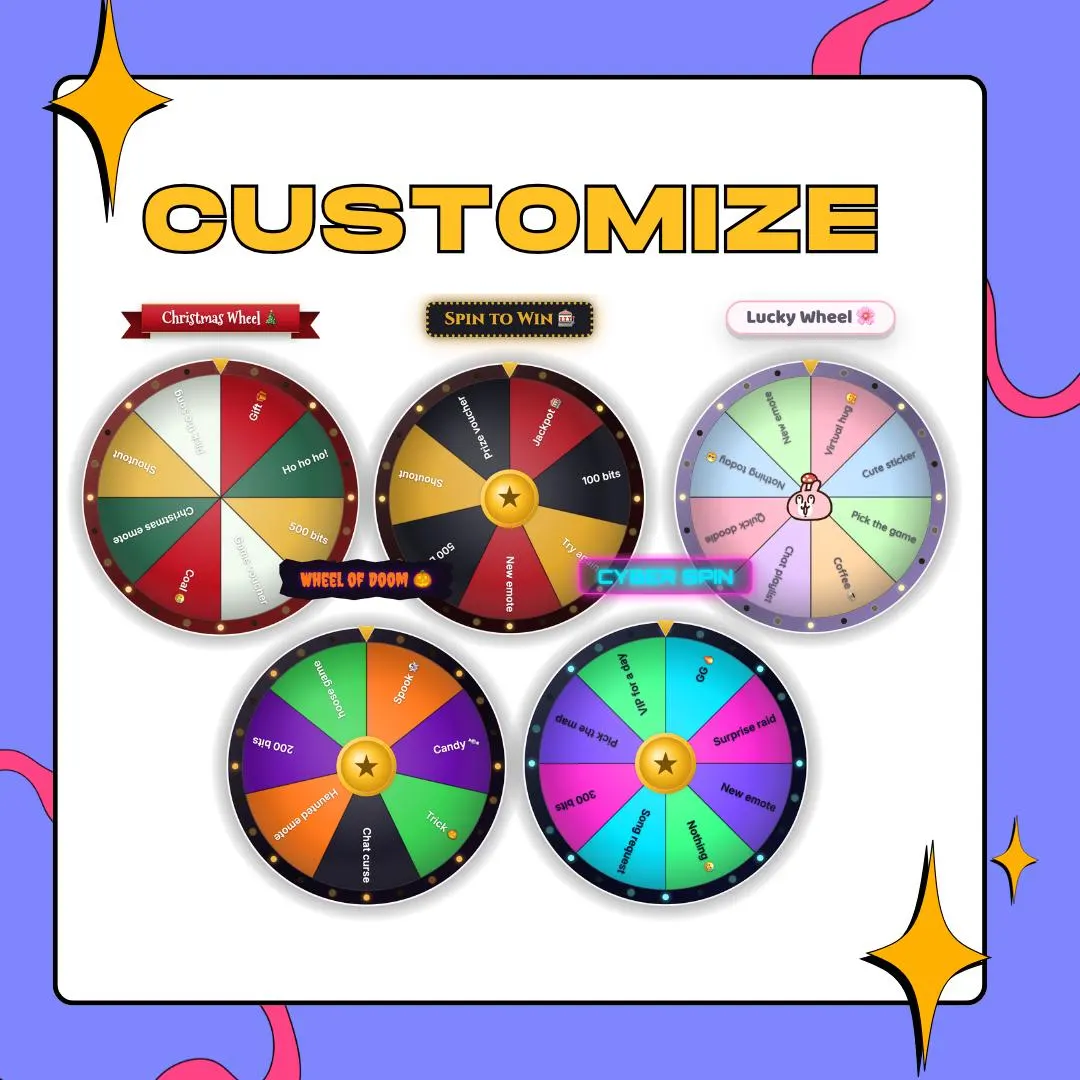
On screen you get a round wheel on a transparent background with a title on top: plain text, or one of 6 frames, from a casino marquee with bulbs to a ribbon, a bubble, a spooky frame, a minimal bar or neon. When a spin fires, the wheel turns with one of 5 spin animations for 1 to 12 seconds, lands, and marks the winning slice with a pulse, pop, blink or glow. Confetti is optional. A result message then shows the prize and the viewer who started the spin.
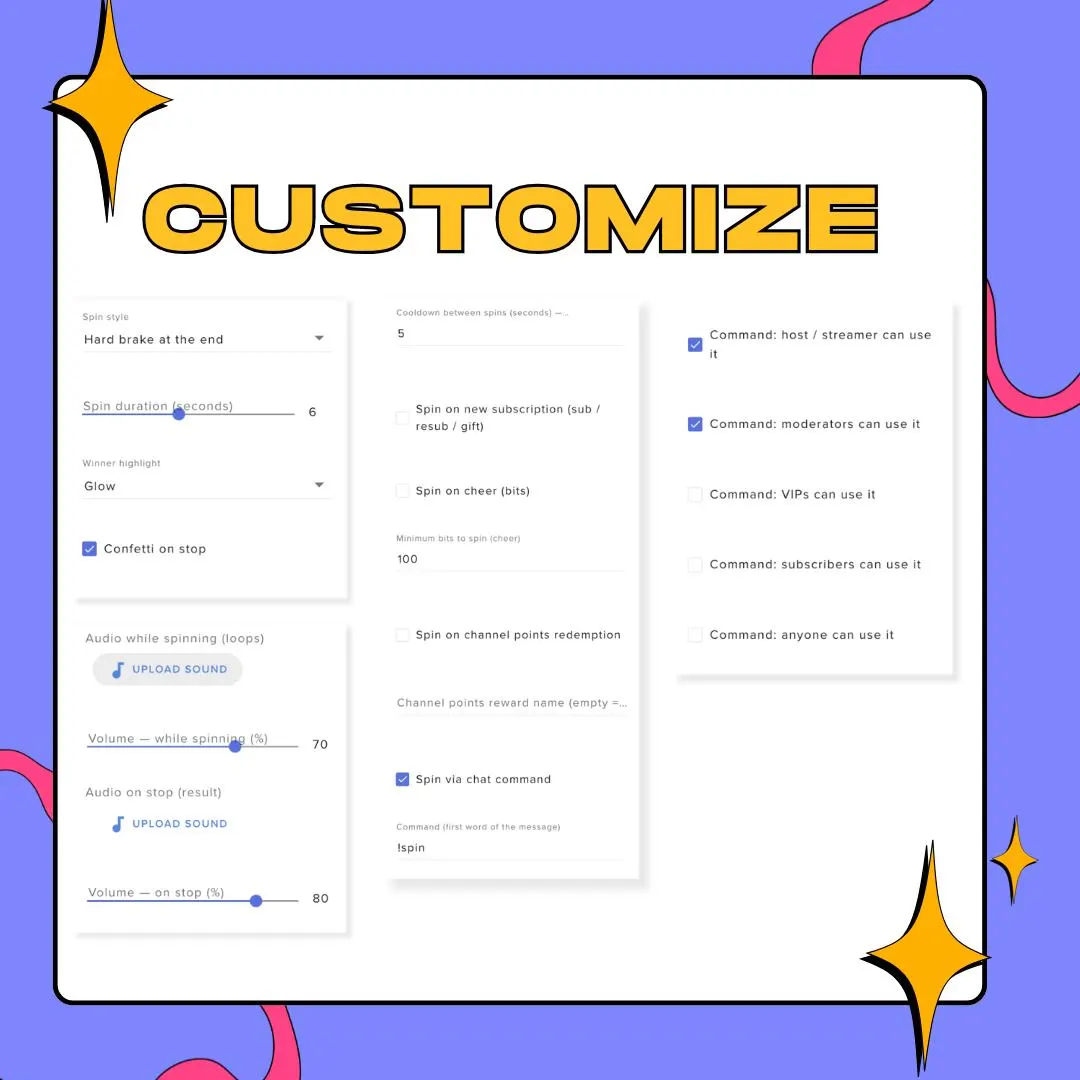
The triggers make this twitch spin wheel part of the chat instead of a decoration. Link it to one Channel Points reward, make a chat command like !spin and choose who may use it, or let subs, resubs, gifted subs and Bits above a minimum set it off. The same widget works as a prize wheel overlay for rewards, a giveaway picker, a punishment wheel during a hard run, a challenge wheel or a game selector for variety nights.
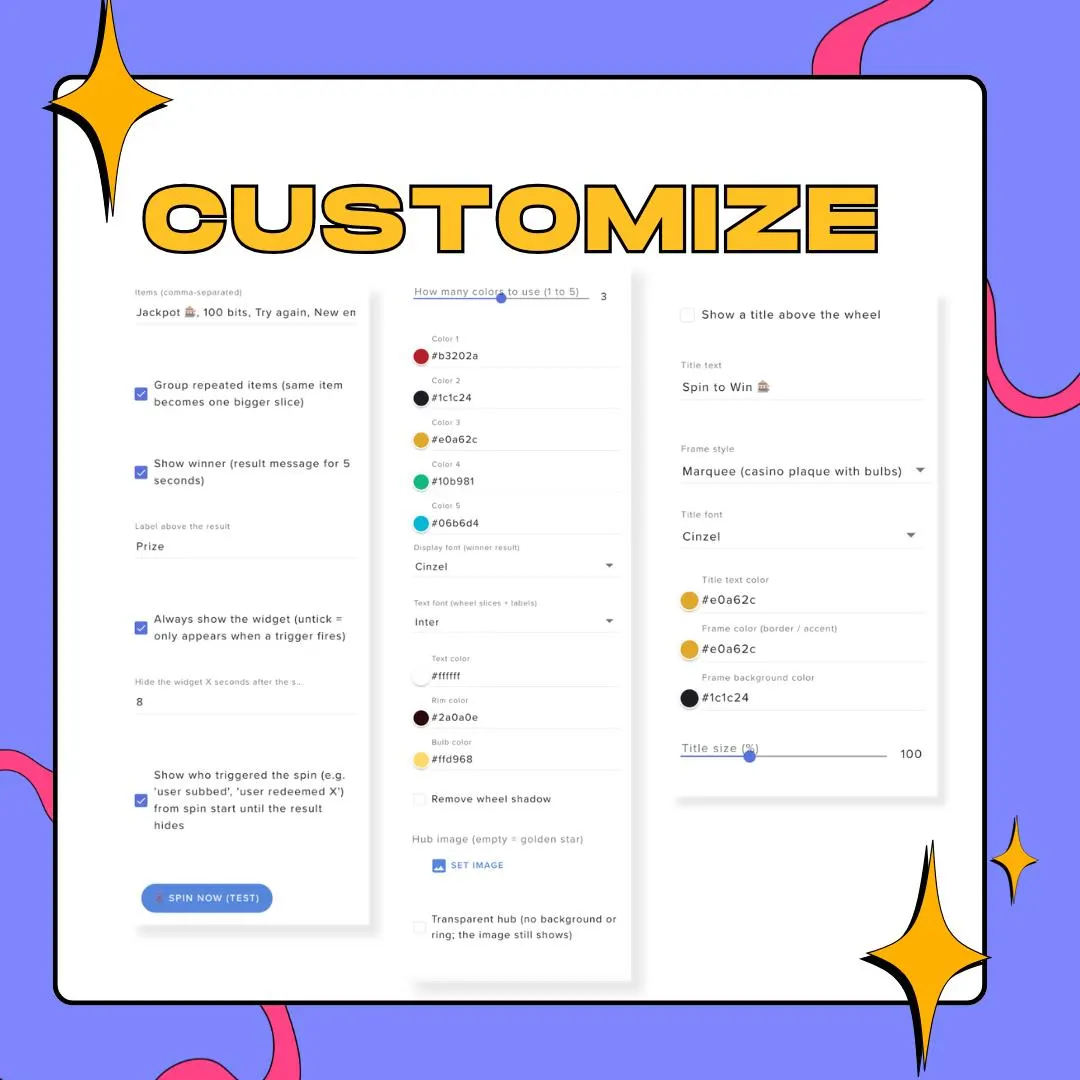
Fairness and pacing live in the settings too. Type an entry more than once and the copies merge into one wider slice, so a common prize comes up more often than the jackpot. A cooldown keeps chat from spamming spins, and the wheel can stay up all stream or appear only when triggered, then hide again. Load the overlay in OBS through a browser source and the wheel floats over your gameplay or your camera.
what you get
Channel Points, a chat command, new subs, resubs, gifted subs or Bits can each start a spin. Turn on only the ones you want.
List Try again five times and Jackpot once, and the wheel draws those odds as slice sizes that chat can see.
Choose who can fire the chat command: the broadcaster, moderators, VIPs, subscribers or anyone, with a cooldown between spins.
Begin with a gold casino wheel, a neon cyber wheel or a pastel one, then set up to 5 slice colors, rim, bulbs and Google Fonts.
Upload a spinning sound and a winner sound, each with its own volume, and put your logo in the hub or leave it see-through.
setup
In StreamElements, open the overlay you stream with and add a Custom Widget to it.
Open the widget editor and paste the HTML, CSS, JavaScript and fields files from the ZIP into their matching tabs.
Start from one of the 6 presets, or set entries, colors, title frame and sounds in the widget's own settings panel.
Tick the triggers you want, such as a Channel Points reward or a minimum Bits amount, then test with the spin button.
Copy the overlay URL into OBS as a Browser Source and size the wheel over your scene.
questions
Only enough to paste. You copy the files into a StreamElements Custom Widget once; after that, entries, colors, sounds and triggers are labeled settings in StreamElements.
Yes. Besides a Channel Points reward, a spin can come from your chat command, a new sub, a resub, a gifted sub or Bits above the minimum you set. You can also click to spin it yourself.
Neither. It is a custom widget that runs inside a StreamElements overlay, so you need a StreamElements account, and OBS shows it through a browser source.
No. The wheel takes your own audio for the spin and the win, with separate volume sliders, and your own image for the hub. The download covers the widget code and the 6 presets.
$5.00 USD on Etsy