Stream widget
1 / 3
Stream widget
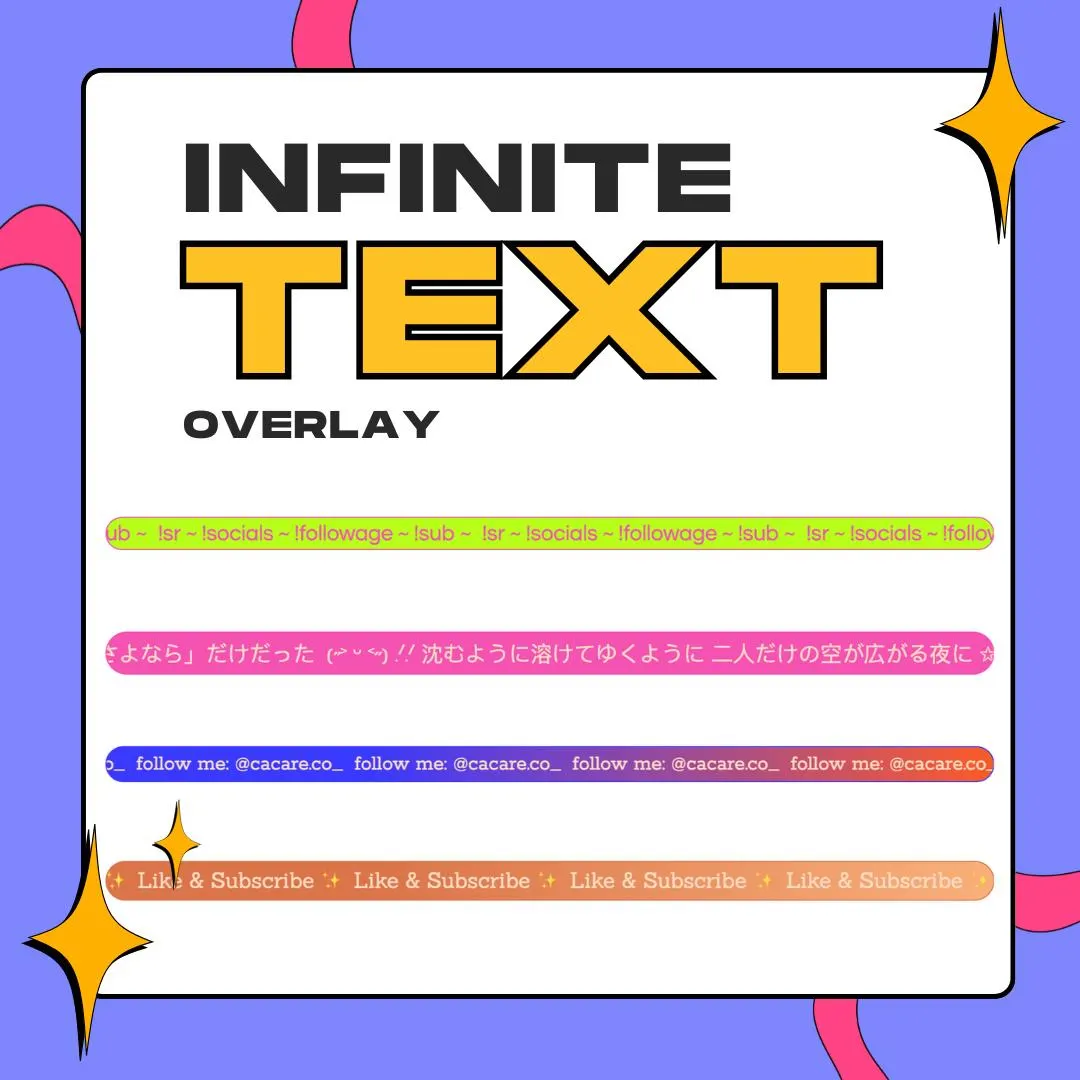
Infinite Text is a scrolling text overlay that runs a looping marquee band across your stream, built as a StreamElements widget for OBS. Put your socials, chat commands or a subathon goal on it and let it roll.
$5.00 USD
Instant digital download
the details
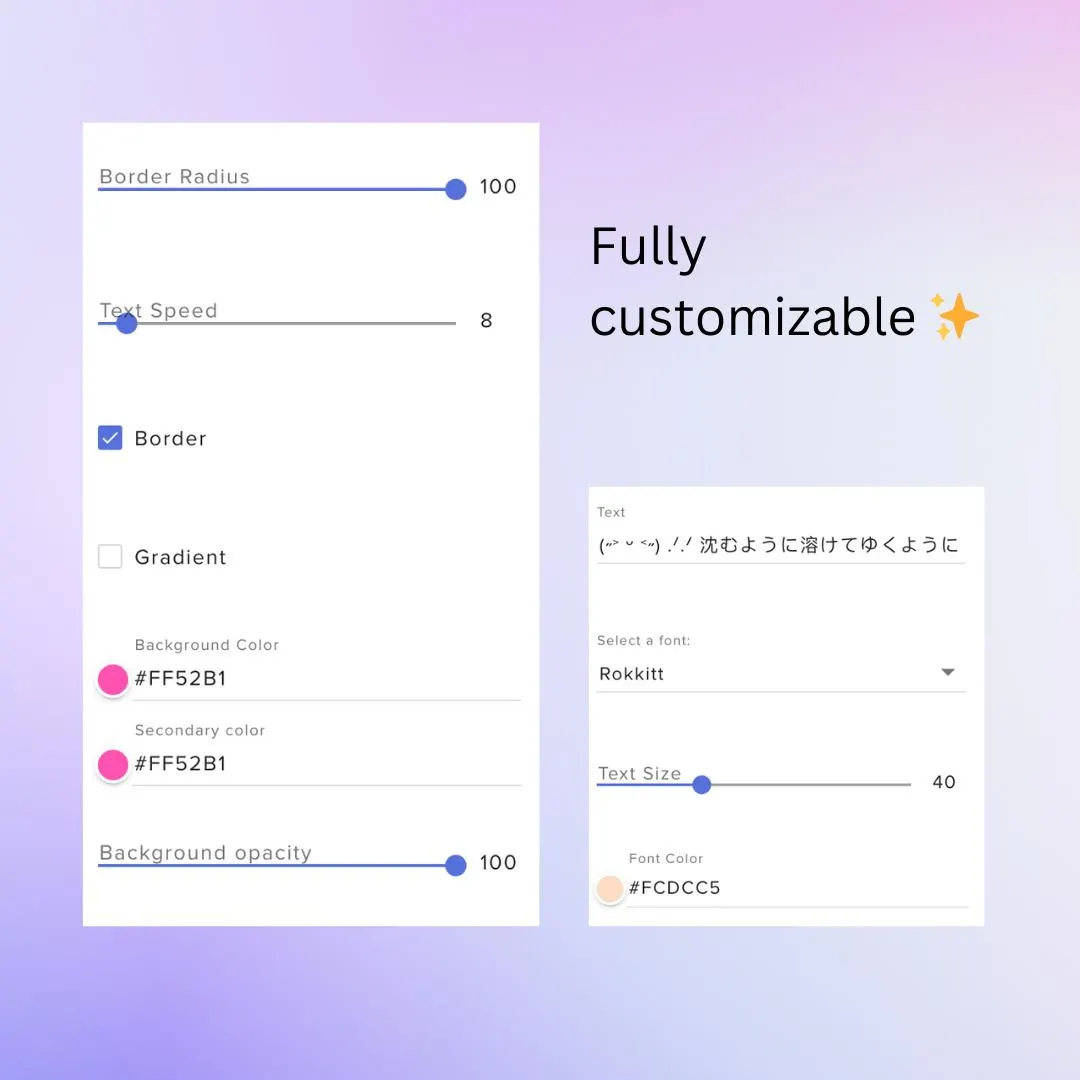
On screen it is one band of text that loops forever from edge to edge, placed and sized wherever you want it in the overlay. The band takes a solid color or a two-color gradient, corners from square to a full pill, an optional border and an opacity slider, so it can be a loud stripe or a quiet strip. The words use any font from the picker, at any size and in their own color, and they travel as slowly or as quickly as you set the speed.
Think of this scrolling text overlay as a news ticker for streamers. Keep your chat commands rolling under the camera, show your handle and socials on an intermission screen, give a sponsor a shoutout, or keep a subathon goal in view during Just Chatting and IRL streams. Vtubers get a clean line of moving stream text that sits under the model without covering it, and gaming channels can run it along the bottom of the gameplay.
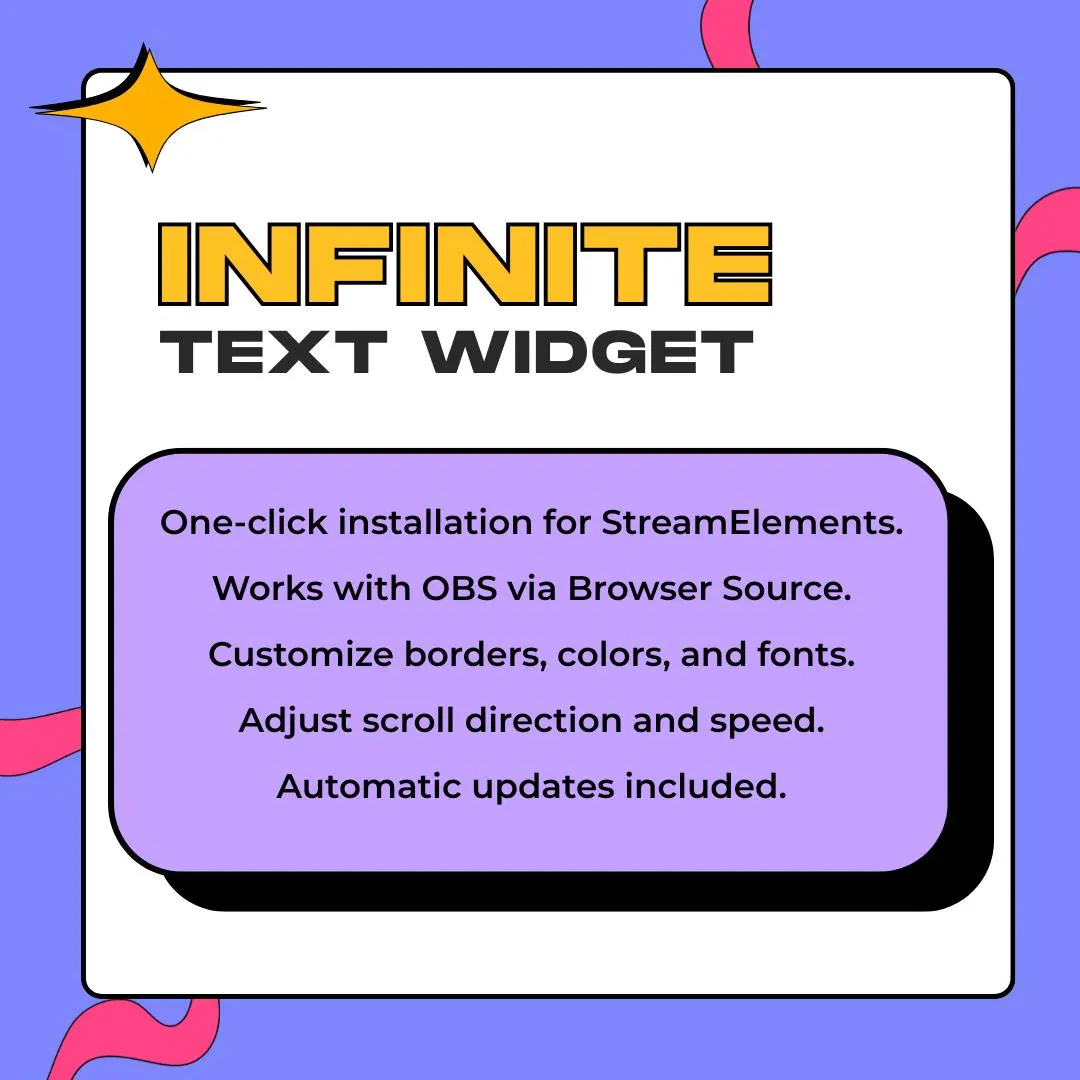
Because it is a StreamElements widget, the marquee lives in your StreamElements overlay and reaches OBS Studio through a browser source. The same overlay goes live with you on Twitch, YouTube Live, Kick or Facebook Gaming, and setup happens in the browser, so there is no program to download. Art, music and cooking streams can use it as a calm caption, and a starting soon or BRB scene gets some motion without a video file.
what you get
Use one background color or blend two into a gradient, then set the opacity anywhere from see-through to solid.
Round the corners up to a full pill shape or keep them square, and switch on a border when the band needs an edge.
Pick a font from the picker, size the letters and give them a color of their own, separate from the band behind them.
Let the text drift slowly for a chill stream or race across for a hype segment, and choose which way it scrolls.
setup
Open the ZIP and follow the setup guide; every step comes with a screenshot.
Log in to StreamElements and use the included link to add the marquee overlay to your account.
Type your message in the widget settings, then set the font, size, colors, gradient, border and speed.
Copy the overlay URL from StreamElements and add it to OBS Studio as a browser source.
Drag the band into place: under your camera, along the bottom of the game or across a BRB screen.
questions
Yes. It runs through StreamElements and OBS, and the listing covers Twitch, YouTube Live, Kick and Facebook Gaming, so the platform you stream to does not change the setup.
No. You add it through StreamElements and change everything in its settings panel: the text, colors, gradient, font, border, opacity and scroll speed.
Yes. The background, second and font colors all take hex codes, the gradient blends two of them, and the opacity slider lets the band fade into your scene.
Any text that helps your stream: chat commands, your social handles, a sponsor shoutout, a subathon goal or a Like and Subscribe reminder.
$5.00 USD on Etsy