Stream widget
1 / 8
Stream widget
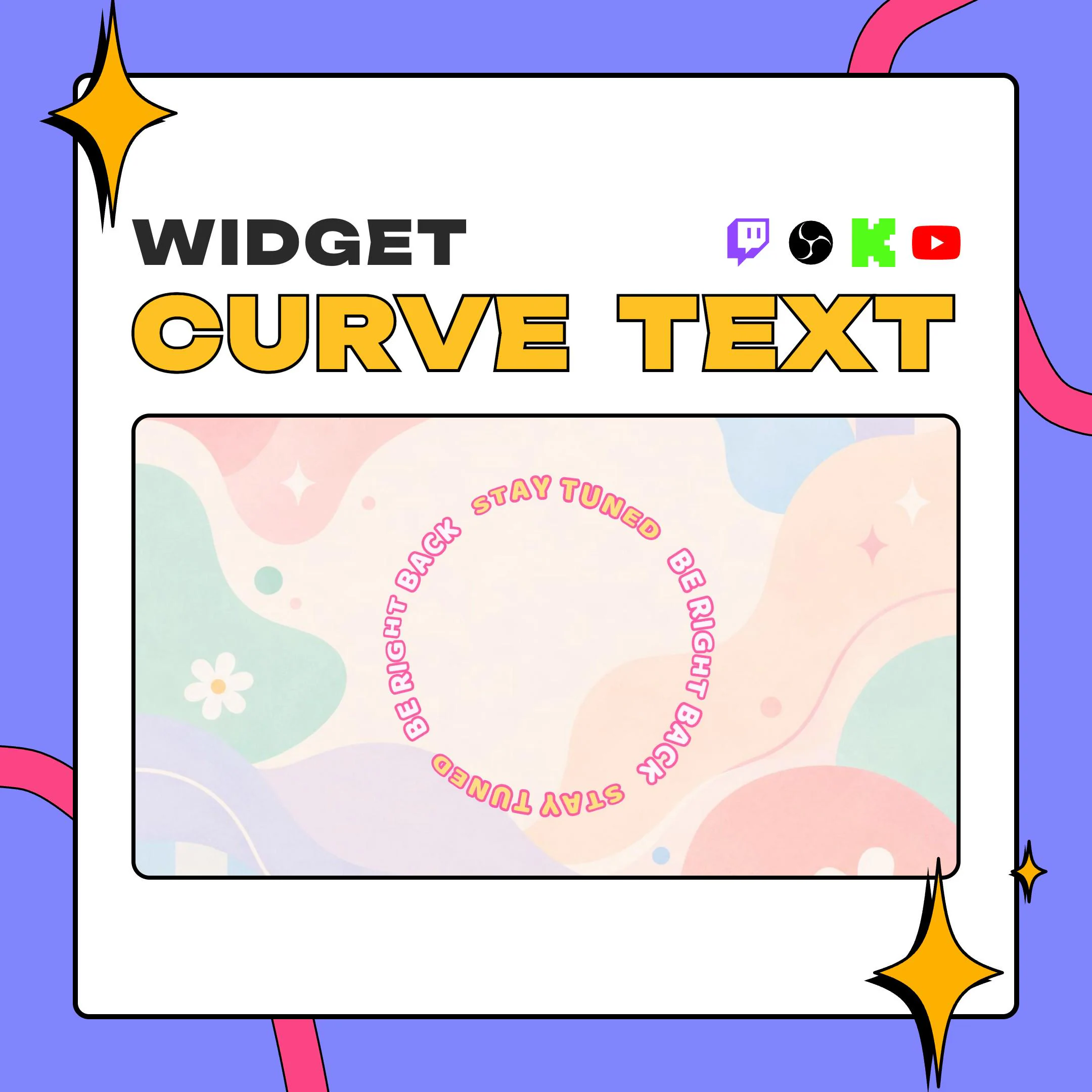
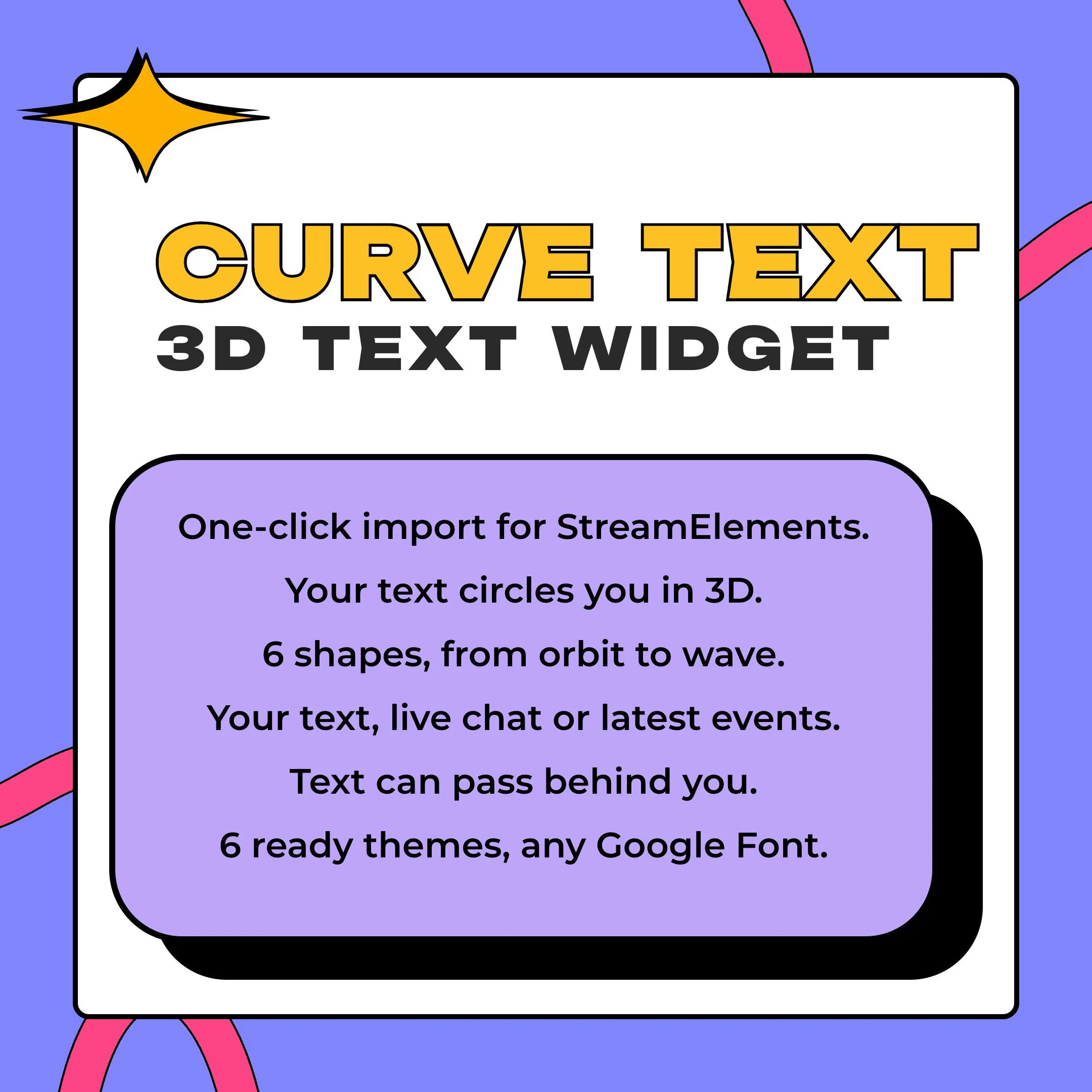
Curve Text is a 3D spinning text overlay that loops a line of words on a path around you, so the near letters swell and the far ones fade behind your head. Feed it your own phrases, live chat or your newest follows and subs.
$10.00 USD
Instant digital download
the details
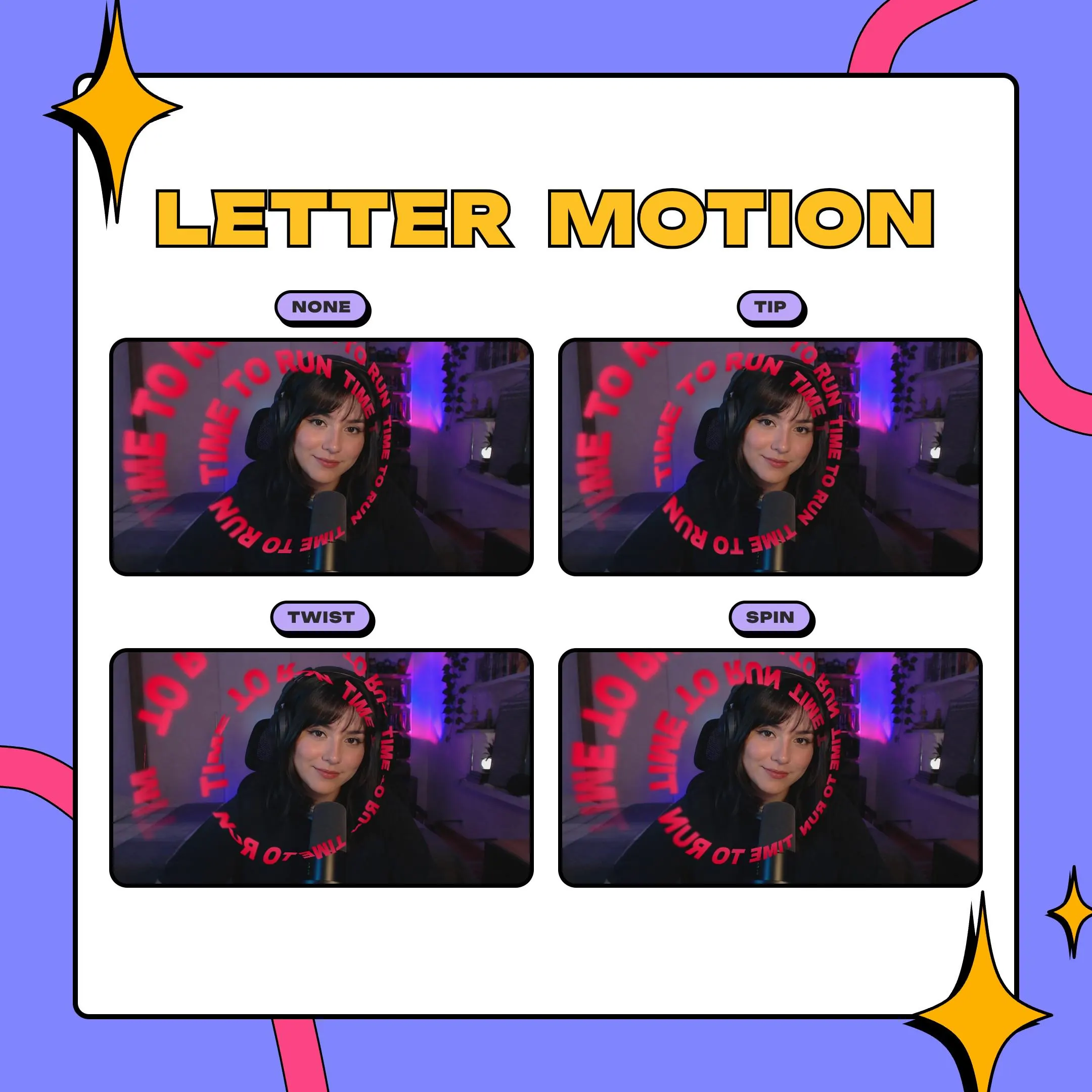
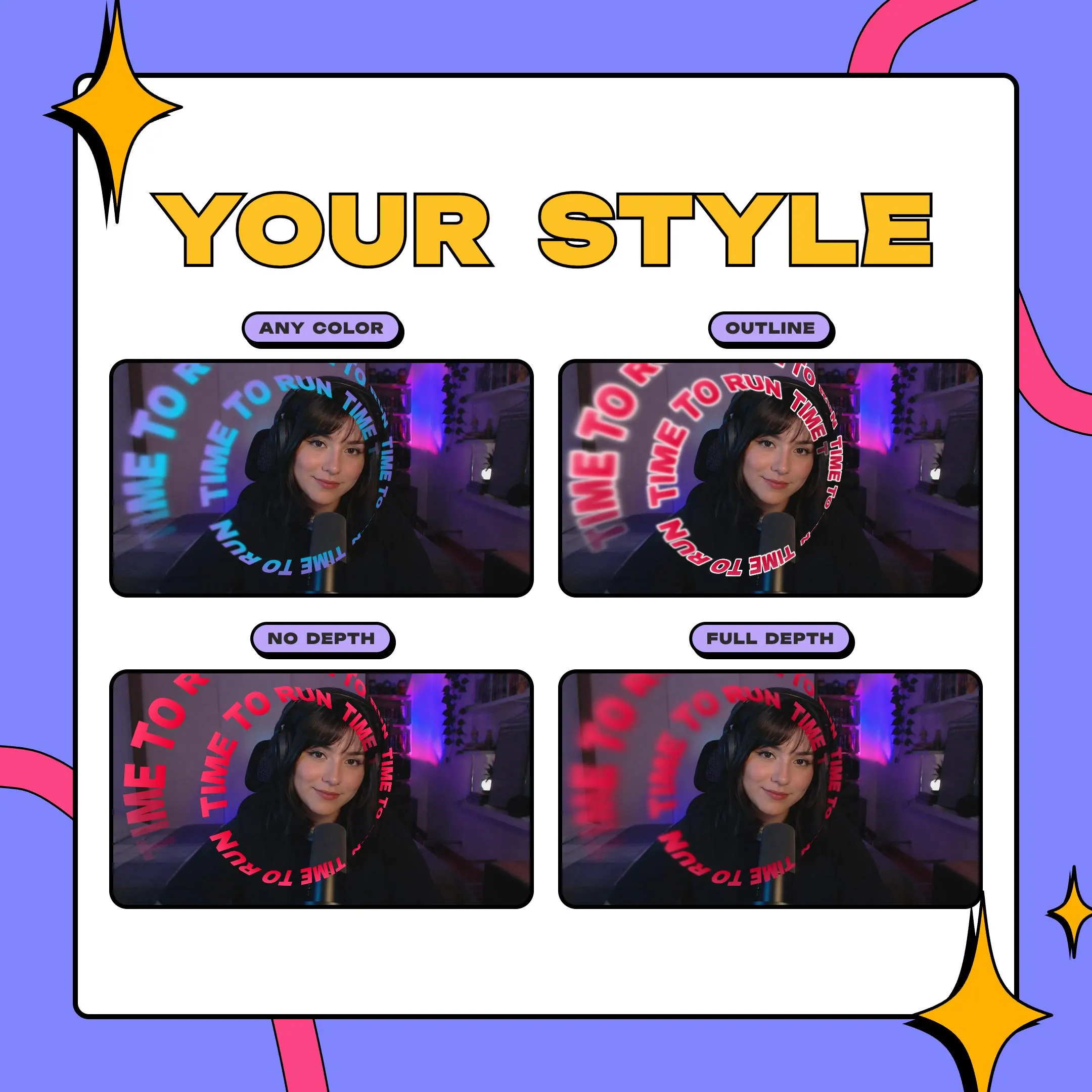
Picture a ring of words circling your webcam like the opening titles of a show. A real perspective camera handles the depth: letters near the lens grow large and soft, letters on the far side get smaller, darker and slip into fog. You set how much blur sits on each end, how thick the fog is and what color the far side turns, or you skip depth for a flat ring. The letters themselves can tip, swing, twist like a ribbon or spin, and the whole line flies in along its path when the overlay loads.
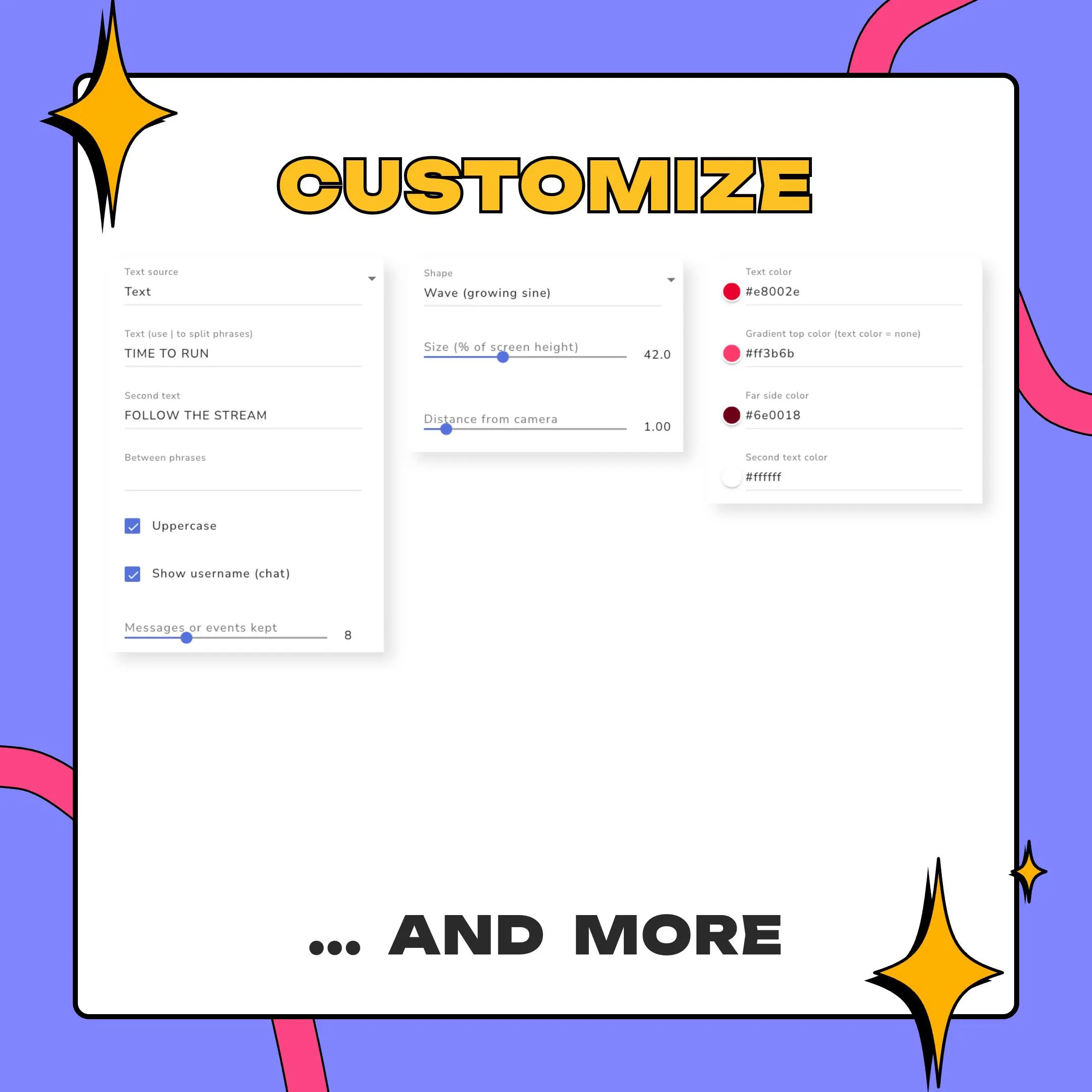
What the 3d spinning text overlay says is up to you. Type one phrase, separate several with the | character so they take turns, or alternate two texts in two colors. Switch the source to live chat, with or without usernames, or to your newest follows, subs, cheers and tips as they arrive. Stack two copies of the widget, the back half under your camera layer and the front half over it, and the words travel behind your head in sync.
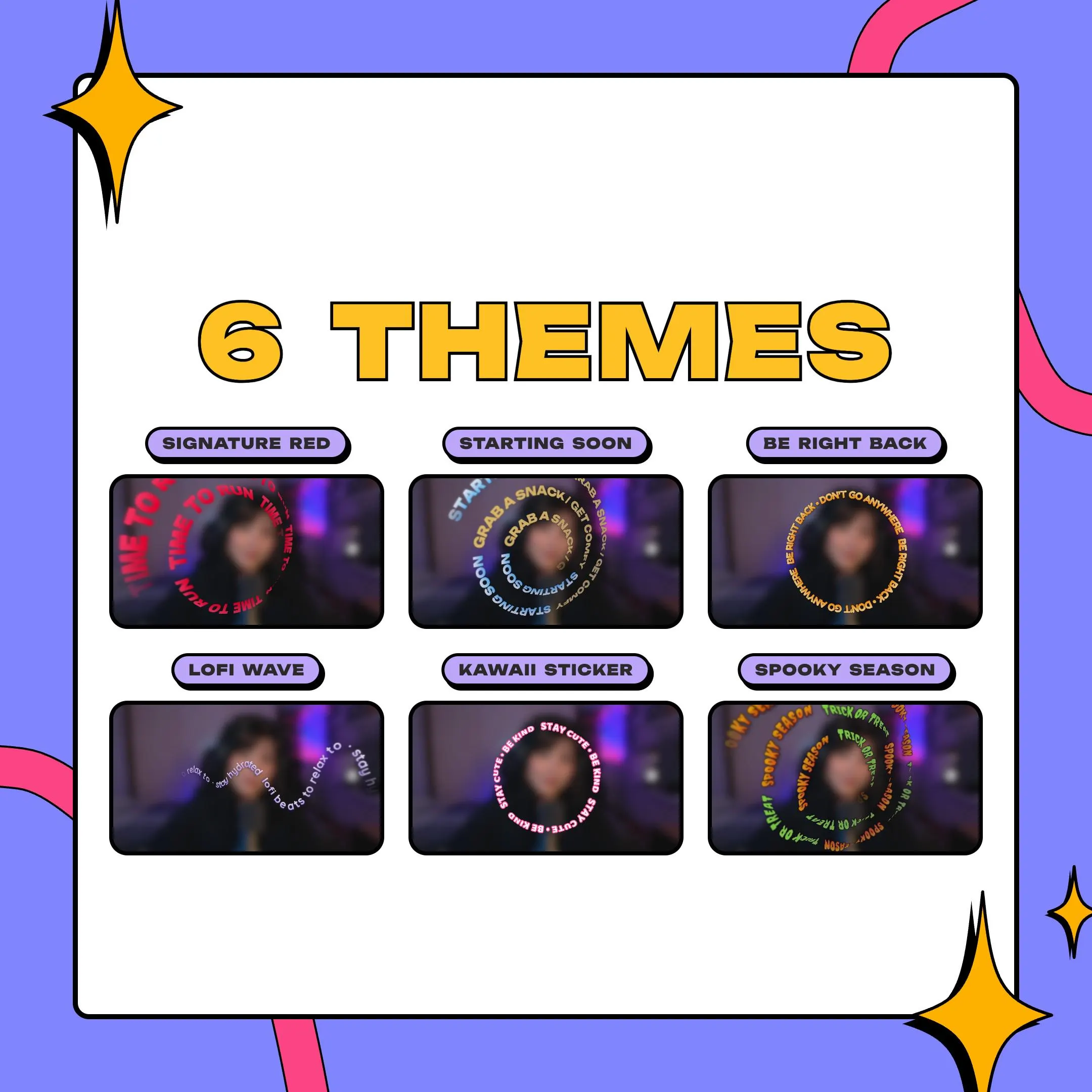
It suits camera-first streams: just chatting, Vtuber models, music and lofi sets, and starting soon or BRB screens where a ring of text fills the wait. The 6 themes, from Signature Red to Spooky Season, give you a full look in one paste. Past that, every part stays yours to change: any Google Font with its weight and spacing, letters that grow along the path, a gradient on the text, outline and shadow, plus speed, wobble, direction, size and how far the ring sits from the lens.
what you get
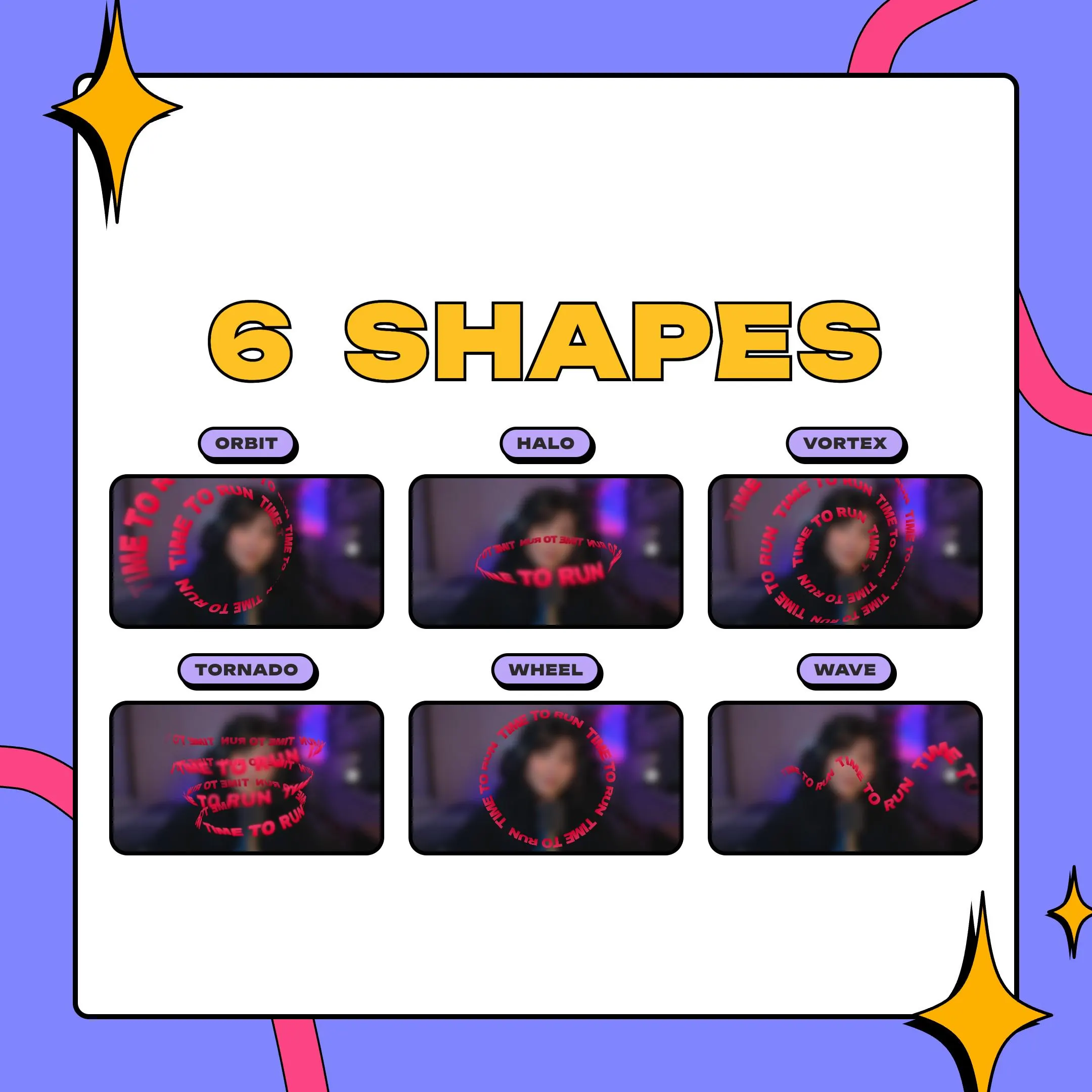
Orbit spirals around you, Halo rings your head, Tornado climbs as a helix and Wave grows like a sine. Vortex and Wheel round out the set.
Two synced copies of the widget, one under your camera and one over it, let the words slip behind you and come back around.
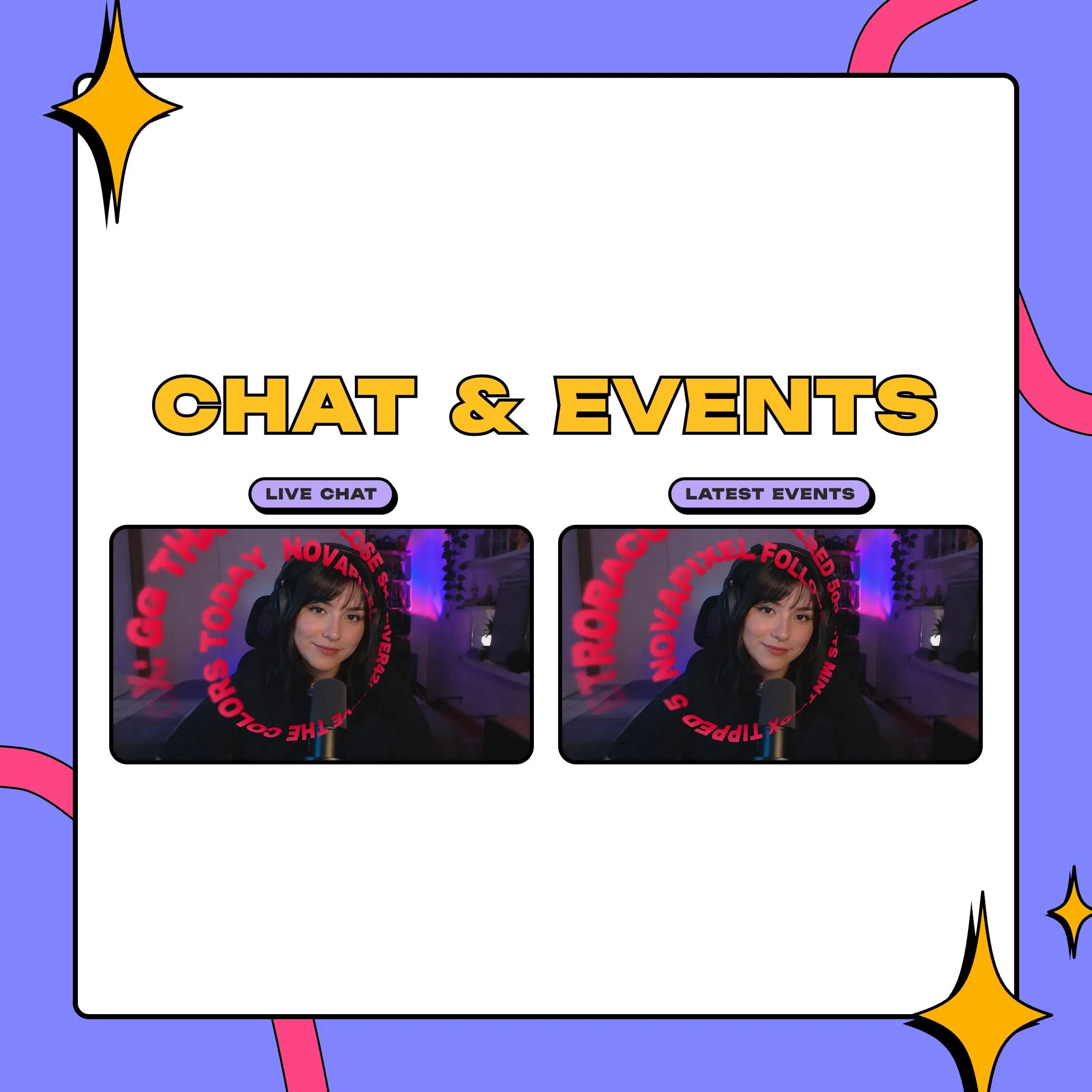
Turn the ring into a live feed: chat messages with or without names, or the latest follows, subs, cheers and tips.
Soften near and far letters with blur, thicken the fog, tint the far side, or turn depth off for a flat, crisp ring.
Signature Red, Lofi Wave, Starting Soon, Kawaii Sticker, Be Right Back and Spooky Season, each one paste away.
setup
Open the PDF guide from your download and click its StreamElements import link.
Log in to StreamElements and the overlay appears in your account with the widget already built.
Type your text, or set the source to live chat or recent events, then pick one of the 6 themes.
Choose a shape and set its size, distance from the camera, speed and direction around your face cam.
For text behind you, add the widget a second time and layer one copy below your camera and one above it.
Bring the overlay into OBS, Streamlabs Desktop or XSplit as a browser source and line it up with your camera.
questions
You run two copies of the widget. The copy below your camera layer draws the back half of the path and the copy above draws the front half, and both stay in sync. A camera with its background removed or keyed gives the cleanest result.
No. You need a StreamElements account, and the free tier is enough. There is no outside website or extra subscription involved: every setting sits in the regular StreamElements widget editor.
Yes. The ZIP also holds the source files. Create a Custom Widget in your overlay, paste each file into the field with the same name, and you get the same widget as the one-click route.
Yes, on your own single channel, commercial streams included. The files cannot be resold, shared or bundled into a product of your own.
$10.00 USD on Etsy