Stream widget
1 / 4
Stream widget
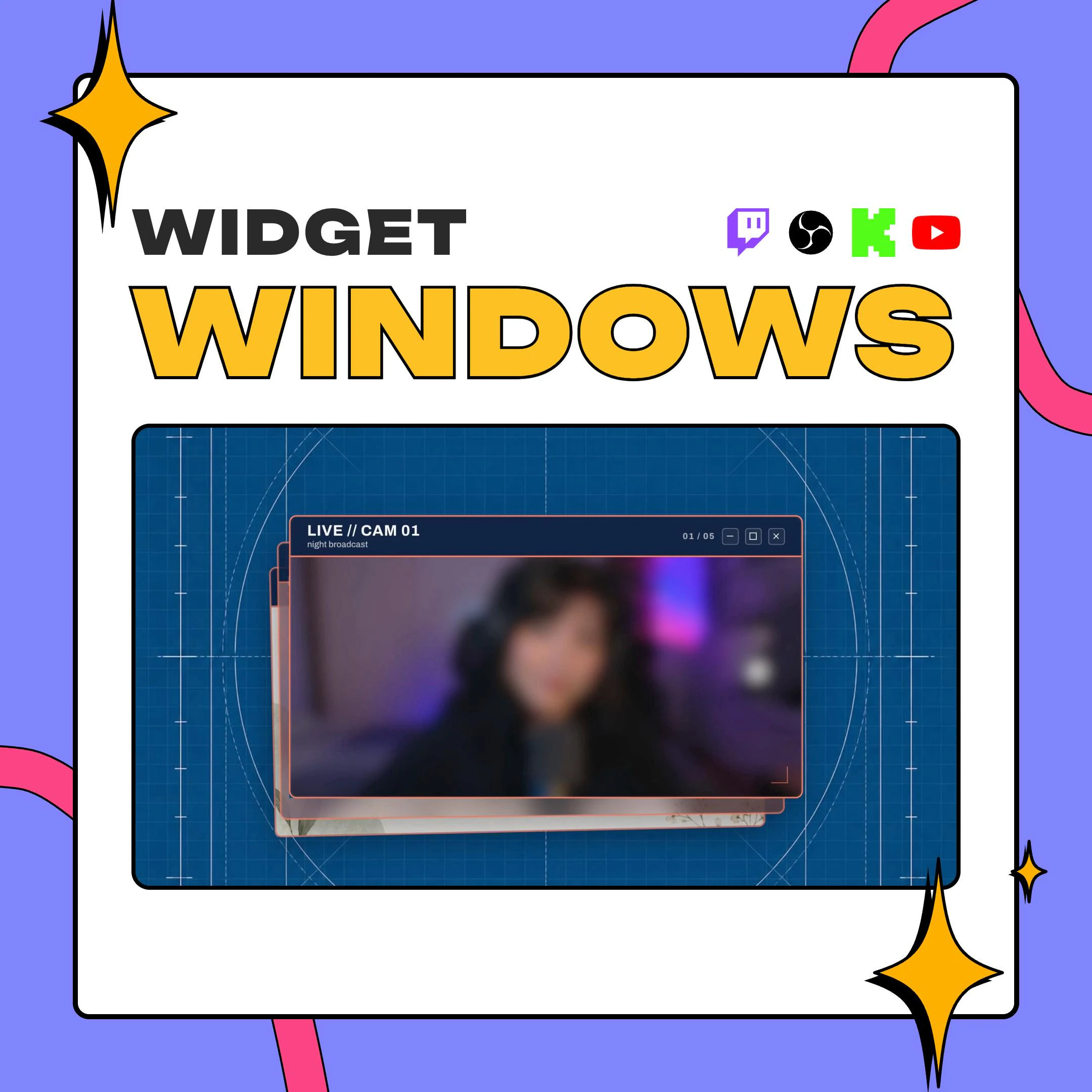
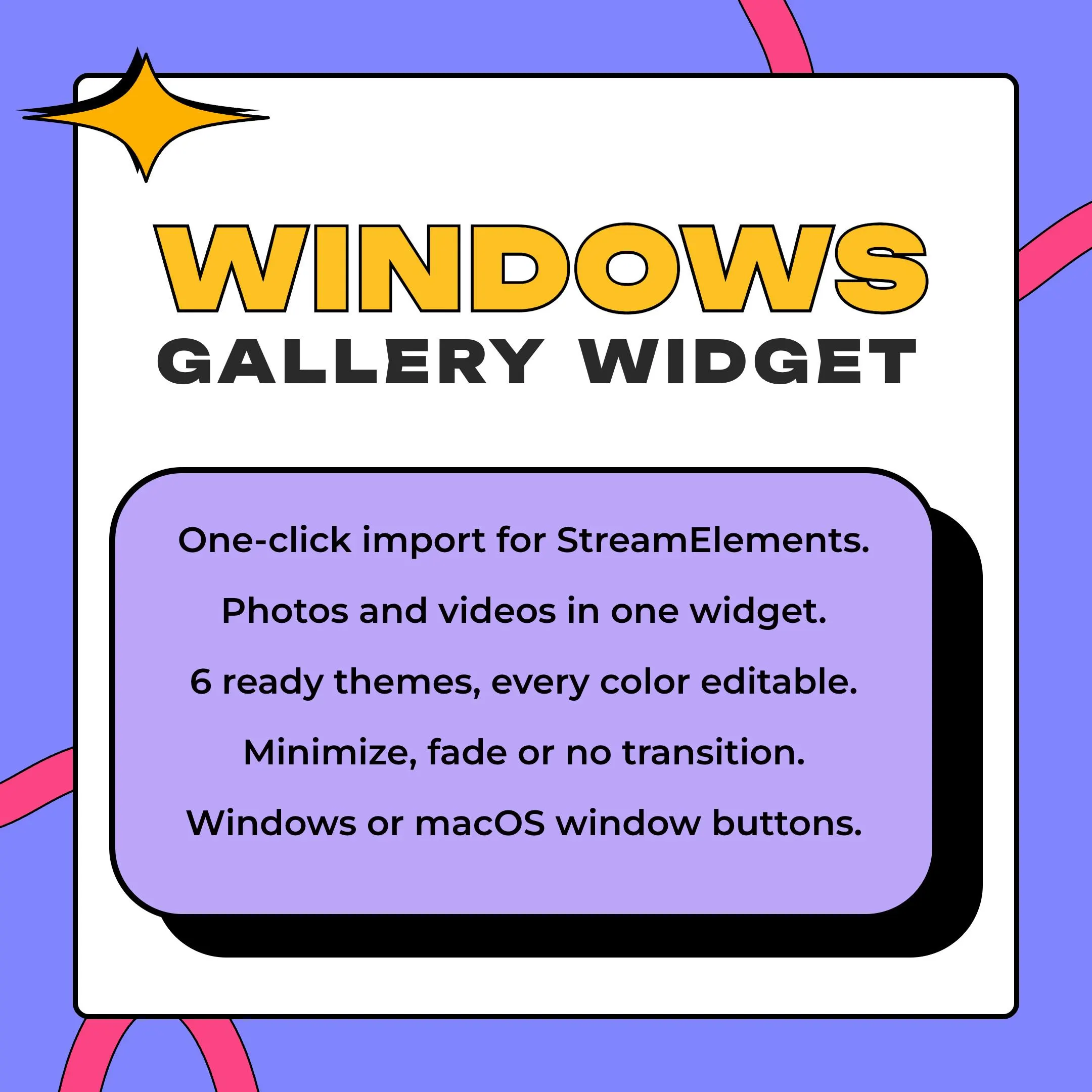
This photo slideshow overlay shows your pictures and video clips inside a desktop-style window, with a pile of windows behind it for depth. Load as many files as you like into one StreamElements widget and it cycles through them on its own.
$10.00 USD
Instant digital download
the details
On stream you see one window in front, framed like an app on a desktop: a title bar with your title and an optional subtitle, window buttons in Windows or macOS style or none at all, and your photo or clip filling the frame. Behind it sit more windows, neatly stacked or scattered, with adjustable depth and spread, so the gallery reads as a pile of open apps instead of a flat slideshow. A small counter in the title bar, such as 3 / 12, can show viewers where they are.
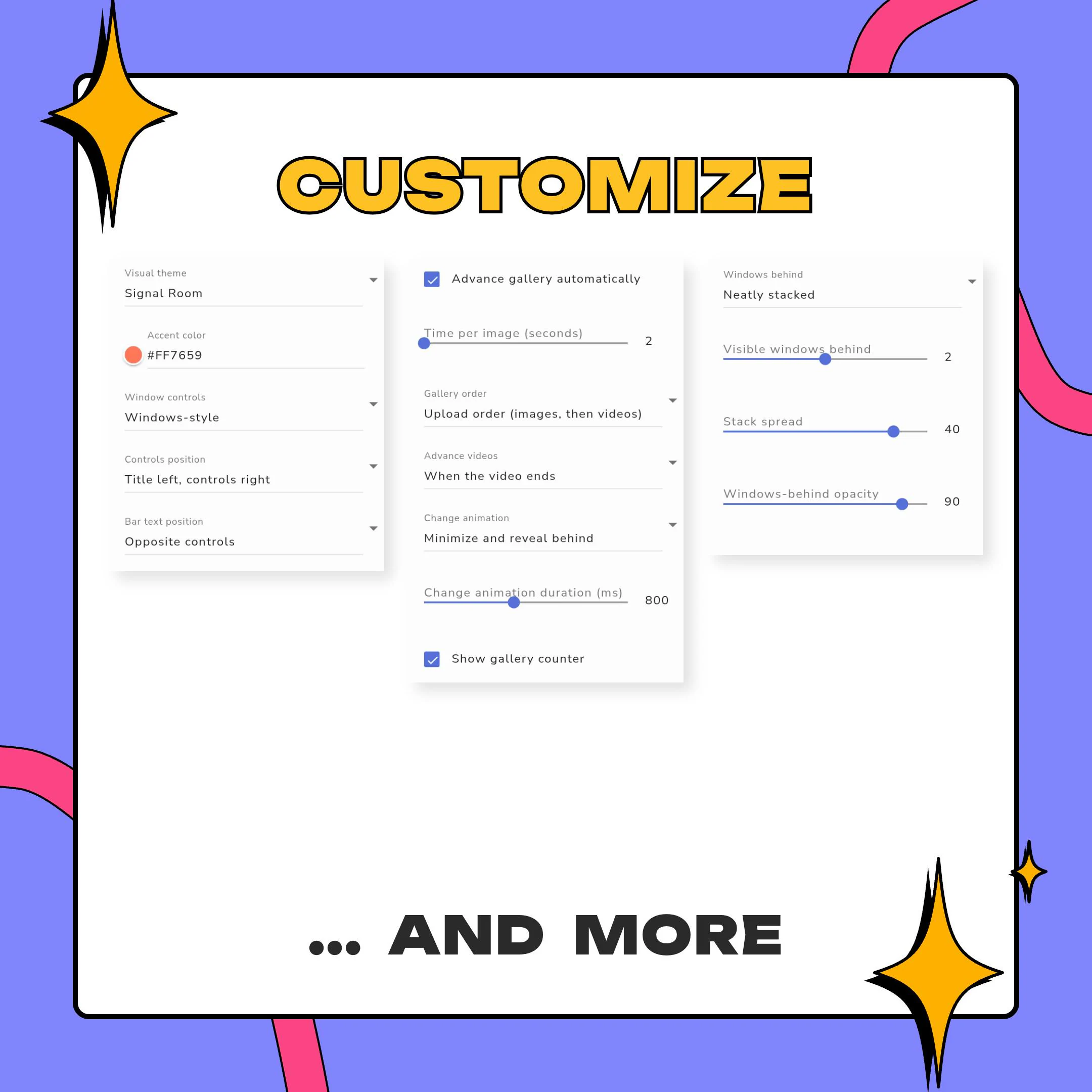
As a photo slideshow overlay, it handles stills and video in the same widget. It can move on a timer or wait for each video to finish, play files in the order you uploaded them, alternate images and videos, or shuffle everything each time it loads. Between slides, the front window can minimize to reveal the next one behind it, fade softly, or switch with no transition. Images can cover the frame or fit inside it, with a focal point, zoom and blur for tricky crops.
Streamers use a gallery like this as a just chatting backdrop, a showcase for art, photos, cosplay or outfits, a rotation of sponsor and product shots, a clip reel on starting soon, BRB or offline screens, or set dressing in a Vtuber scene. Every option sits in the regular StreamElements editor, and the overlay plays in OBS, Streamlabs Desktop, XSplit or anything that loads a browser source.
what you get
Mix stills and clips in one widget with no cap on how many, and let each video play to its end before the next slide.
Extra windows peek out behind the active one, neatly stacked or scattered, with spread and opacity you control.
The front window shrinks away to uncover the next file waiting behind it. A soft fade and a plain cut are there too.
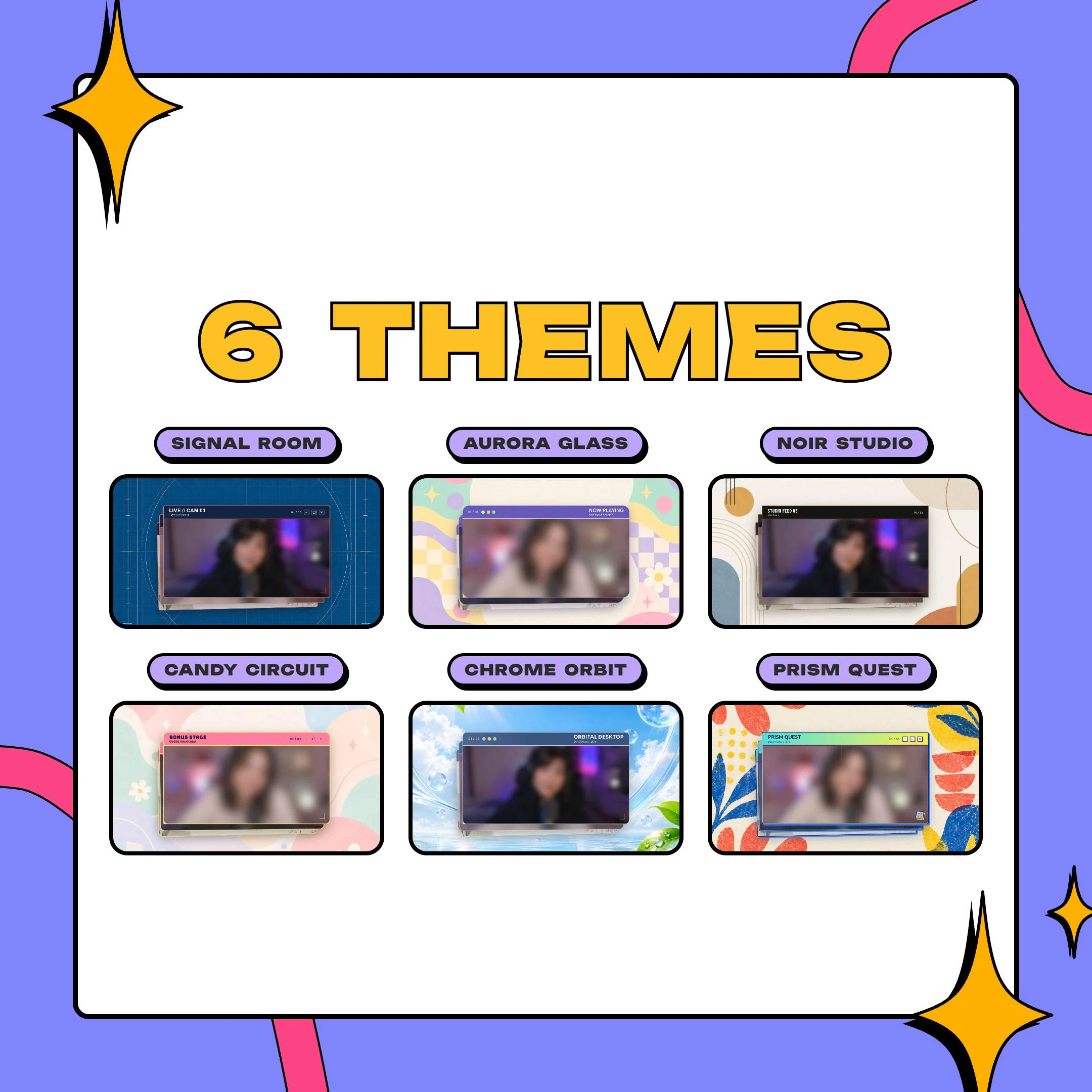
Start from Noir Studio, Signal Room, Prism Quest, Aurora Glass, Chrome Orbit or Candy Circuit, then edit every color.
Windows-style or macOS-style buttons, a title and subtitle in any Google Font, and a solid or two-color gradient bar.
setup
Open the PDF guide in your download and click the StreamElements import link.
Sign in to StreamElements; the gallery overlay is created in your account, ready to edit.
Upload your photos and video clips in the widget settings and choose the play order.
Pick one of the 6 themes, then adjust colors, title text, window buttons and the stack behind.
In OBS or Streamlabs Desktop, load the overlay URL as a browser source and set the window's size.
questions
There is no set limit. The widget takes as many images and clips as you upload, and you can run them in upload order, alternate them by type, or shuffle them on load.
Yes. Images move on after the time you set, and videos can be told to play to the end before the gallery changes to the next file.
No. Colors, title, fonts, window buttons, borders, corners and shadow are all fields in the StreamElements editor. No Photoshop or After Effects is involved.
No. It is a digital product: the PDF guide and a ZIP with the widget files arrive as an instant download, and the overlay itself runs from your StreamElements account.
$10.00 USD on Etsy