Stinger transition
1 / 2
Stinger transition
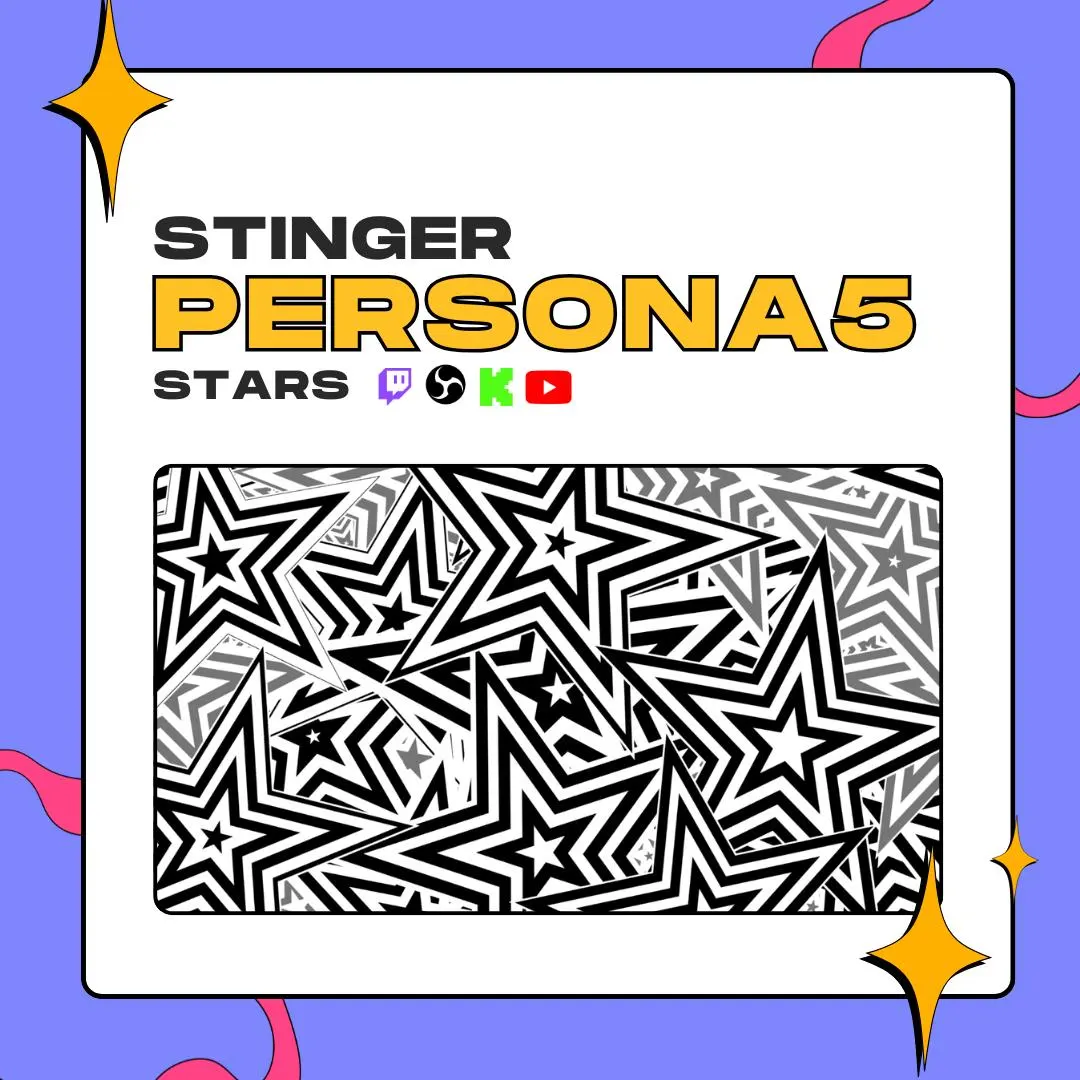
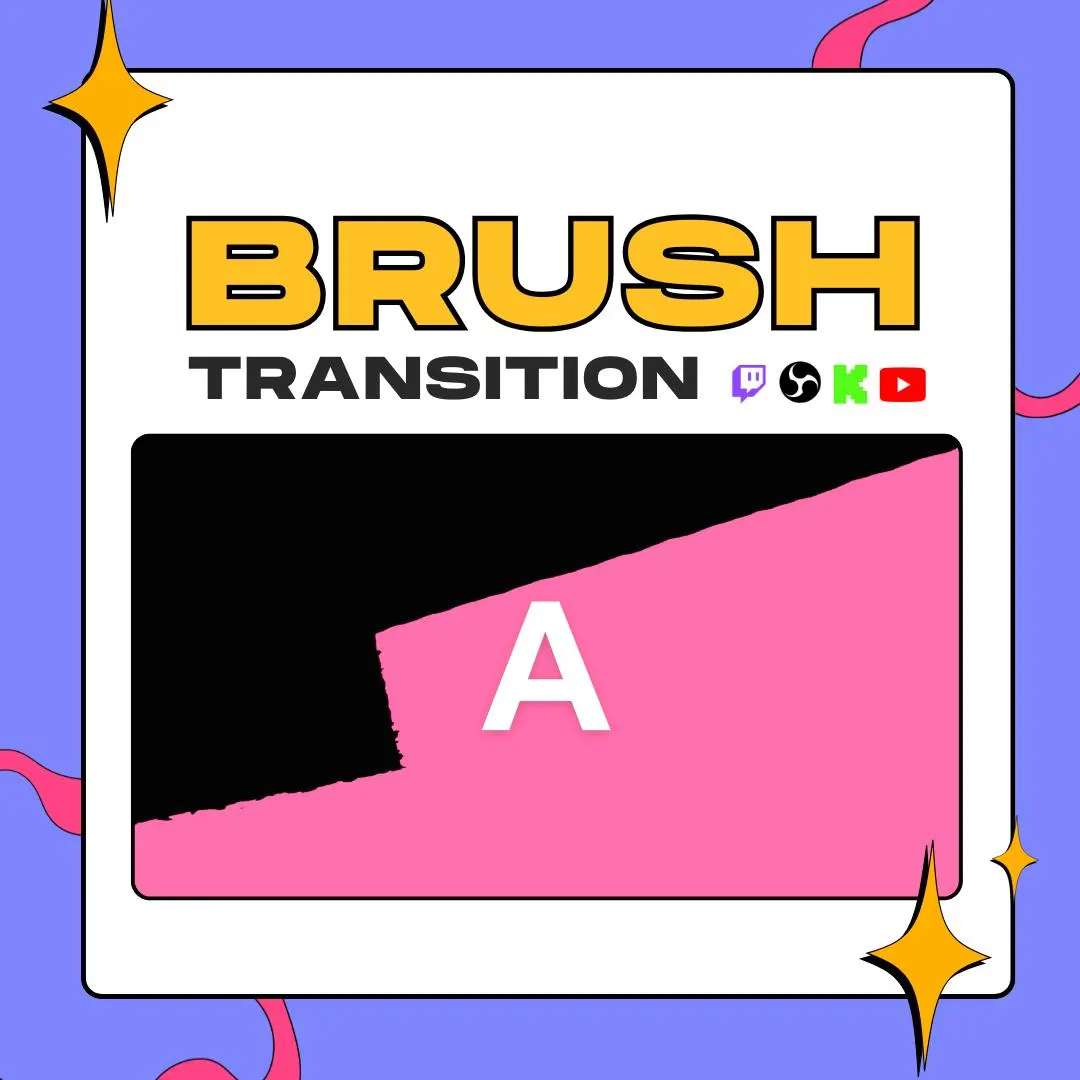
This brush stinger transition paints one black, ragged stroke over your stream while OBS swaps scenes underneath, then wipes it clear. It takes its cue from Persona 5 and keeps things simple: one shape, one color, 3 seconds.
$5.00 USD
Instant digital download
the details
Not every scene change needs fireworks. This one is a single black brush stroke with a dry, torn edge. It sweeps over the screen, covers it while OBS changes the scene, and clears to show the new one. Over a busy game or a webcam, a plain shape like this reads fast and stays out of the way.
The look is inspired by Persona 5, kept to black on a transparent background so it works with any overlay color. That makes this brush stinger transition an easy fit for RPG streams, story games and anime-style channels on Twitch, YouTube or Kick, and just as easy on a stream with no theme at all.
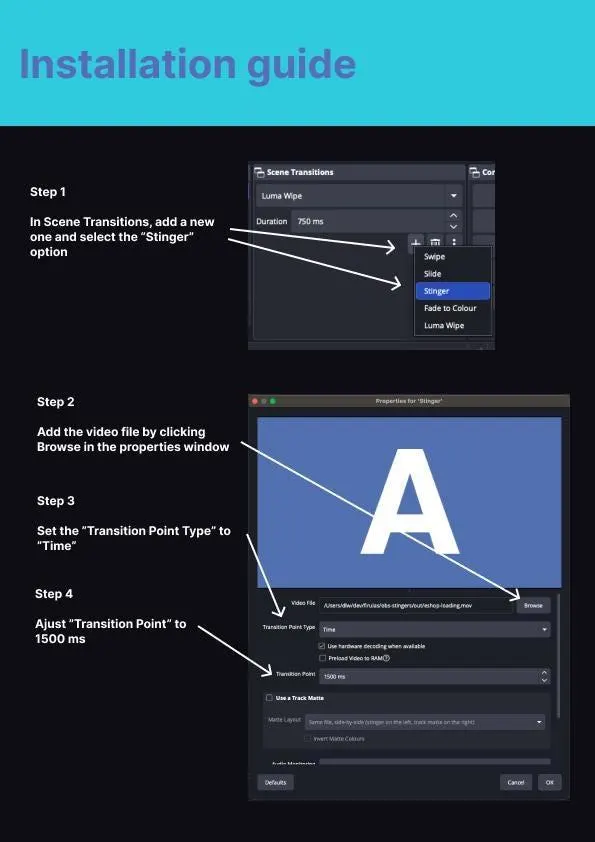
You get the same animation in WEBM and MOV, both with an alpha channel, at 1920×1080. In OBS, add it as a Stinger transition and enter 1500 ms as the transition point; that lines the cut up with the moment the stroke fills the frame. The download is a ZIP, so there is nothing to wait for after checkout.
what you get
A single black brush stroke with a ragged painted edge, calmer than pattern-heavy stingers and easy to read at a glance.
Set OBS to 1500 ms and the scene swap happens halfway through the 3-second animation, while the stroke hides it.
WEBM and MOV each keep a transparent background, so only the brush stroke is drawn over your scenes.
Etsy hands you a ZIP right after purchase. Nothing is shipped, so you can add it to OBS the same day.
A Persona 5-inspired look, built as an independent design. It is not an official product and not endorsed by the game's makers.
setup
Grab the ZIP from your Etsy purchases and extract it to a folder OBS can read.
Open OBS Studio, find the Scene Transitions dock and press + to add a Stinger.
Click Browse in the Stinger window and pick the brush stroke WEBM or MOV.
Set Transition Point Type to Time, type 1500 ms into Transition Point and save.
Choose the brush stinger in the transitions list and try a scene switch to watch the stroke cover the cut.
questions
Yes. The brush design has its own vertical listing, sized 1080×1920 for phone-shaped edits. What you are looking at here is the widescreen stinger for OBS.
No. Both the WEBM and the MOV have an alpha channel, so everything around the brush stroke is already transparent in OBS.
An instant ZIP download from Etsy. The animation comes in WEBM and MOV, both transparent, at 1920×1080 and 3 seconds long.
$5.00 USD on Etsy