Video transition
1 / 2
Video transition
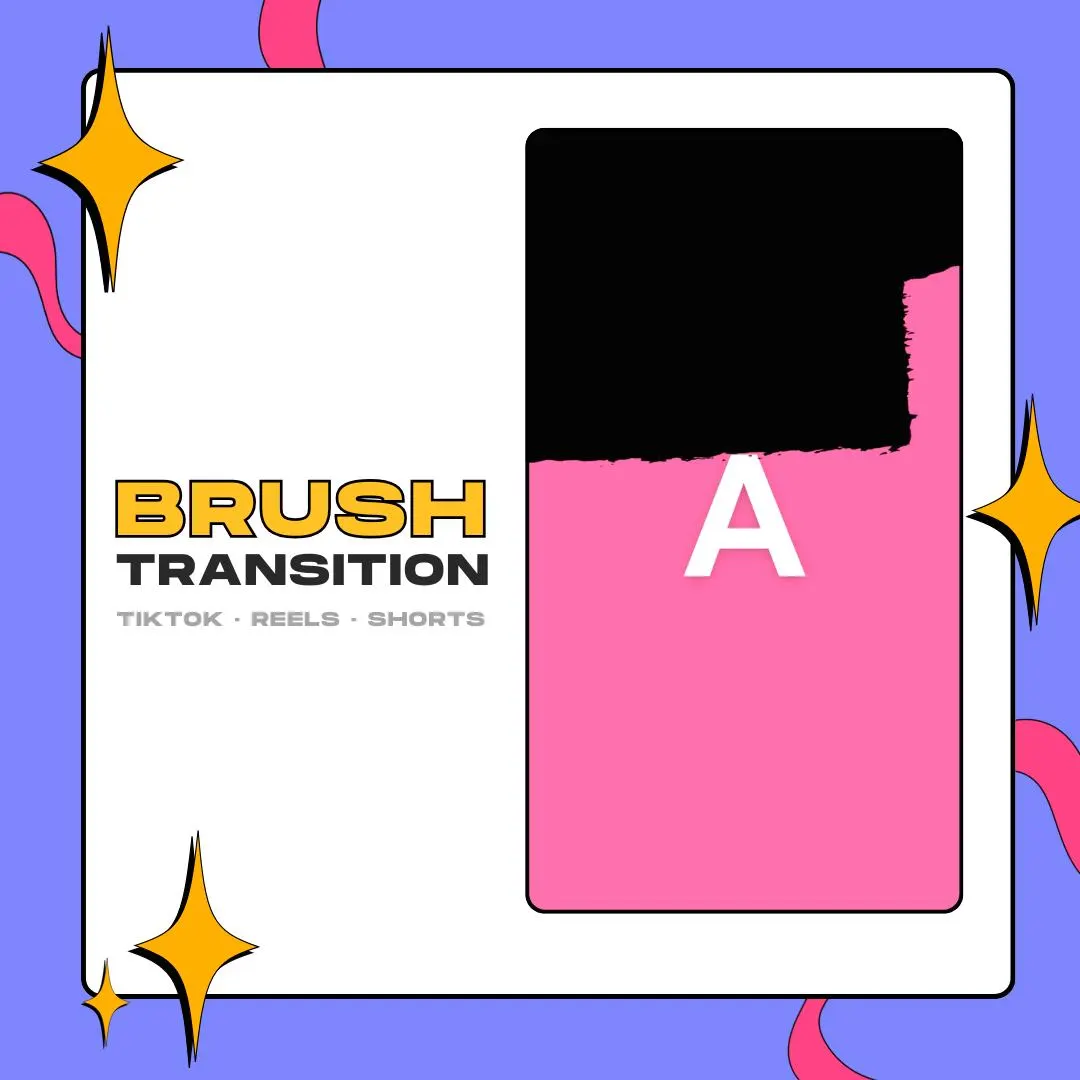
A brush transition for CapCut and other vertical edits: one black, rough-edged stroke covers the full 1080×1920 frame so the jump between two clips disappears. It lasts 3 seconds and stays transparent around the stroke.
$5.00 USD
Instant digital download
the details
Short-form edits move fast, and a loud transition can steal the moment from the clip. Here the whole effect is one black brush stroke, rough along its edge. It fills the 1080×1920 frame just long enough to hide the cut, then lets the next clip through. Being plain black, it sits on gameplay, Twitch clips or camera footage without fighting their colors.
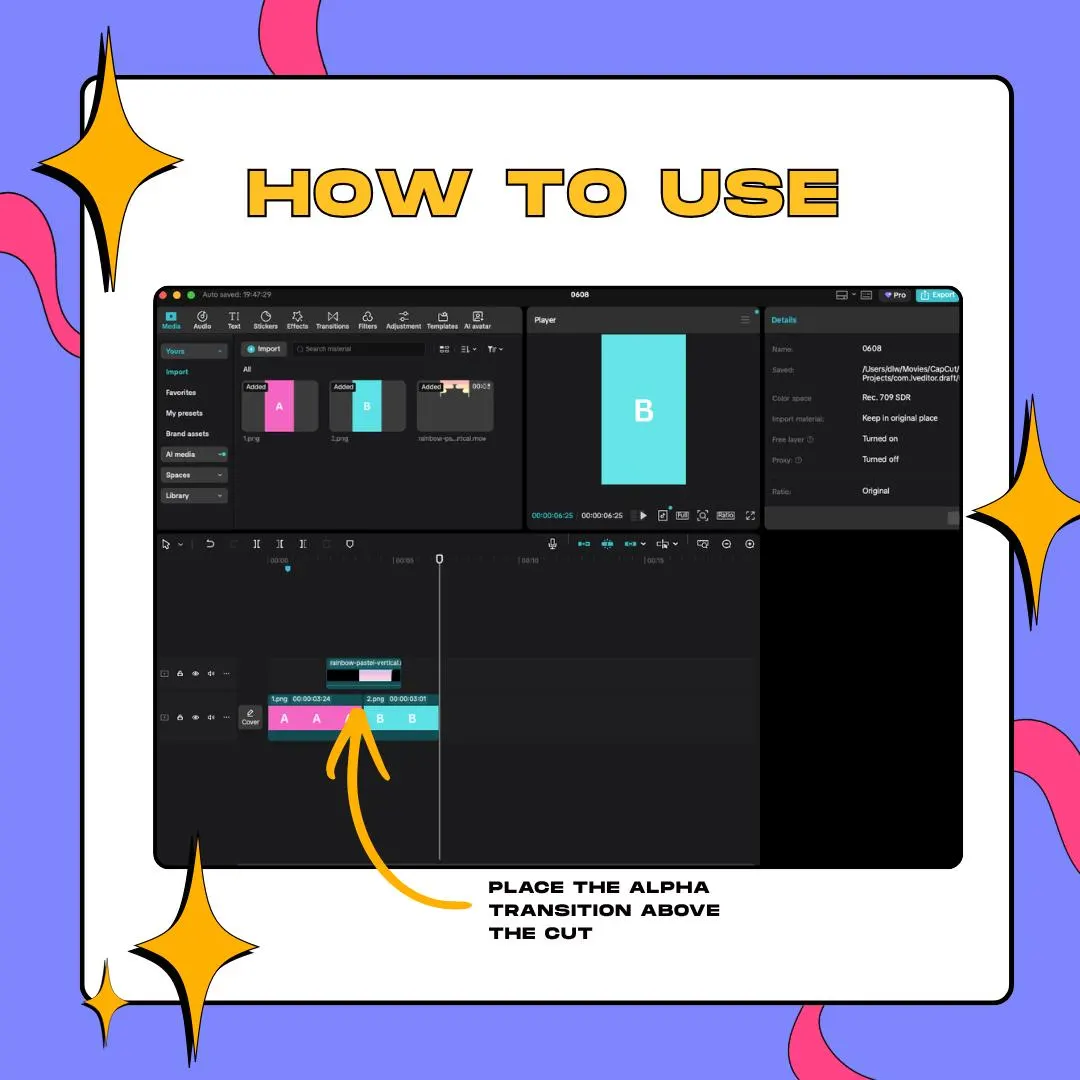
The how-to image in the gallery sums up the method in one line: place the alpha transition above the cut. That is all a brush transition in CapCut needs here, with no masks, no keyframes and no chroma key, because the MOV and the WEBM both carry transparency and only the stroke shows.
Finished edits go out as TikToks, Instagram Reels or YouTube Shorts, and the stroke is drawn for that tall frame. Game highlight videos and edits of your Twitch clips are a natural home for it. At 3 seconds it drops between fast cuts without slowing the edit down, and the ZIP download means you can use it a minute after checkout.
what you get
The stroke is drawn for a vertical frame, so it spans a phone screen from top to bottom without resizing.
MOV and WEBM keep an alpha channel, so the clips below stay visible until the brush stroke covers them.
Lay the file on a track above the cut in CapCut, as the how-to image shows, and the transition is done.
A single black stroke instead of a busy pattern keeps attention on your footage while still marking the change.
Sized and timed for TikTok, Instagram Reels and YouTube Shorts, plus game highlight videos and Twitch clip edits.
setup
Download the ZIP from your Etsy order and extract it on the computer or phone you edit with.
Bring the MOV or WEBM into your CapCut project, set to 9:16, next to your clips.
Drag the brush transition onto a track above the main video so it sits right over the cut.
Nudge it a few frames either way until the stroke covers the screen at the cut, then preview and export.
questions
No. Each file has an alpha channel built in, so there is no colored backdrop to remove; the area around the stroke is already empty.
Yes. A widescreen 1920×1080 cut of this brush stroke exists as an OBS stinger, sold on its own with WEBM and MOV files. This one is for your timeline.
CapCut, for videos you post to TikTok, Instagram Reels and YouTube Shorts. The how-to image in the gallery walks through the CapCut timeline.
$5.00 USD on Etsy