Video transition
1 / 2
Video transition
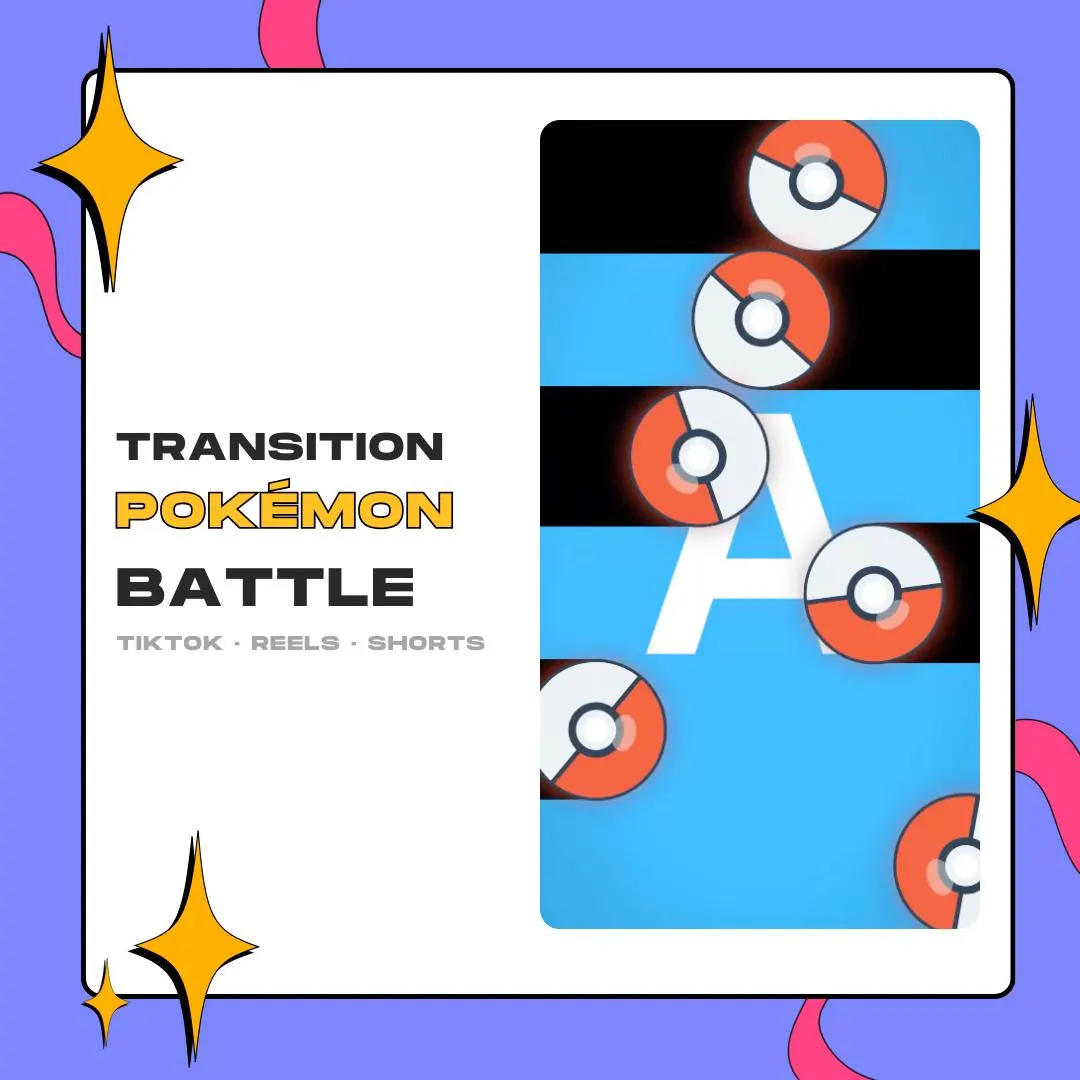
Built for nuzlocke highlights and gaming Shorts, this Pokémon-style battle transition for CapCut drops black bars and red-and-white balls over a 1080×1920 frame to hide the cut between two clips. It comes as a MOV with an alpha channel.
$5.00 USD
Instant digital download
the details
Nuzlocke highlights, retro gaming clips and TikTok gaming videos are built out of cuts. This vertical transition gives each of those cuts a battle-start beat: black bars stack across the tall 1080×1920 frame while red-and-white balls fly through, and your next clip shows between the stripes as they clear.
Pokémon channels and retro gaming editors are the obvious fit, along with anyone cutting nuzlocke or JRPG highlights for Instagram Reels and YouTube Shorts. As a Pokémon-style battle transition for CapCut, it is a clip with transparency that you layer over your edit, nothing more. It is a fan-styled design, not an official Pokémon product.
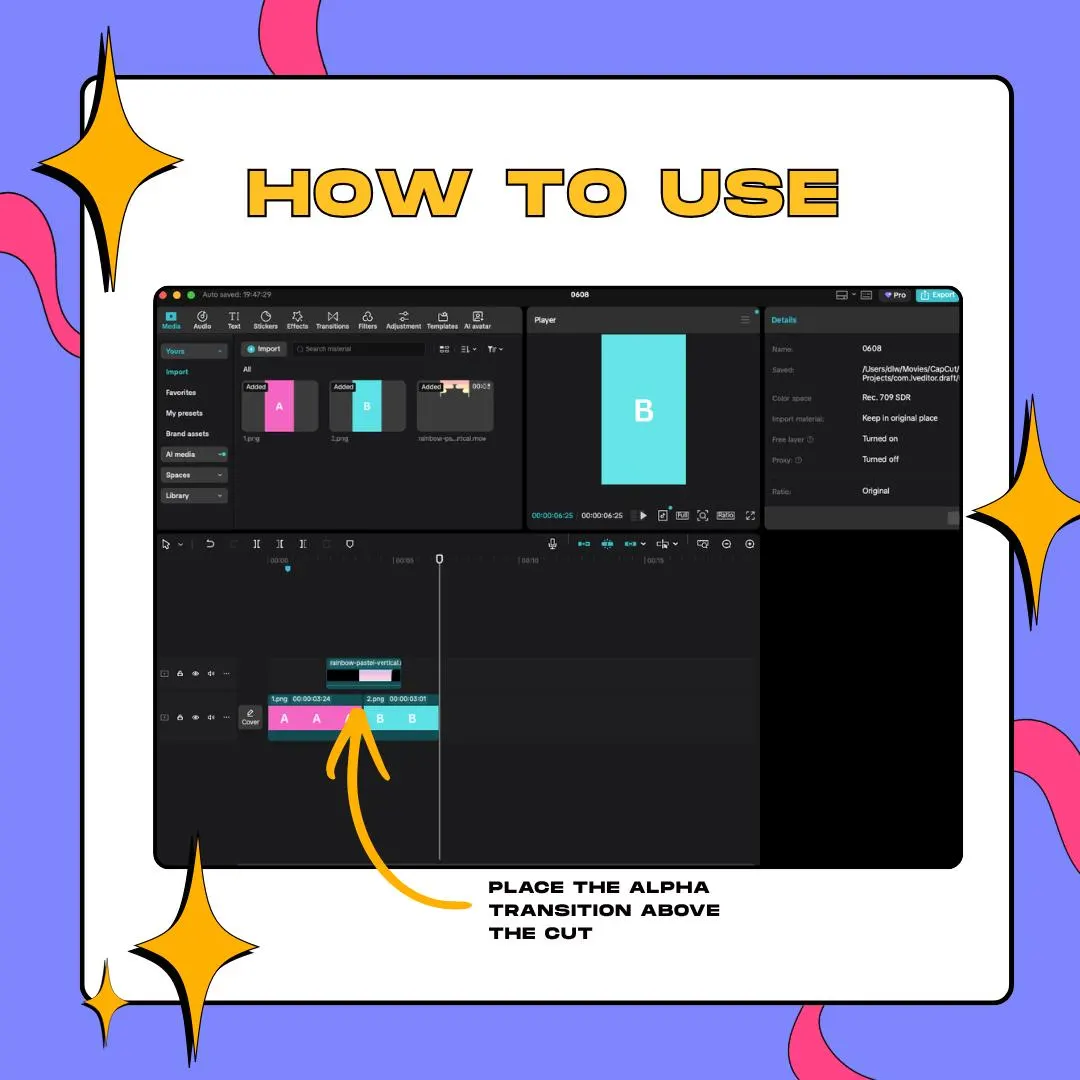
The file is a MOV with an alpha channel, delivered through a PDF with the download link. The gallery's how-to shows the CapCut method: stack the MOV on the layer over your two clips, lined up with the cut, and the bars cover the switch while the clips stay visible around them.
what you get
Bars and balls are laid out on a 1080×1920 canvas, so a vertical project shows the whole animation with no crop.
One MOV with a transparent background: the clips under it stay visible in the gaps between the black bars.
Nuzlocke runs are full of moments worth cutting to, and each one can get the same battle-start beat.
The animation runs 3 seconds, quick enough to keep the pace of TikTok gaming videos and Shorts.
CapCut handles it as one more clip on a higher track, so there are no effect menus or presets to learn.
setup
Open the PDF in your Etsy download and use the link inside to save the MOV.
Create a 9:16 project in CapCut and import your clips together with the transition MOV.
Stack the MOV on the layer above your two clips, lined up with the cut, like in the how-to image.
Slide it a few frames left or right until the black bars hide the switch, then export your video.
questions
This vertical file comes as a MOV with an alpha channel only. The WEBM belongs to the widescreen stinger edition of the design, which is a separate purchase made for OBS.
The MOV has an alpha channel, and the how-to image shows it layered above the cut in a CapCut timeline, so the bars play over your footage.
A PDF from Etsy with the download link. The link leads to the MOV of the transition, 1080×1920 and 3 seconds long.
$5.00 USD on Etsy