Video transition
Video transition
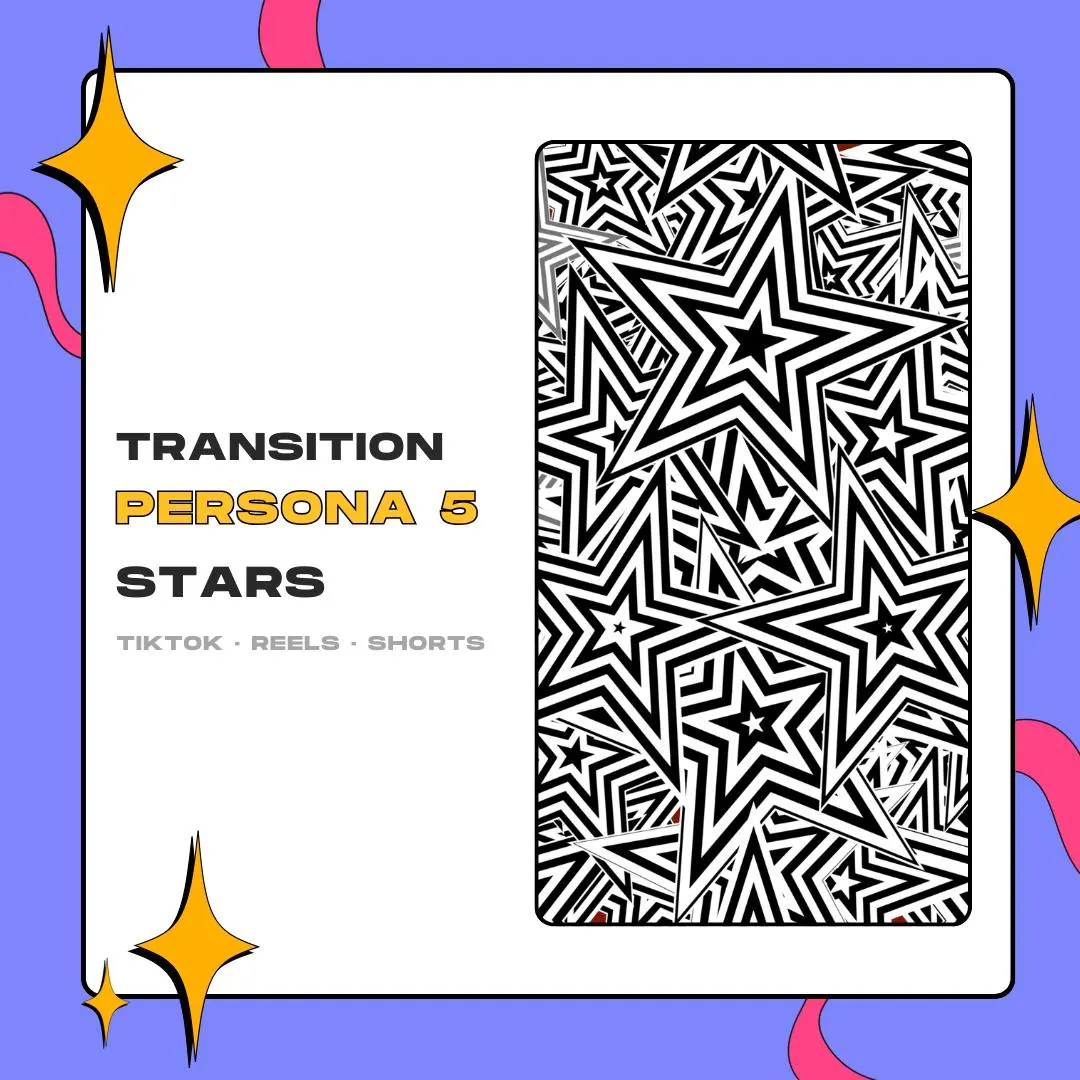
A Persona 5-style vertical transition for short-form edits: black-and-white stars cover a 1080×1920 frame and hide the jump between two clips. Put it on a track above your footage in CapCut and the transparent background handles the rest.
$10.00 USD
Instant digital download
the details
This is the star design cut for a phone screen. Instead of firing on a scene switch in OBS, it lives on your editing timeline: you lay it over the cut between two clips, and striped black-and-white stars cover the full 1080×1920 frame for the instant the footage changes. Use it once as a chapter break or at every cut; the file plays the same each time.
Short gaming clips are the target: Persona and other JRPG highlight reels, edits of your Twitch clips, and anything you post as a TikTok, an Instagram Reel or a YouTube Short. As a Persona 5-style vertical transition, it suits RPG content first, though plain black and white sits on top of nearly any footage. It is an independent design inspired by the game, not an official asset.
You get the animation twice, as MOV and as WEBM, each with an alpha channel, through a PDF that holds the download link. In CapCut it rides on an overlay track over your main clips, and the transparency keeps your video visible around the stars as they come in and as they leave.
what you get
Drawn at 1080×1920, so the stars reach every edge of a vertical video without scaling or cropping.
Both files keep an alpha channel, so your clips stay visible around the stars instead of sitting behind a black box.
The full animation lasts 3 seconds, short enough to keep the pace of a TikTok or a YouTube Short.
Made with TikTok gaming videos, Twitch clip edits and RPG highlight reels in mind, where a graphic cut feels at home.
No settings to enter: you slide the file along your timeline until the stars cover the cut, and that is the whole setup.
setup
Open the PDF that came with your Etsy download and save the MOV or WEBM to the device you edit on.
Start or open a 9:16 project in CapCut and import the transition along with your clips.
Add the star file as an overlay on a track above the main clips, right where one clip ends and the next begins.
Nudge it until the stars fully cover the screen on the frame where your clips change, then export.
questions
This file is vertical and made for edited video. If you want the stars on stream, look for the star stinger: a 1920×1080 version built for OBS, timed at 1500 ms.
Both the MOV and the WEBM carry an alpha channel, and this version is made for CapCut, so on an overlay track you only see the stars over your footage.
It is 1080×1920 pixels, the 9:16 frame used by TikTok, Reels and Shorts, and the animation runs for 3 seconds.
$10.00 USD on Etsy