Video transition
1 / 2
Video transition
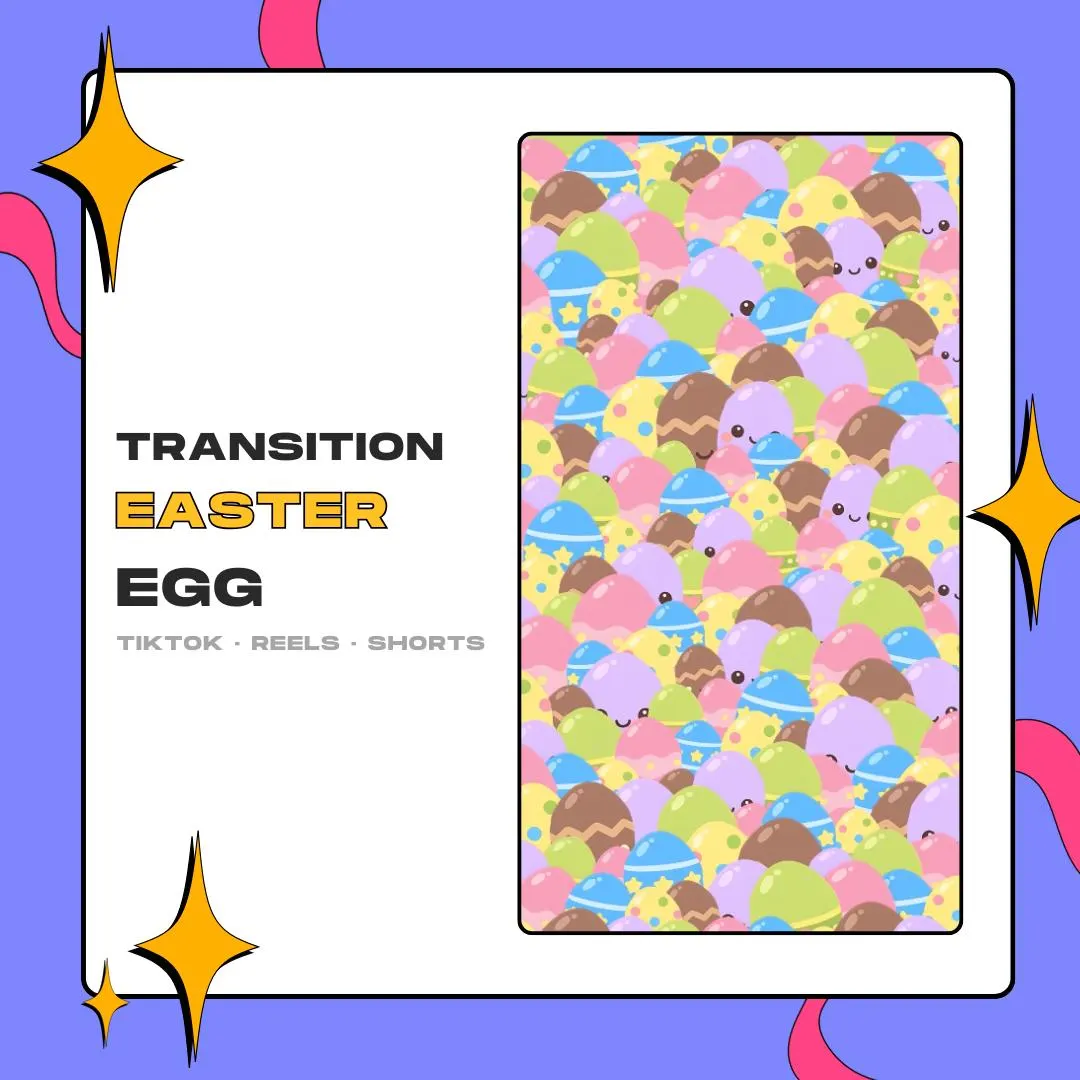
This Easter egg transition for CapCut sends a shower of pastel, kawaii eggs down your vertical video and covers the cut between two clips. It is a 3-second 9:16 overlay with the transparency built in, made for TikTok, Reels and Shorts.
$5.00 USD
Instant digital download
the details
Easter clips tend to be soft and colorful, and a plain jump cut breaks that mood. This vertical transition fills the gap with a cascade of eggs in pastel pink, yellow, green, lilac and blue, decorated with dots, little stars and chocolate-style drips, a few with tiny kawaii faces. They tumble down the screen with a soft, bouncy feel and cover the switch from one clip to the next.
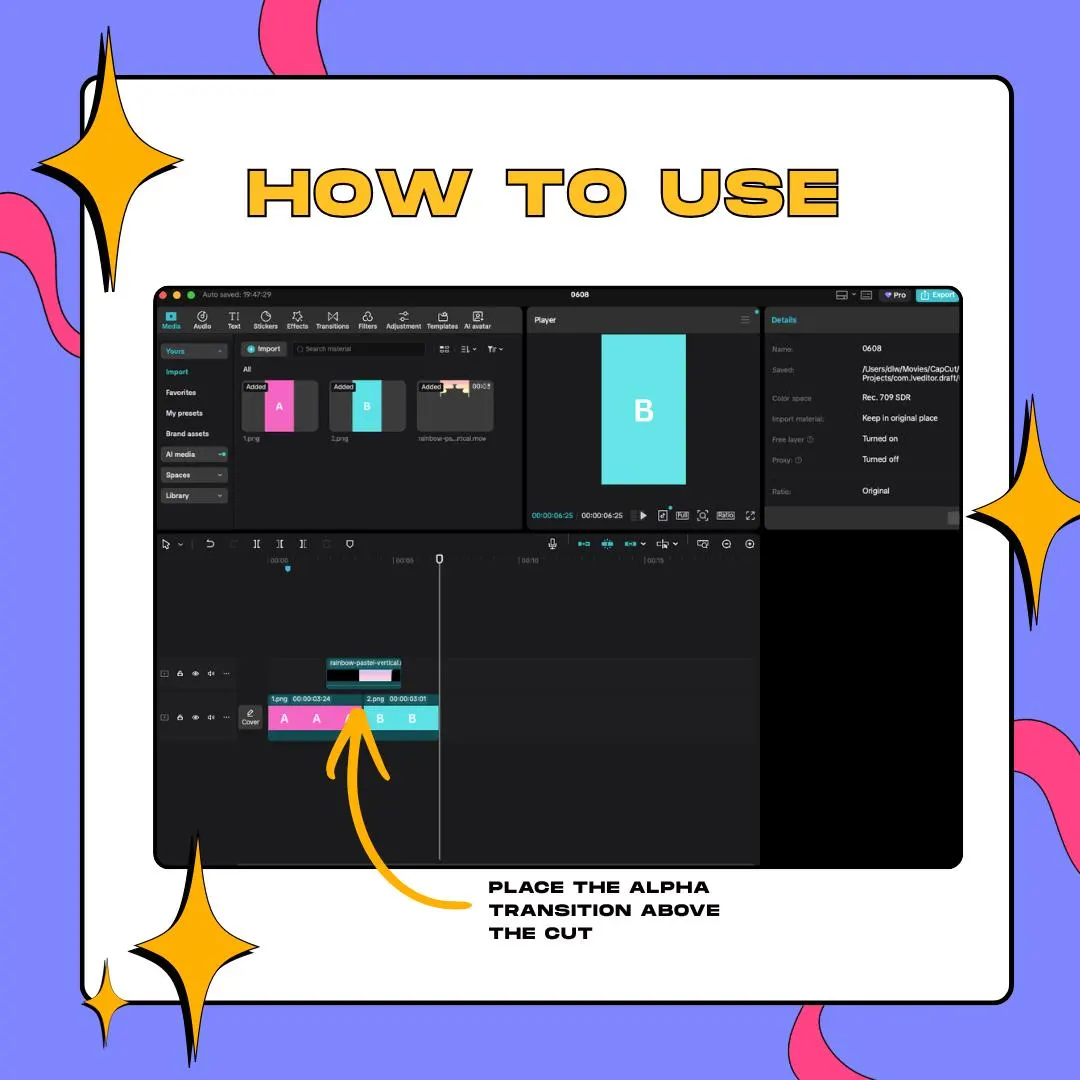
The files are made for short-form editing. Each one is 1080×1920 in a 9:16 frame and runs for 3 seconds, with a real alpha channel, so there is no green screen to key out and no black box over your footage. Put it on the track above your clips at the cut, keep the blend mode on Normal and trim it to your pacing. You do not need After Effects to use it.
As an Easter egg transition for CapCut, it fits seasonal recipe shorts, egg-painting tutorials, spring hauls, family vlogs or a kawaii aesthetic account that wants one cute seasonal touch. Cut your video in CapCut, export it and upload it to TikTok as usual; the eggs stay in the final file. Reels and YouTube Shorts take it the same way. It is vertical only, so it is not meant for 16:9 videos.
what you get
Pastel eggs with dots, stars and little faces drop down the frame with a soft, bouncy motion that suits spring content.
Both files carry an alpha channel, so you can skip chroma key and leave the blend mode on Normal.
Pick the ProRes 4444 MOV or the VP9 WebM. Both are 1080×1920 with a transparent background.
A 3-second vertical clip sized for TikTok, Reels and Shorts. It is not built for horizontal edits.
The files are ready to use as they come: place them, trim them and export, with no After Effects step in between.
setup
Download both files from the links in your PDF and pick the MOV or the WebM.
Import the file into your CapCut media library next to your clips.
Drag it to a track above your footage and line it up with the cut between two clips.
Keep the blend mode at Normal. The alpha channel already handles transparency, so skip chroma key.
Trim the overlay to taste, preview the cut and export as usual.
questions
Yes. Once you export from CapCut, the transition is part of your video, so it shows up on TikTok like any other edit.
No. Both the MOV and the WebM have a real alpha channel, so there is no black box and no green fringe to clean up.
No. The animation is drawn for a 9:16 frame at 1080×1920, so it is meant for TikTok, Reels and Shorts rather than widescreen videos.
Yes. You can use it on your own channels, monetized ones included, and in personal projects. Reselling or redistributing the files is not allowed.
$5.00 USD on Etsy