Stinger transition
1 / 2
Stinger transition
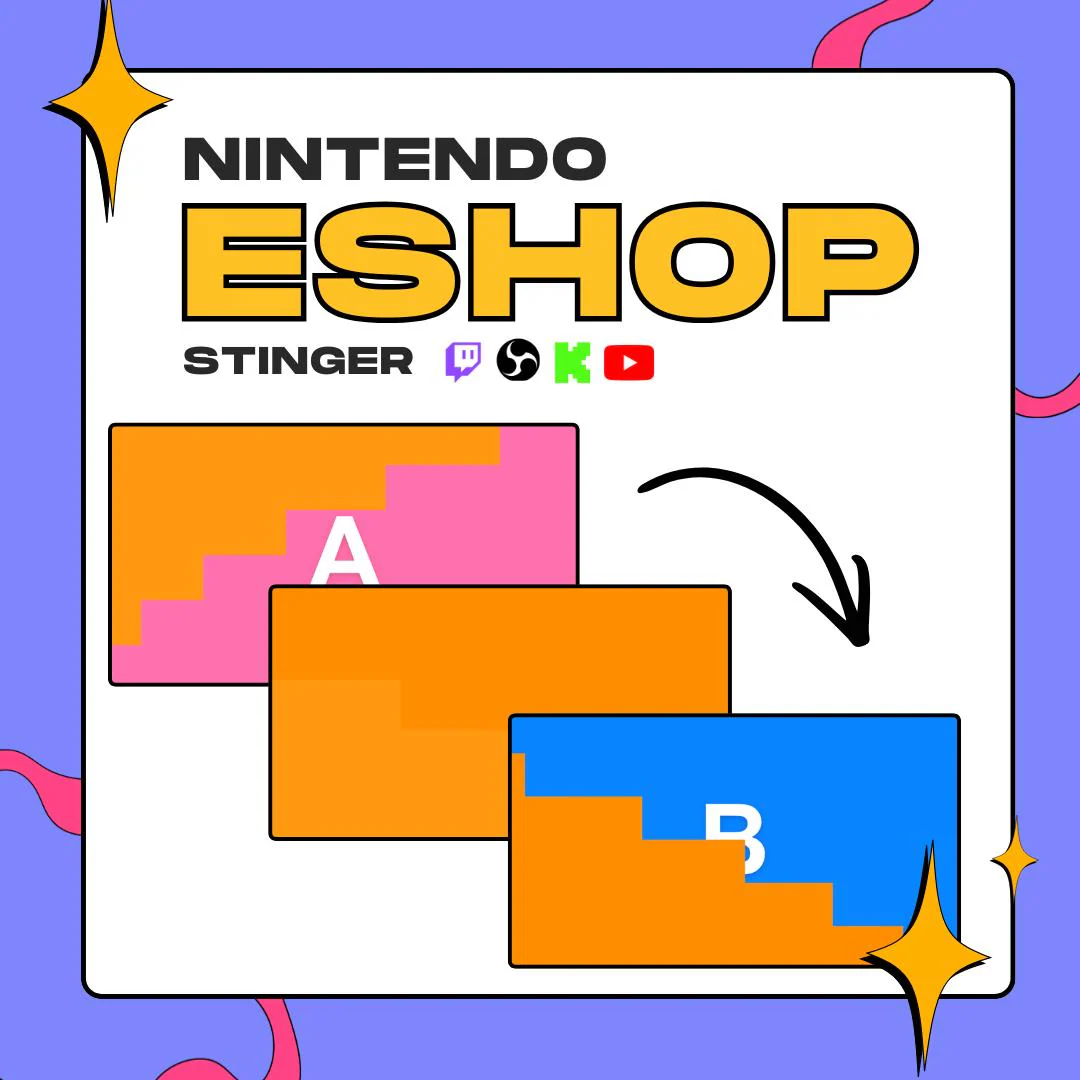
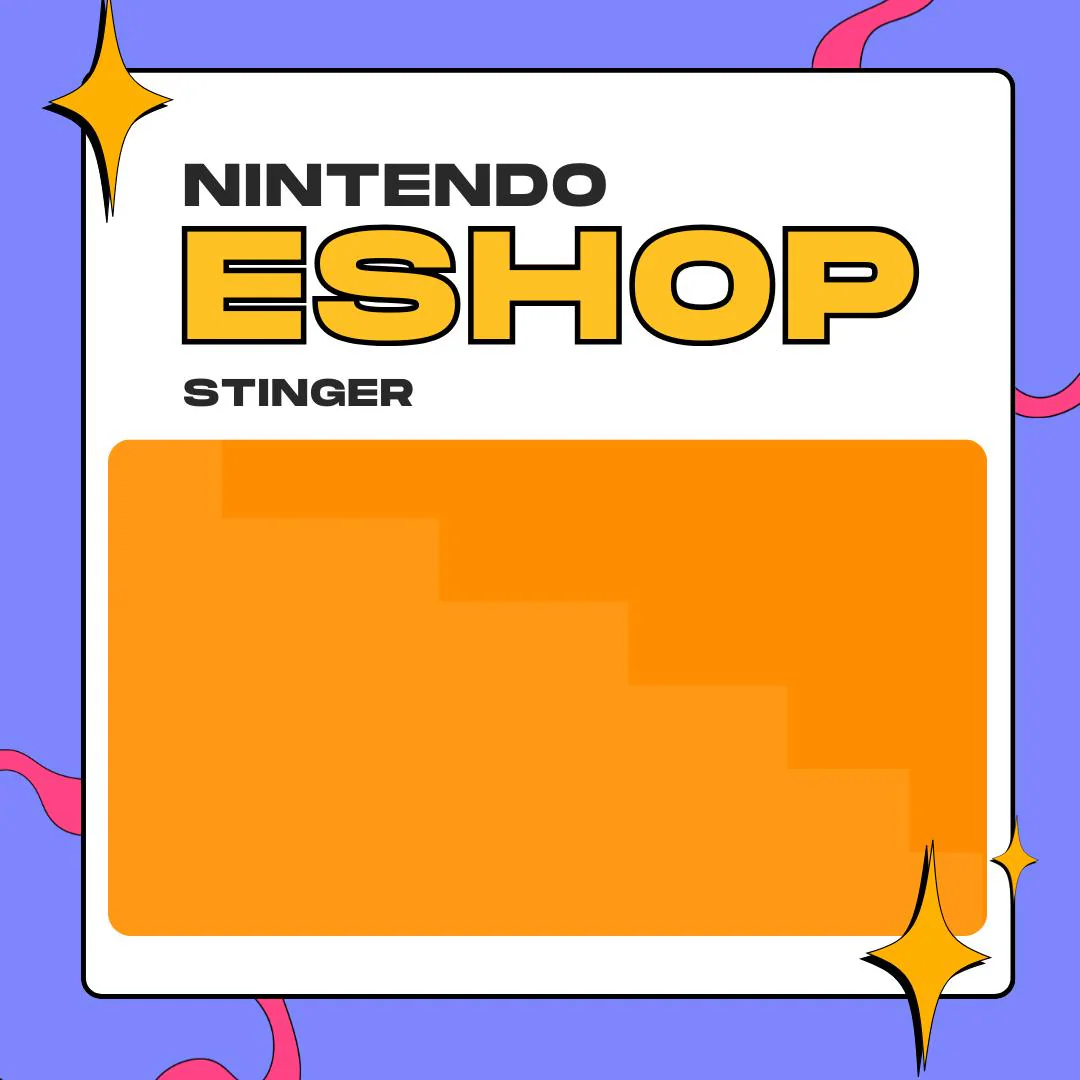
This eShop loading screen stinger pack turns your OBS scene changes into a stepped orange wipe inspired by the Nintendo eShop. It comes in two colors: orange, inspired by the first Switch, and red, inspired by the Switch 2.
$5.00 USD
Instant digital download
the details
If your channel runs on Switch games, your scene changes can share the mood. This eShop loading screen stinger borrows the feel of that waiting screen: blocks in two shades of orange step across the frame like a staircase, cover the scene you are leaving and step away from the one you are opening. Anyone who has waited on a store page will get the reference right away.
The pack holds two versions. The orange style takes its cue from the eShop on the first Nintendo Switch, and the red style from the Switch 2, so you can match the console you are playing or switch colors between segments. Both are .mov files with a transparent background, which means the wipe plays over your layout in OBS Studio without a black box around it.
It suits Nintendo Switch game streams, gaming variety channels and Twitch, Kick or YouTube creators who would rather run a game-themed OBS stinger than a plain fade. The two stingers and a guide with images arrive together in one ZIP, so everything you need sits in a single folder on your computer.
what you get
An orange version inspired by the first Switch eShop and a red one inspired by the Switch 2, in a single download.
In the orange version, two tones stack into a staircase that covers the screen during the switch, then clears for the next scene.
Each stinger is a .mov with a transparent background, so it lands on top of your scenes in OBS with no black frame.
The guide with images comes in the same ZIP as the two stinger files, so there is nothing else to hunt for.
A fit for Nintendo game streams and variety channels on Twitch, Kick or YouTube that want a playful scene change.
setup
Download the ZIP from Etsy and unzip it to get both .mov files and the guide.
Open OBS Studio, go to Scene Transitions and add a new Stinger transition.
Browse to the orange or the red .mov, depending on the look you want today.
Set the transition point to the moment the blocks fully cover the screen, so the swap happens out of sight.
Run a test switch between two scenes and nudge the transition point if the swap shows.
questions
No. It is an original animation inspired by the eShop loading screen. It is not made, licensed or endorsed by Nintendo.
Both stingers are .mov files with a transparent background, ready to load into a Stinger transition in OBS Studio. They come in one ZIP together with the guide.
Yes. The stinger plays inside OBS Studio, so it goes out with your stream on Twitch, Kick or YouTube.
Pick orange for a first-generation Switch feel and red for a Switch 2 feel. You can also add both as separate stingers in OBS and choose one per stream.
$5.00 USD on Etsy