
Stinger transition
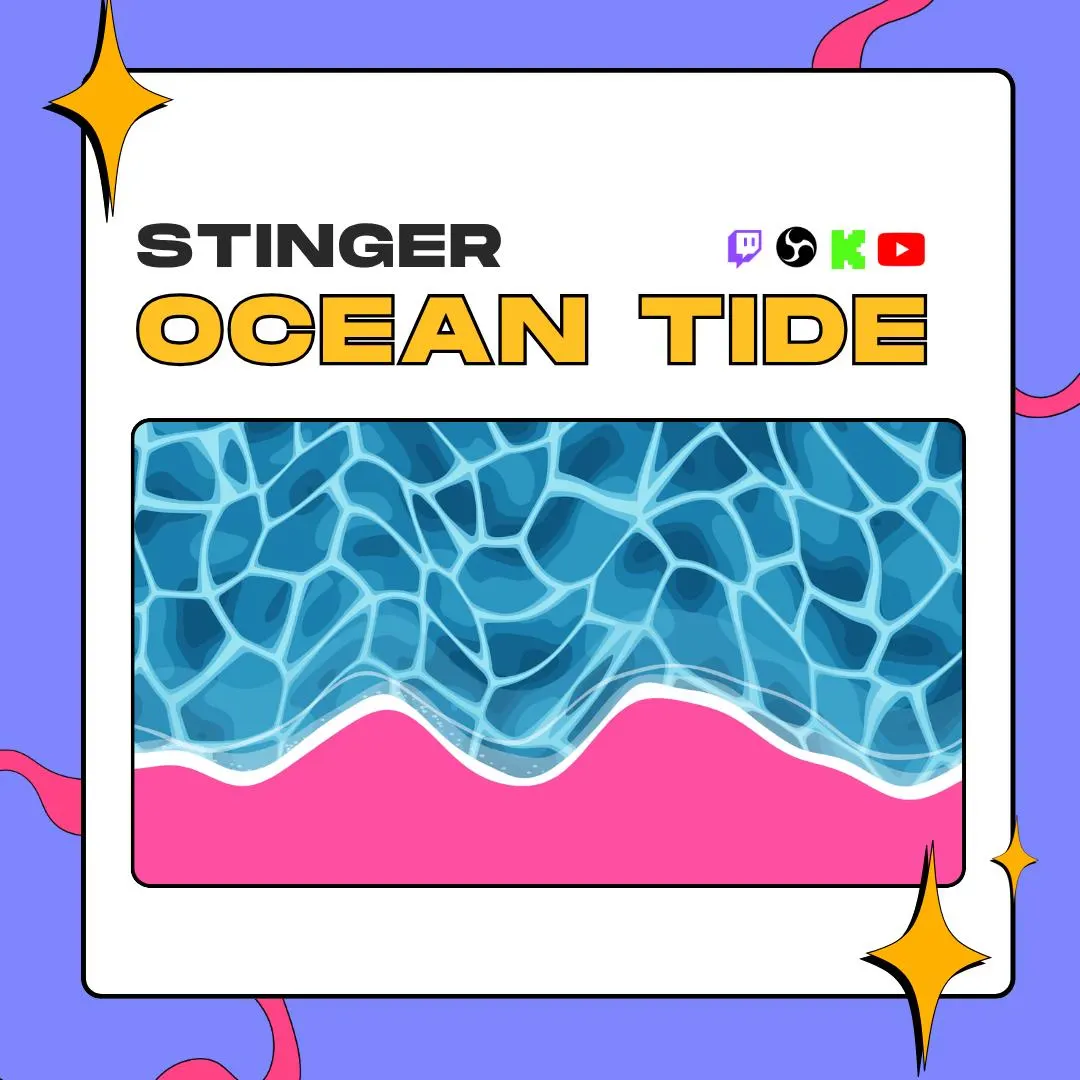
Stinger transition
Ocean Tide is an ocean wave stinger transition seen from above: blue water with moving light and a foamy edge rolls down over your stream, then slides back to uncover the next scene. The download holds a compact WEBM for OBS plus a ProRes 4444 MOV, each with an alpha channel.
$5.00 USD
Instant digital download
the details
Ocean Tide moves like water instead of a sliding panel. Seen from above, the tide rolls down the screen in layered blues, with light rippling through it, white foam on the leading edge, a glow where the water runs shallow and a bit of spray. The shoreline is uneven, so the motion has the push and pull of a real wave, while the flat, illustrated style keeps it readable at stream size.
At the cut, the water covers the whole frame and holds there while OBS switches scenes at 1500 ms. Then it pulls back like an ebbing tide and your next scene is underneath. Both files carry a transparent alpha channel: the WEBM is the compact one for live use, and the ProRes MOV is there for a high-quality editing workflow. The video is 1920 × 1080 at 60 fps and lasts 3 seconds.
The palette sticks to ocean blue, cyan and white, which sits well with beach, summer, tropical and coastal themes, cozy gaming streams and VTuber channels. There is no sound effect inside, so you can pair this ocean wave stinger transition with surf, a splash or your usual transition sound. It plays on Twitch, YouTube and Kick streams that run through OBS Studio.
what you get
Layered ocean blues, rippling light, white foam, a shallow-water glow and sea spray, drawn from a bird's-eye view.
The tide fills the entire frame and holds through the 1500 ms transition point, so the scene swap stays hidden.
An irregular foam edge gives the wave its rhythm as it rolls in and drains back out.
A compact VP9 WEBM of about 3.7 MB for streaming and a ProRes 4444 MOV of about 208 MB for editing.
No sound effect is baked in, so you can add a wave sample that suits your stream or keep the change quiet.
setup
In OBS Studio, find the Scene Transitions dock and click the + button.
Pick Stinger from the list and name the transition, Ocean Tide for example.
Browse to ocean-tide.webm. The ProRes MOV is also there if your PC handles heavier files.
Make sure Transition Point Type reads Time, then enter 1500 ms as the point.
Confirm, then switch scenes to watch the tide roll in and back out.
questions
The WEBM, about 3.7 MB, is the compact choice for streaming. The ProRes 4444 MOV, about 208 MB, is meant for a high-quality ProRes workflow.
Yes. At the scene-change moment the tide fills the entire 1920 × 1080 frame, then pulls back to show the next scene.
Yes. Both the WEBM and the MOV carry a transparent alpha channel, so only the water shows over your scenes.
No sound is included. That leaves room for a wave sample, a chime or the transition sound you already use.
$5.00 USD on Etsy