Video transition
1 / 2
Video transition
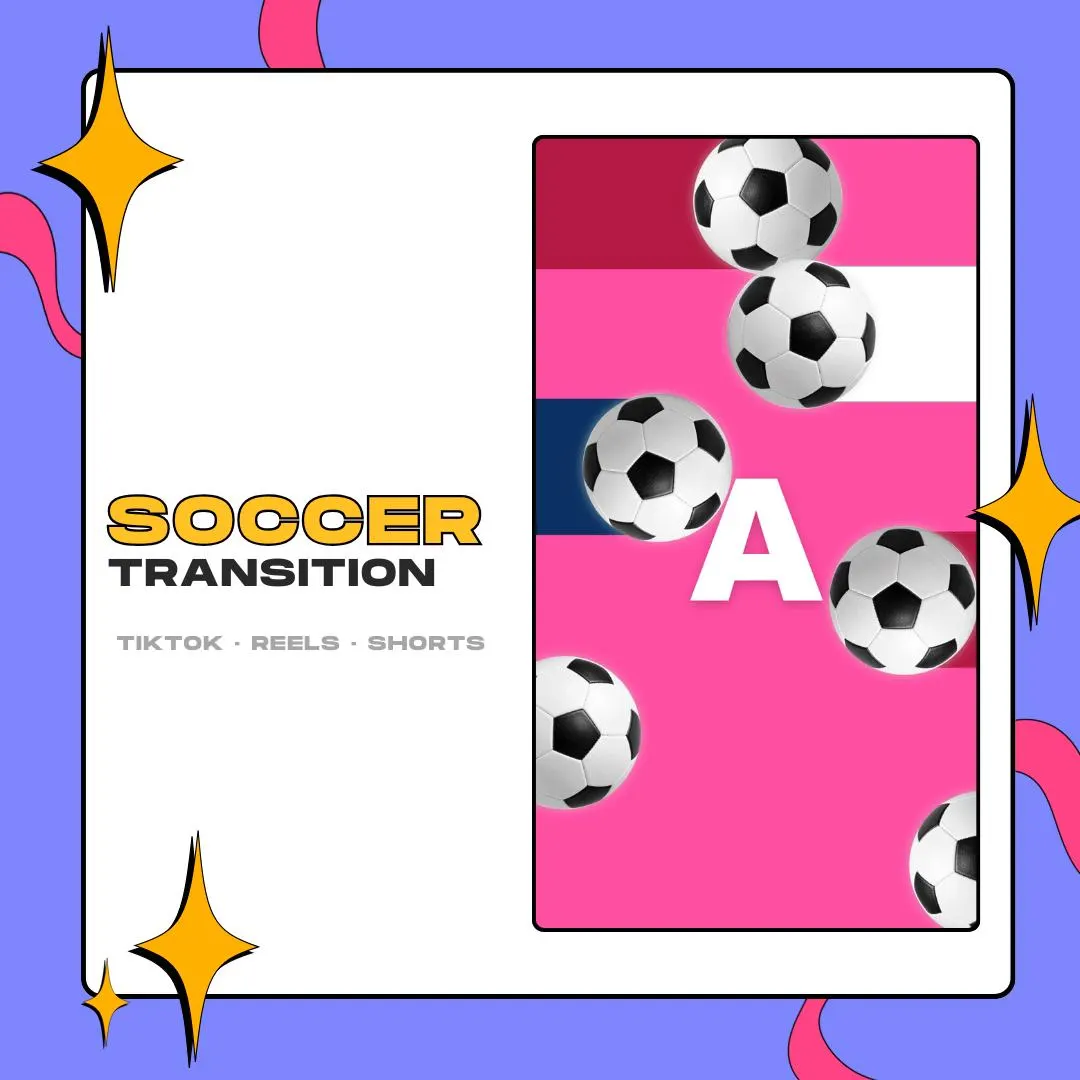
Football edit transitions for vertical video: soccer balls and flag-colored bands sweep over the cut between two clips, so a goal, a save or a skill move lands with some match-day flair. The pack holds over 10 colorways.
$10.00 USD
Instant digital download
the details
Football edits run on rhythm: touch, cut, goal, cut. This pack gives those cuts a soccer look in a tall frame. Black-and-white balls fly past bands of flag colors that cover the screen for a moment, hide the switch between clips and clear again, so the next shot arrives right on time.
It is made for short-form sports content on TikTok, Instagram Reels and YouTube Shorts, edited in CapCut, DaVinci Resolve or Premiere. Each colorway comes as MOV and as WEBM, so you can import the format your editor handles. Player highlight reels, club recaps and tournament montages all fit.
The flag-inspired colorways let you match the transition to the shirts or the country in your clip, or keep one color set as the signature look of a series. With over 10 to pick from, these football edit transitions can carry a whole run of videos without the same colors showing up every time.
what you get
More than ten flag-inspired palettes, enough to give each player, club or country in your edits its own colors.
Laid out for vertical clips on TikTok, Reels and YouTube Shorts, with the balls and bands filling a phone screen.
Every colorway is saved twice, as MOV and as WEBM, so the whole palette is there in either format.
Only the balls and flag bands are visible; the rest is alpha, so your footage plays underneath until the bands close in.
Everything arrives in one ZIP. Unzip it, drag a file onto your timeline and the transition is in place.
setup
Unzip the pack and pick the colorway that fits your clip, as MOV or WEBM.
Open your vertical project in CapCut, DaVinci Resolve or Premiere and import the file with your footage.
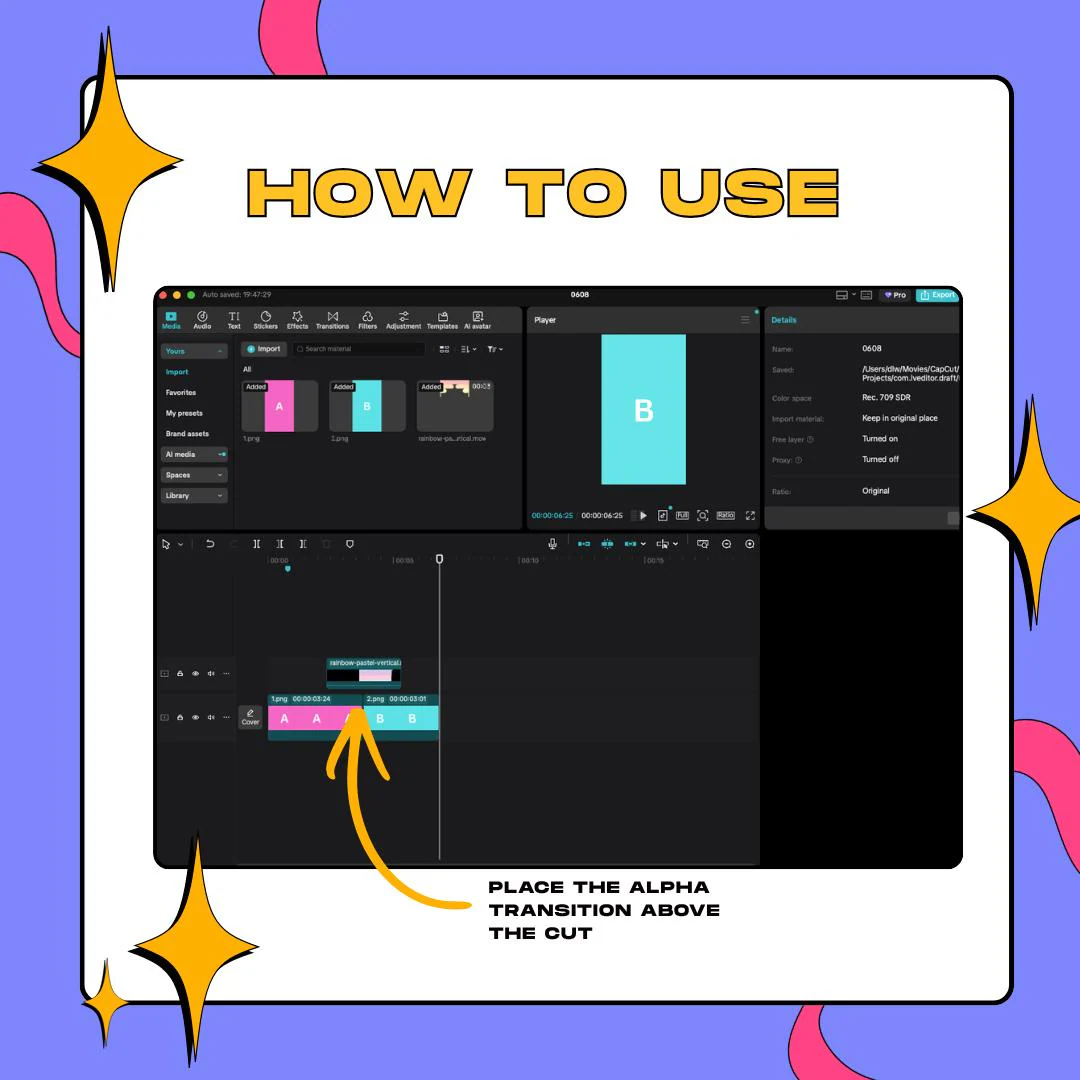
Drop the colorway onto an overlay track, directly on top of the edit point between two clips.
Shift it until the flag bands fill the frame on the cut, then preview and export.
questions
It is made for CapCut, DaVinci Resolve and Premiere. The files are ordinary video clips with transparency that sit on a track above your footage.
This pack is vertical and meant for edited clips. For live scene switches, there is a separate 16:9 stinger pack with the same balls and flag bands, made for OBS.
No. These are alpha transitions: only the balls and flag bands are drawn, and the rest of the frame stays transparent over your footage.
$10.00 USD on Etsy