Chat widget
1 / 2
Chat widget
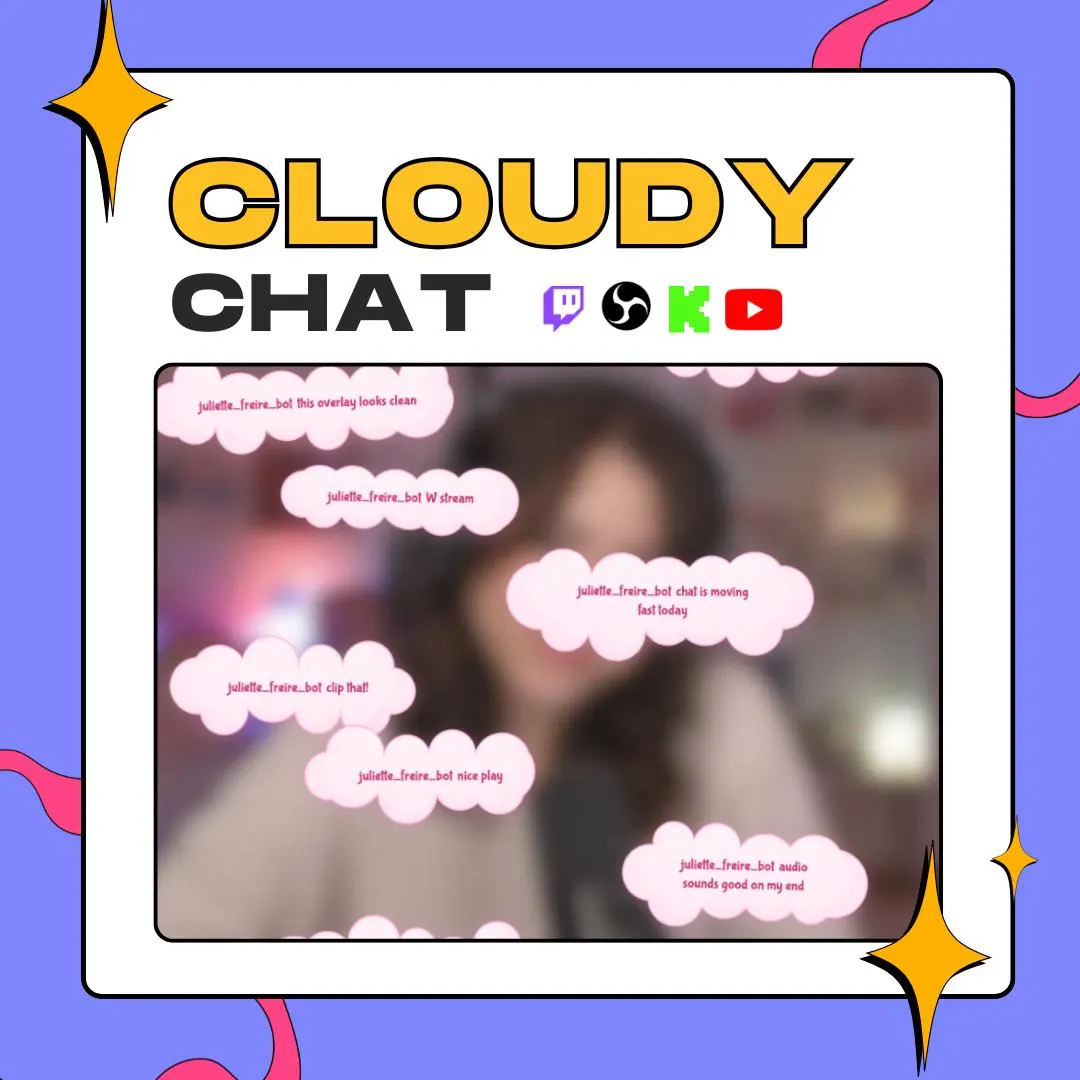
This cloud chat widget floats your chat in soft cloud-shaped bubbles that pop in, bob and sparkle, and no two clouds share an outline. The default look is pastel and kawaii; change the colors and the same clouds suit a dark, neon or minimal scene.
$10.00 USD
Instant digital download
the details
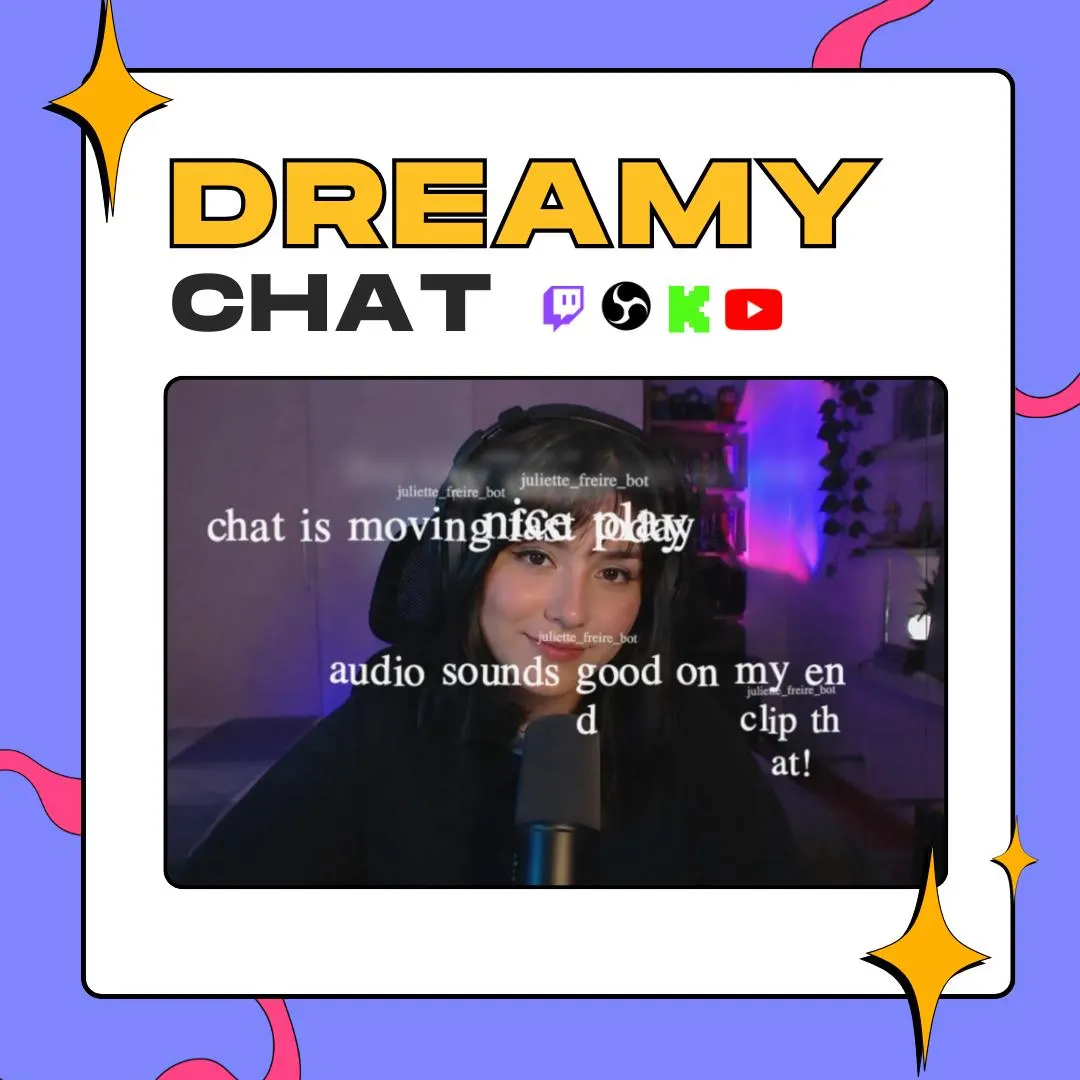
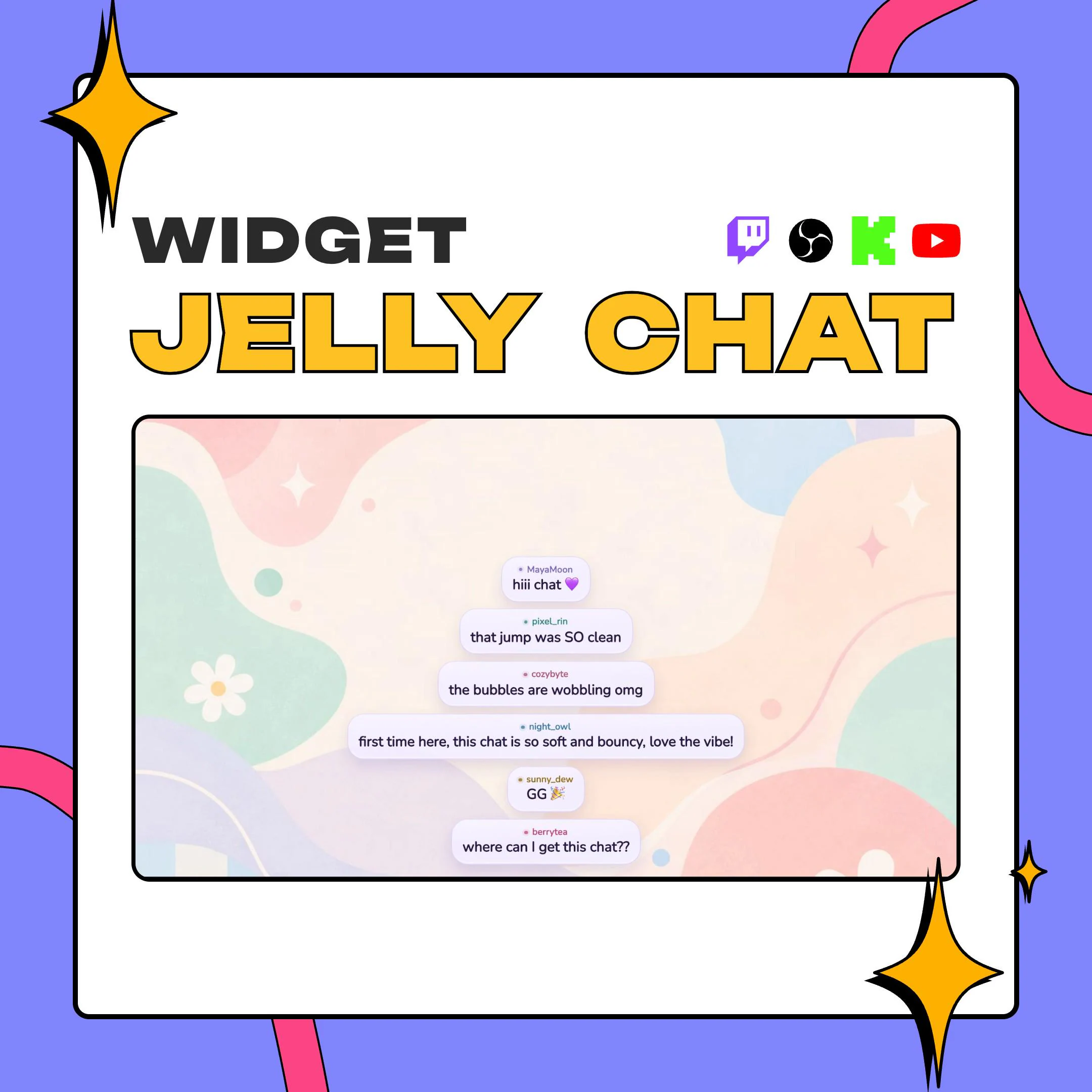
Cloudy Chat draws each message inside a puffy cloud, and every cloud is generated as it appears, so the edges never repeat. Bubbles pop in with a bounce, bob gently while they're on screen, lean at a slight hand-drawn tilt and can twinkle with small sparkles. In the preview they're pink on pink, drifting over a webcam shot, with each username in front of its message.
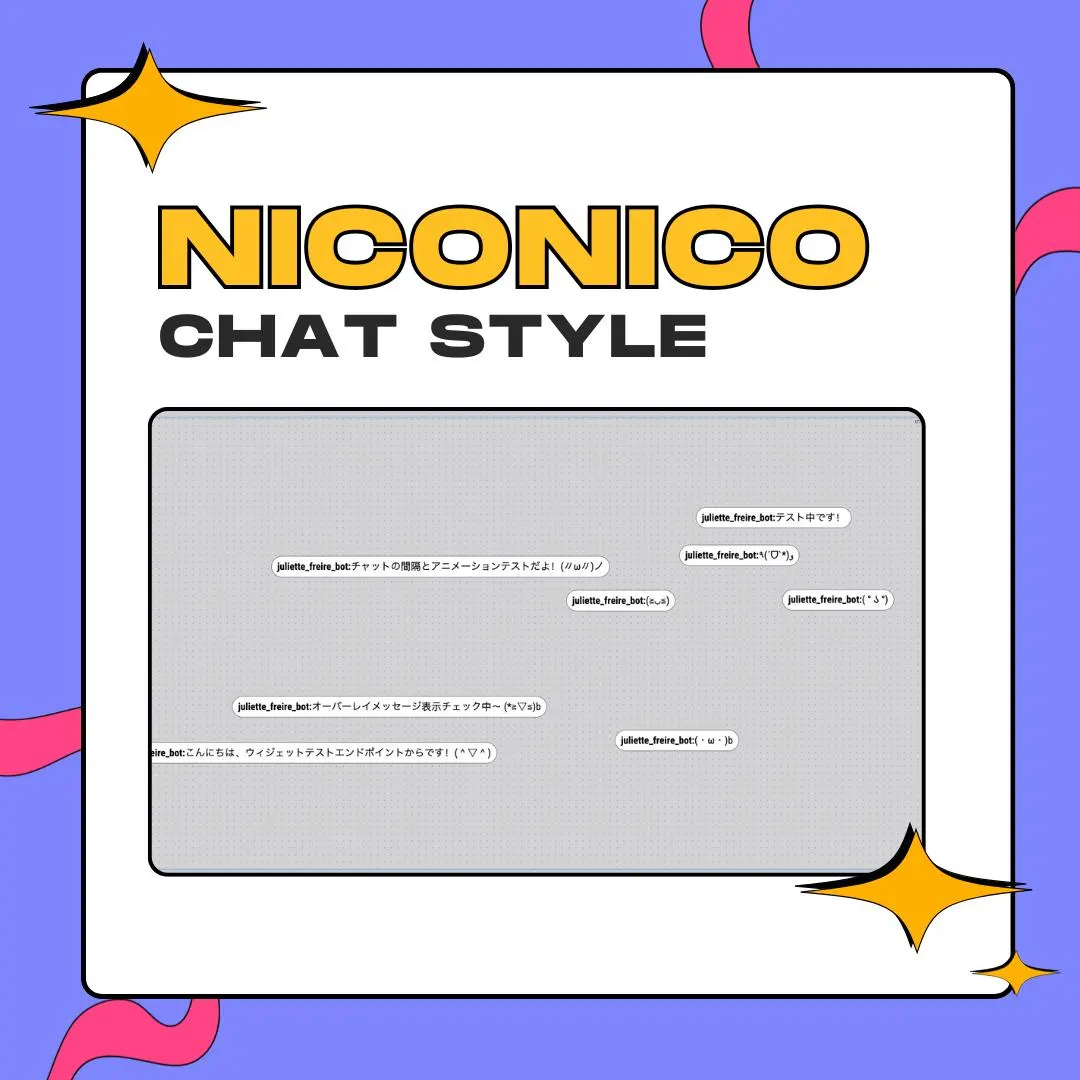
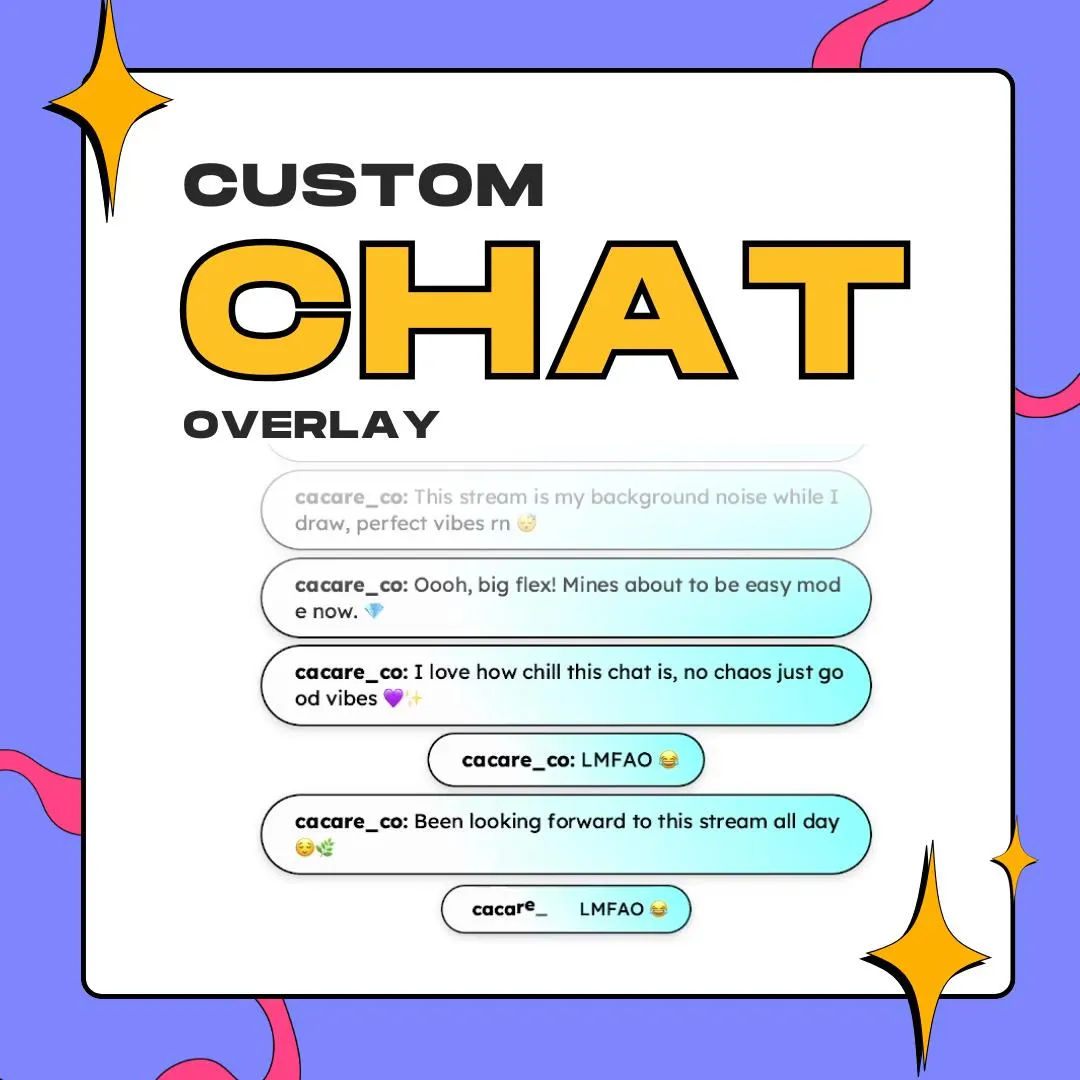
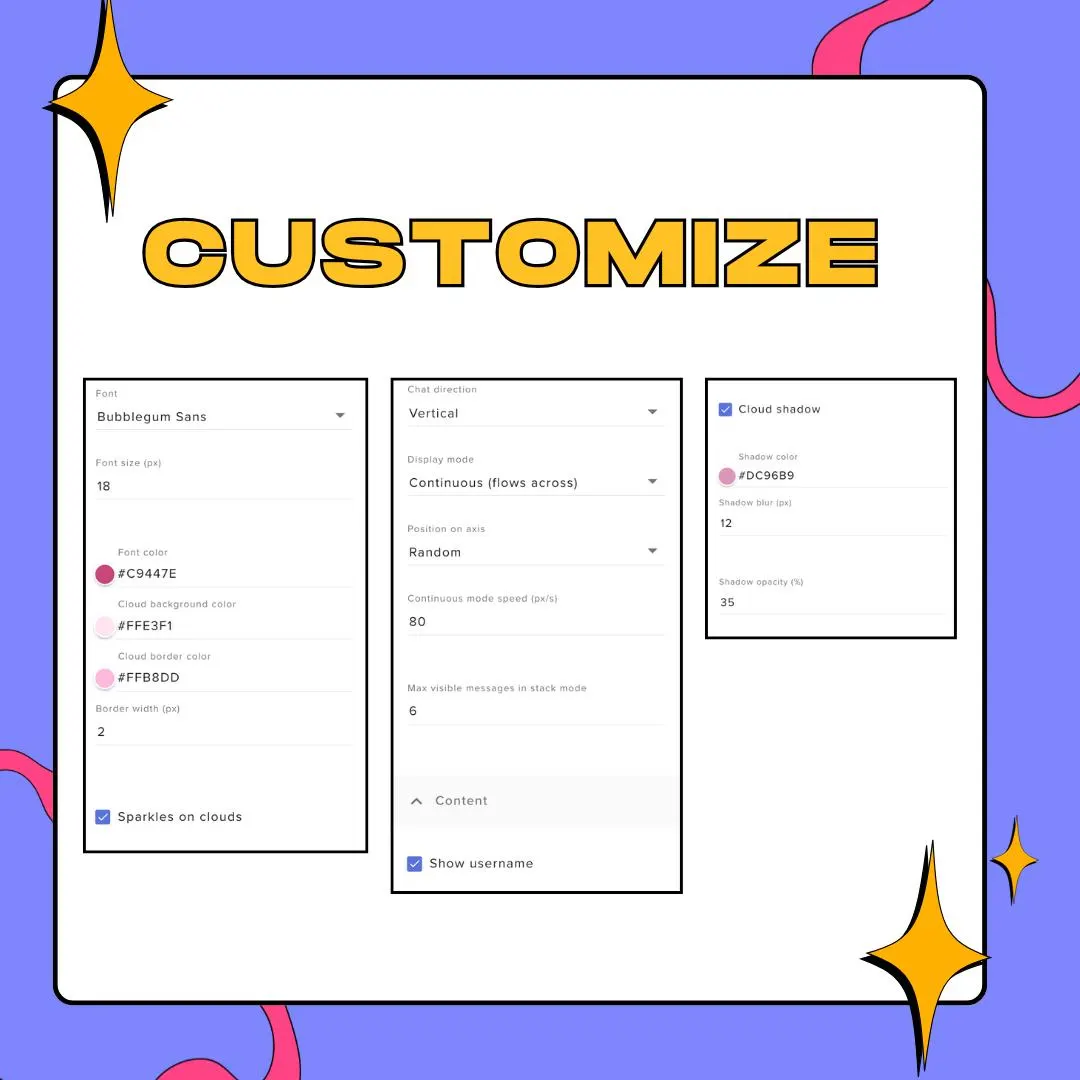
Two display modes change how chat behaves. Stack piles messages up like a messaging app, with a cap on how many stay visible. Continuous sends them flowing across the screen at a speed you set in pixels per second, either horizontally or vertically, lined up in a row or scattered at random spots. That lets the cloud chat widget work as a classic chat column or as clouds drifting through the whole scene.
Recoloring is the point. Font color, cloud fill, border color and width, and the drop shadow's color, blur and opacity are all fields, along with any Google Font and its size. Usernames can wear each chatter's own color or stay hidden, and Twitch and StreamElements emotes render as images. It runs on StreamElements for Twitch, YouTube, Kick and other supported platforms, and the transparent background drops into OBS or Streamlabs.
what you get
Each bubble's outline is generated when it appears, so a busy chat looks like a real sky, not a stamped pattern.
Pile messages up like a phone chat, or let them drift across the screen at the speed you choose.
Run clouds horizontally or vertically, in a neat row or at random positions along the axis.
A pop-in bounce, a floating bob, a slight tilt and optional twinkling stars on each cloud.
Cloud fill, border color and width, font color, and shadow color, blur and opacity, plus any Google Font.
Emotes show as images, and usernames take each chatter's color or stay hidden for a cleaner sky.
setup
Open the PDF guide from your download and click the install link to add Cloudy Chat to StreamElements.
Or paste the HTML, CSS and JS files and the Fields config into a new Custom Widget yourself.
Choose Stack or Continuous, the direction and placement, then set the colors and font in the Fields menu.
Add the StreamElements overlay to OBS or Streamlabs as a browser source; the background stays transparent.
questions
No. Pink pastel is just the starting point. Font, fill, border and shadow colors are all editable, so the clouds can match a cottagecore, neon, dark or minimal theme.
Yes, in Continuous mode: messages flow horizontally or vertically at the speed you set. Stack mode keeps them piled up like a regular chat box instead.
Yes. It's a StreamElements widget, and the overlay shows in OBS Studio, Streamlabs or any app that loads a browser source, for Twitch, YouTube and other platforms StreamElements supports.
$10.00 USD on Etsy