Chat widget
1 / 5
Chat widget
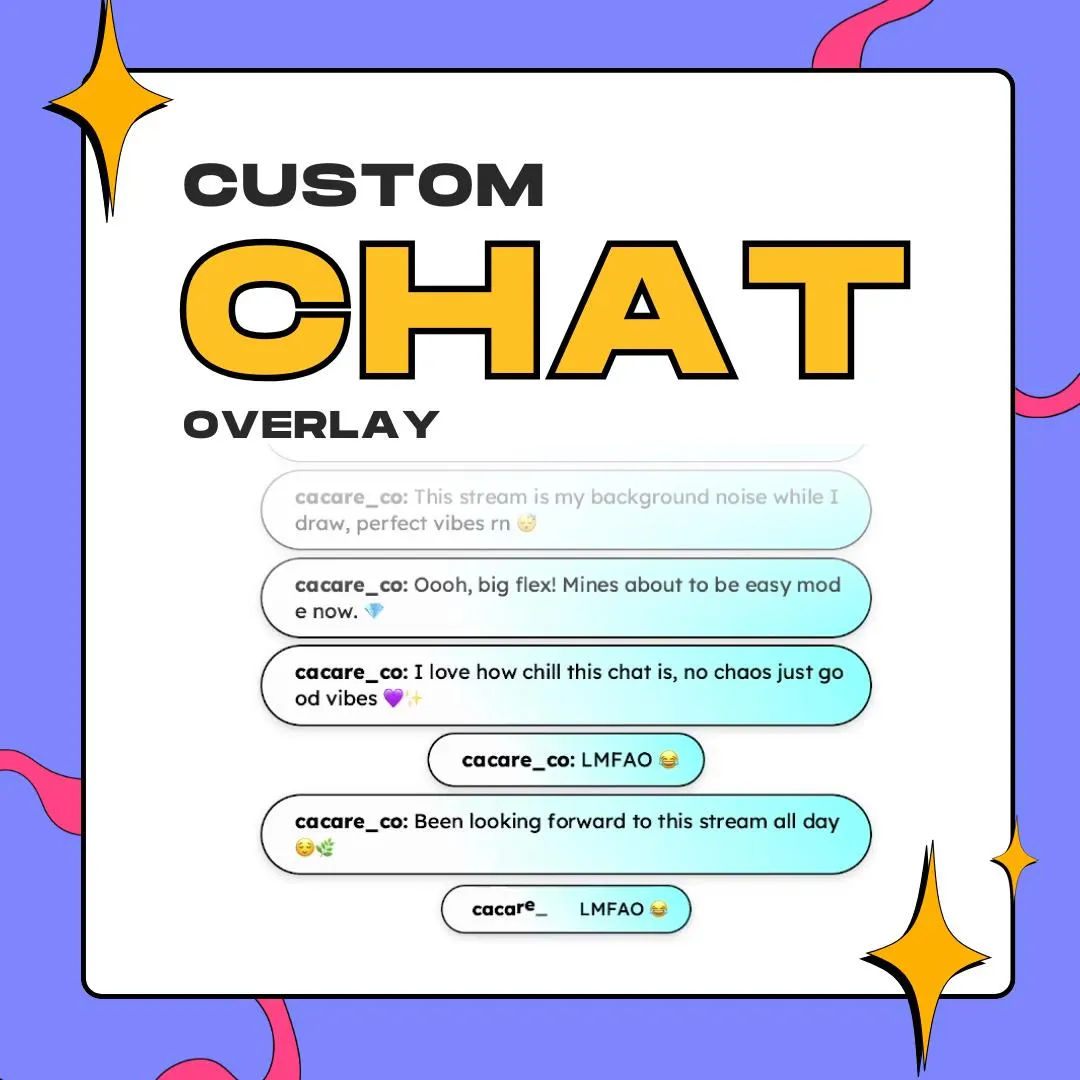
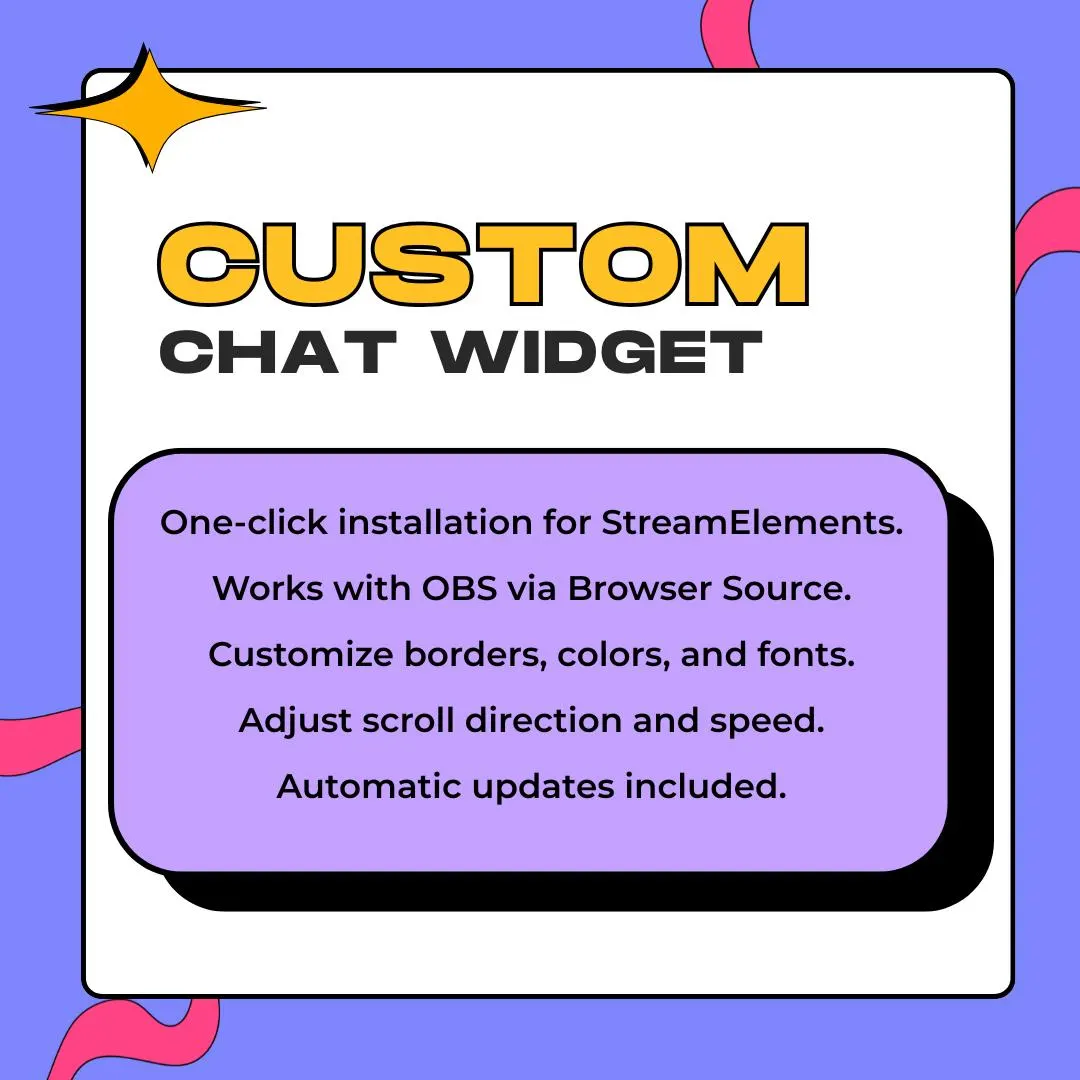
This custom Twitch chat overlay is a StreamElements widget you shape to fit: size, border, solid or gradient backgrounds, fonts, colors, alignment, spacing and animation are all settings. The preview shows rounded message pills with a soft white-to-aqua gradient.
$5.00 USD
Instant digital download
the details
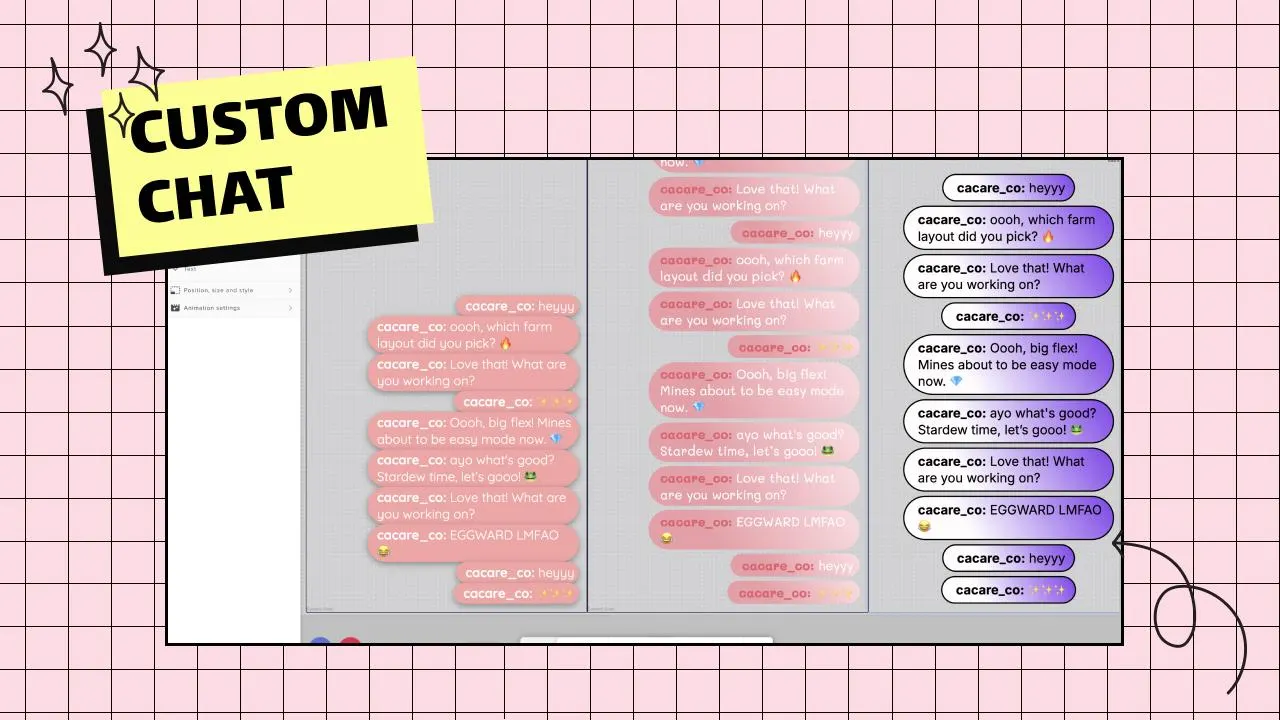
Some chat widgets come with a gimmick; this one is for streamers who want their own look without one. Messages appear as rounded pills with a border, and the background can be a flat color or a gradient between two colors at any angle, which is how the preview gets its white-to-aqua and pink-to-purple fades. Change the font, the text color and the username color, and the overlay takes on your channel's palette.
As a custom Twitch chat overlay, it's built around layout control. Resize the chat to the space you have, set the border, align the text and adjust the spacing between messages so a busy chat stays tidy. Add an animation for incoming messages if you like movement, or keep things calm. It installs into StreamElements with one click and goes into OBS as a browser source.
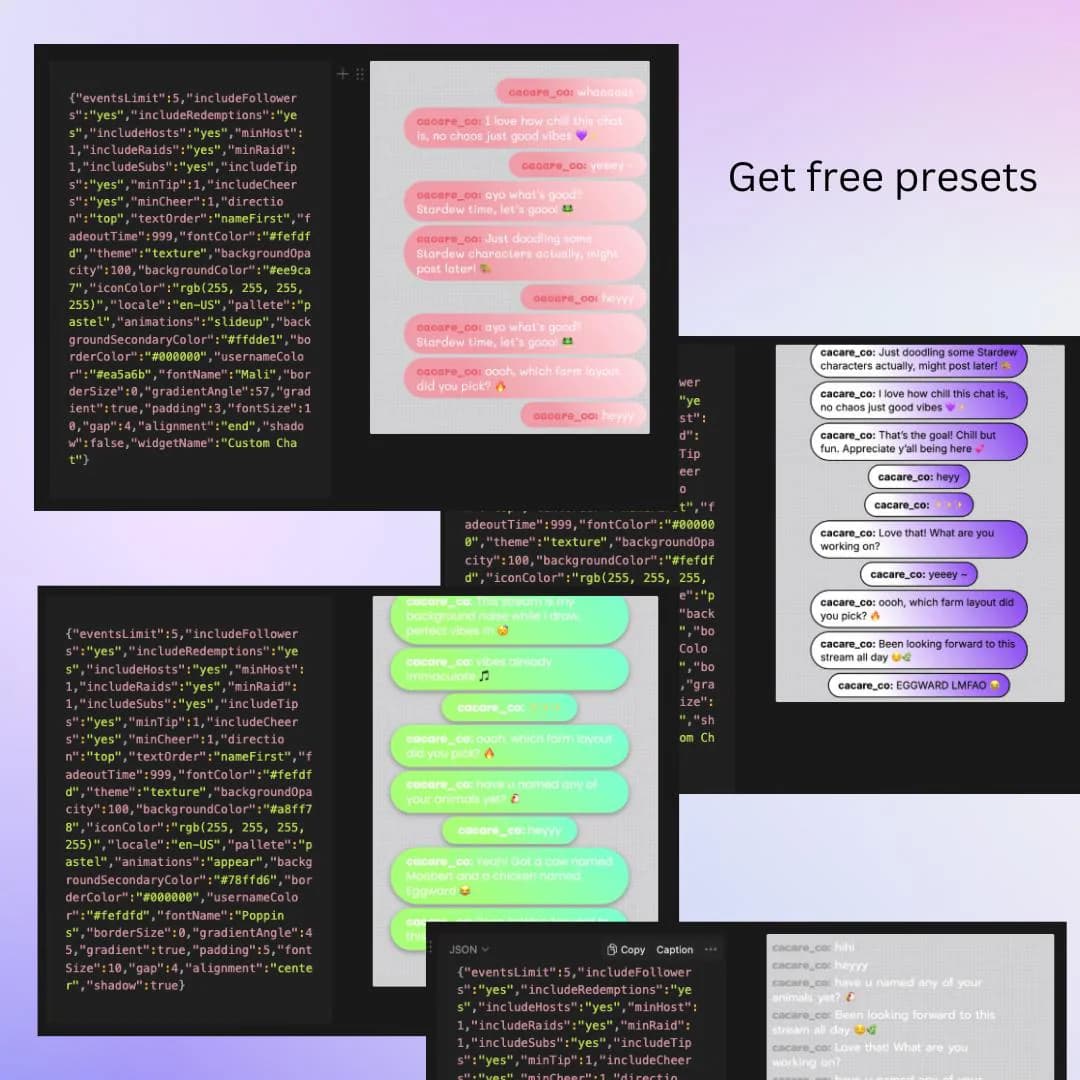
It fits VTuber models that need chat in brand colors, cozy art streams and gaming layouts alike, because nothing about it is tied to a theme. The listing images show several finished looks side by side, from candy pink to mint green to violet, which gives an idea of how far one widget can stretch.
what you get
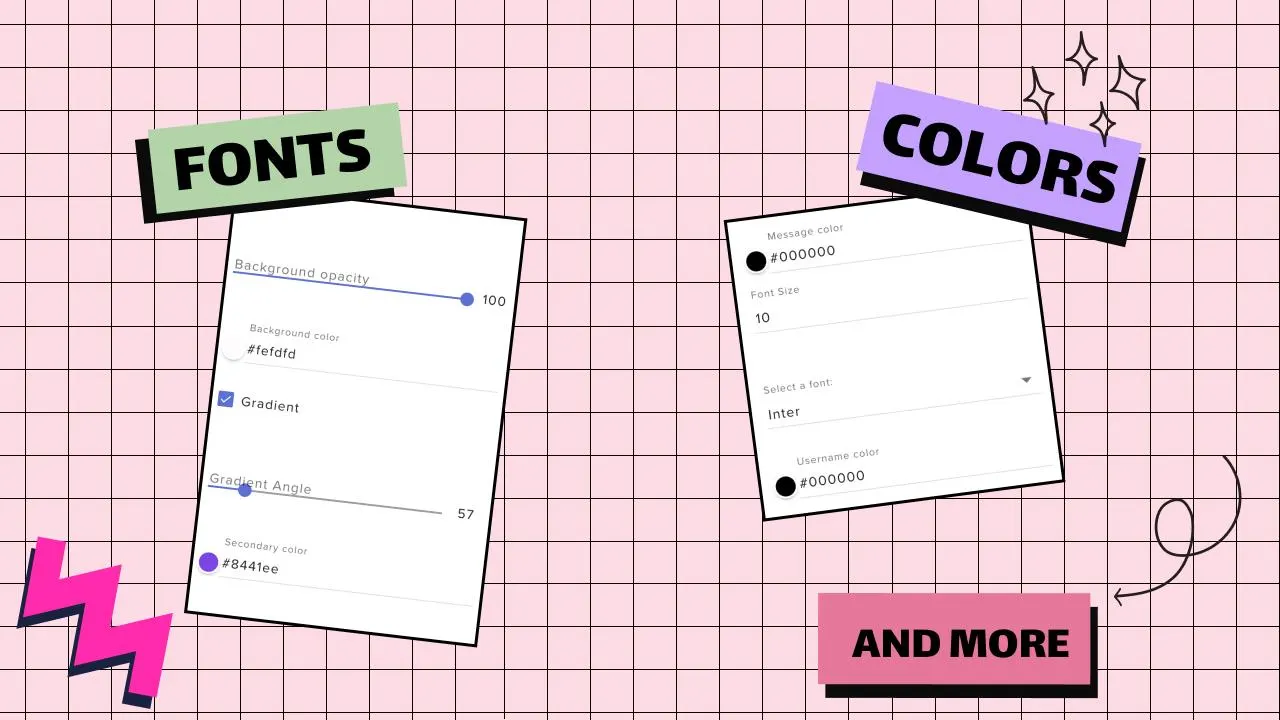
Use a single background color, or blend two colors with an adjustable gradient angle and background opacity.
Scale the chat to your layout and set the border so messages read as neat, framed pills.
Choose the font and its size, then color the message text and the usernames separately.
Align the messages and set the gap between them to keep a fast chat orderly.
Add motion to incoming messages, or leave it off for a still, minimal chat box.
setup
Download the ZIP from Etsy and run the one-click installation to add the widget to StreamElements.
In the overlay editor, set the chat size and border, then choose a solid color or a gradient.
Pick your font, text and username colors, alignment, spacing and animation.
Save the overlay and load its URL in OBS through a browser source.
questions
Yes. The background takes any color or a two-color gradient at your angle, and the message text and usernames each have their own color setting.
No. Installation is one click into StreamElements, and size, border, background, fonts, colors, alignment, spacing and animation are all adjusted in the widget's settings.
$5.00 USD on Etsy