Chat widget
1 / 4
Chat widget
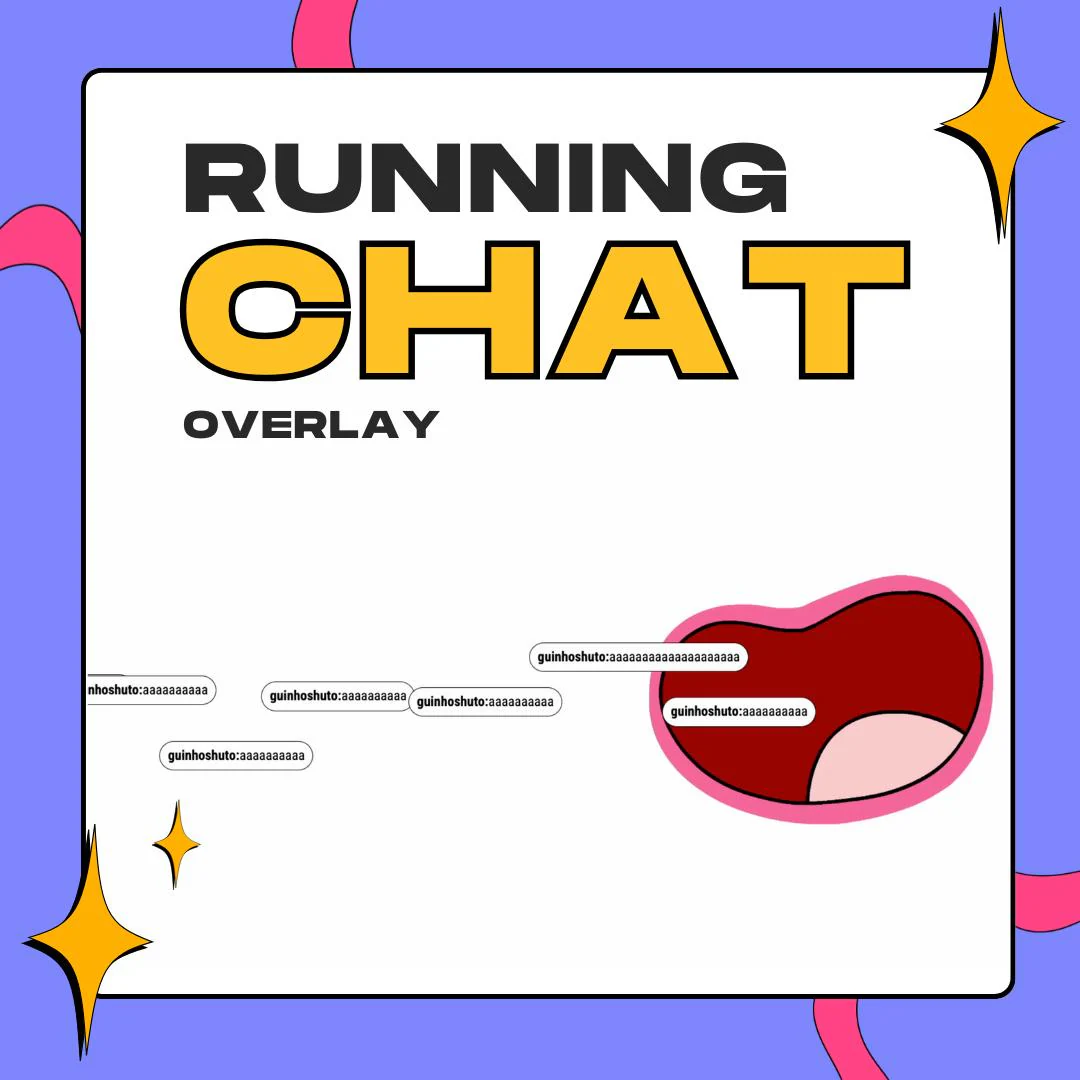
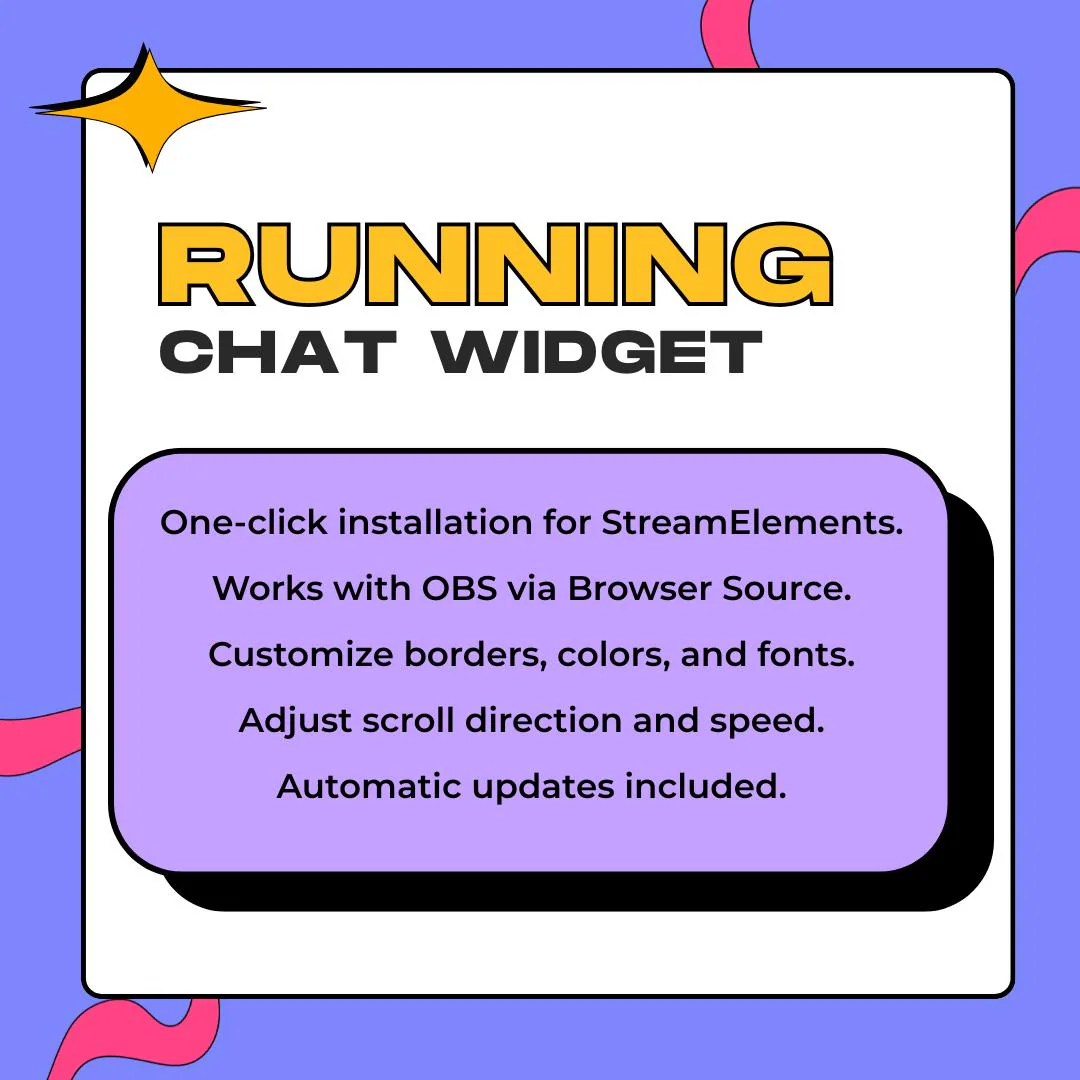
A horizontal chat overlay that moves your chat into a scrolling strip, so you can retire the tall chat box and give that space back to your camera or game. Messages slide in from one side and keep going, ticker style, in a StreamElements widget you load in OBS.
$10.00 USD
Instant digital download
the details
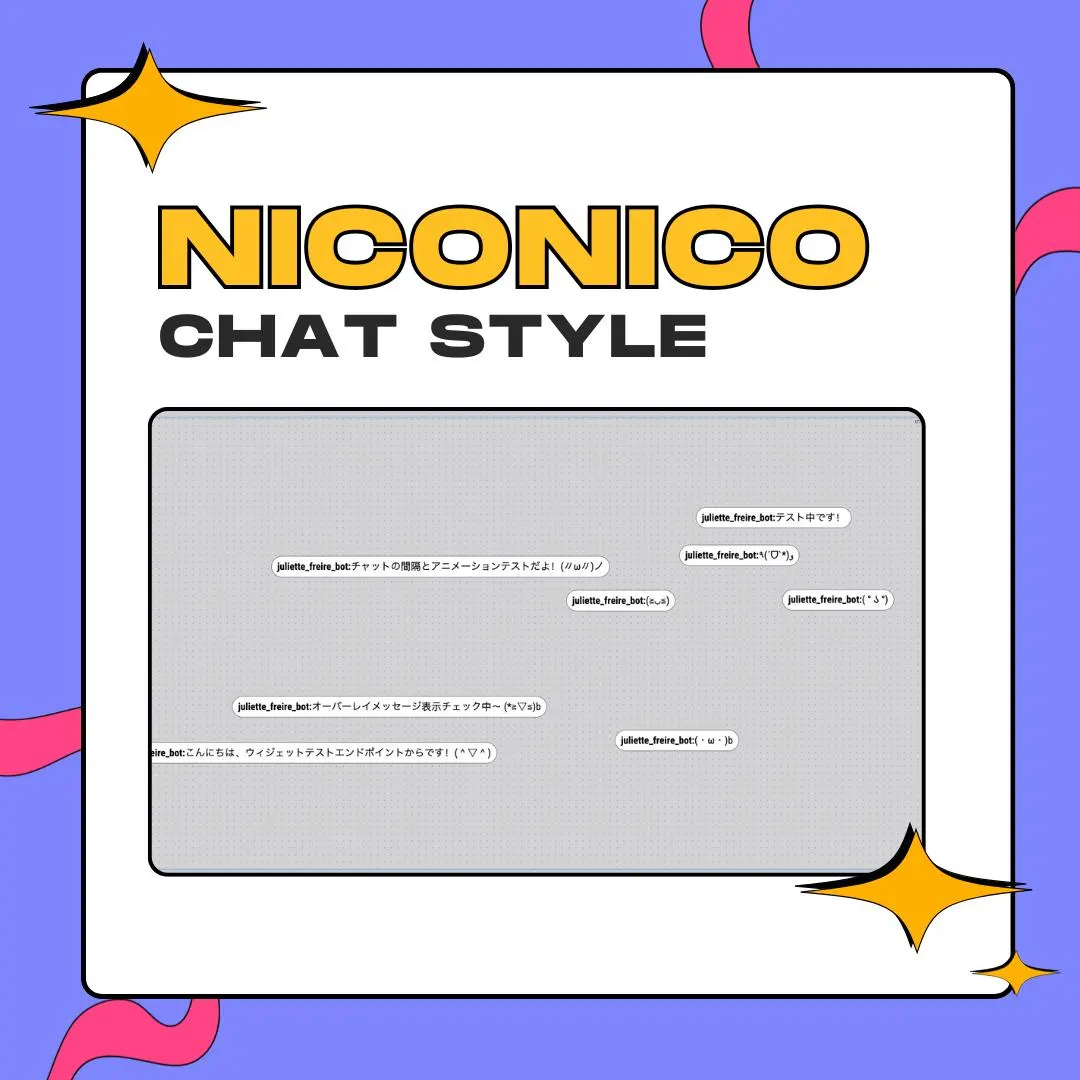
Most chat boxes are columns. They claim a slice of the screen on the left or right, and in a full-screen game that slice tends to sit on a minimap or a health bar. This widget turns the box on its side. Messages ride a horizontal strip, enter at one edge and leave at the other, so chat can live along the bottom of your layout, under your camera frame or across the top, where it takes very little room.
That makes the horizontal chat overlay an easy fit for cozy and pastel layouts, VTuber scenes where the model needs the full height of the screen, art streams where the canvas needs the width, and gaming streams that keep the HUD clear. Match the speed to your chat: slow and relaxed for a quiet evening, quicker when messages pile up. A Random Height toggle decides whether messages stay in one lane or spread over the strip.
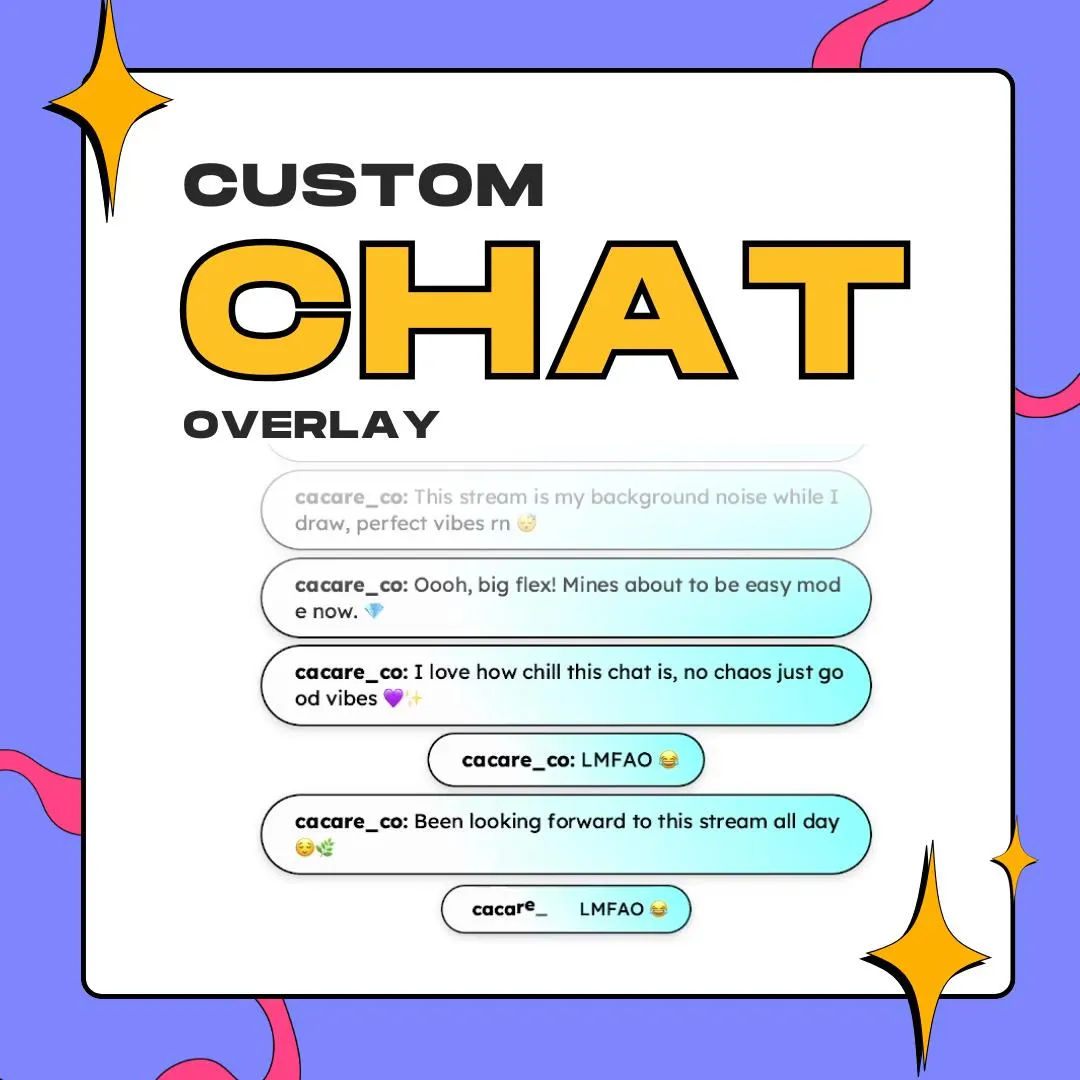
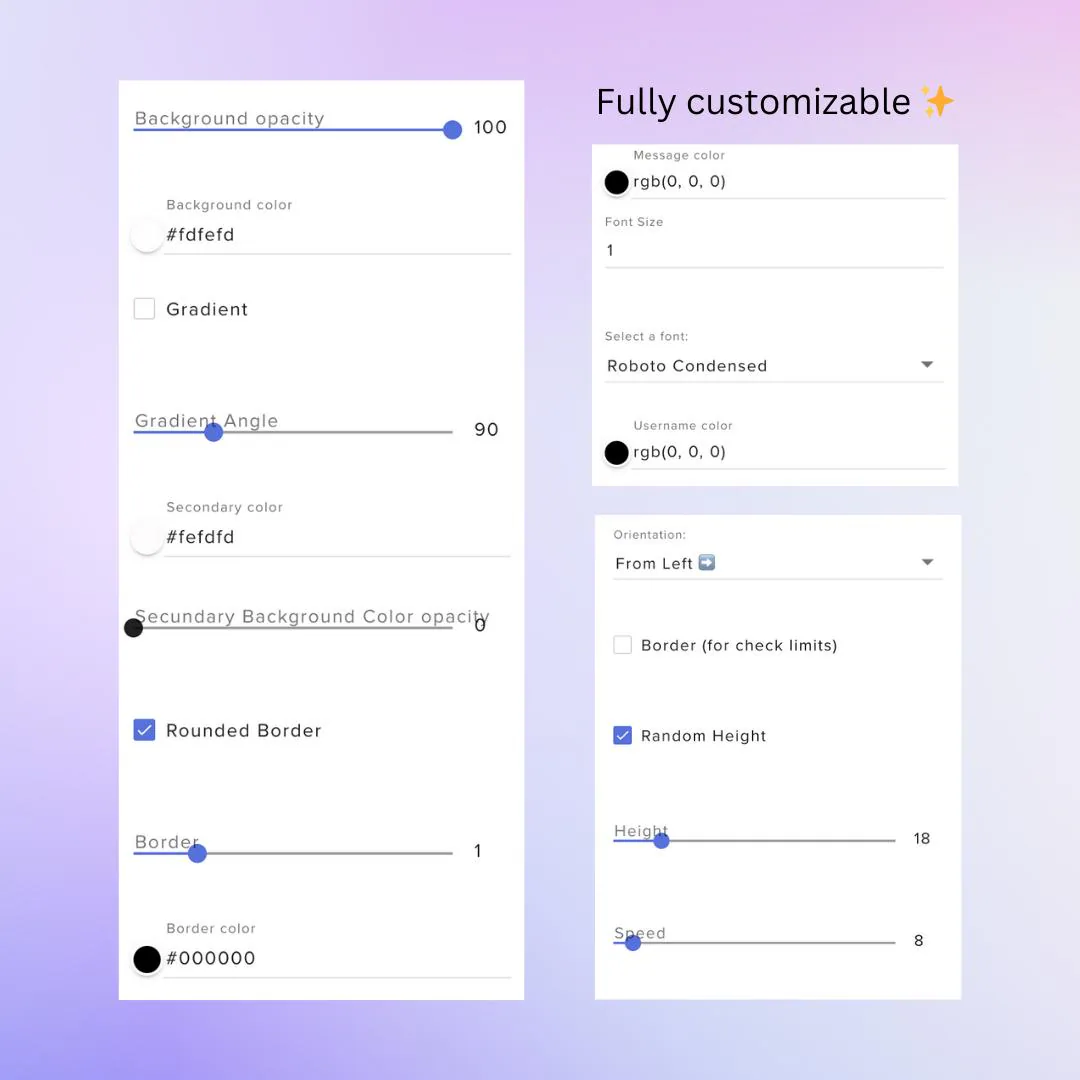
Styling happens in the StreamElements fields, and the look is up to you: soft pastel pills, a dreamy two-color gradient, plain white with a black outline like the preview, or your brand colors with rounded corners. Fonts come from a menu and usernames get their own color, so the strip reads well whether it runs over a dark game or a bright, cozy scene. No code involved.
what you get
Messages travel in a horizontal line instead of stacking in a column, so chat fits in a thin strip of your layout.
The Random Height toggle keeps messages on one line or scatters them across the strip, with a height setting to tune it.
A speed slider and a direction setting let busy chats stay readable and quiet ones drift by slowly.
Background color and opacity, a two-color gradient with its angle, rounded corners, and a border width and color.
Choose the font and size, then set username and message colors separately to match your theme.
setup
Unzip your Etsy download and use the one-click link to add the widget to your StreamElements account.
In the overlay editor, resize the widget into a wide, short box where the strip should run: bottom, top or under your camera.
Switch on the limits border while you place it, and switch it off once the strip sits right.
Set direction, speed, colors and font, save, and paste the overlay URL into a new OBS browser source.
questions
Yes. You size and place the widget in the StreamElements overlay editor like any other element, so a wide, short strip at the bottom, the top or under your camera all work.
Copy your StreamElements overlay URL, add a new browser source in OBS and paste the link there. The strip then sits on top of your scene like any other source.
Yes. Background and gradient colors, opacity, border color, text colors and font are all settings, so you can go soft pastel, a dreamy gradient or plain white pills.
$10.00 USD on Etsy