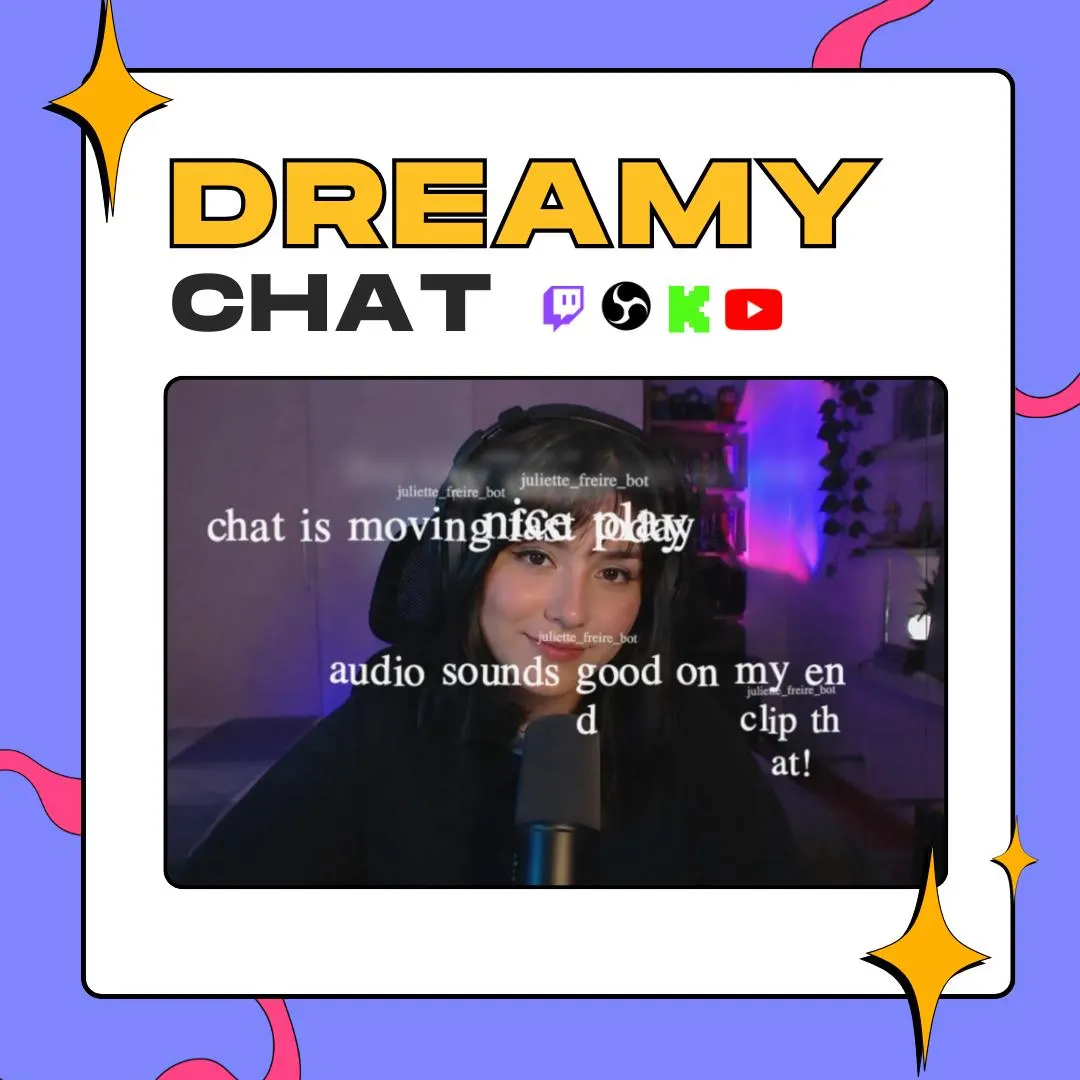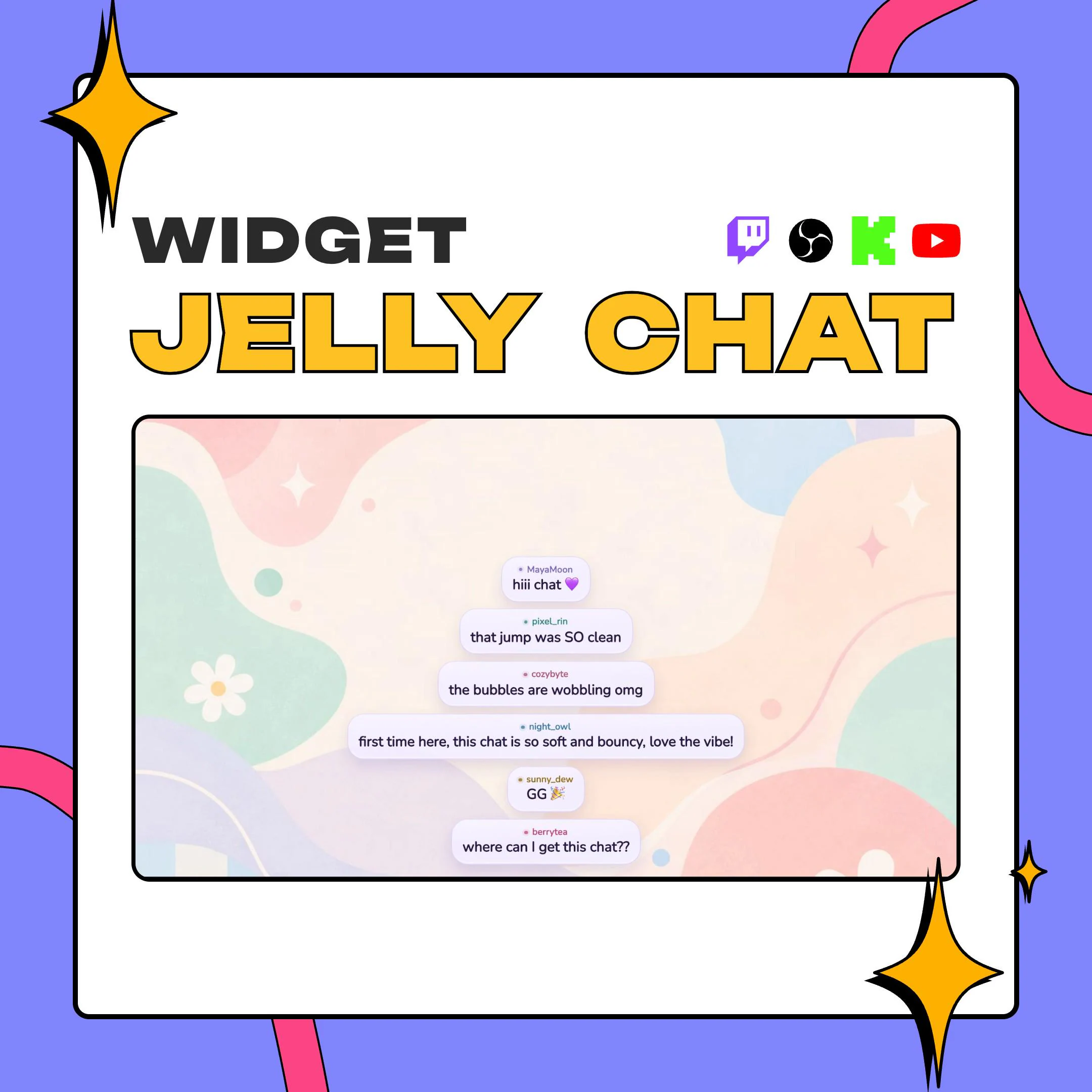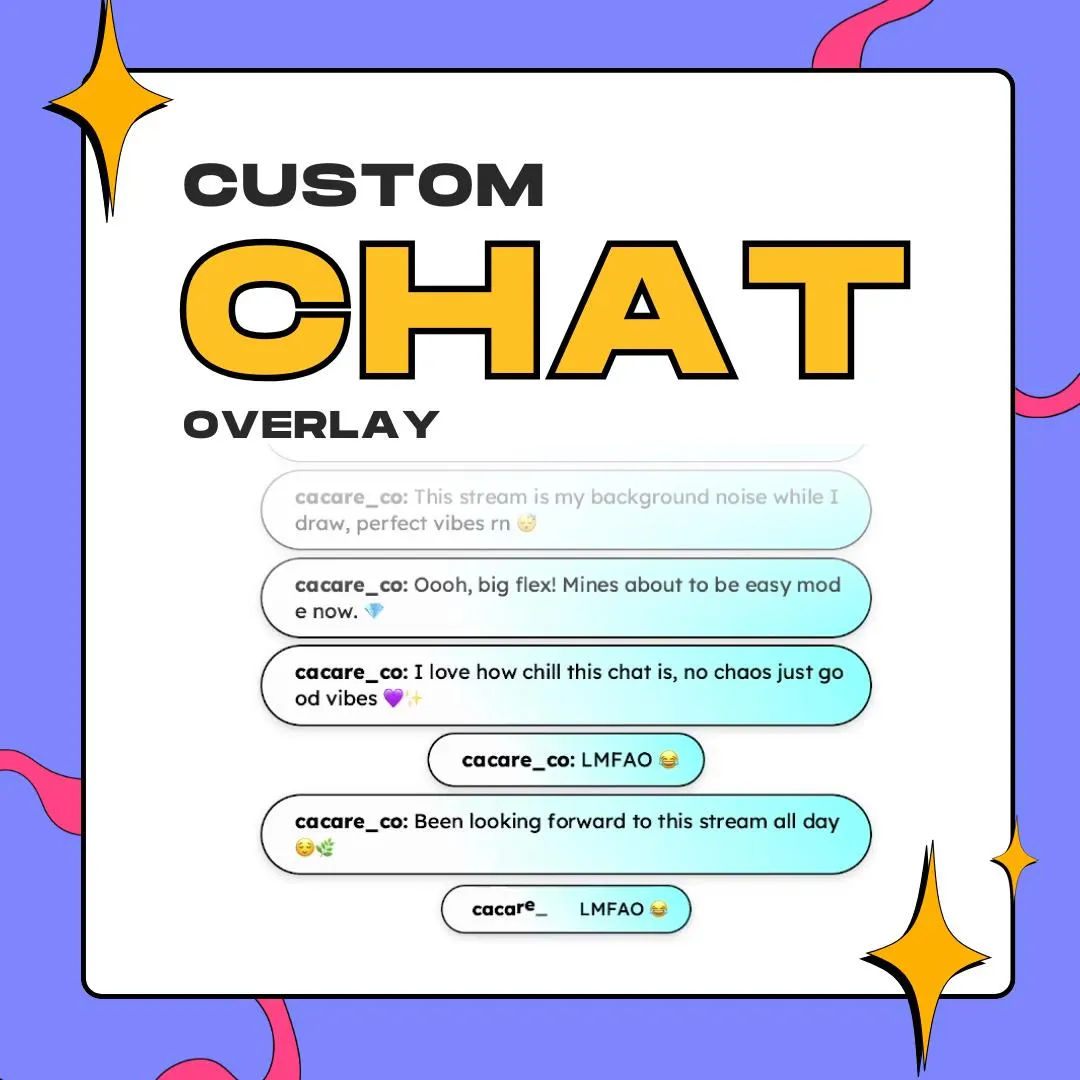
Chat widget
1 / 4
Chat widget
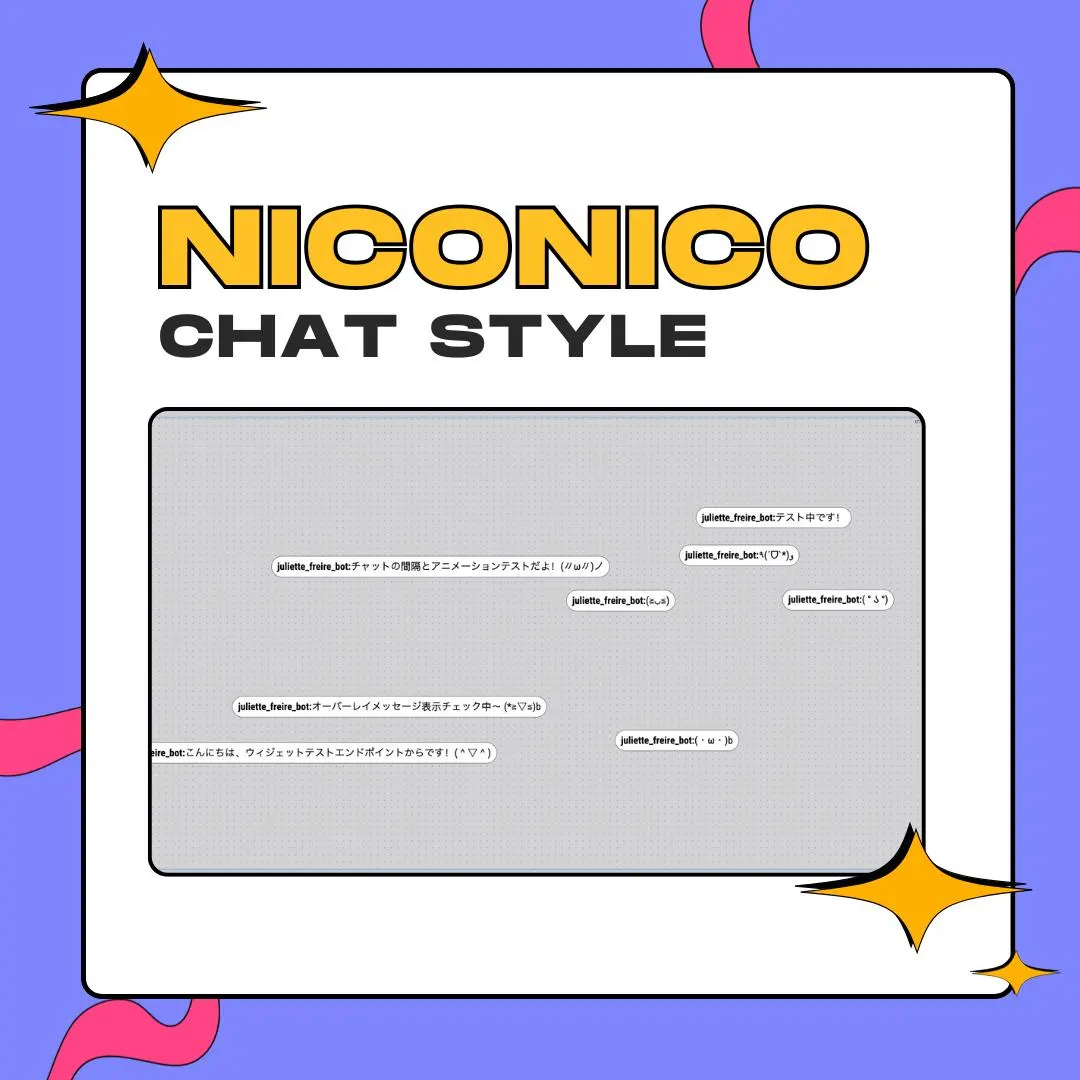
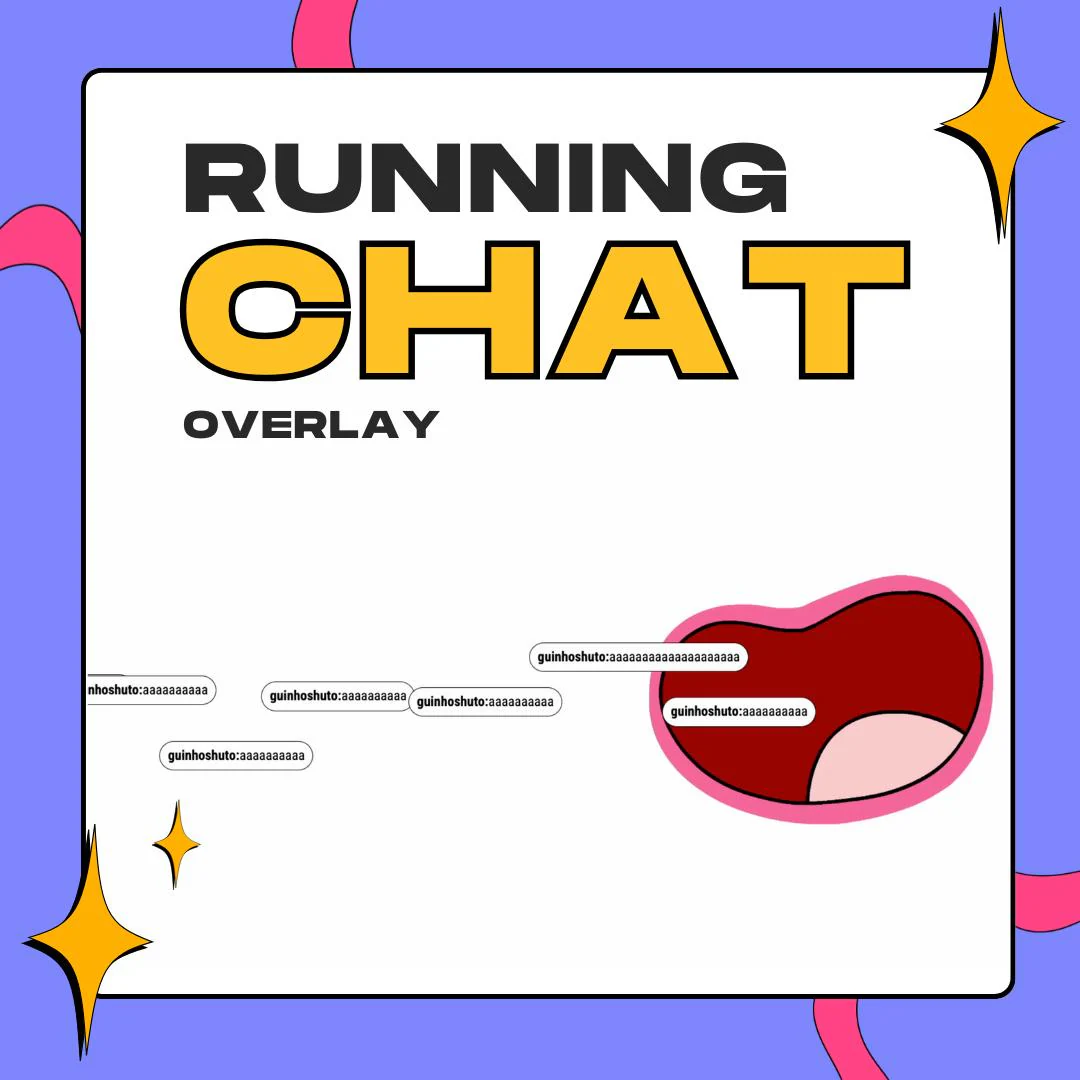
This niconico chat overlay sends every chat message across your screen as one line of text, each at its own height, the way comments ride over videos on the Japanese site Niconico. It runs as a StreamElements widget and loads in OBS as a browser source.
$10.00 USD
Instant digital download
the details
On Niconico, viewer comments do not live in a sidebar. They fly over the video itself, so the audience reacts on top of the picture. This widget borrows that habit for your stream. A new chat message enters from the edge of the screen, crosses it in one line and exits on the far side, while the next one starts at a different height. When chat gets busy, the screen fills with lines moving at the same pace, and your viewers feel like they are talking over the game, not next to it.
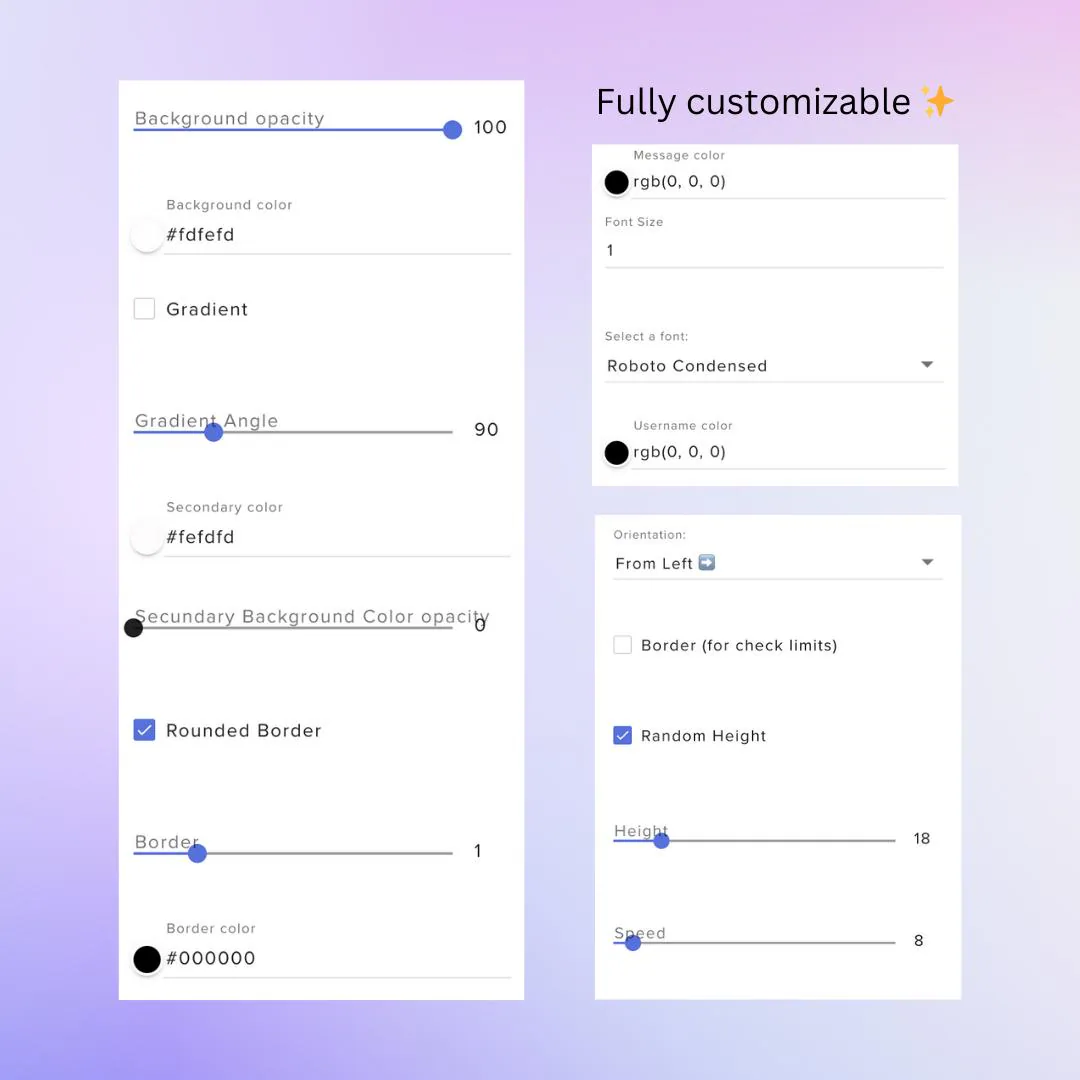
You decide how loud that effect gets. With Random Height on, messages scatter over a band of the screen; turn it off for a calmer, more even flow. A height setting and a speed slider tune the rest, and you can change the scroll direction (the preview runs From Left). While you size the widget in the overlay editor, a border option outlines its limits so you can see exactly where comments will travel. Every option is a field in StreamElements, so there is nothing to code.
Each comment sits in a small pill you can style: background color and opacity, an optional gradient with a second color and its own angle, rounded corners, and a border with width and color. Usernames and message text get separate colors, and the font comes from a menu, from a clean condensed sans to something handwritten or bubbly. The result is a niconico chat overlay that fits cozy gaming, chatting and VTuber streams, reading the Twitch or YouTube chat you connect to StreamElements.
what you get
Each message enters from one side, travels across in a single line and leaves, so chat sits on top of your scene like video comments.
Switch on Random Height and messages spread over different heights, so a fast chat fills the screen instead of queuing in one row.
Set the scroll speed and the side messages come from, then check the area with the border that marks the widget's limits.
Match the pills to your scene with a gradient, opacity and border color, or keep them plain white like the preview.
Pick a font and size from the menu, and color usernames and message text apart so comments stay readable over gameplay.
setup
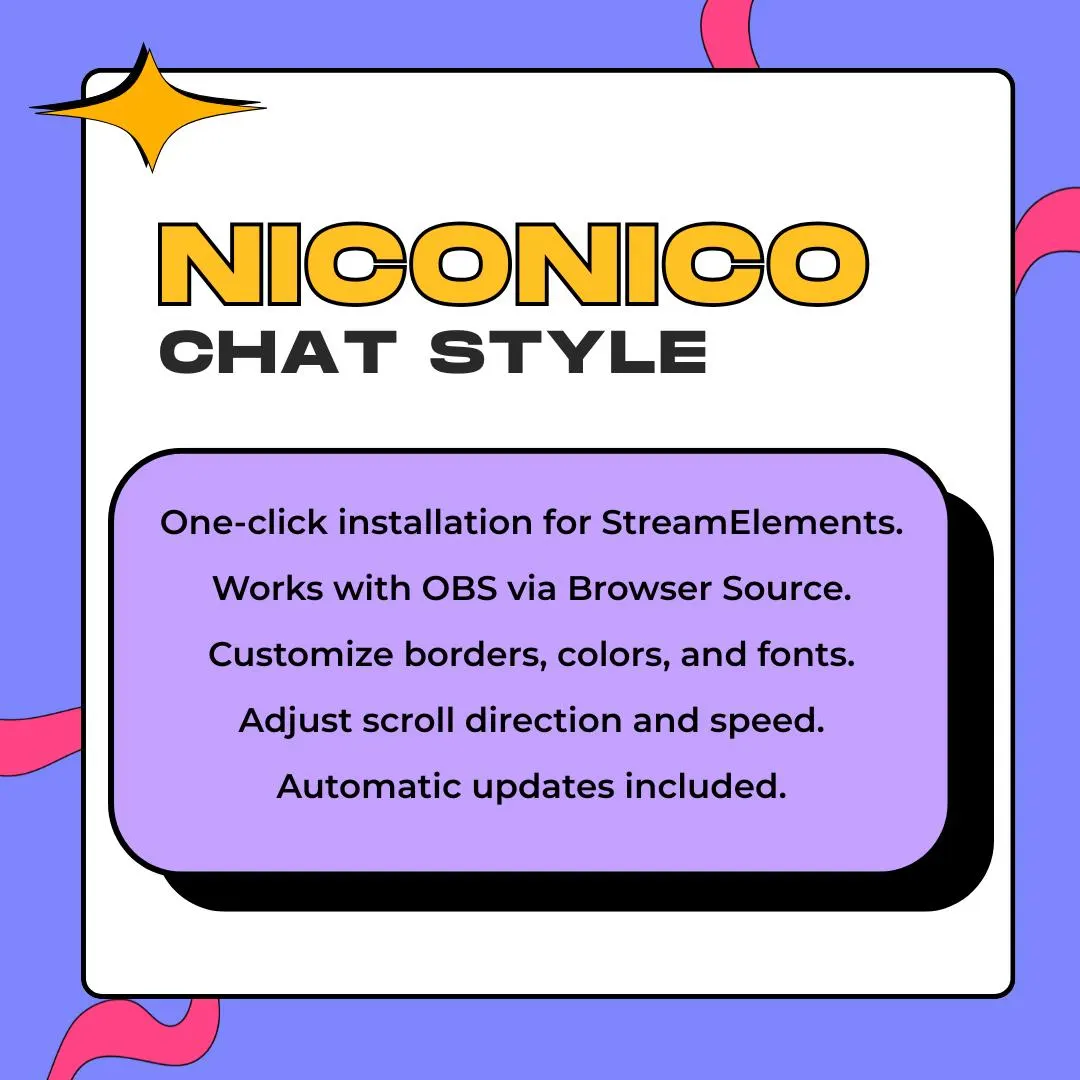
Download the ZIP from your Etsy purchase and use the one-click StreamElements installation that comes with it.
Log in to StreamElements so the widget is added to your account, then open it in the overlay editor.
Turn on the limits border, size the widget over the area comments should cross, and set height and speed.
Copy the overlay URL and add it to OBS as a browser source on top of your game or camera.
questions
No. It's an independent StreamElements chat widget inspired by the way comments scroll over videos on Niconico. It shows your own stream chat, not comments from Niconico.
Yes. It's made for Twitch and YouTube streams through StreamElements: the widget displays the chat of the channel you connect there, and OBS shows it as a browser source.
No. Installation is one click into StreamElements, and colors, border, font, height, speed and direction are all fields in the widget editor.
$10.00 USD on Etsy