Chat widget
1 / 7
Chat widget
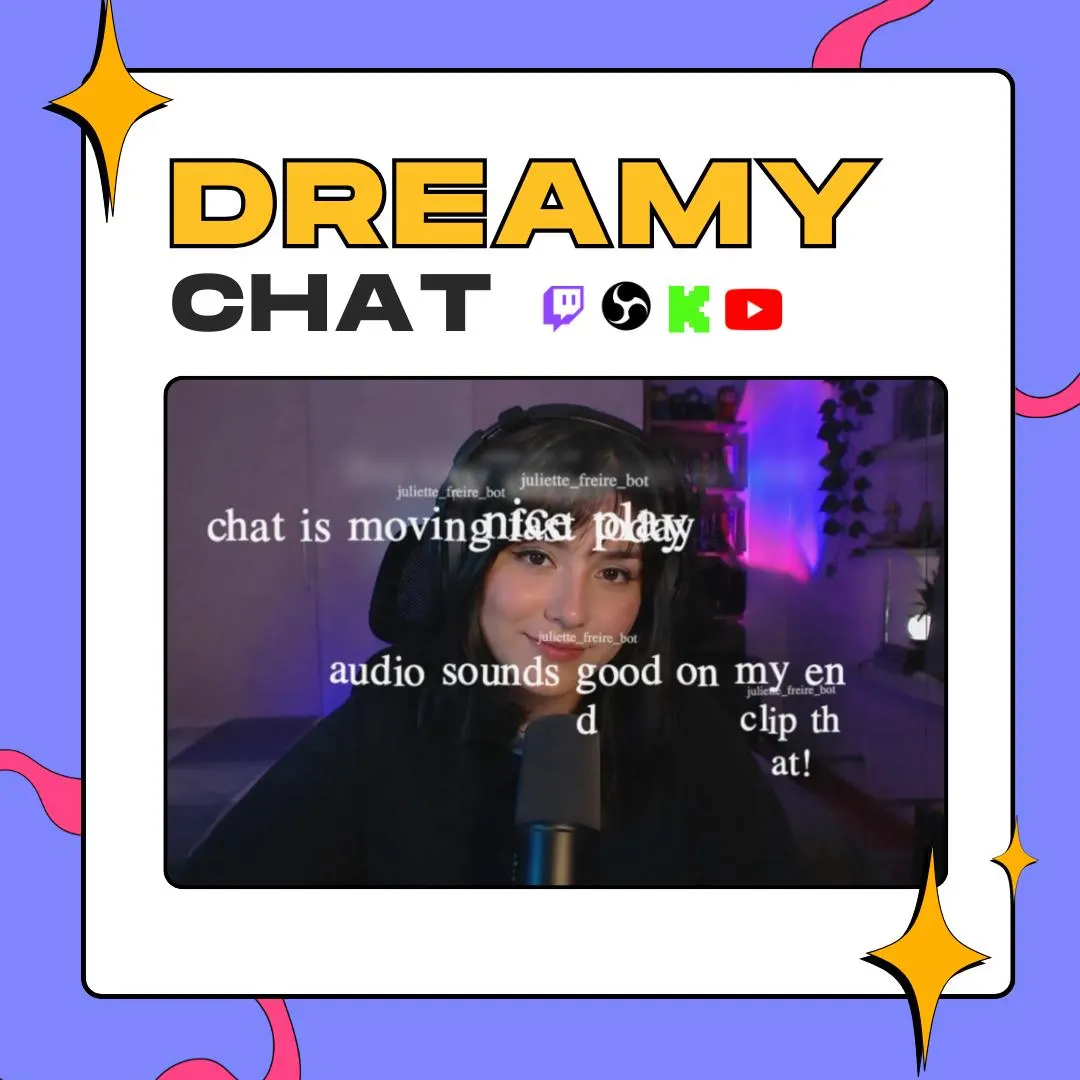
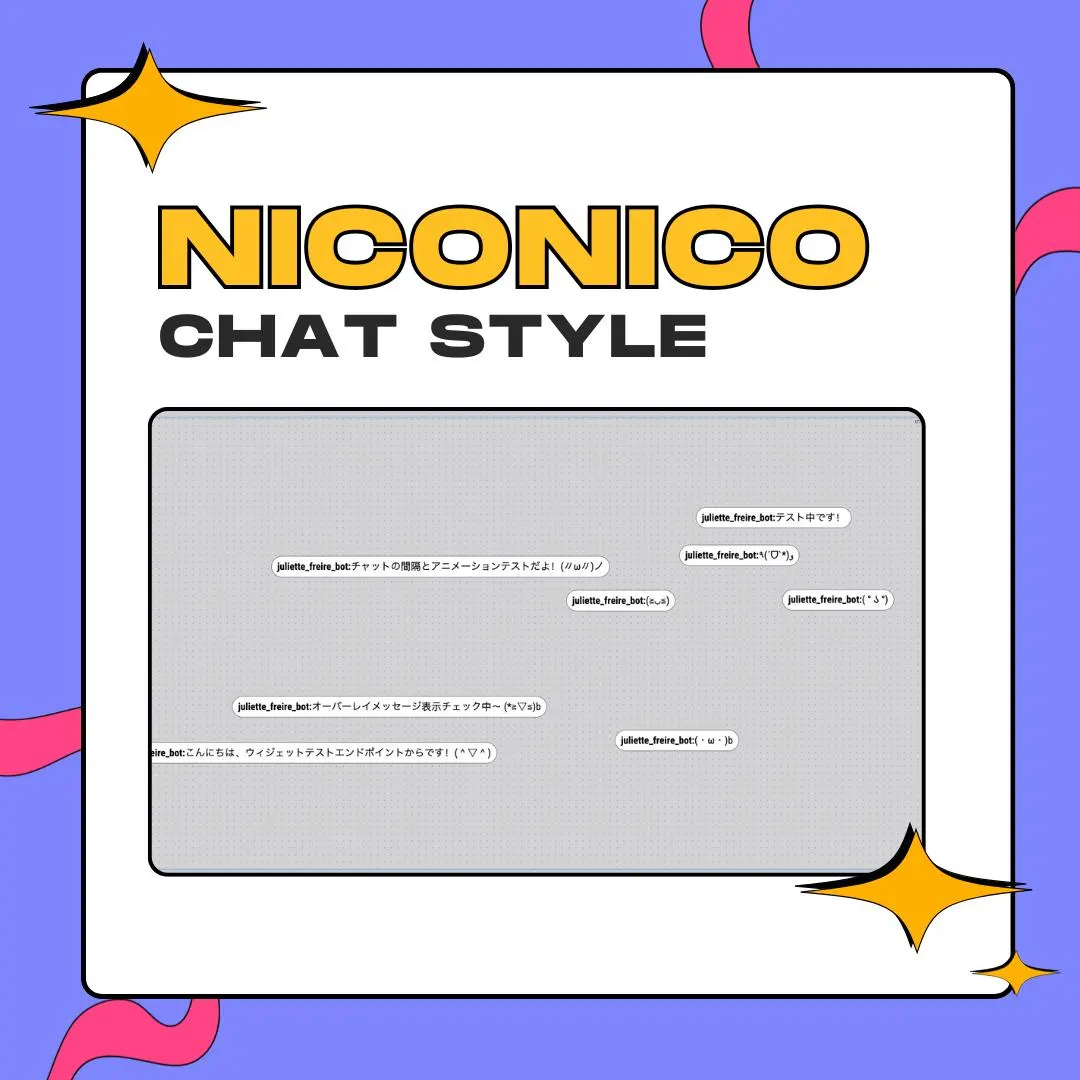
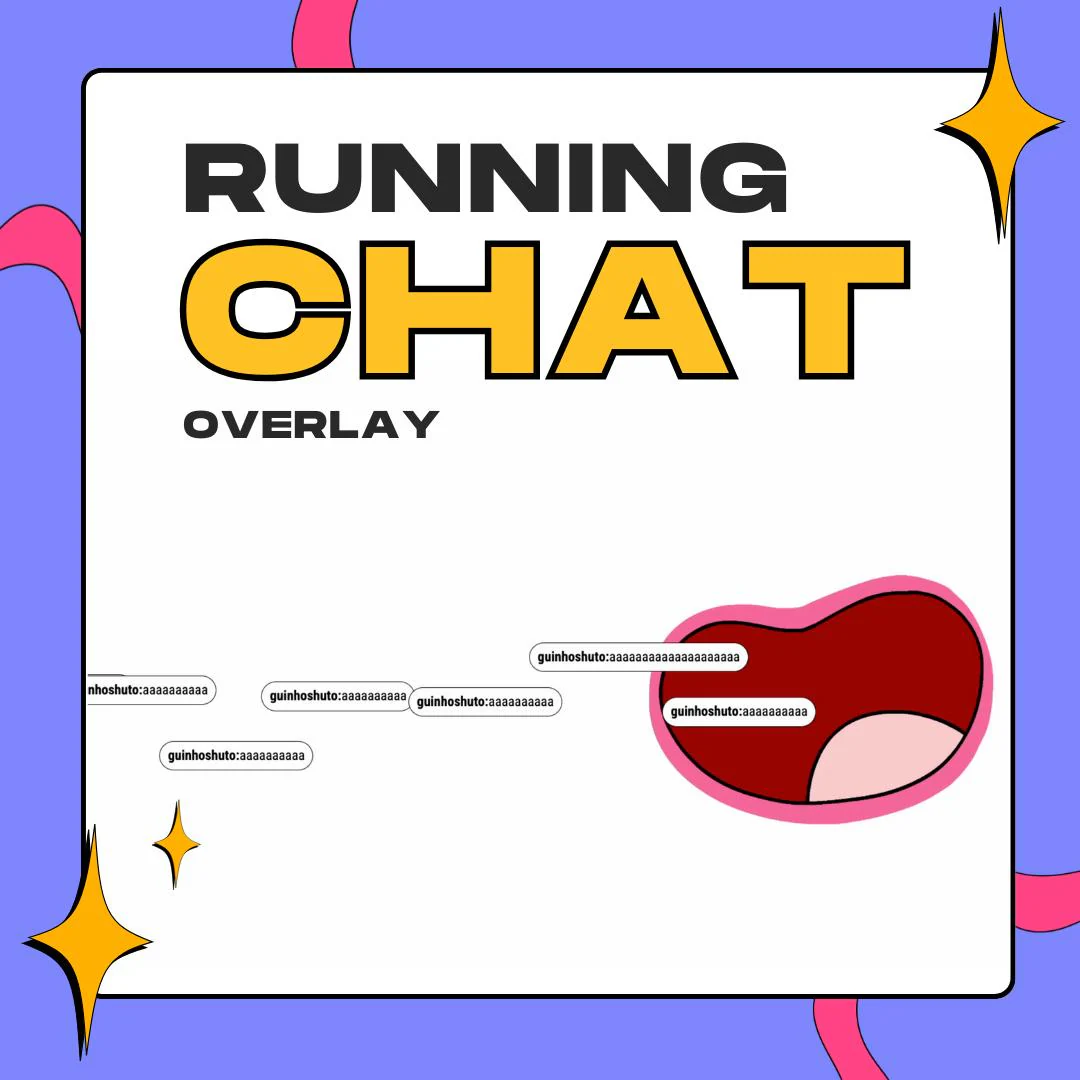
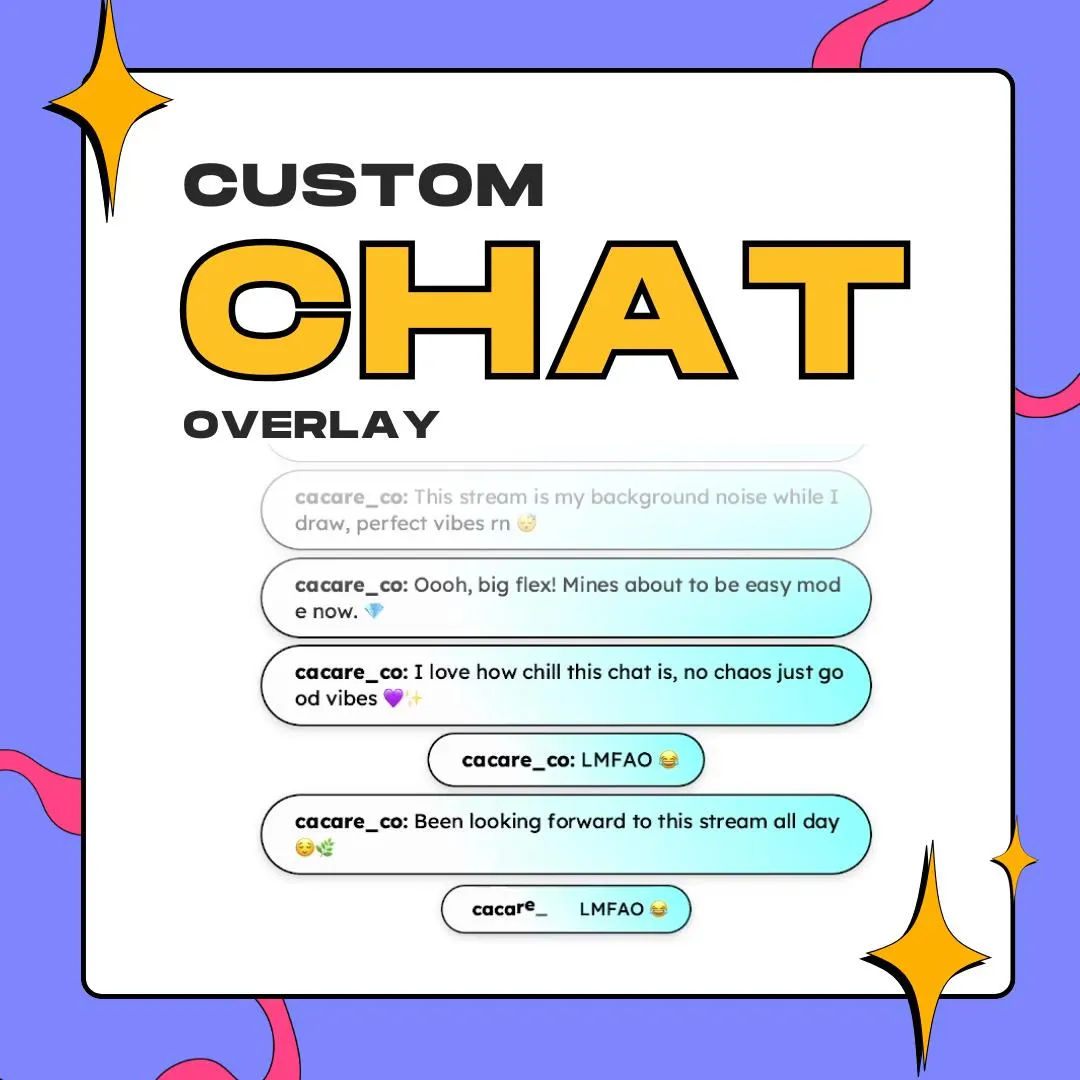
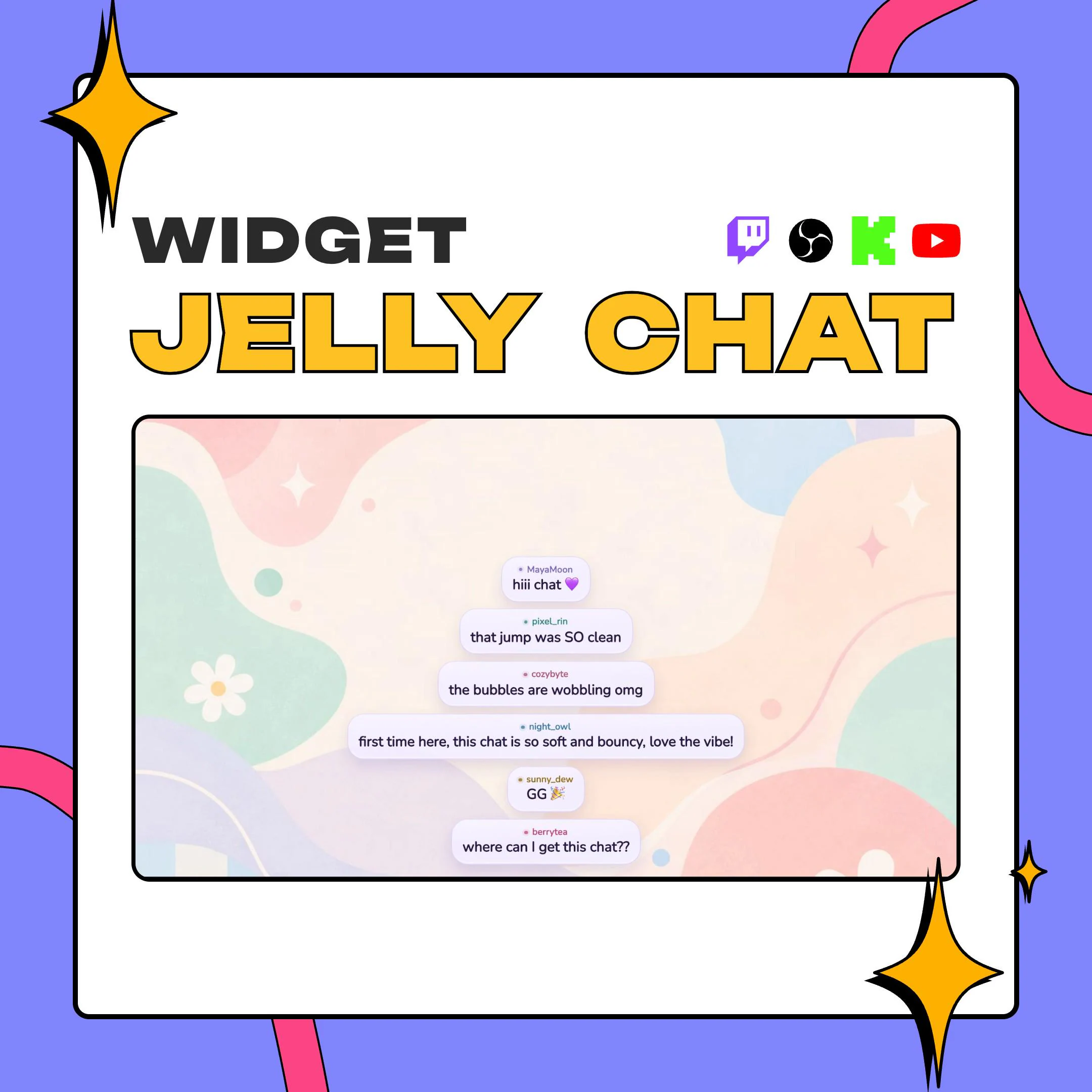
This animated Twitch chat overlay gives every message a soft jelly body: it springs up, squashes on landing and settles with a ripple, while the words inside stay flat and readable. It's a native StreamElements widget that installs from a one-click link.
$5.00 USD
Instant digital download
the details
Picture a chat column made of soft gel. A new message rises into place on a spring, stretches as it climbs, squashes as it touches down and wobbles until it rests, while the bubbles already on screen slide over to make room. The words sit on top of all that motion without bending, so viewers read the message while the bubble does the bouncing. When a message is deleted, or its sender is timed out or banned, the bubble leaves too.
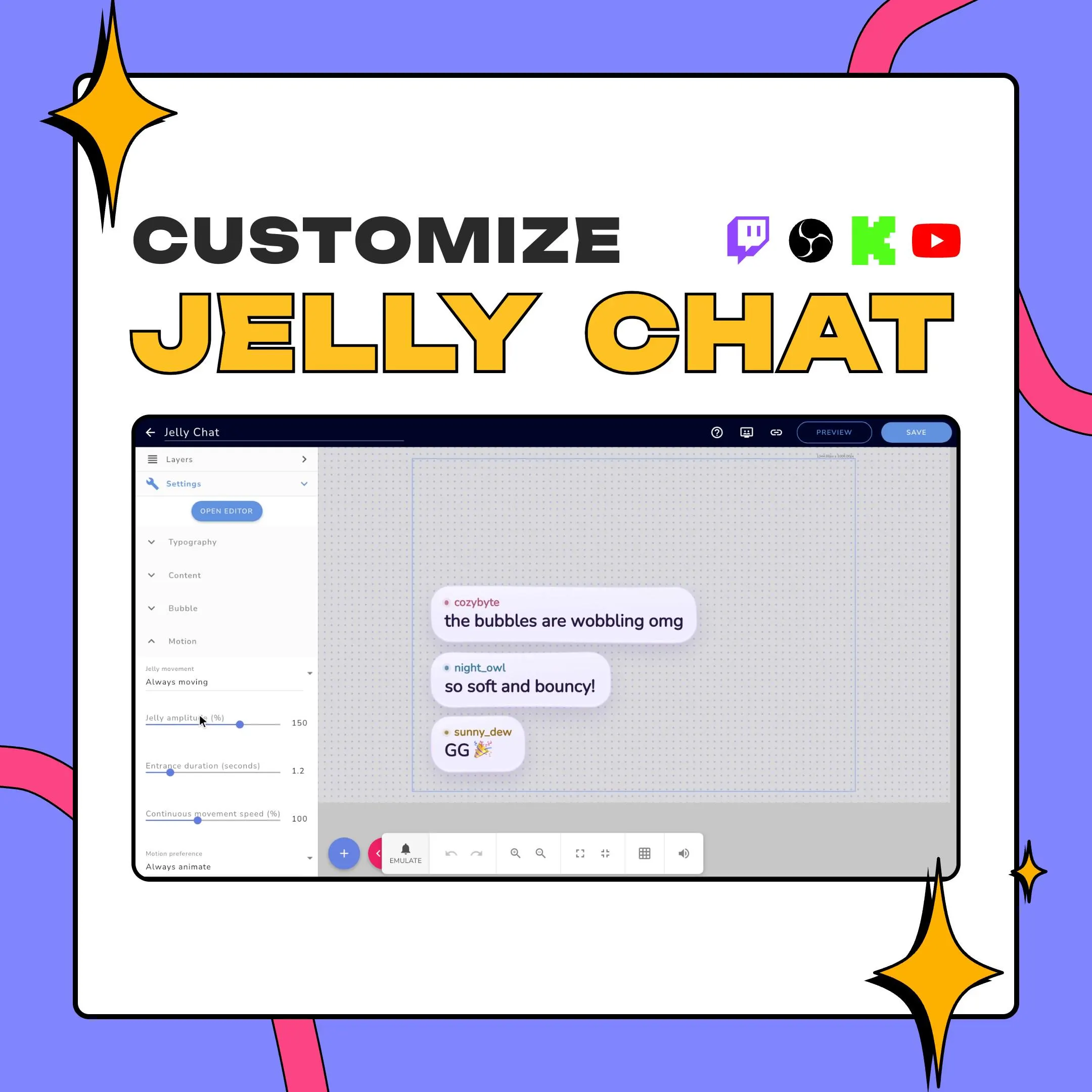
The animated Twitch chat overlay comes with two temperaments. Entrance only, the default, animates each bubble when it arrives and then holds still, which suits gaming and fast chats. Always moving keeps every bubble gently breathing on screen, at a speed you set, for a just chatting scene or a cozy VTuber setup. A motion preference lets you keep the full effect, cut it down to short fades, or defer to the operating system's reduced motion setting.
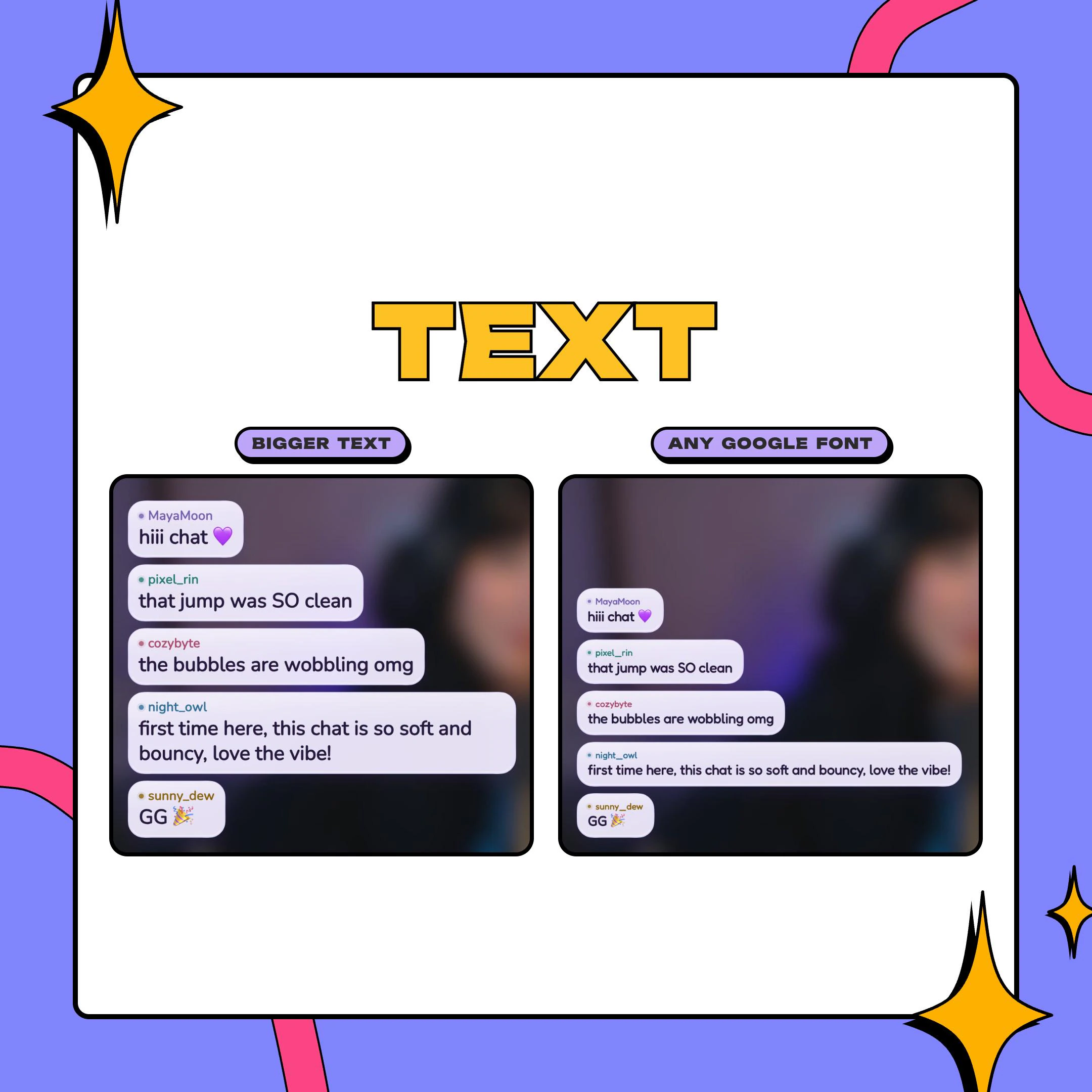
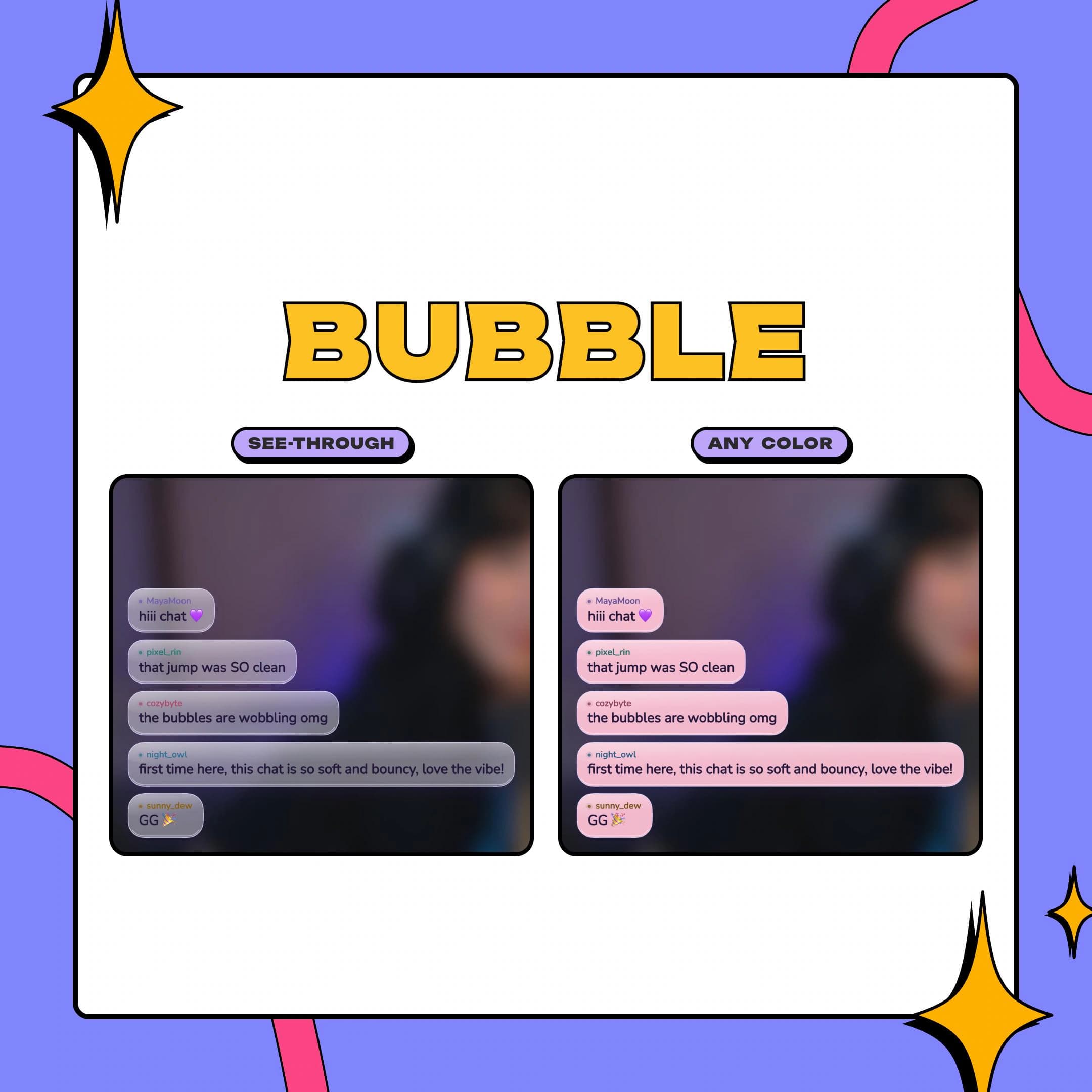
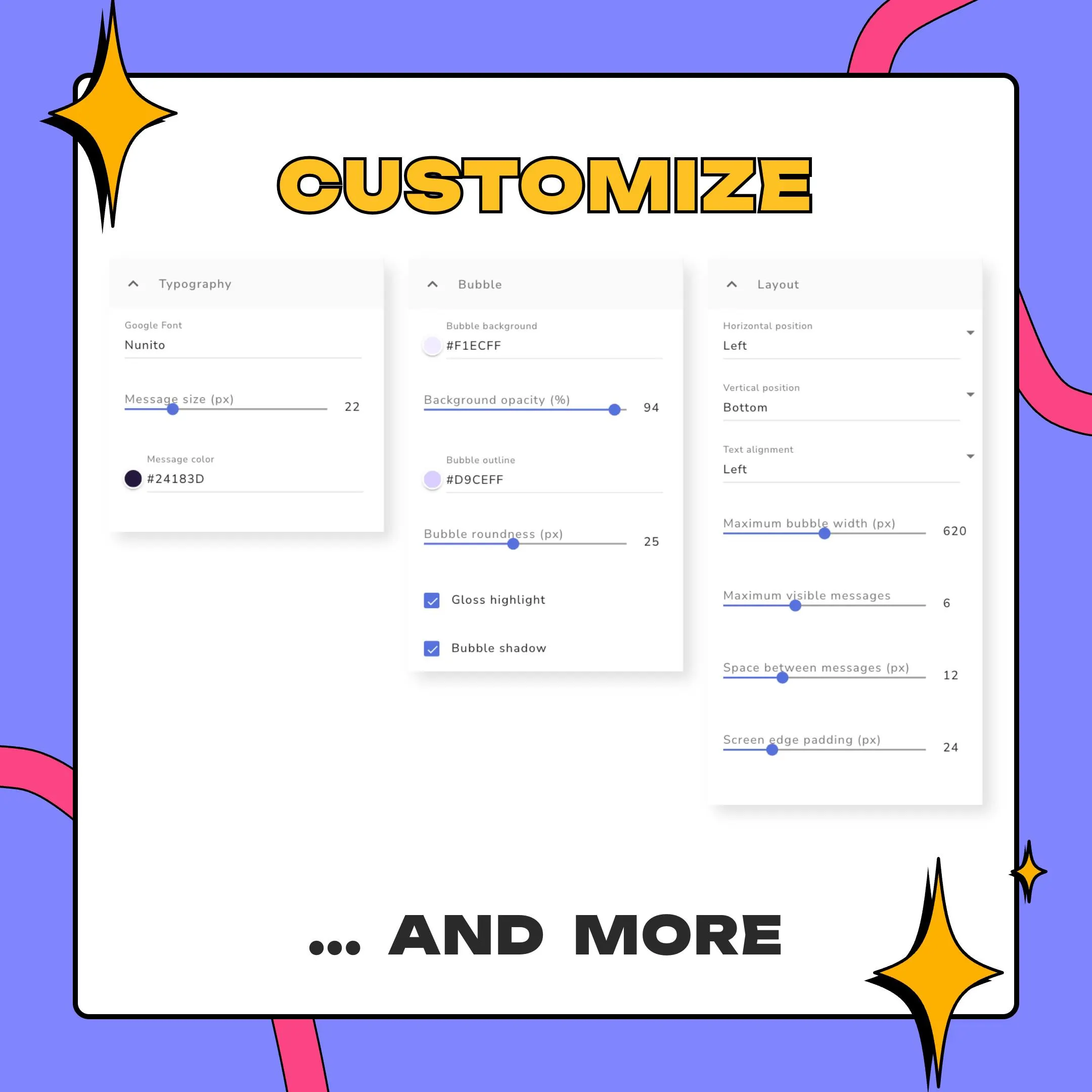
Bubbles take any color, a see-through opacity, an outline, rounder or sharper corners, a gloss highlight and a soft shadow. Emotes from Twitch, BetterTTV, FrankerFaceZ and 7TV appear as StreamElements delivers them, and usernames can keep each chatter's color or all share one you pick. It runs on StreamElements overlays for Twitch, YouTube and Kick, and its physics is custom code with no third-party library, so the only outside load is your Google Font.
what you get
Each bubble jumps in on a spring, flattens when it lands and jiggles to rest. You set the wobble size and an entrance time of 0.8 to 3 seconds.
Only the bubble deforms. The letters never stretch or lean, so chat stays legible even in the middle of a bounce.
Entrance only animates arrivals and then rests; Always moving keeps the bubbles breathing at a speed you choose.
Twitch, BetterTTV, FrankerFaceZ and 7TV emotes show inline, and names can use every chatter's color or a single color you set.
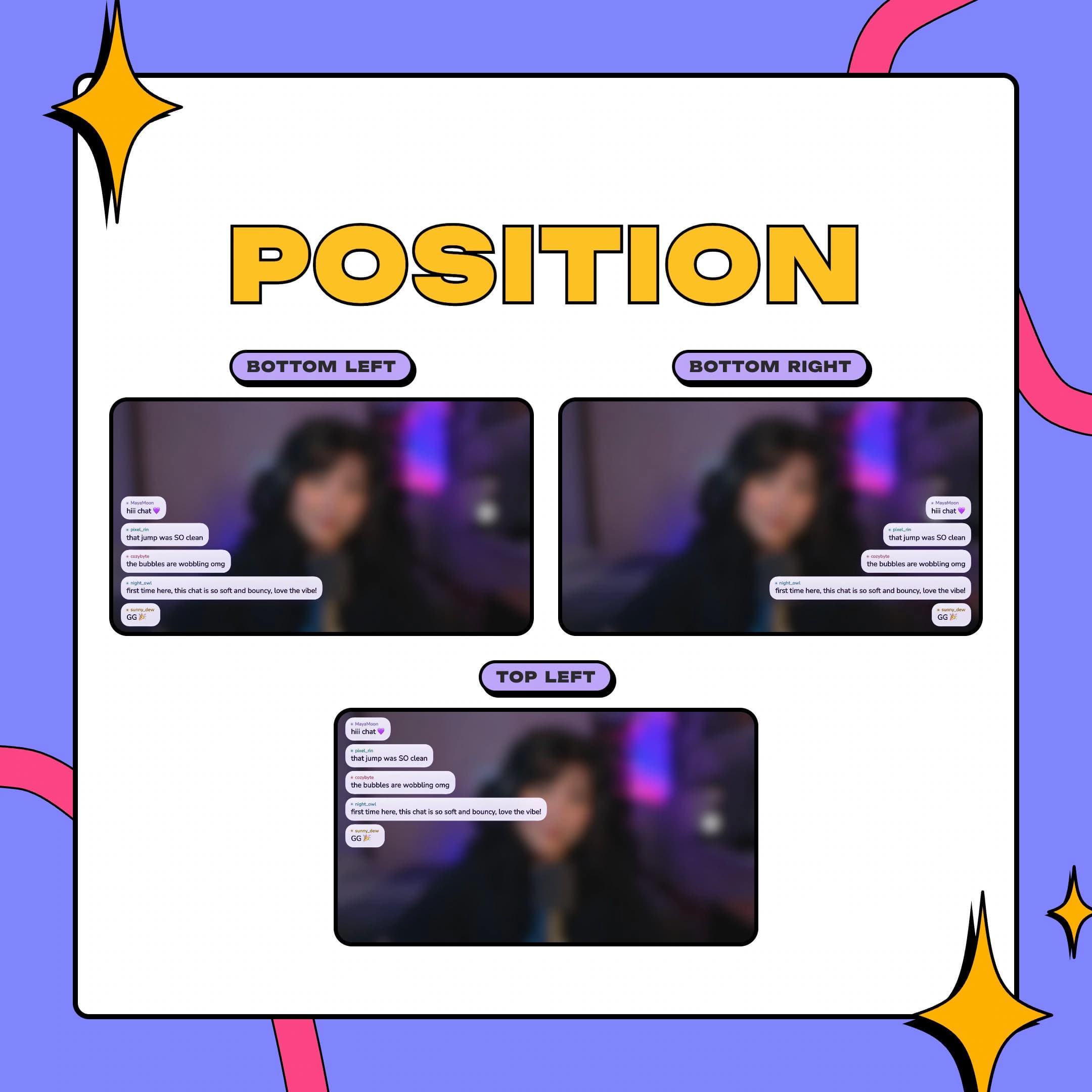
Set the horizontal and vertical position, text alignment, bubble width, the gap between bubbles and the padding from the screen edge.
Deleted messages, timeouts and bans clear the matching bubbles, so removed messages don't linger on stream.
setup
Open the PDF guide from your Etsy download and click the StreamElements import link inside.
Log in to StreamElements; the Jelly Chat overlay appears in your account, fully built.
Set the Google Font and bubble colors, then choose a motion mode.
Paste the overlay URL into a browser source in OBS, Streamlabs Desktop or XSplit, and go live.
Prefer manual setup? Make a Custom Widget and paste the four files into the HTML, CSS, JS and Fields tabs.
questions
No. The bubble moves, the text doesn't: words ride inside without squashing or tilting. If you want even less motion, set the motion preference to short fades.
Yes. It runs in StreamElements overlays on Twitch, YouTube and Kick. Load the overlay in OBS, Streamlabs Desktop or XSplit as a browser source. A free StreamElements account is enough.
No. It's an instant digital download: a PDF guide with the import link, plus a ZIP holding the four widget files if you'd rather install by hand.
The license covers personal use and commercial streaming on one channel. Reselling, redistributing or bundling the files into another product isn't allowed.
$5.00 USD on Etsy