Chat widget
Chat widget
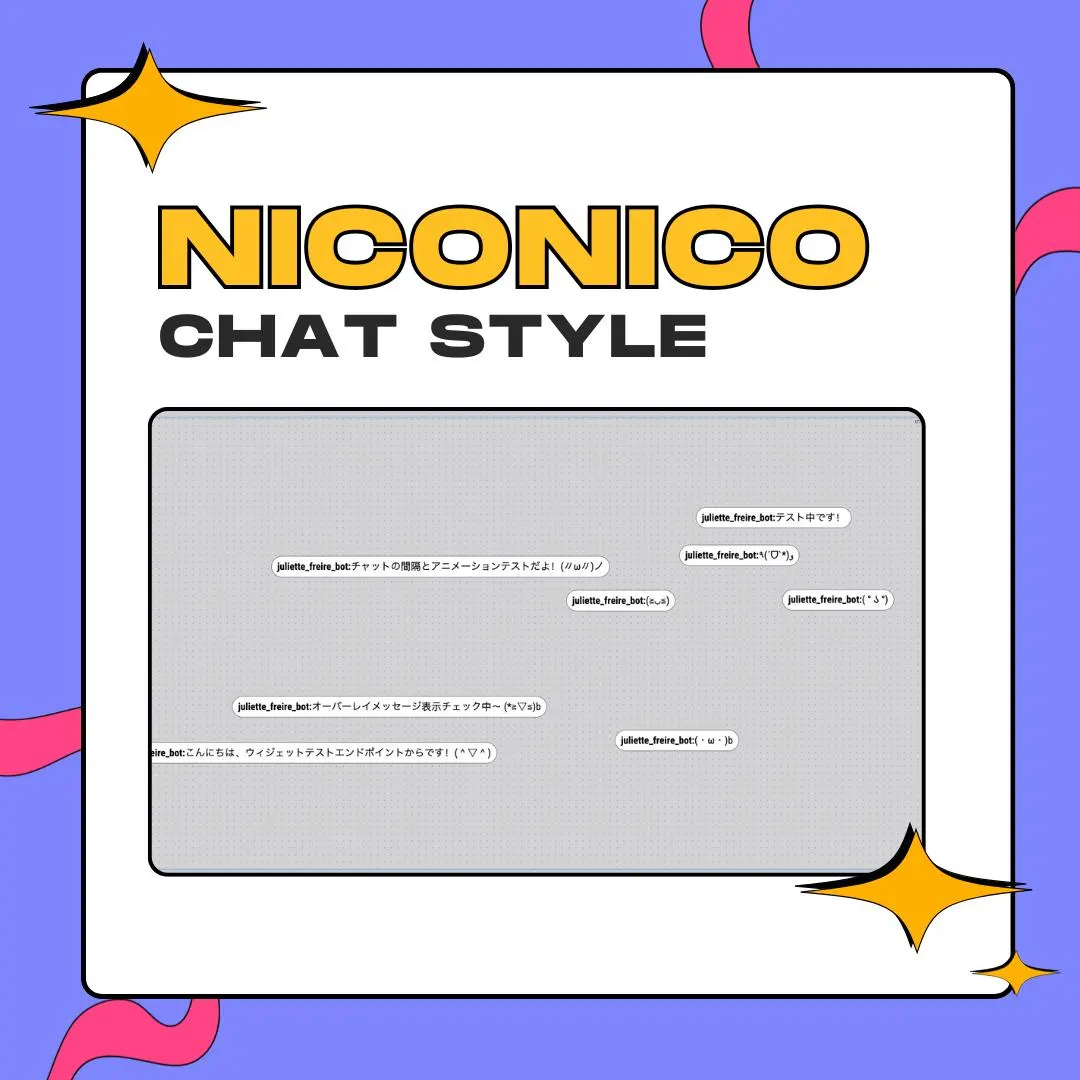
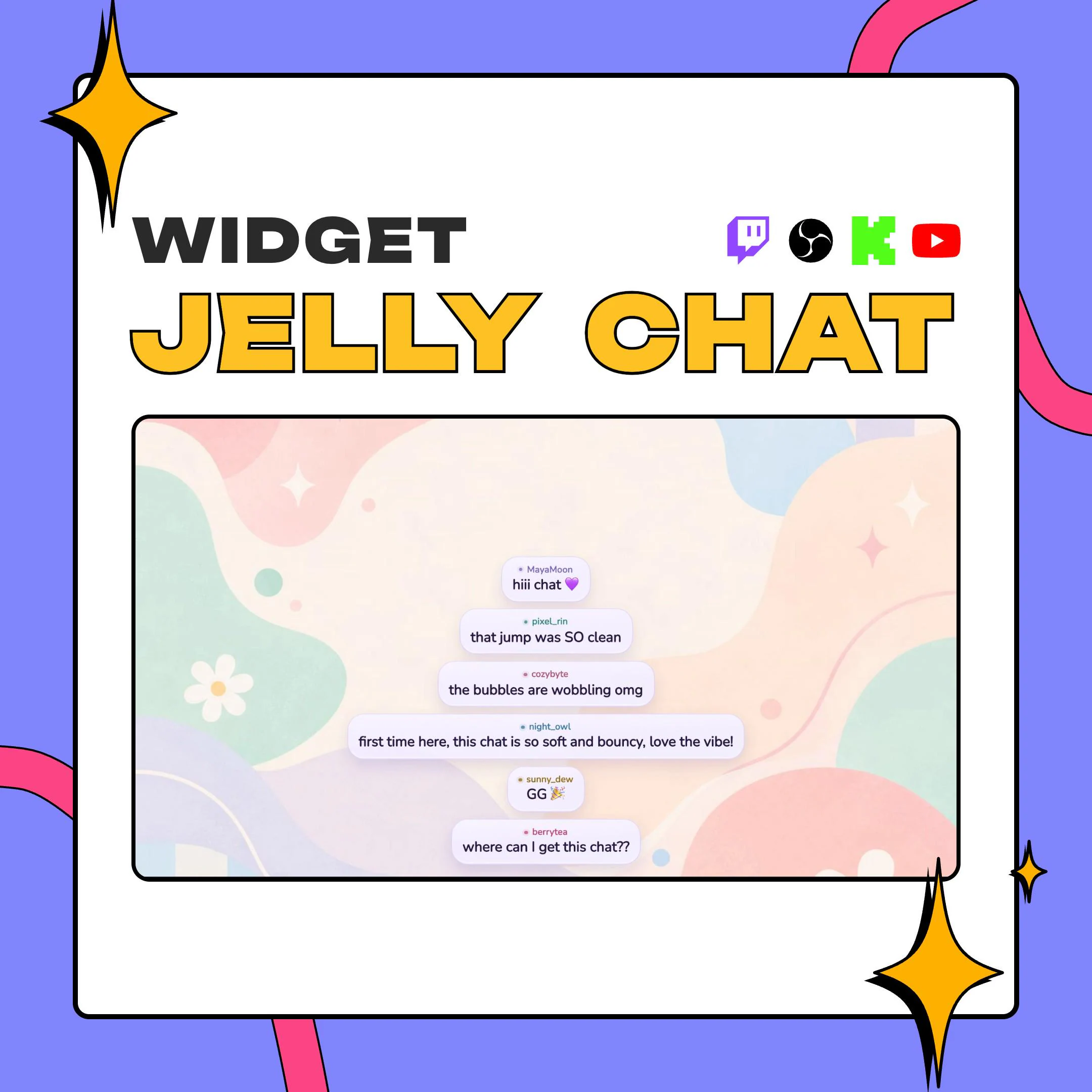
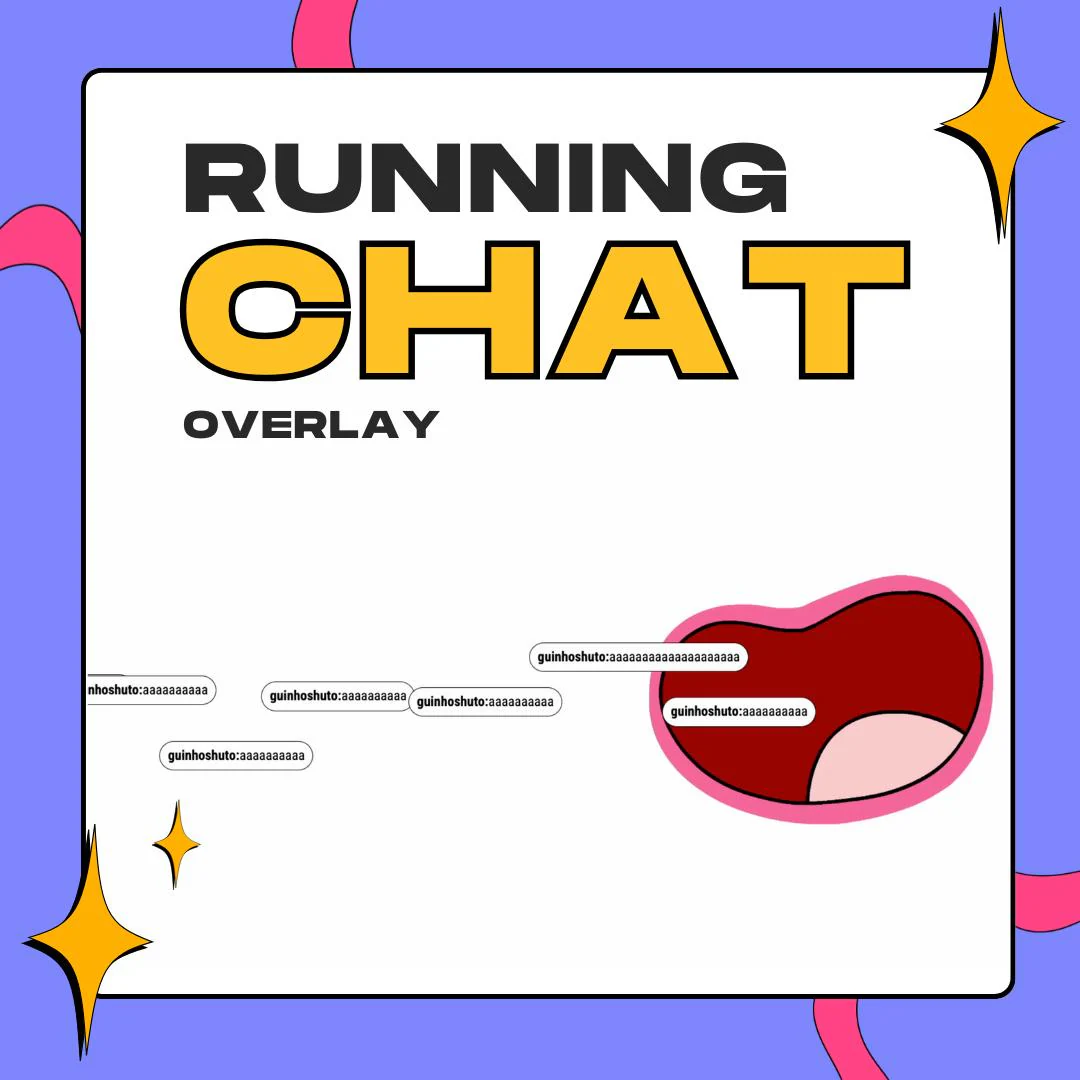
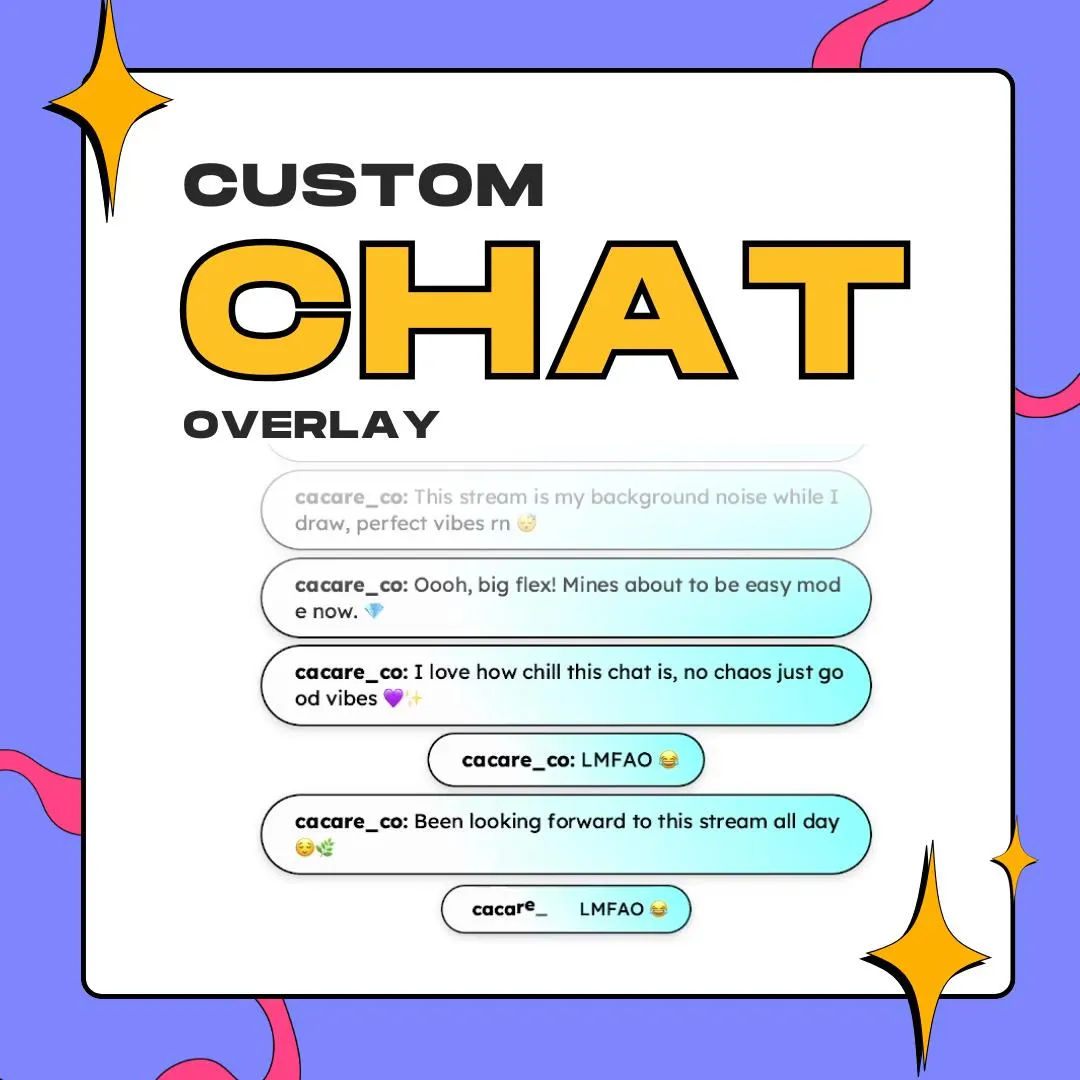
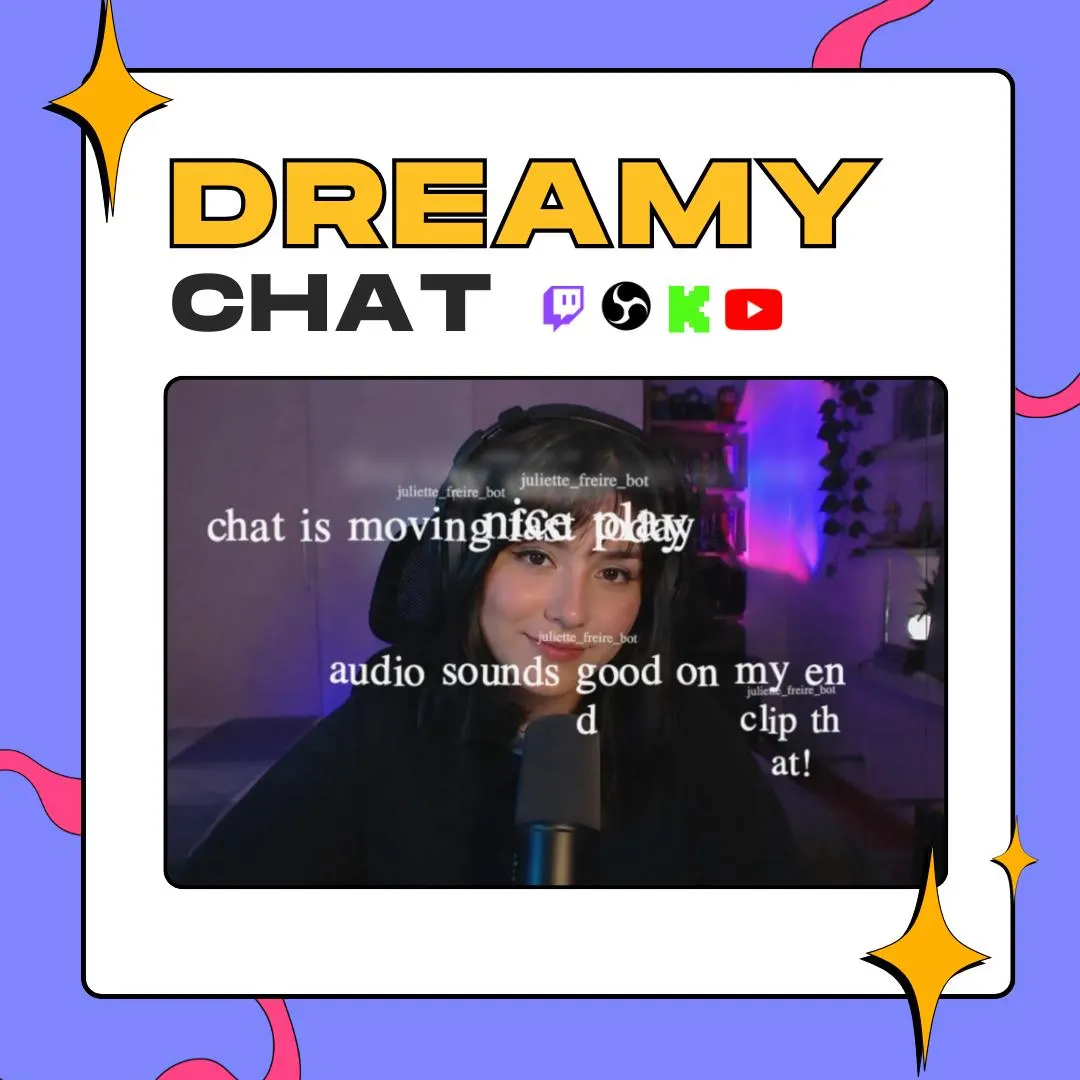
This floating chat overlay lets messages appear across your scene as soft text that fades in, lingers and fades out, with no box around it. An optional wiggle adds a little drift, and the whole thing runs as a StreamElements custom widget.
$10.00 USD
Instant digital download
the details
Most chat widgets put messages in a container. This one takes the container away. Messages surface at different spots over your scene, fade in, stay for the time you set and fade back out, so chat feels like something drifting through the frame rather than a panel bolted to the side. In the listing preview, white serif text floats over a dim webcam shot, with tiny usernames above each line.
Made for StreamElements overlays on Twitch and Kick, the floating chat overlay suits streams where the scene matters: cozy and chatting streams, art streams, VTuber setups and late-night games where a boxed chat would break the mood. The foggy, drifting text also fits a spooky or Halloween layout. Turn on the optional wiggle and messages move a little while they float.
Styling stays simple on purpose: text size, font and font color, an animation switch, a username toggle and the message screen time. Emotes come through via StreamElements. You install it by copying the files into a Custom Widget, then load the overlay in OBS like any other browser source.
what you get
Messages float as text on their own, so the scene behind them stays visible and uncluttered.
Each message fades onto the screen, stays for the screen time you choose, then fades away.
Turn on the wiggle animation for a little movement, or keep the messages still while they fade.
Set the text size, font and font color, and show or hide the username above each message.
setup
Download the ZIP from Etsy and unzip the HTML, CSS, JS and fields files.
In StreamElements, open an overlay, add a Custom Widget and paste each file into the matching tab.
Set the text size, font, color, screen time and the wiggle option, then save the overlay.
Add the overlay URL to OBS as a browser source and stretch it over the area where chat may float.
questions
No. Messages float as text over your scene without a container, which is the whole idea. You control their size, font and color so they stay readable.
Yes. It supports StreamElements emotes, and you can show or hide the username that sits above each message.
It's built for StreamElements overlays on Twitch and Kick, and it shows in OBS or any streaming software that can display a StreamElements overlay.
$10.00 USD on Etsy