Chat widget
1 / 4
Chat widget
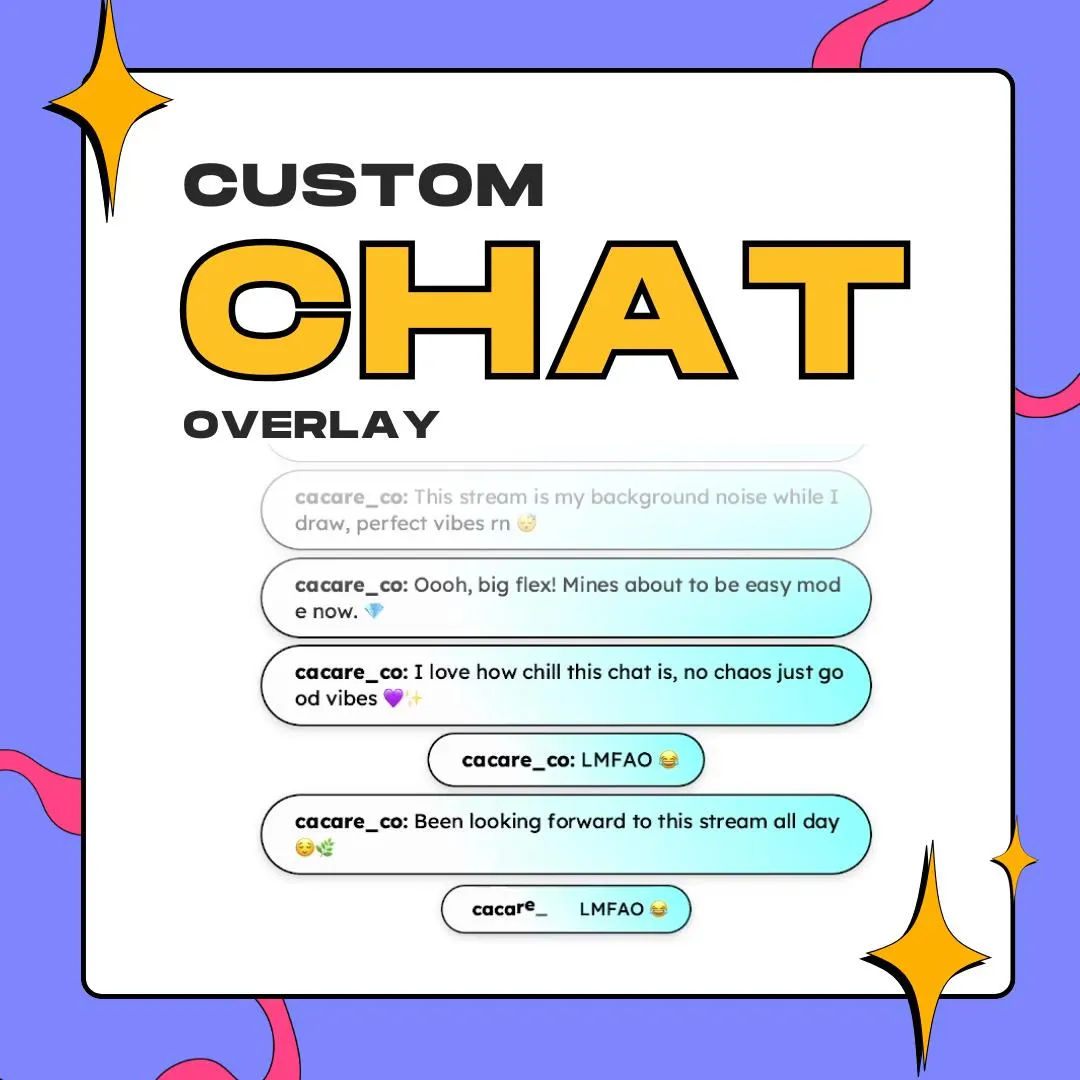
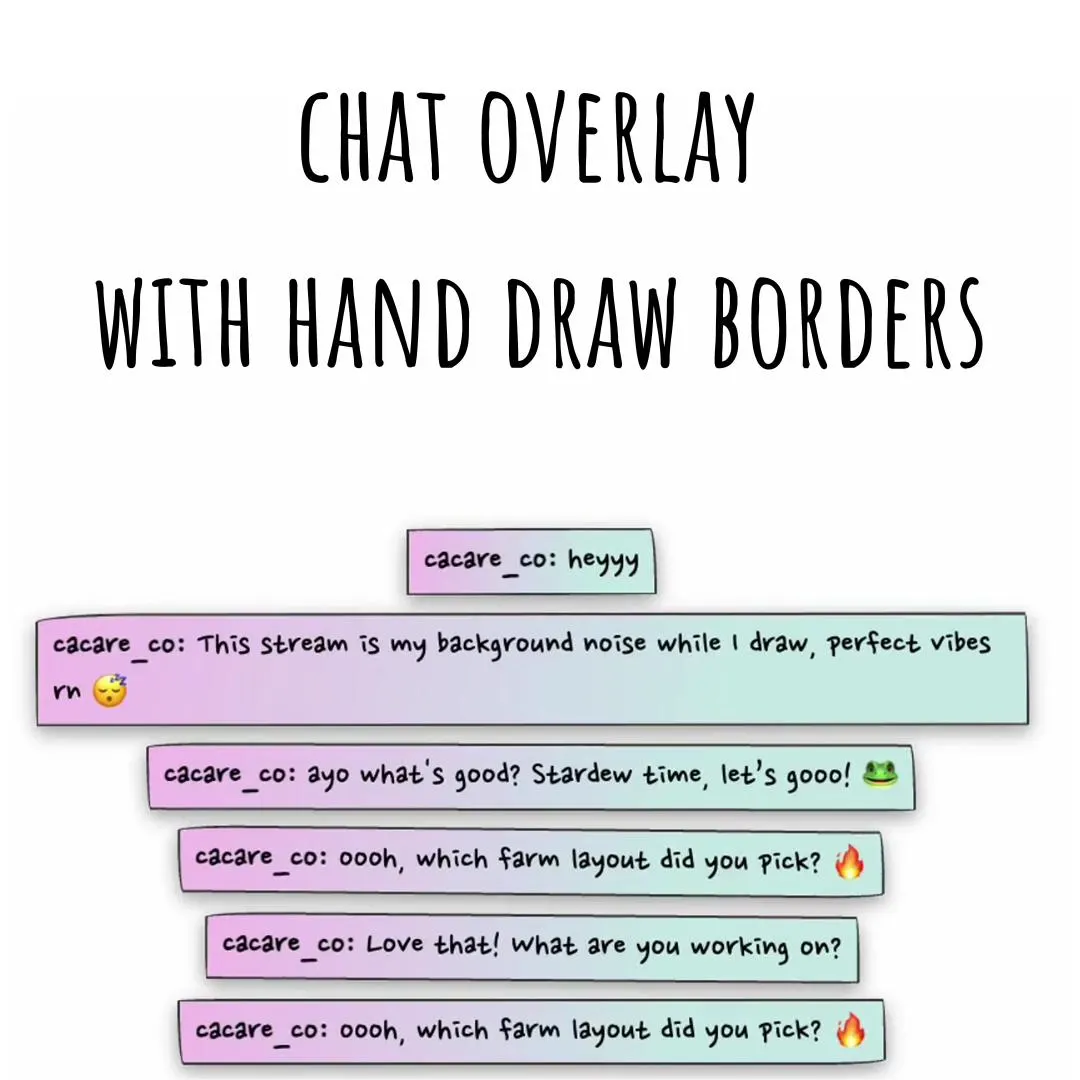
This hand-drawn chat overlay frames each message in a loose pen outline that keeps moving, then fills it with a soft pastel gradient. It's a StreamElements widget, and its colors, fonts and spacing all bend to your theme.
$5.00 USD
Instant digital download
the details
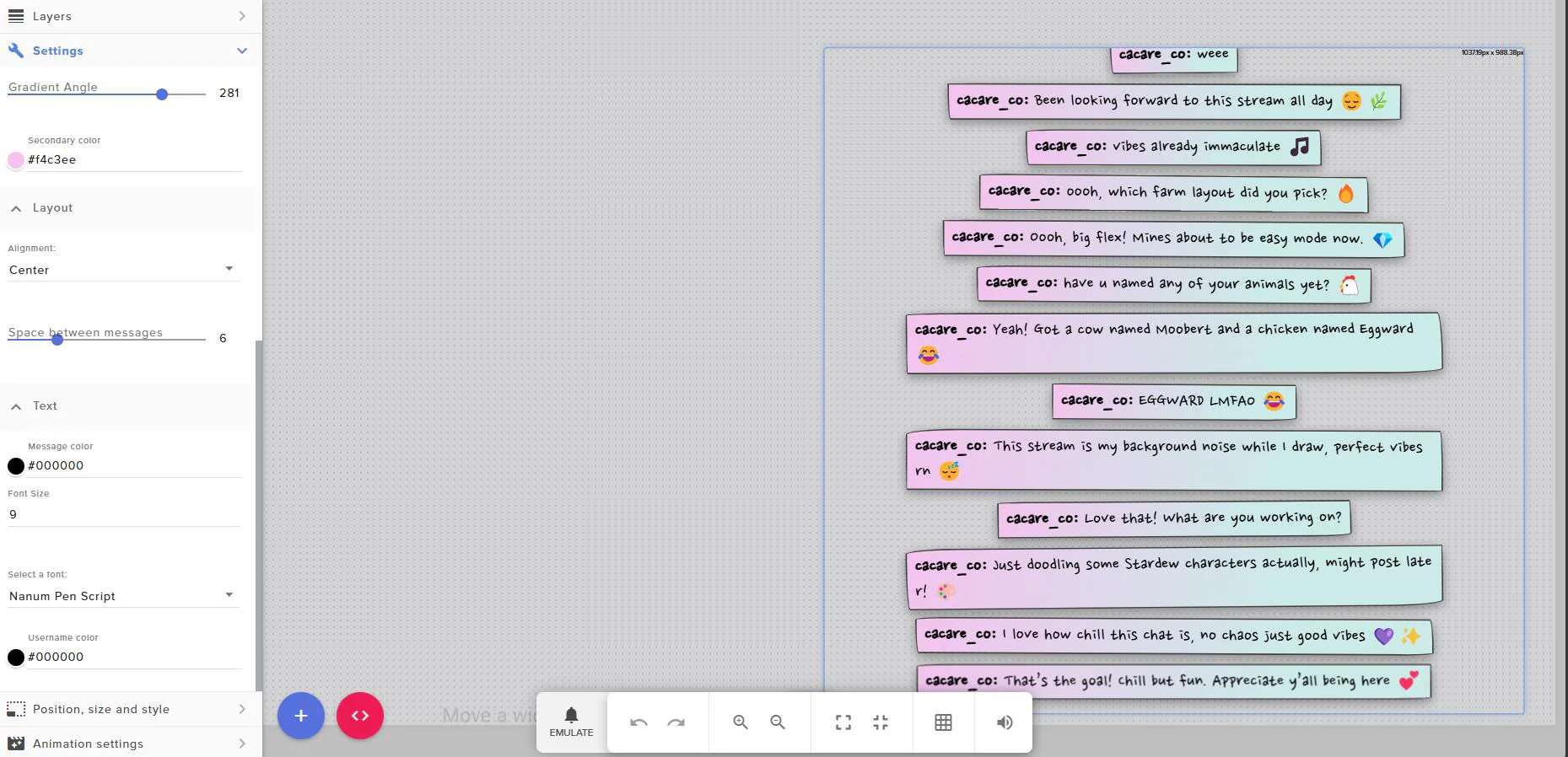
This overlay looks like someone doodled a frame around every chat message. The outlines are loose and a bit uneven, like a quick marker sketch, and they animate, so each frame keeps a little life even when chat is slow. In the preview, the boxes fade from pink to mint, usernames sit inline before the text, and emoji ride along with the messages.
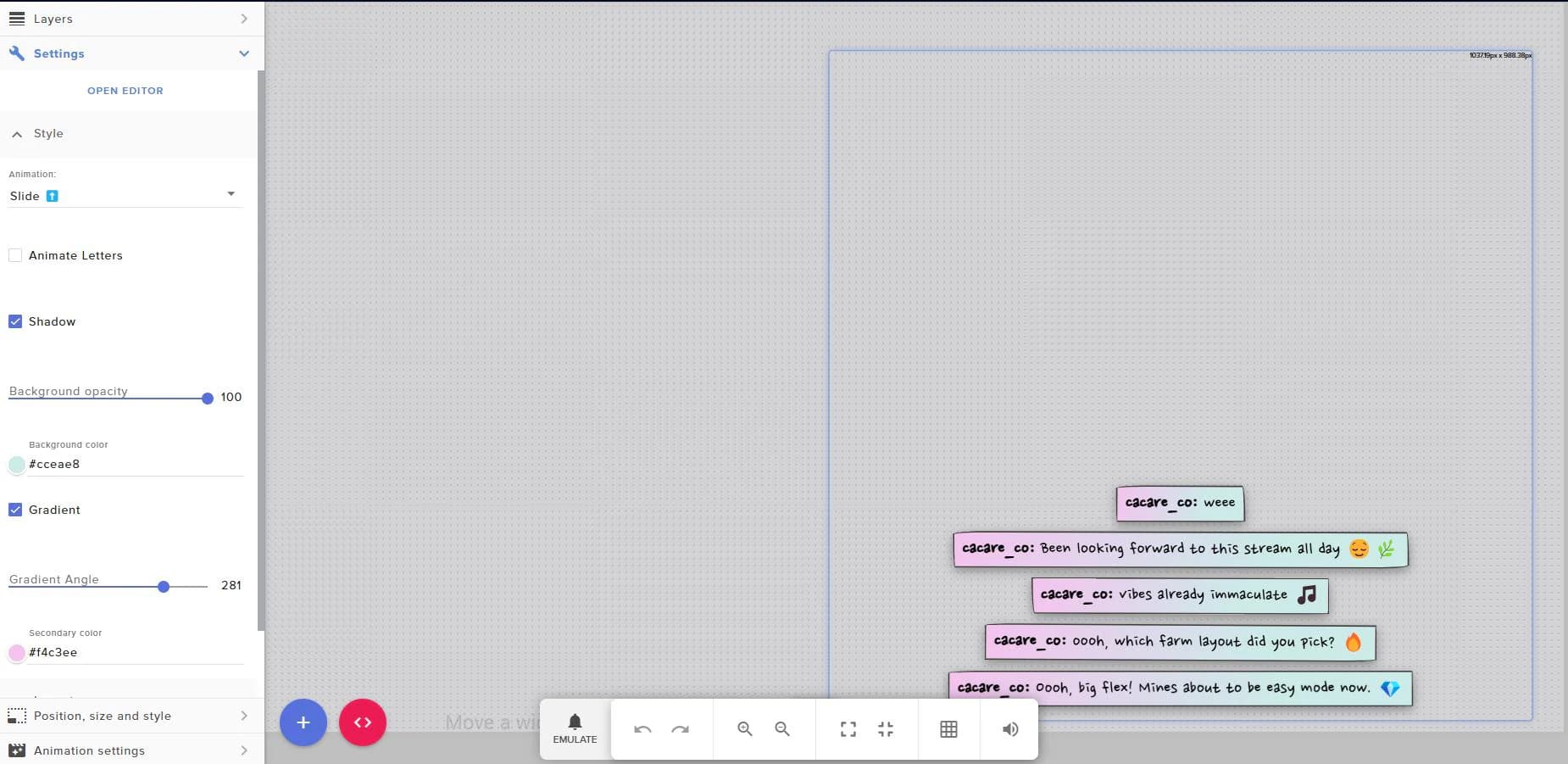
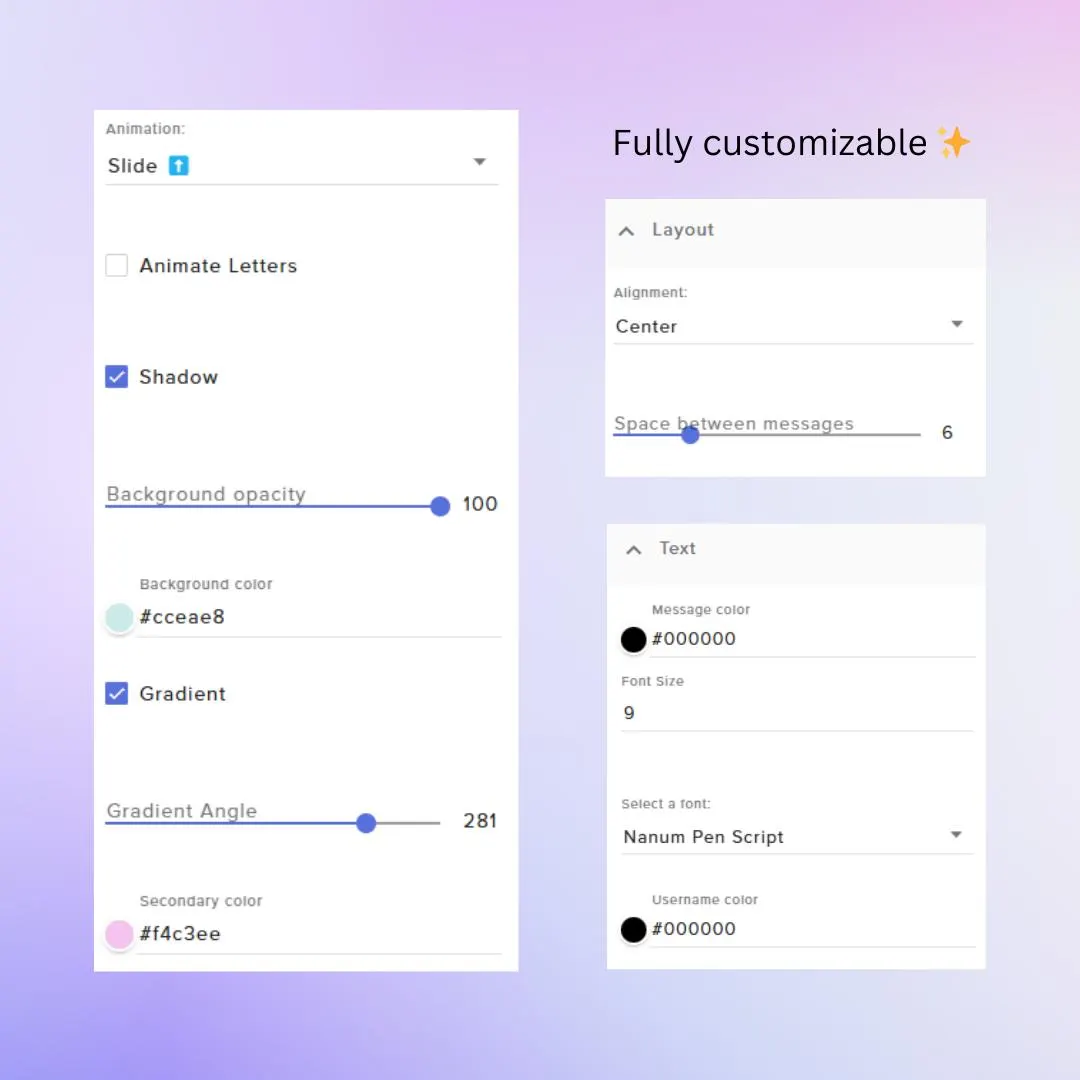
The hand-drawn chat overlay leans on its background settings: a solid color with full opacity control, or a two-color gradient at an angle you choose, so the boxes can go soft pastel, neon or anything in between. Messages arrive with a slide animation picked from a menu, there's an option to animate the letters as well, and a drop shadow lifts each box off the scene.
Pick a font that suits the doodles (the preview uses Nanum Pen Script, a handwriting face) or go bold or futuristic, color the message and the username, then center the column or change the alignment and the gap between messages. It fits drawing streams, cozy farming games and VTuber setups that want chat to feel handmade, and it runs in OBS as a browser source through StreamElements.
what you get
Every message sits in a loose, hand-drawn outline that moves, so the frame never looks like a stock box.
Choose a solid background or blend two colors, then set the gradient angle and the opacity to fit your palette.
New messages slide into the column, with a separate option that animates the letters themselves.
Choose the message font and size; the preview pairs the doodles with a pen-style handwriting face.
Center the chat or align it to a side, and set the space between messages so the boxes breathe.
setup
Unzip the download and open the installation guide.
Follow the guide to add the chat widget to an overlay in your StreamElements account.
Choose a solid color or a gradient, the font, the alignment and the space between messages.
Bring the overlay into OBS as a browser source and line it up with your scene.
questions
Yes. Background color, a second gradient color, gradient angle, opacity, message color and username color are all settings, so the boxes can follow any palette.
Yes. The download includes an installation guide that walks you through adding the widget to StreamElements.
$5.00 USD on Etsy