Chat widget
1 / 3
Chat widget
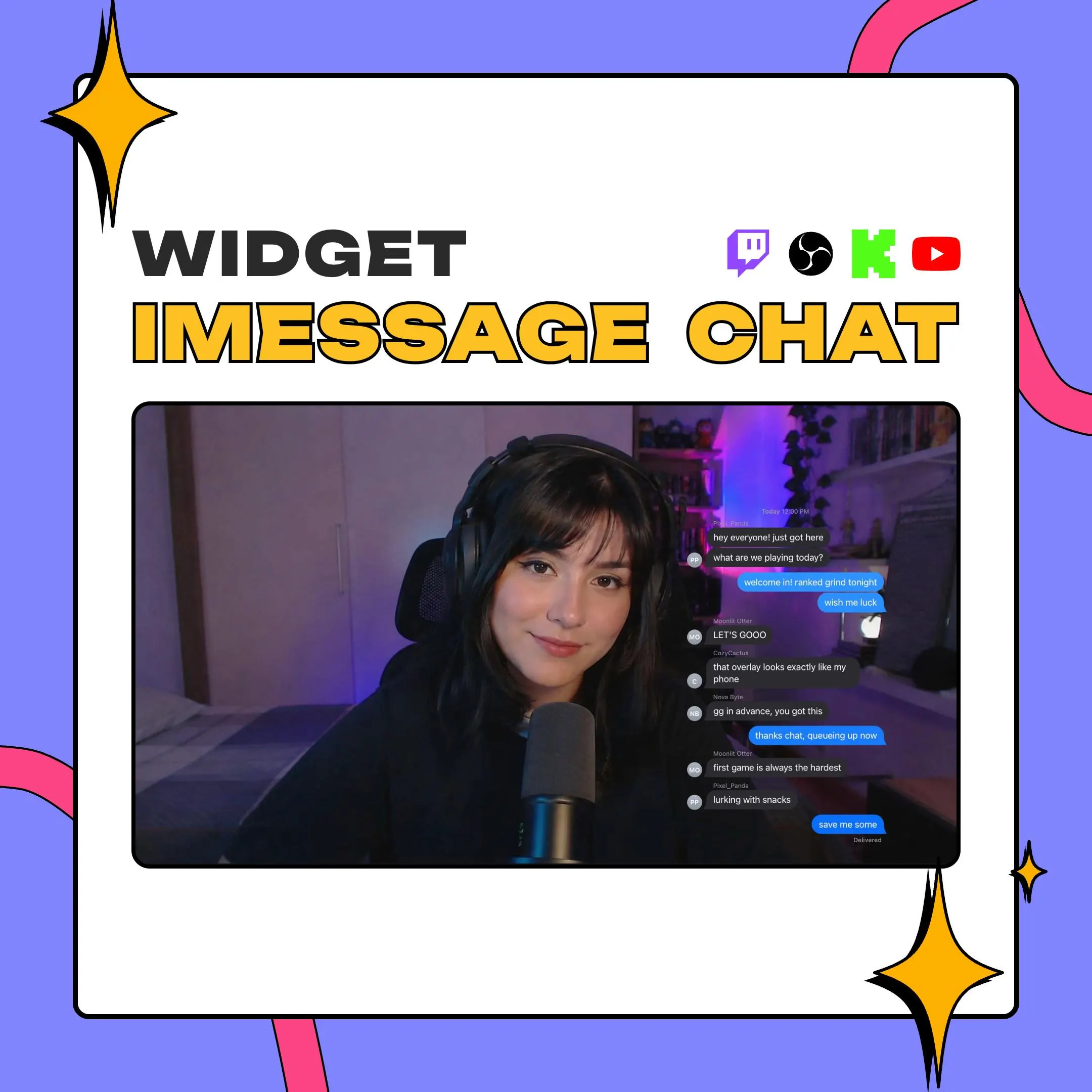
This iMessage-style chat widget turns stream chat into an iPhone thread: blue gradient bubbles for you and the people you choose, gray replies for everyone else, with tails, time headers and a Delivered receipt. It's made for StreamElements and loads in OBS as a browser source.
$10.00 USD
Instant digital download
the details
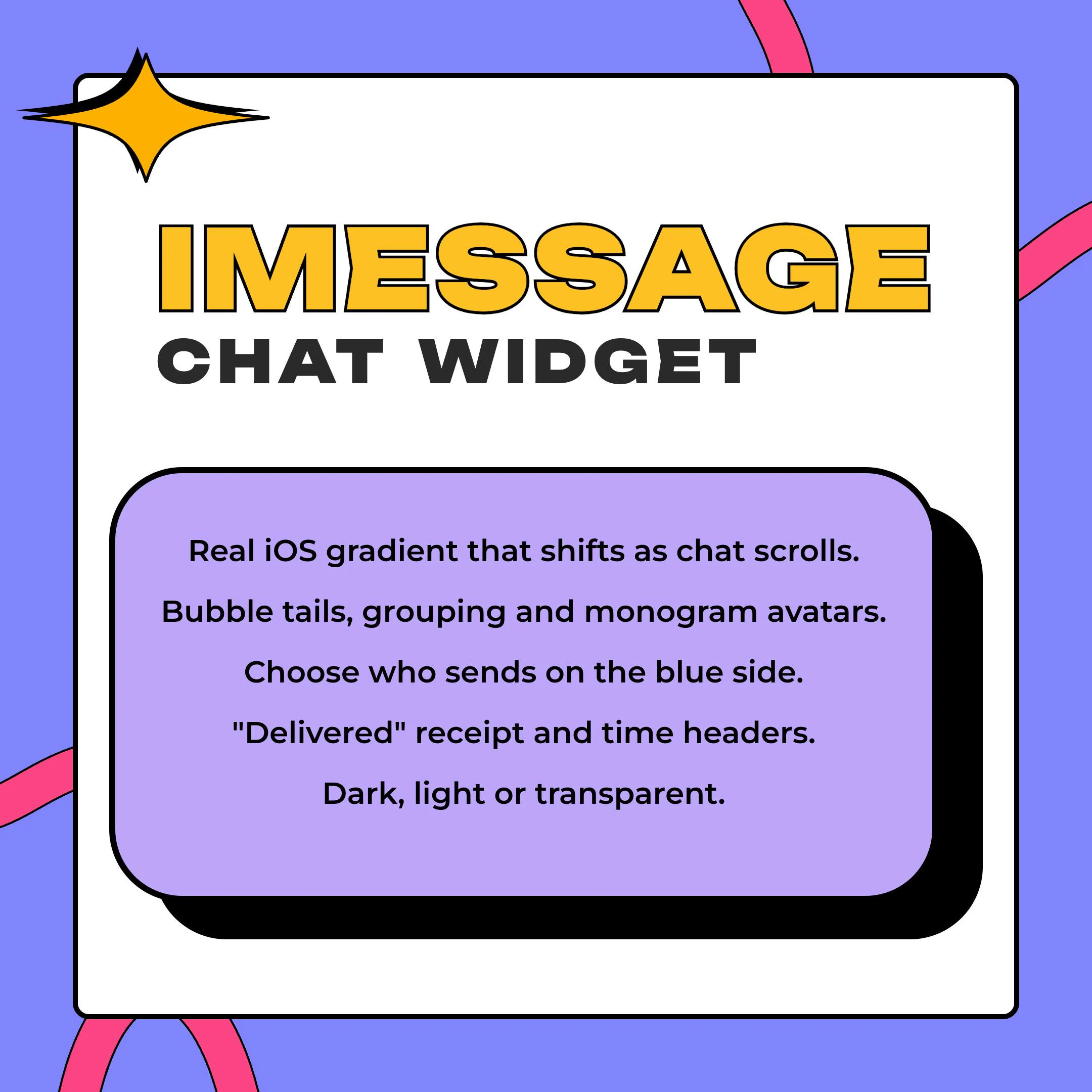
Texting with chat is a bit that works on almost any stream, and this widget makes it look right. Messages from you, and from whoever you put on the blue side, arrive as sent bubbles in an iOS-style blue gradient; everyone else answers in gray. The gradient is pinned to the screen rather than to each bubble, so as chat scrolls up, every sent bubble shifts shade the way it does on a real iPhone. Back-to-back messages from one person group together, with the tail only on the last one.
The small details sell the joke. A 'Today 9:41 AM' header tops the first message and returns after ten quiet minutes, Delivered sits under your newest blue message, and an emote-only message shows large with no bubble, like a lone emoji in a text thread. Monogram avatars carry each sender's initials, names appear above the bubbles, and badges can join them if you like.
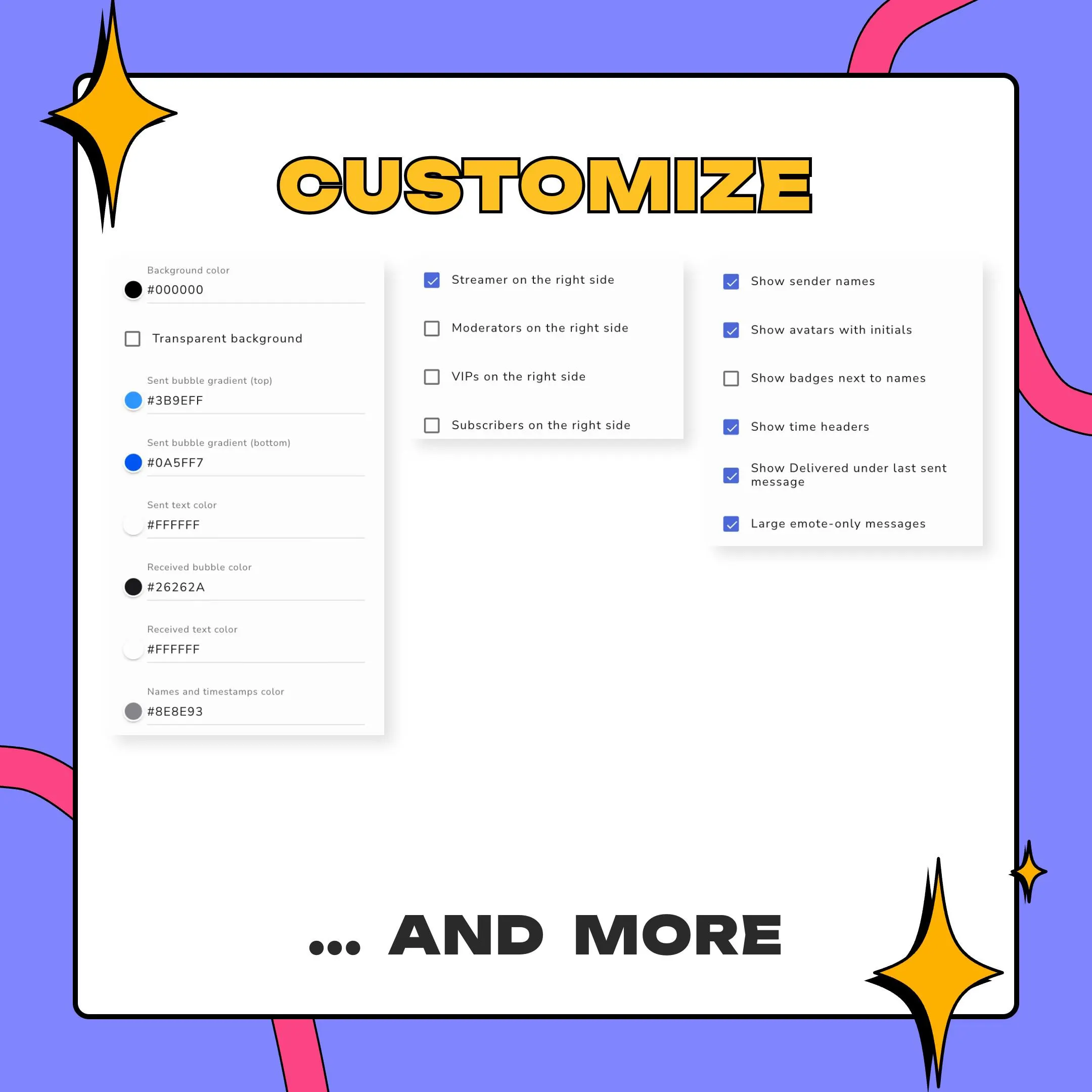
This iMessage chat widget suits conversation-heavy streams: just chatting, IRL, cozy evenings and VTuber scenes. Run it dark, switch to light mode, or drop the background for a transparent overlay. Every color is editable, from both gradient stops to the timestamps, and you set any Google Font and size (everything scales with it), the bubble width and the corner radius; iOS uses 18 px.
what you get
Sent bubbles take their shade from their spot on screen, so the blue shifts as messages climb, the way iOS does it.
Put the streamer, moderators, VIPs or subscribers on the sending side; everyone else replies in gray.
A time header after ten quiet minutes, and a Delivered receipt under the latest message on the blue side.
Bubble tails render cleanly over gradients and transparent backgrounds, and runs of messages from one sender share a single tail.
Emote-only messages show large on their own, the way a single emoji does in a text conversation.
Hide commands, ignore bots, cap how many messages show and fade old ones out; deleted messages and bans clear bubbles too.
setup
Open the PDF guide from the download and click its StreamElements import link.
Sign in; the overlay is created in your account with the widget already set up.
Tick who sends from the blue side, then choose dark, light or transparent and adjust the colors.
Size the widget as a tall box, about 400 by 800 pixels, and add the overlay to OBS as a browser source.
questions
No. It's an independent widget that imitates the look of iMessage on iOS, and Apple has no part in it. The iMessage and iPhone names are Apple's trademarks.
A tall box around 400 by 800 pixels, close to a phone screen, gives the most convincing result. Font size sets the scale, and the bubbles, tails and avatars grow or shrink with it.
Yes. The blue side can include the streamer, moderators, VIPs and subscribers in any combination; everyone you leave out appears in gray.
Yes. It's built for StreamElements, which covers Twitch, YouTube and Kick, and any app that loads a browser source can show it: OBS, Streamlabs Desktop or XSplit. No paid plan needed.
$10.00 USD on Etsy