Notion widget
1 / 2
Notion widget
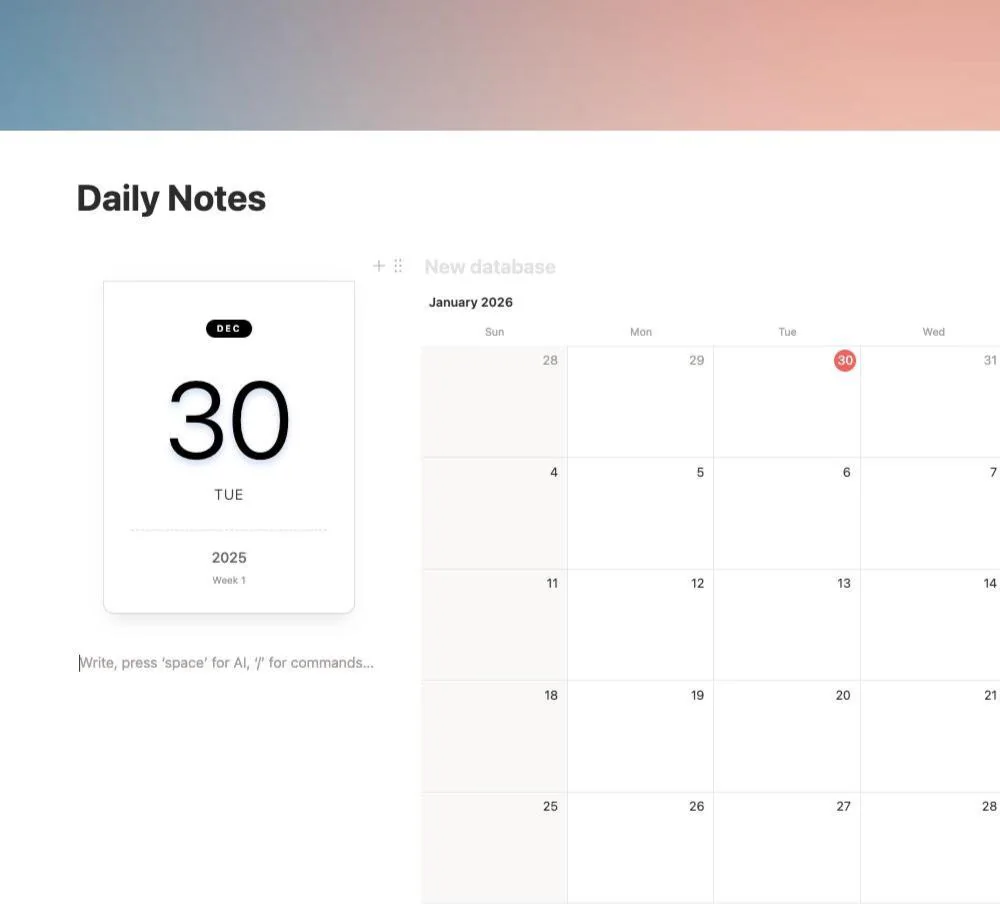
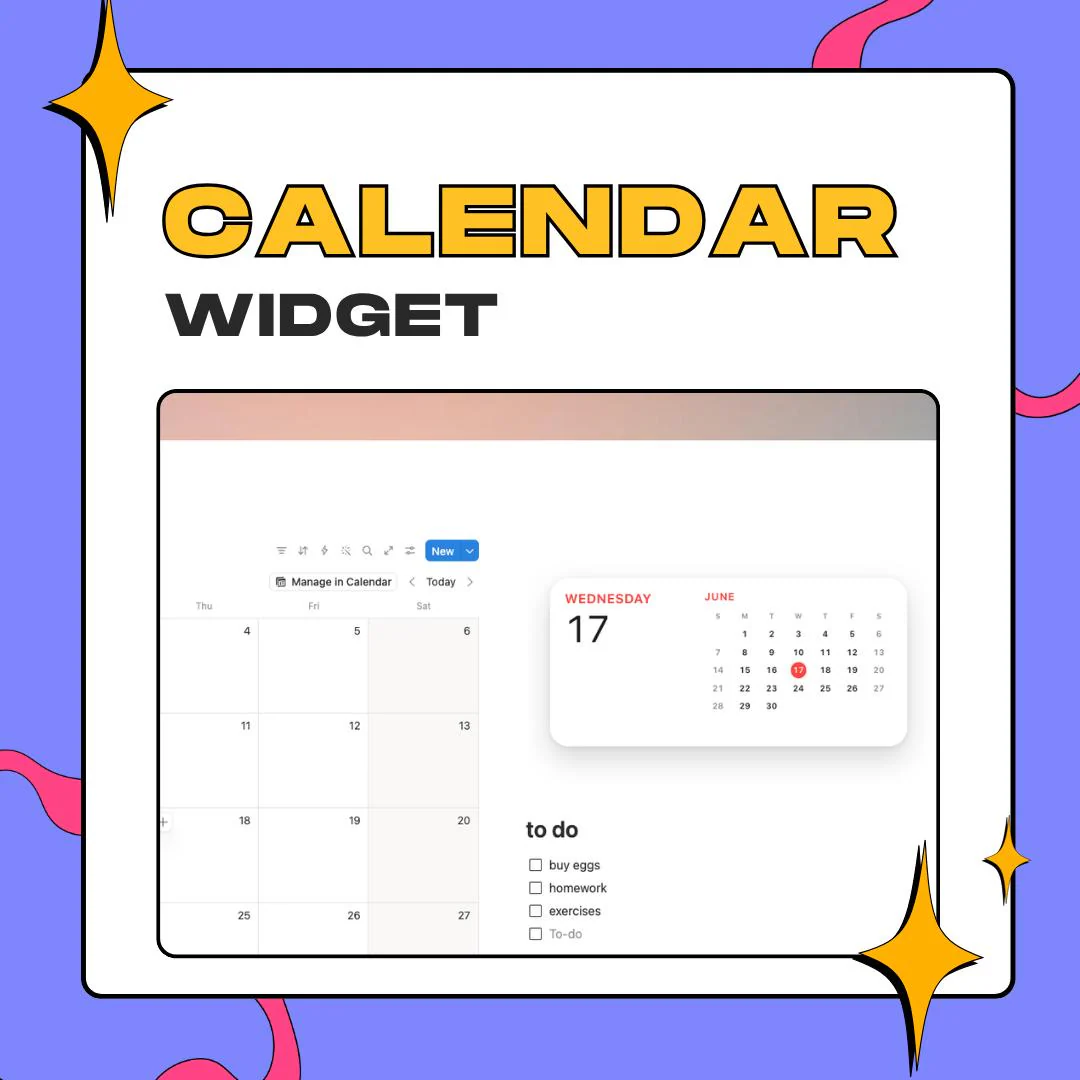
This Notion iOS calendar widget gives your dashboard the clean look of a phone calendar through Notion's /embed block. Choose a layout, light or dark, an accent color and a few options, then paste a single link.
$5.00 USD
Instant digital download
the details
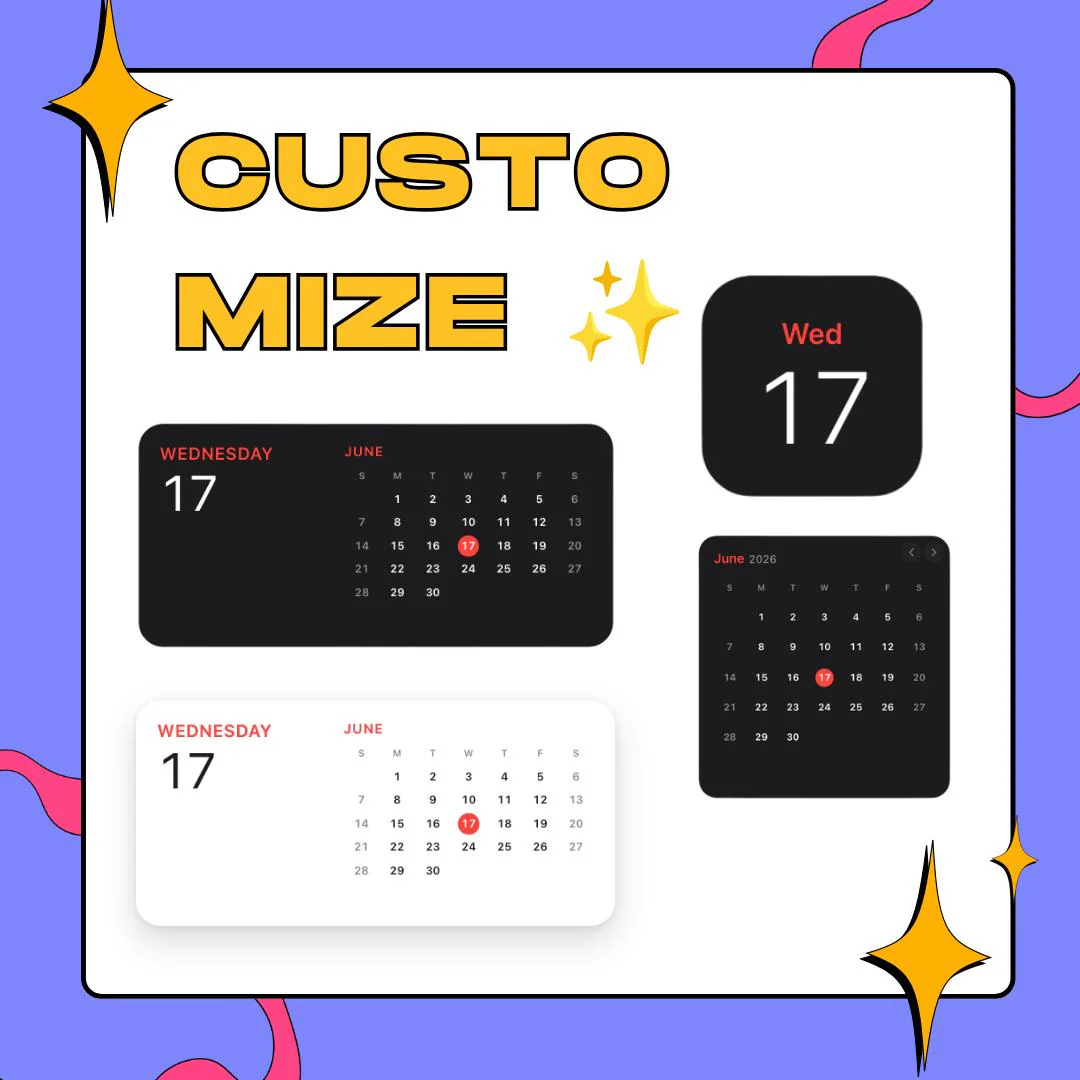
If you like the calendar on your phone, this widget will feel familiar. The wide layout puts the weekday and a large date on the left and a small month grid on the right, with today circled in your accent color. There is also a compact square that shows just the day, like a home screen widget, and a month view with arrows to move between months. Each one comes in a light or dark theme, with an adjustable card shadow and a backdrop color or a transparent one.
As a Notion iOS calendar widget, it also covers the details planners care about. The week can start on Sunday or Monday, ISO week numbers can be switched on, and labels come in English, Portuguese, Spanish or Japanese. The today view can show the current weather next to the date. You set all of it on the widget page, which turns your choices into one URL to copy into Notion.
It belongs on student planners, back to school and mid-year reset pages, work hubs, habit trackers and monthly planning spreads, anywhere the date and the month should be visible at a glance. The dark theme suits dark-mode workspaces, and the transparent backdrop lets it sit on colored pages. It is a visual calendar for your Notion aesthetic, not a database view, so your events stay where they already live.
what you get
A wide date-and-month card, a square day tile and a month grid with arrows, all drawn in the same iOS-style look.
Switch between light and dark themes and pick the accent color that marks today and the weekday name.
The today layout can show the current weather beside the date, a small extra for daily planning pages.
Start weeks on Sunday or Monday, add ISO week numbers and turn month navigation on or off.
Pick a backdrop color, adjust the card shadow, or go transparent so the calendar blends into any page color.
setup
Follow the link in your instructions to the widget page.
Choose a calendar layout, light or dark, an accent color, the week start and options like week numbers.
Copy the URL the page generates from your choices.
On your Notion page, type /embed and paste that URL into the block.
Resize the embed until the calendar fits your column or sidebar.
questions
No. It is a visual calendar placed with the /embed block, so it does not read your database or show your events. Keep events in your own database views and use this widget to frame the page.
Yes. Pick the dark theme, set an accent color, and choose a backdrop color or a transparent one so the card sits cleanly on a dark page.
Japanese, English, Portuguese and Spanish. You choose one on the widget page before copying the link, and the weekday and month names follow it.
Access to the widget page that builds your calendar link, plus a PDF with simple setup steps. It is a digital product, so nothing is shipped.
$5.00 USD on Etsy